
Free AP Duplicate Payment Scanner / 免费应付重复付款扫描器
Short description
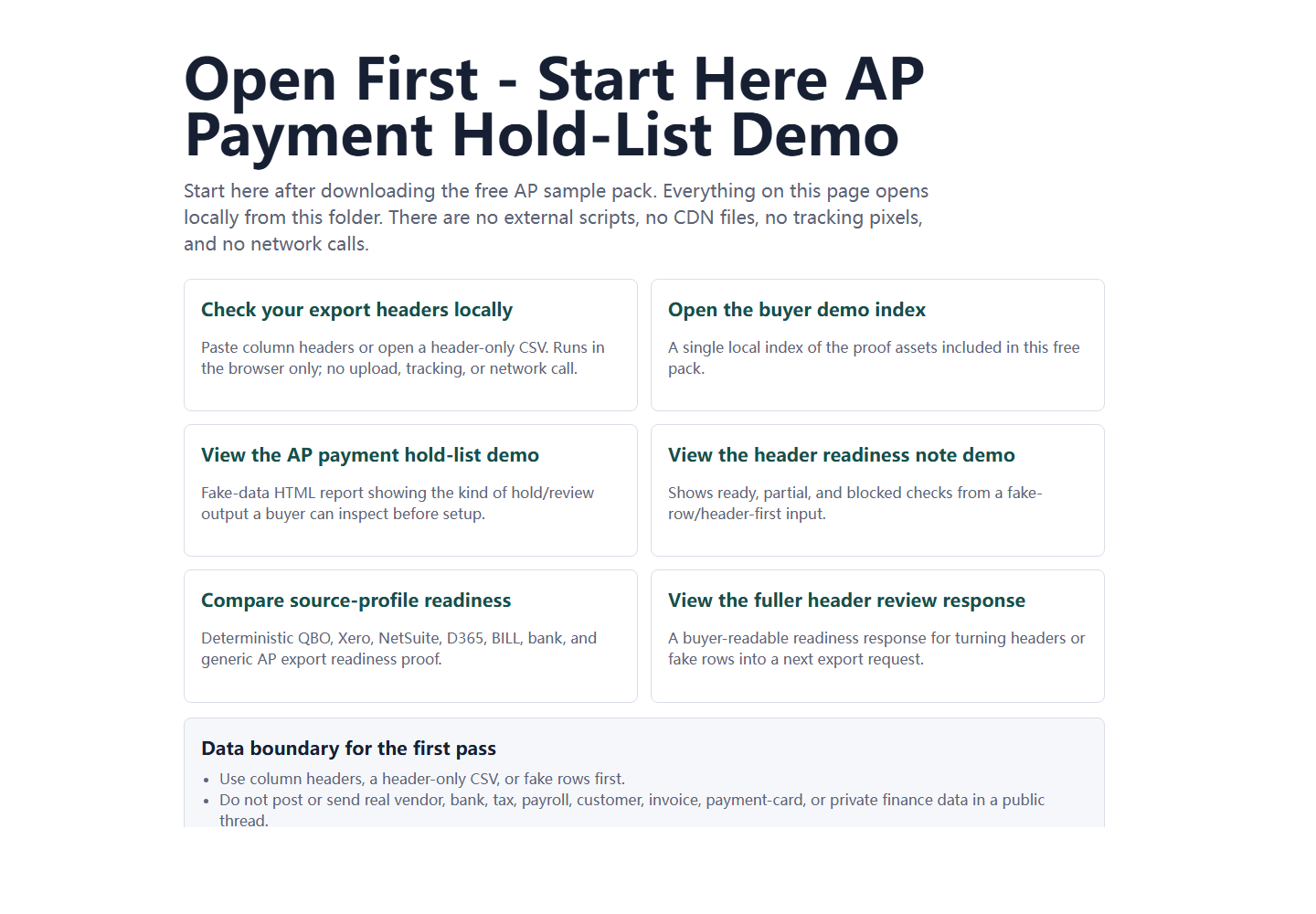
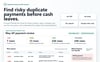
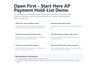
Start here before buying anything. Download the free local browser proof pack, open the sample report, and run the header or sample-row check to see whether your AP export is self-serve ready, needs setup, or should not be used yet. No Python, ERP login, bank connection, or cloud upload is required for the first path.
中文短描述
购买前先从这里开始。免费下载本地浏览器验证包,打开样例报告,并用字段表头或样例行检查你的应付账款导出是否适合自助复核、是否需要字段映射服务,或是否暂时不应该购买。第一步不需要 Python、ERP 登录、网银连接或云端上传。
Full description
This free pack is the safest first step for AP teams, bookkeepers, controllers, founders, and finance operations consultants who want to see the review output before buying.
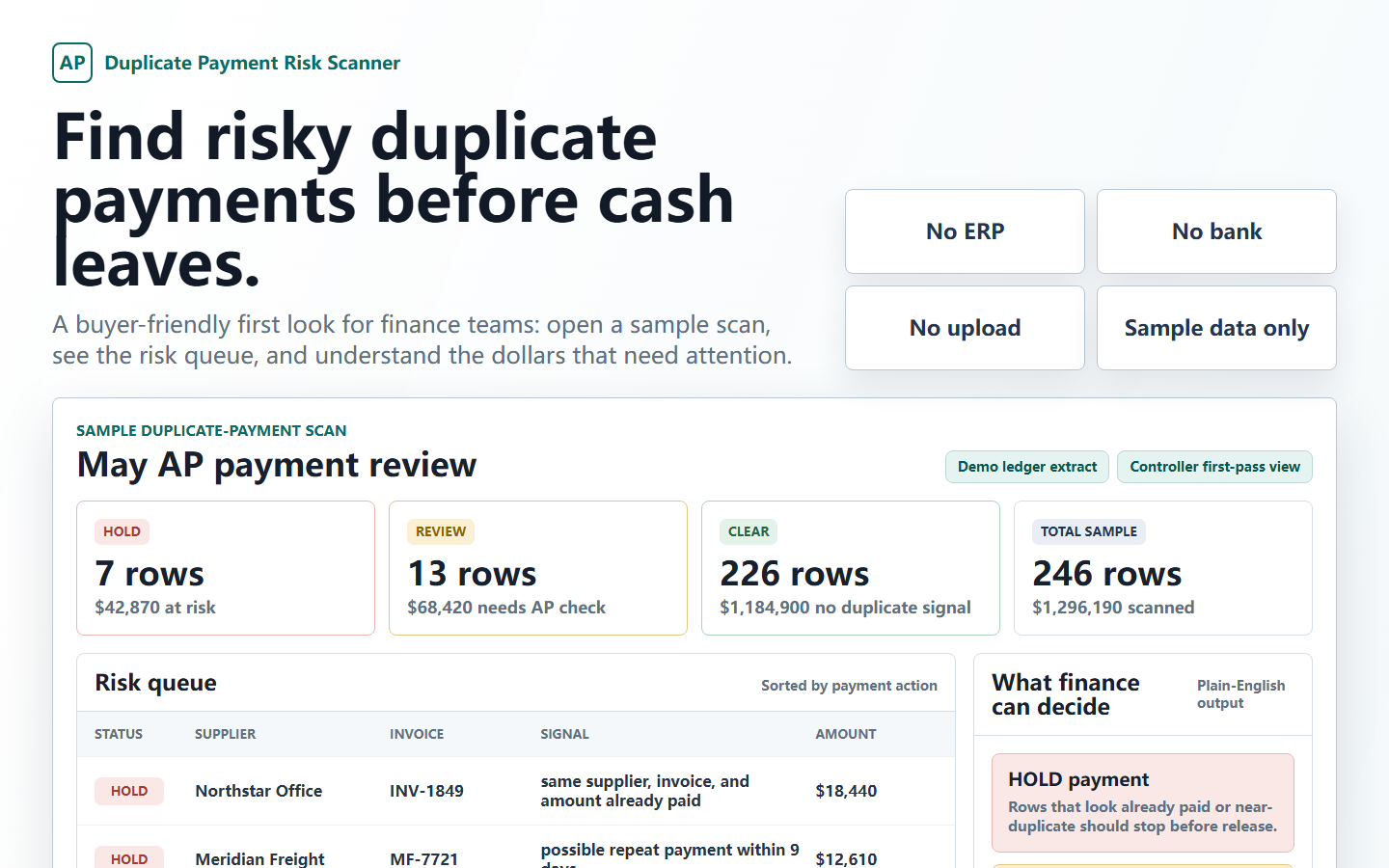
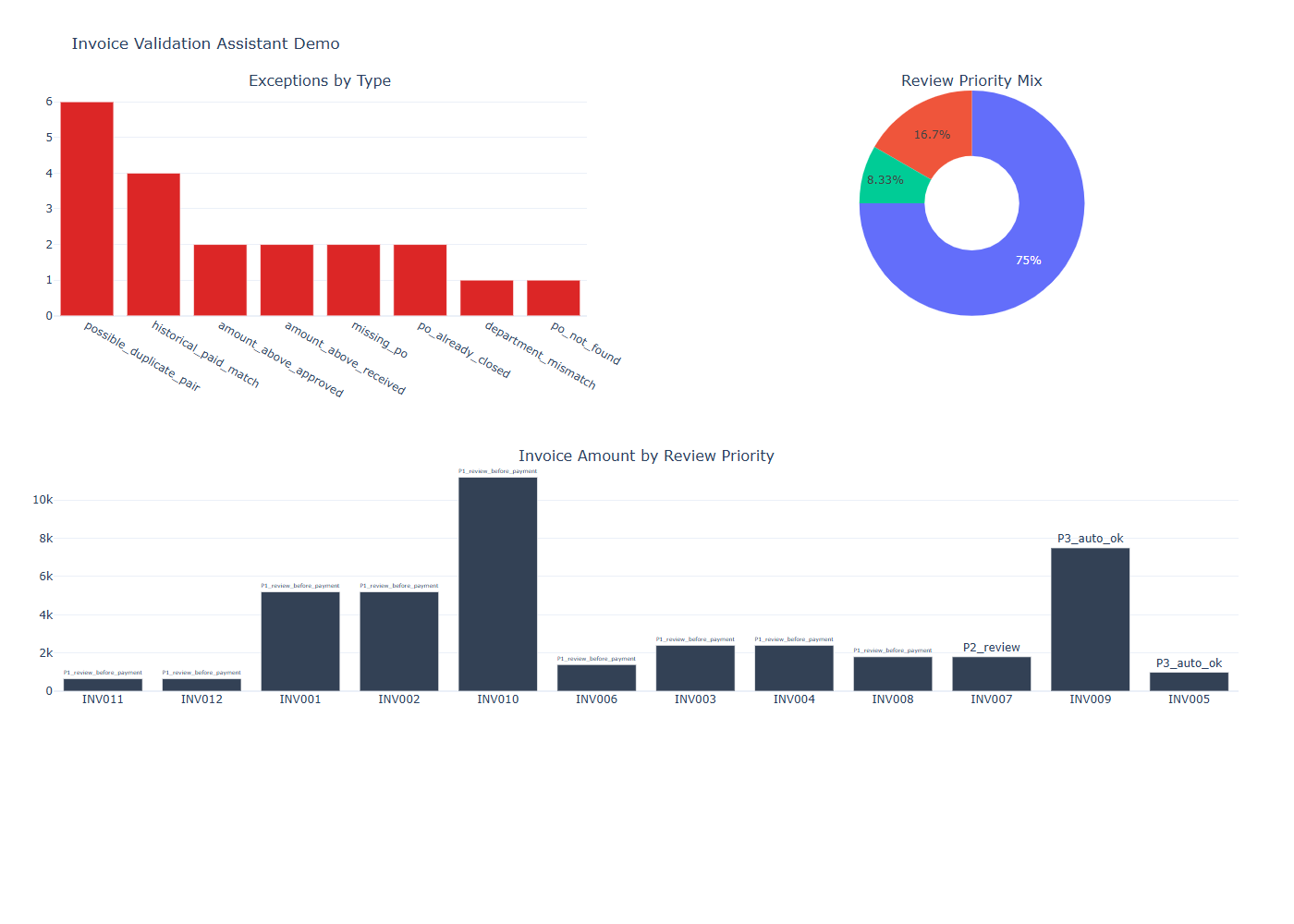
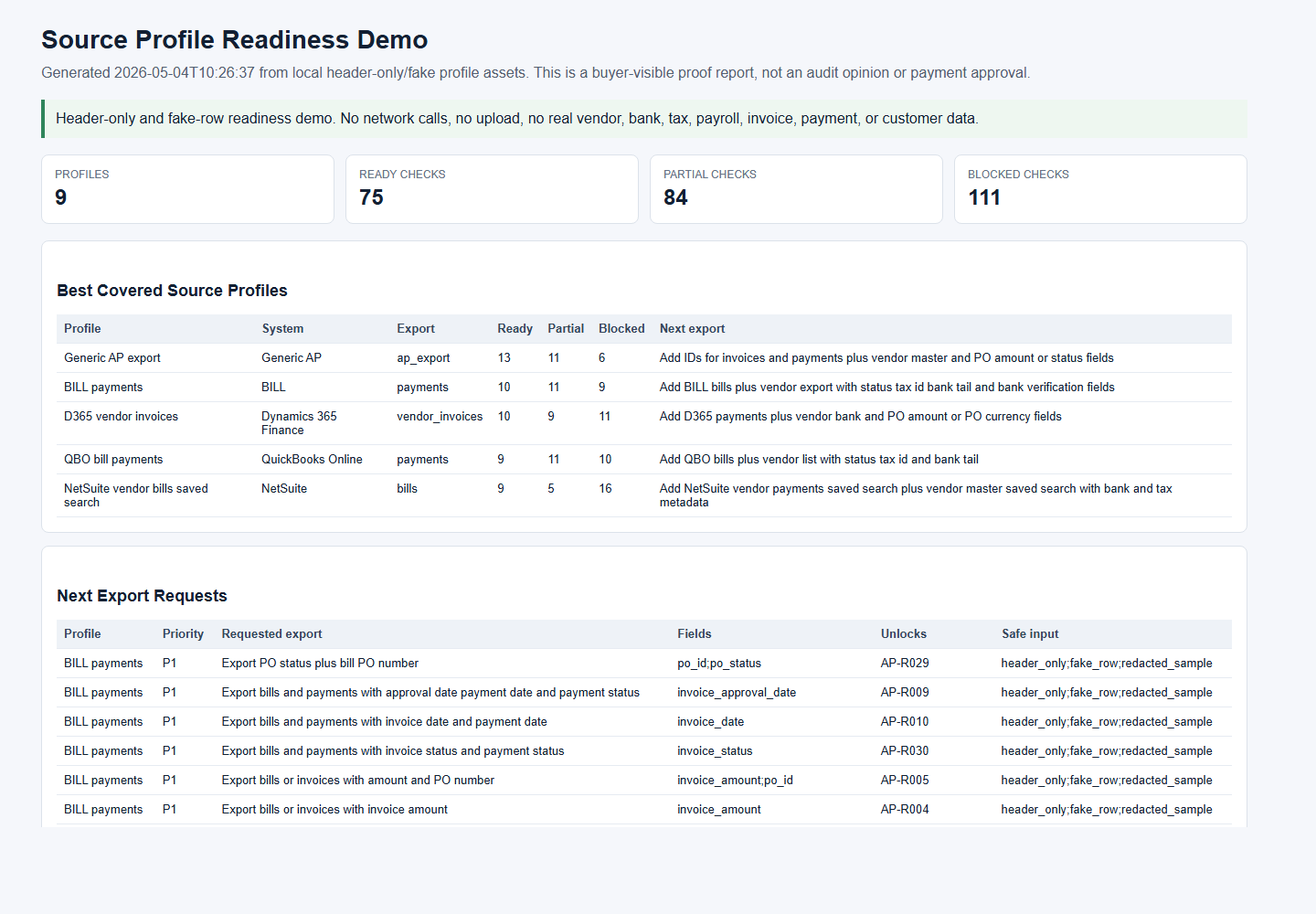
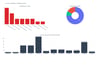
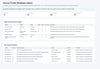
You receive a local browser review entry point, fake-data HOLD / REVIEW / CLEAR sample outputs, a header-fit checker, Chinese and English sample exports, and an export-readiness note with source profile, field confidence, rule readiness, and next-step recommendation.
The open-source scanner code is available for inspection on GitHub: https://github.com/SimpleZion/opsproof-local-ap-scanner
Use it to decide:
- Self-serve ready: consider the USD49 bundle.
- Partial or mapping unclear: use the USD149 setup service.
- Core fields missing: do not buy yet; export better AP fields first.
This is not an AP approval workflow, fraud guarantee, audit opinion, OCR system, ERP connector, bank connector, or payment service.
中文描述
这个免费包是最稳妥的第一步,适合应付账款团队、记账人员、财务负责人、创业者和财务运营顾问在购买前先看到实际复核输出。
你会收到一个本地浏览器复核入口、基于模拟数据的 HOLD / REVIEW / CLEAR 样例输出、字段适配检查器、中英文样例导出文件,以及包含数据来源画像、字段匹配置信度、规则可运行性和下一步建议的导出就绪说明。
开源扫描器代码可在 GitHub 查看:https://github.com/SimpleZion/opsproof-local-ap-scanner
用它来判断:
- 如果结果显示适合自助运行,可以考虑 USD49 自助工具包。
- 如果结果显示部分就绪或字段映射不清楚,先使用 USD149 字段映射与首轮复核服务。
- 如果结果显示核心字段缺失,暂时不要购买,先从系统中导出更完整的应付账款字段。
它不是付款审批流程、反欺诈保证、审计意见、OCR 系统、ERP 连接器、网银连接器或付款服务。