


Liquid Glass v2 - with presets
Liquid Glass Controller v2
One-click Liquid Glass effects for After Effects — now with presets, built-in animation, and full precomp support.
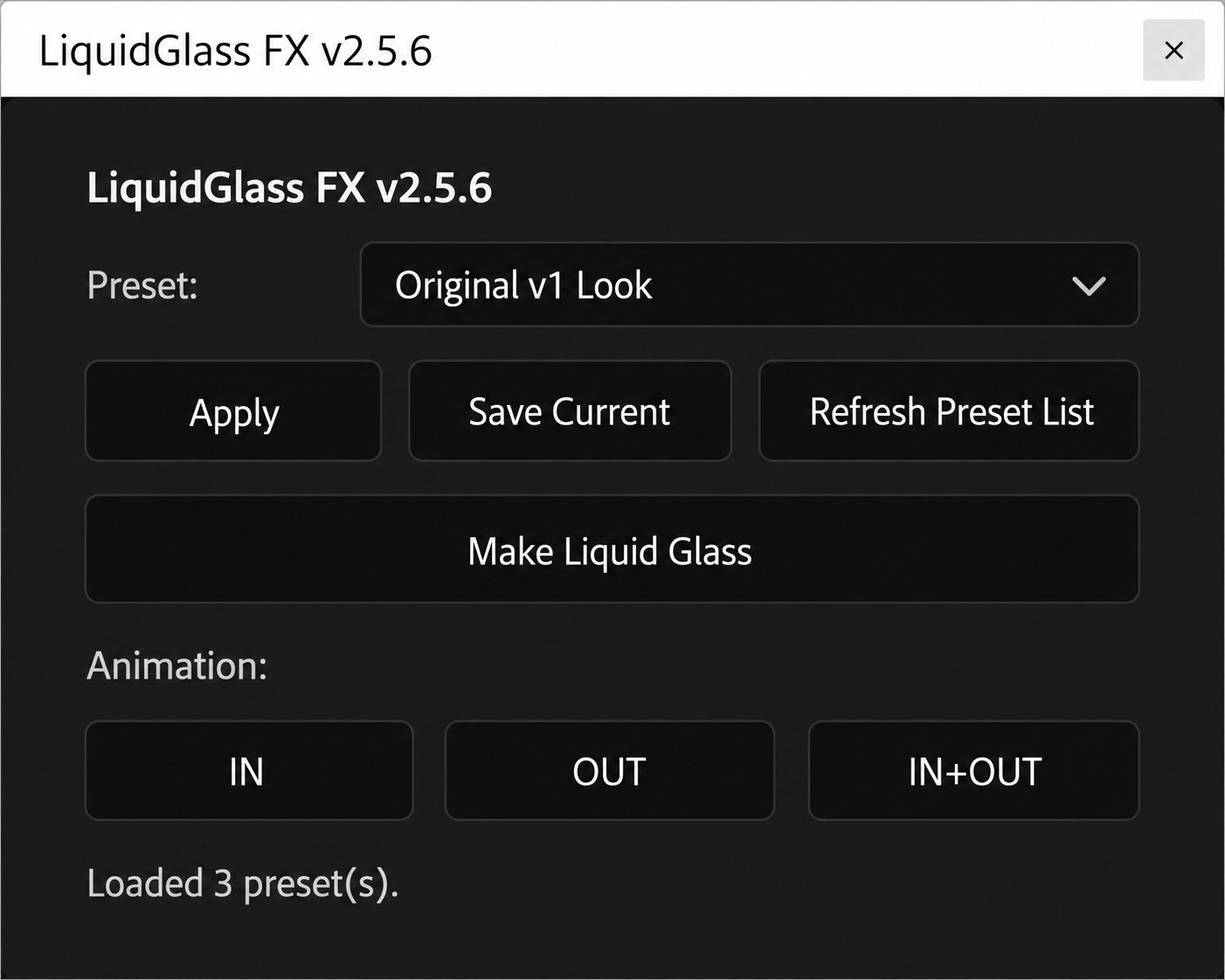
Turn any layer into a realistic liquid glass surface — refraction, blur, tint, edge glow — with a single click. No manual displacement map setup, no expression wrangling. Select a layer, hit Make Liquid Glass, and adjust everything live from one simple controller.
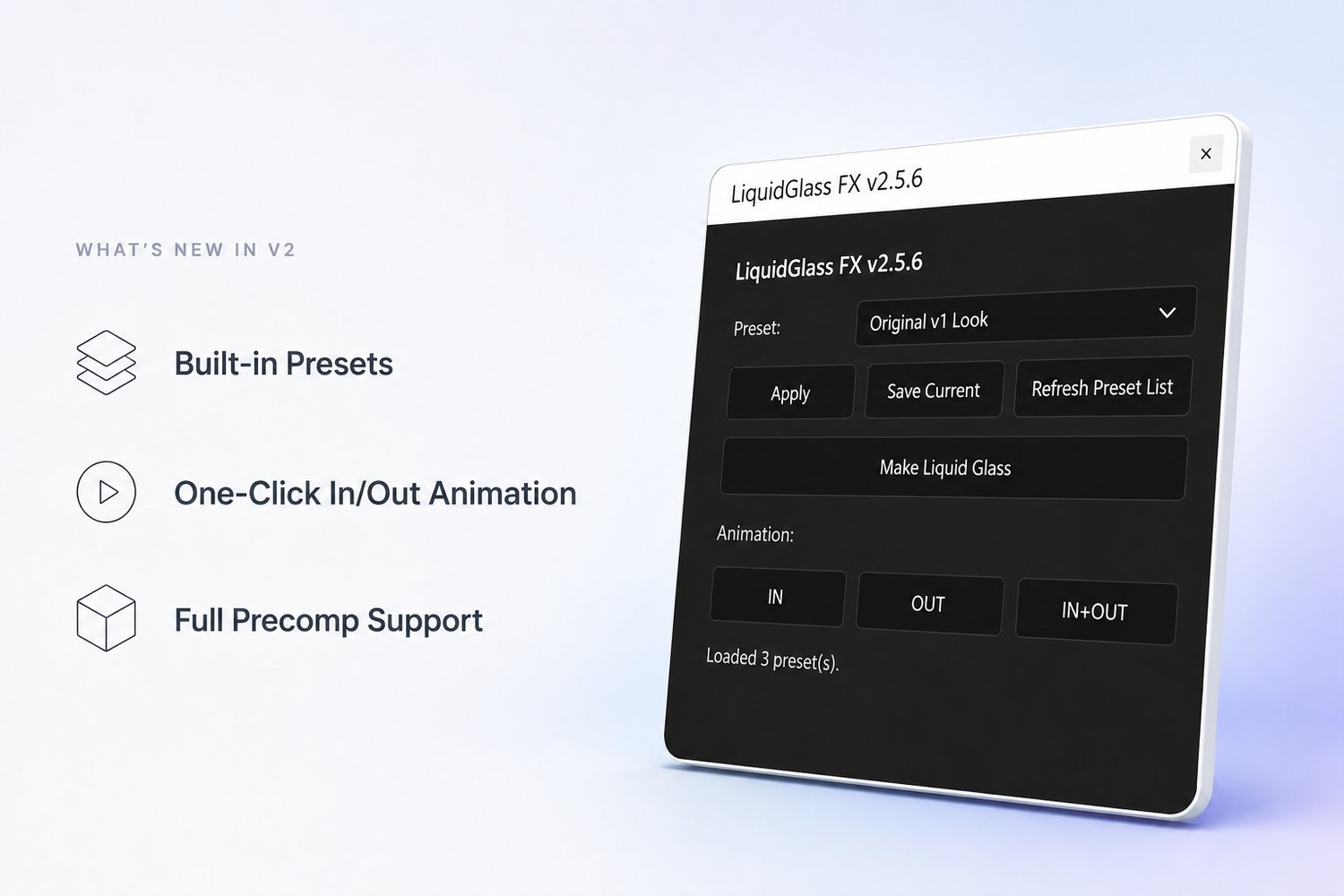
What's new in v2
Built-in presets Stop dialing in the same blur, tint, and refraction values every time. v2 ships with ready-to-use glass presets, and you can save your own settings as a custom preset too — so your favorite look is one click away on every project.
One-click in/out animation Add clean in and out animations directly from the panel. No manual keyframing, no separate expression setup — select a style and the layer animates in and out on its own.
Full precomp support Apply Liquid Glass directly to precompositions, including ones with animation already inside — the animation keeps playing exactly as it should. You can now combine it with effects like blur and choker inside the precomp to get a smooth melting/merging look between shapes, something that wasn't possible in v1.
Core features
- One-click glass effect on shapes, text, footage, solids, and precomps
- Live controller: refraction, blur, opacity, scale, noise, tint, glow, and edge choke — all on one null
- Built-in and custom presets, saved and reused across projects
- One-click in/out animation
- Works on multiple systems in the same composition at once
- Non-destructive: source layer stays untouched and hidden, ready to edit anytime
Requirements
- Adobe After Effects (2023 or newer recommended)
- Works on any layer type: shape, text, footage, solid, or precomposition
What you get
- The LiquidGlass FX script (.jsx)
- Installation instructions
- Free updates for this version line
Questions or feature requests? Leave a comment on the YouTube video or reach out directly — most of what's in this update came straight from viewer requests.