
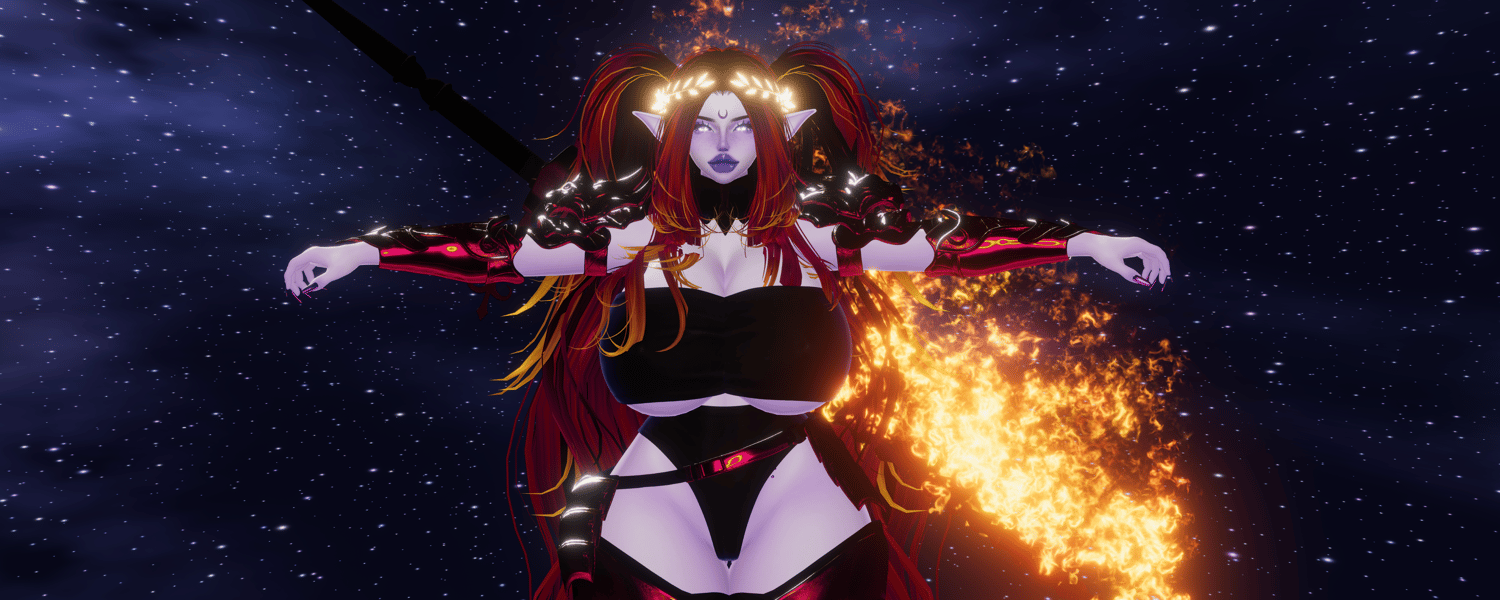
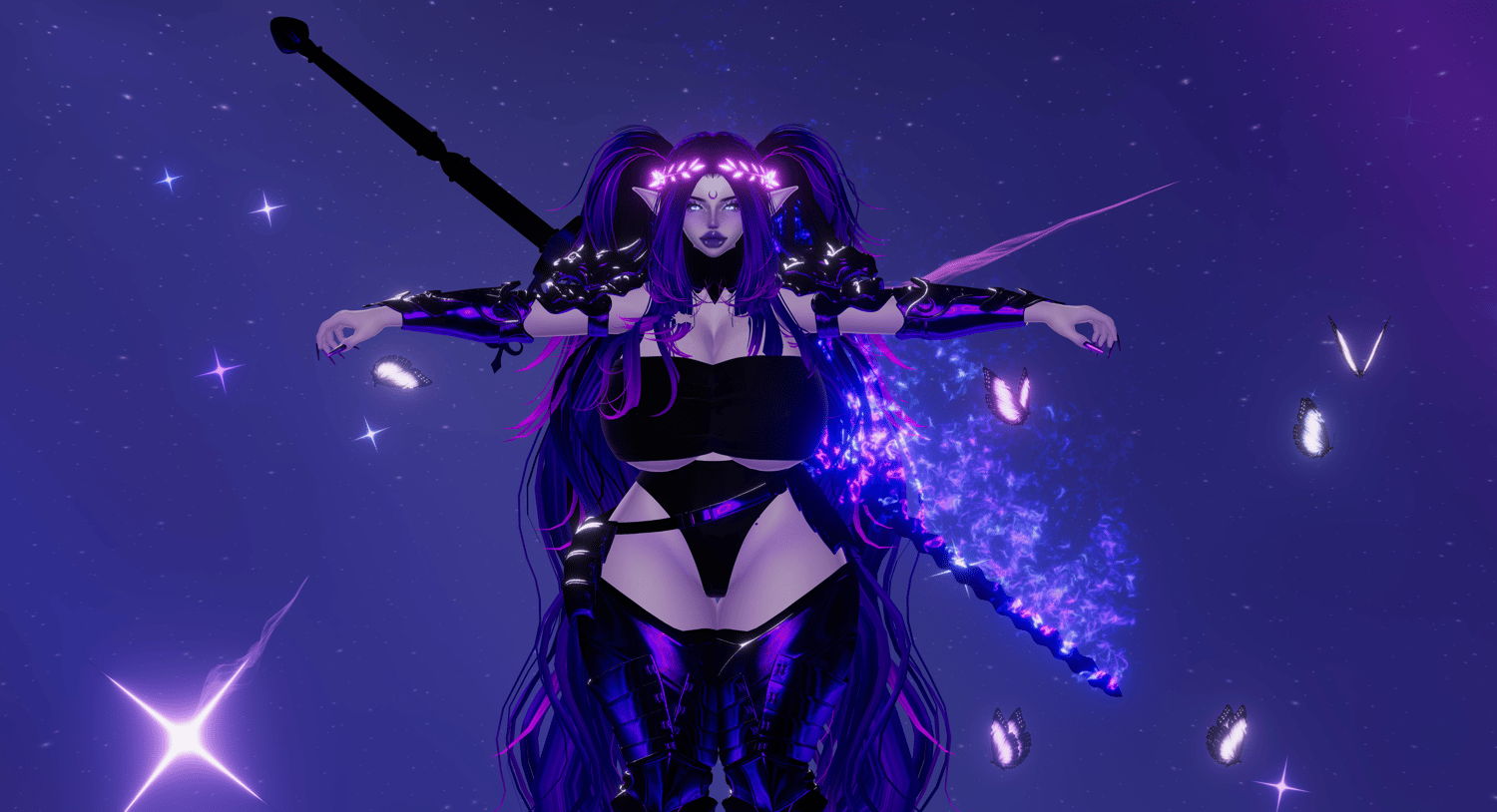

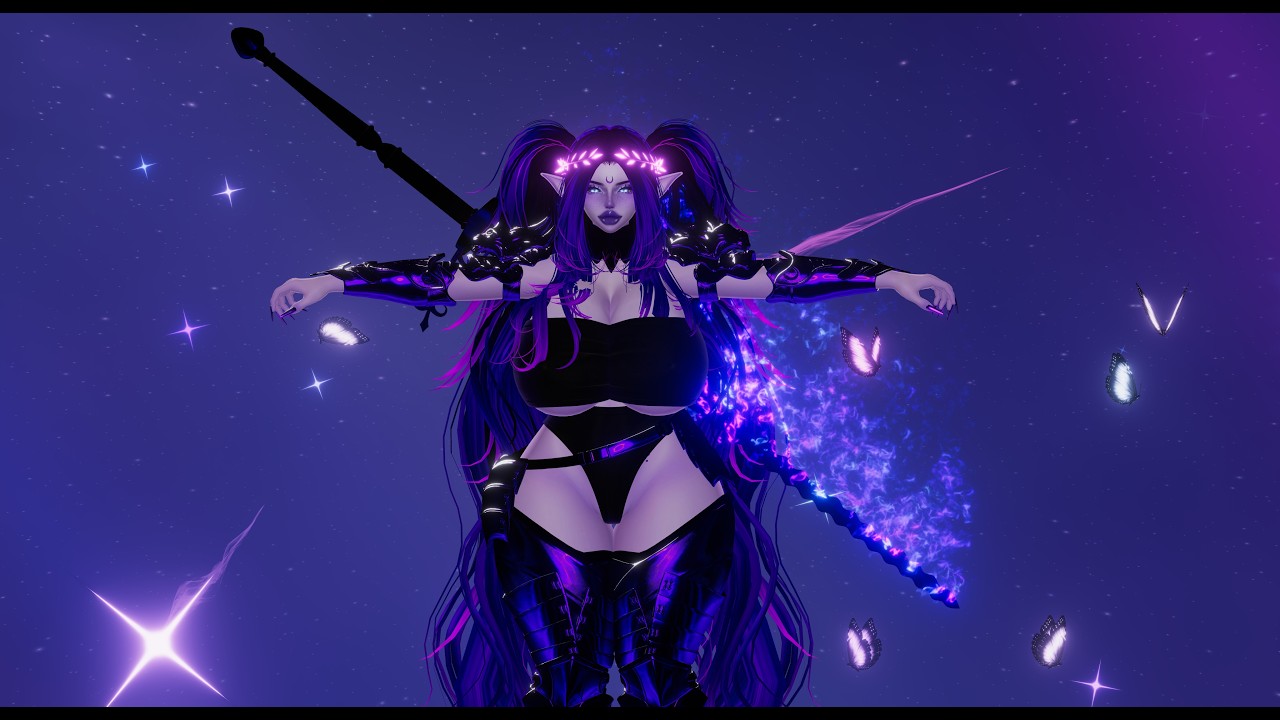
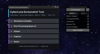

📸 Unity Screenshot Tool
Take clean, high-resolution screenshots directly from your Unity Scene View with the press of a button. ✨
This Unity tool captures your current Scene View angle, lets you choose the output resolution, and saves the result as a PNG - in up to 16k resolution.
Perfect to spam your friends with pictures of your avatar, or to take high resolution pics for social media posts etc. 💙
A tutorial video is included on this store page as always, so you can see the full workflow before using it. ^.^
✨ Features
- 📸 Capture the current Unity Scene View as a PNG
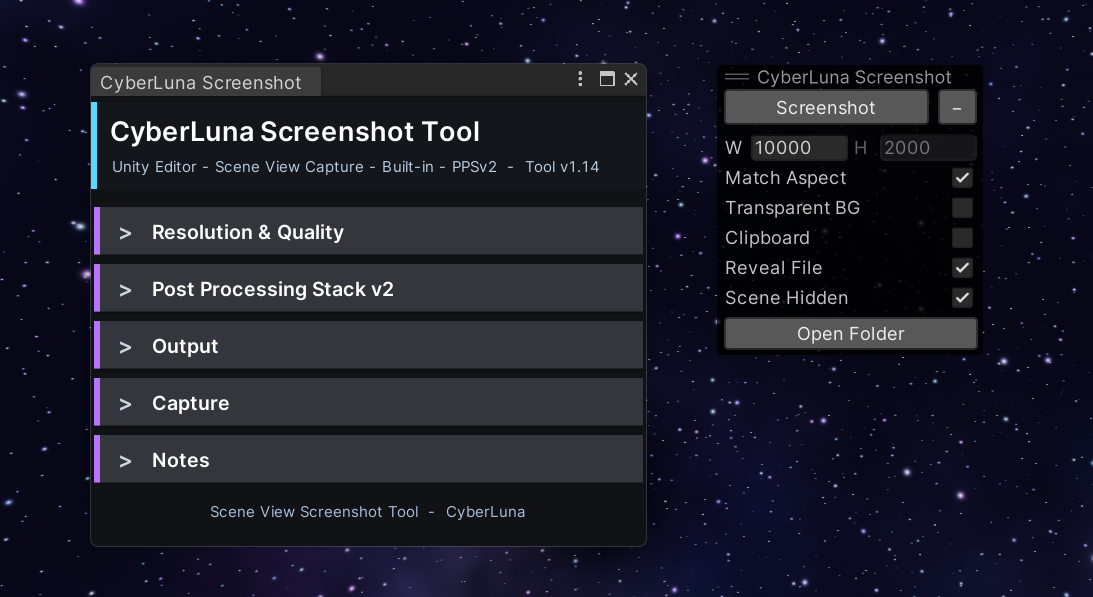
- ⚡ Compact Scene View overlay for fast one-click screenshots
- 🖼️ Custom screenshot resolution
- 📐 Match the current Scene View aspect ratio
- ✨ MSAA render texture quality options
- 🌈 HDR render texture option for cleaner bright/post-processed captures
- 🪟 Transparent background option
- 👁️ Respect Unity Scene Visibility hidden objects
- 📋 Optional copy-to-clipboard after capture
- 📂 Reveal file after capture
- 📁 Open screenshot folder button
- 🎛️ Full Editor Window with organized settings
- 🎥 Built-in Render Pipeline + Post Processing Stack v2 focused
📦 How to install
- Download the Unity package from here.
- Open your Unity project.
- Import the package into your project.
- Wait for Unity to compile the scripts.
- Open the tool from the Unity top menu: CyberLuna > Scene View Screenshot
- You can also use the compact Scene View overlay named: CyberLuna Screenshot
🚀 How to use
- Move your Scene View camera to the angle you want to capture
- Click the screenshot button
- Your screenshot is saved
📝 Notes
This tool captures the rendered Scene View camera. It does not capture Unity editor UI elements such as transform handles, scene gizmo icons, grid overlays, or selection outlines.
Transparent Background removes the normal Scene View background/skybox and saves the empty background area with alpha transparency.
Post-processing support is focused on the Built-in Render Pipeline with Post Processing Stack v2.
💙 Made for creators
Personal use license, distribution of the tool is not allowed. ✨