
Fortnightly Budget Spreadsheet Australia
On Sale
A$14.95
A$14.95
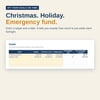
Never wonder if this pay covers the bills.
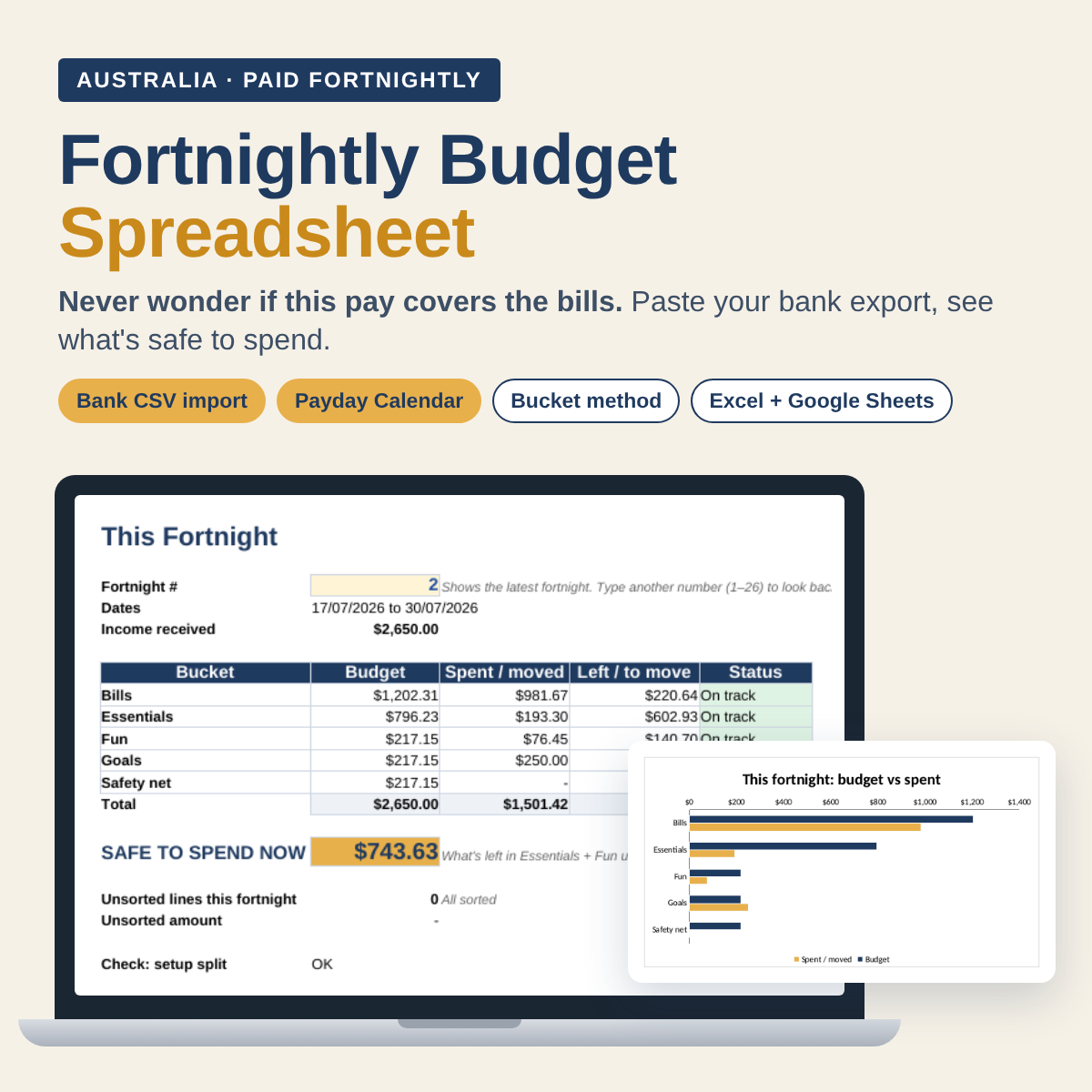
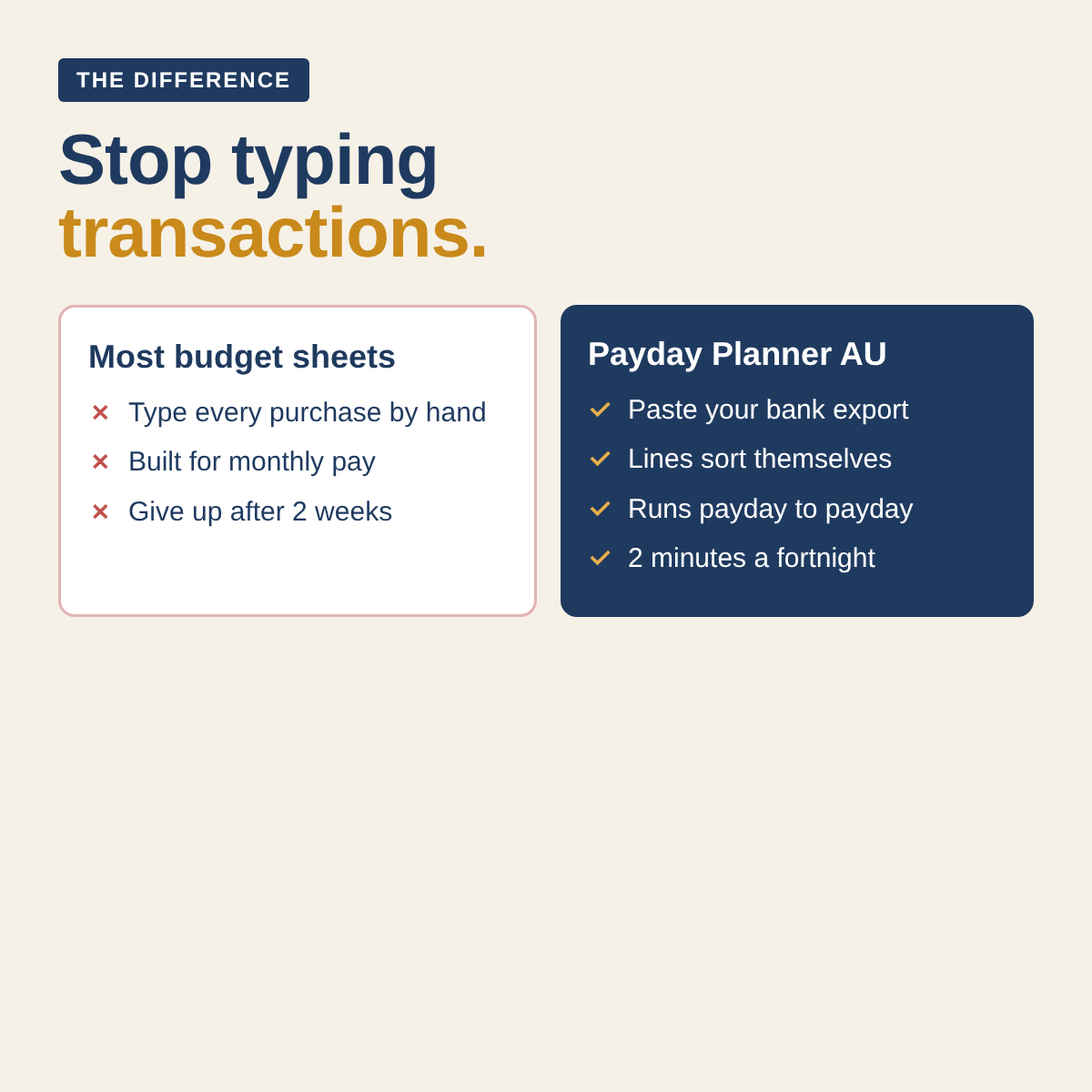
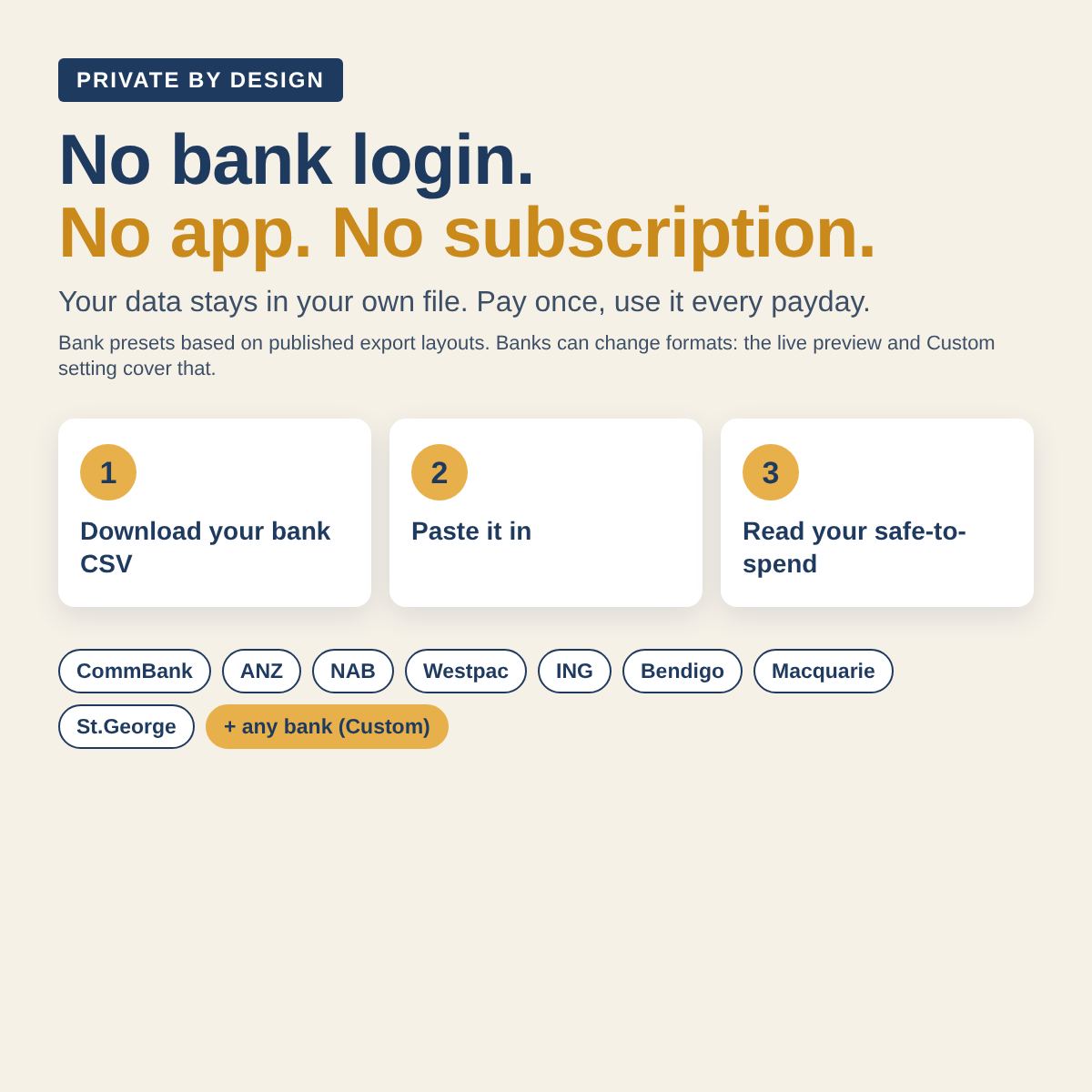
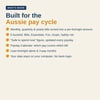
Built for Australians paid fortnightly. Your pay comes every two weeks, but rent, power, insurance and rego don't. Most budget templates ignore that, and make you type every purchase by hand. This one runs payday to payday, shows which pay covers which bill, and reads your bank's CSV for you.
HOW IT WORKS
- Enter your take-home pay and your bills once, with their next due date. Every bill becomes a per-fortnight amount.
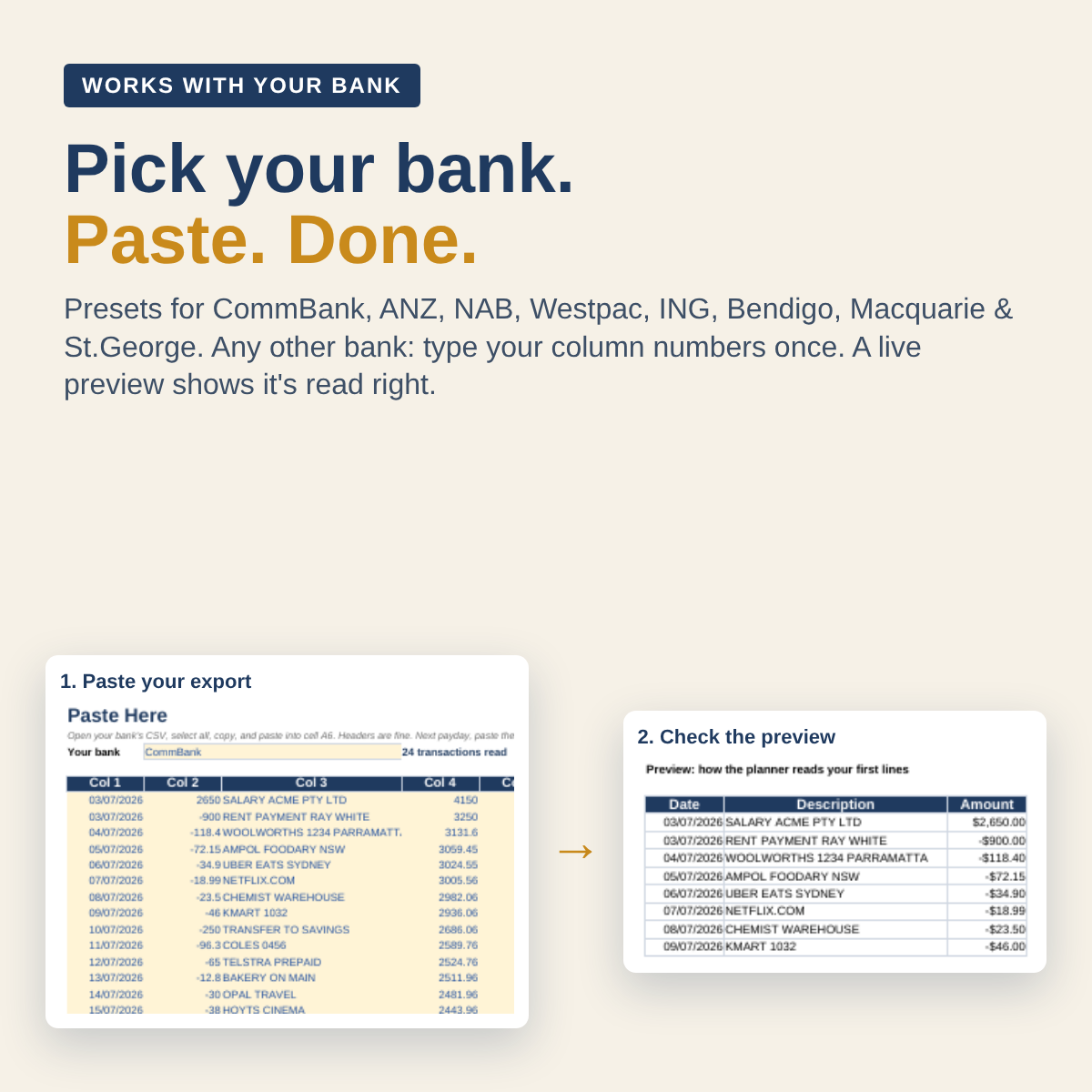
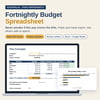
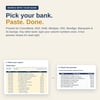
- Choose your bank once: presets for CommBank, ANZ, NAB, Westpac, ING, Bendigo, Macquarie and St.George, based on their published export layouts. Any other bank (Up, Bankwest, Suncorp...): type your column numbers once.
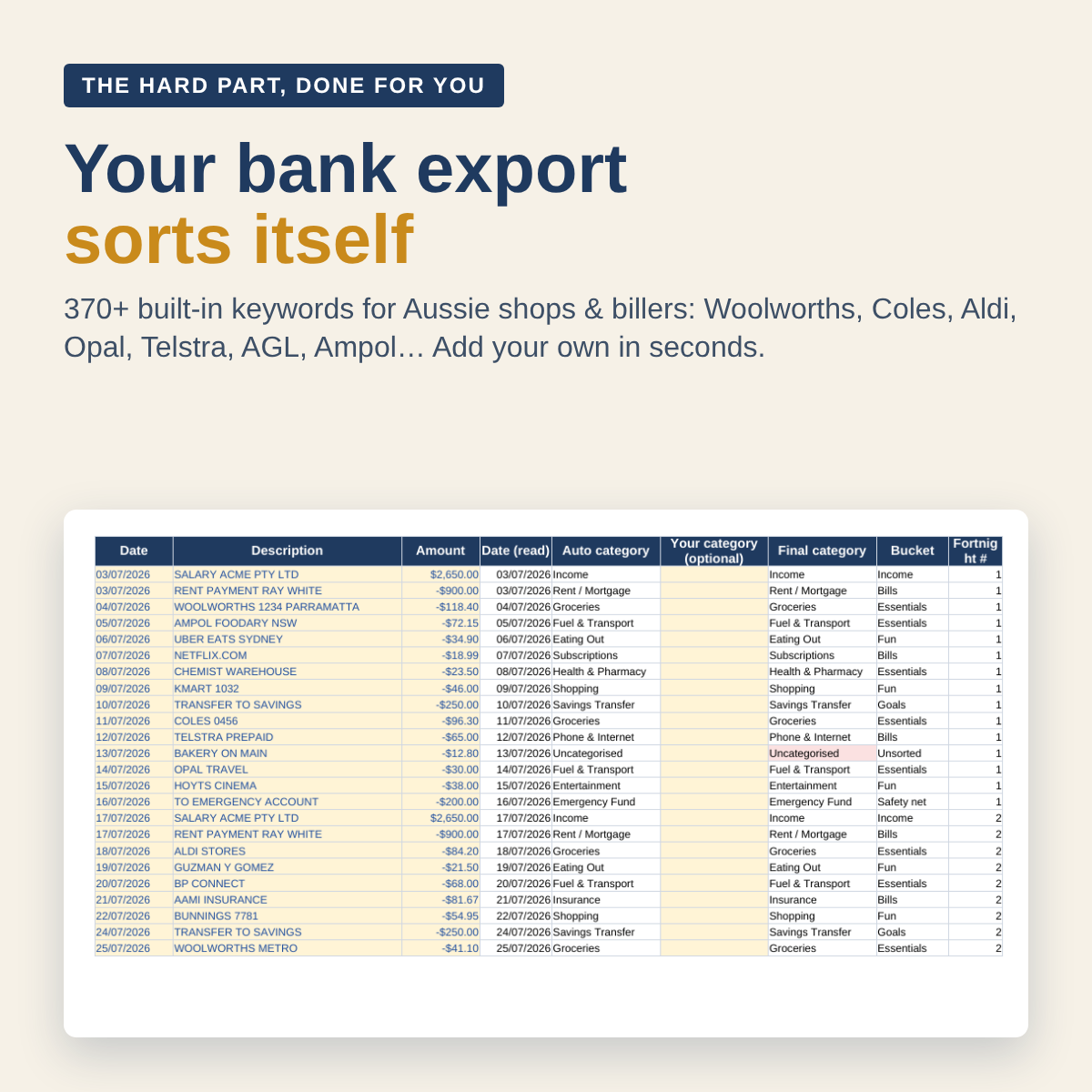
- Every payday, download your transactions as a CSV, copy and paste them in. A preview shows straight away that dates and amounts are read right.
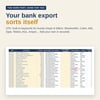
- Each line sorts itself (Woolworths = Groceries, Opal = Transport, Telstra = Phone...). Fix anything with one click.
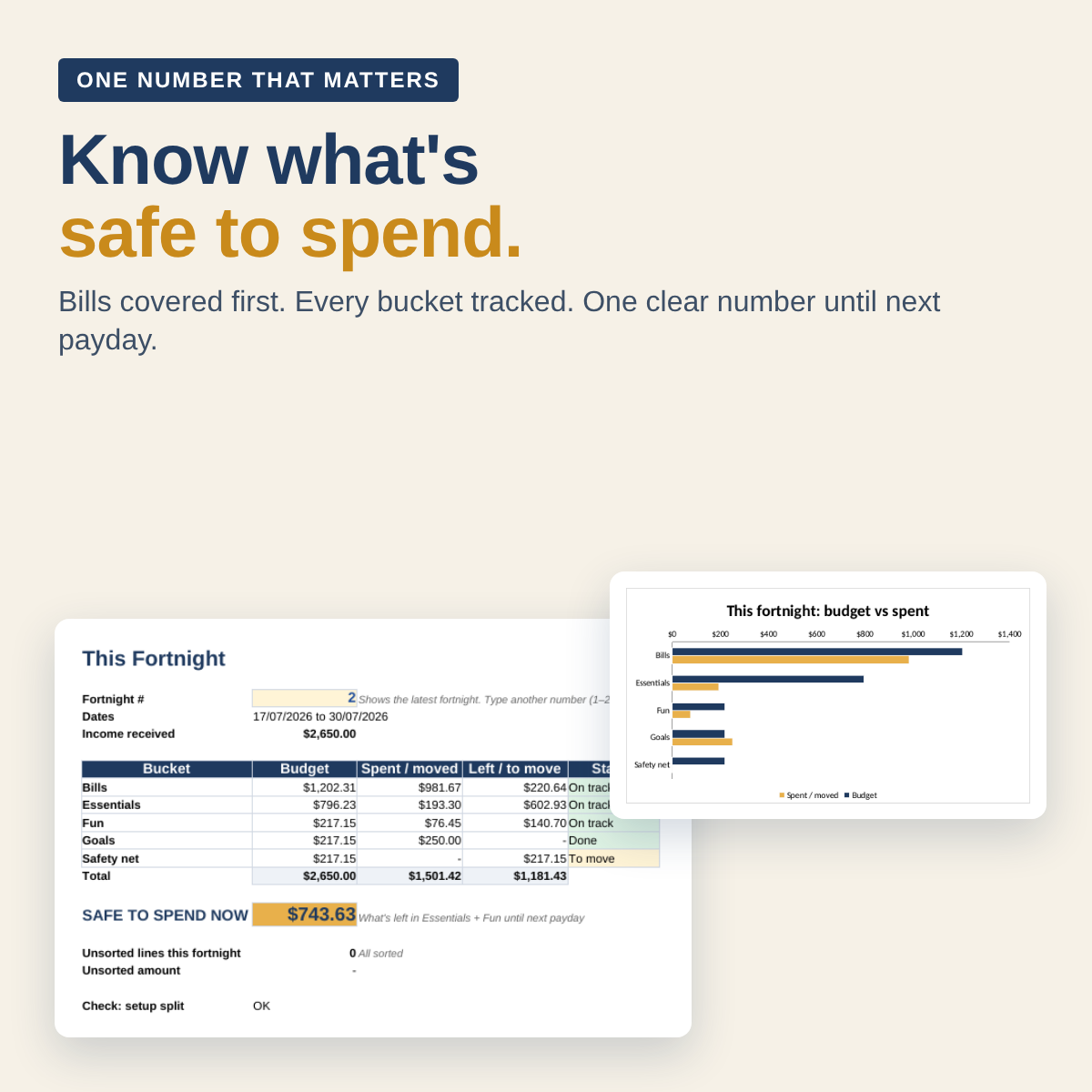
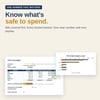
- Read your SAFE TO SPEND NOW number and your Payday heads-up.
WHAT MAKES IT DIFFERENT
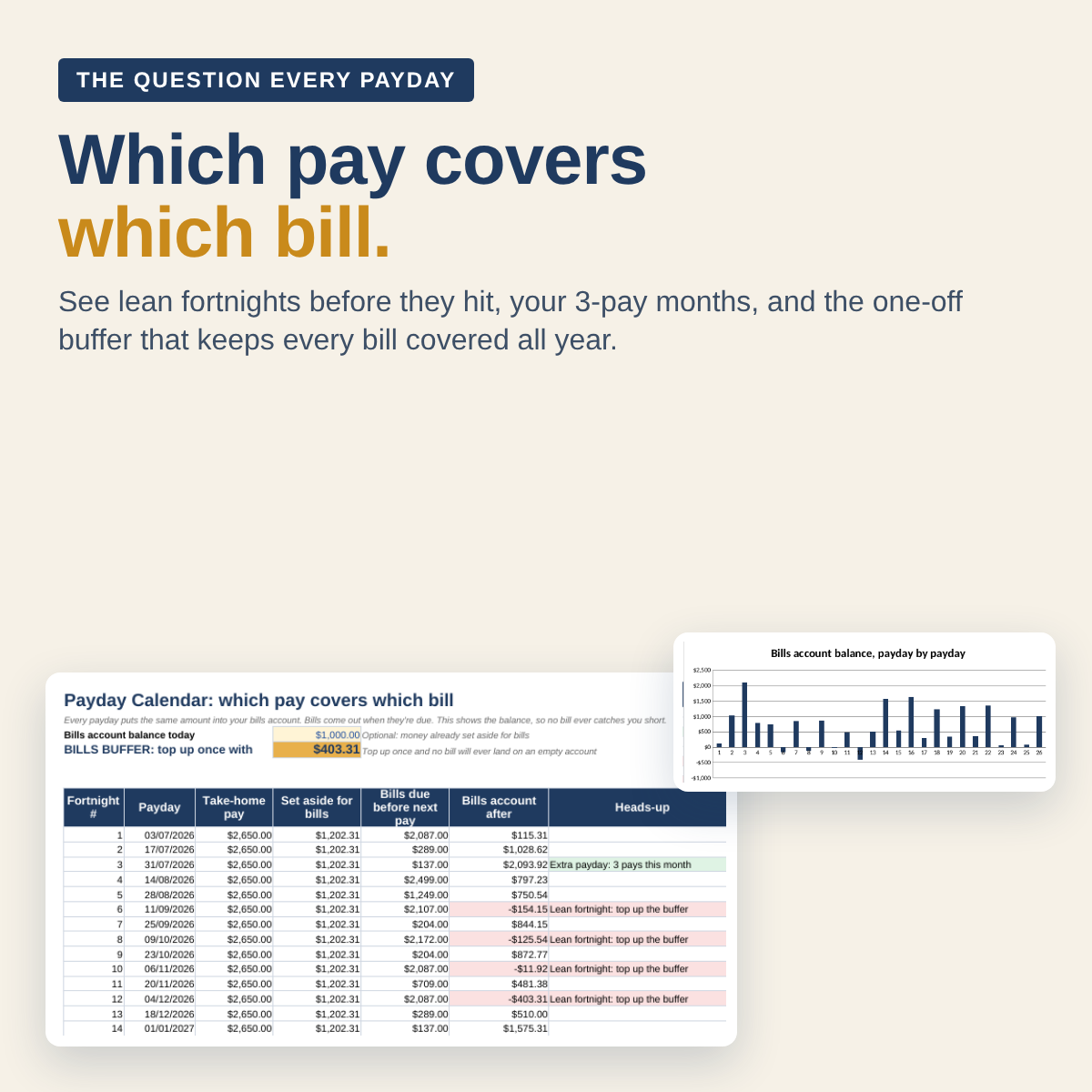
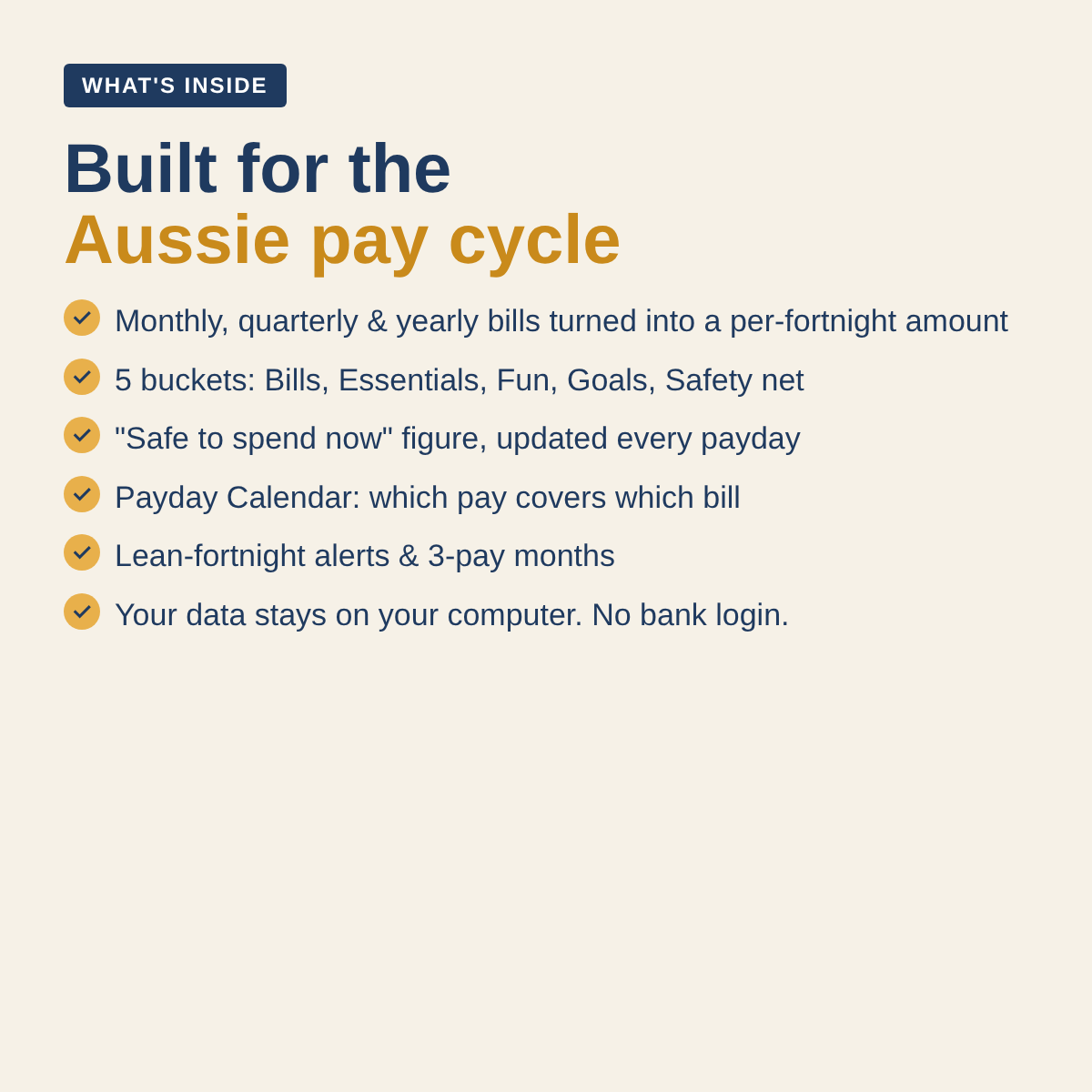
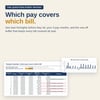
- Payday Calendar: which pay covers which bill, all year
- Lean-fortnight alerts before a tight fortnight hits
- Extra paydays: the 2 months a year with 3 pays, flagged ahead as bonus savings
- Bills buffer: the one-off amount that keeps every bill covered all year
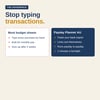
- Paste, don't type: your bank export sorts itself (370+ Aussie shops and billers built in)
WHAT'S INSIDE
- Bucket dashboard with chart: Bills, Essentials, Fun, Goals and Safety net
- Bank presets plus a column picker for any other bank, with a warning if something looks off
- Bills converter: monthly, quarterly and yearly bills turned into a fortnightly amount
- 26-fortnight financial-year view with chart
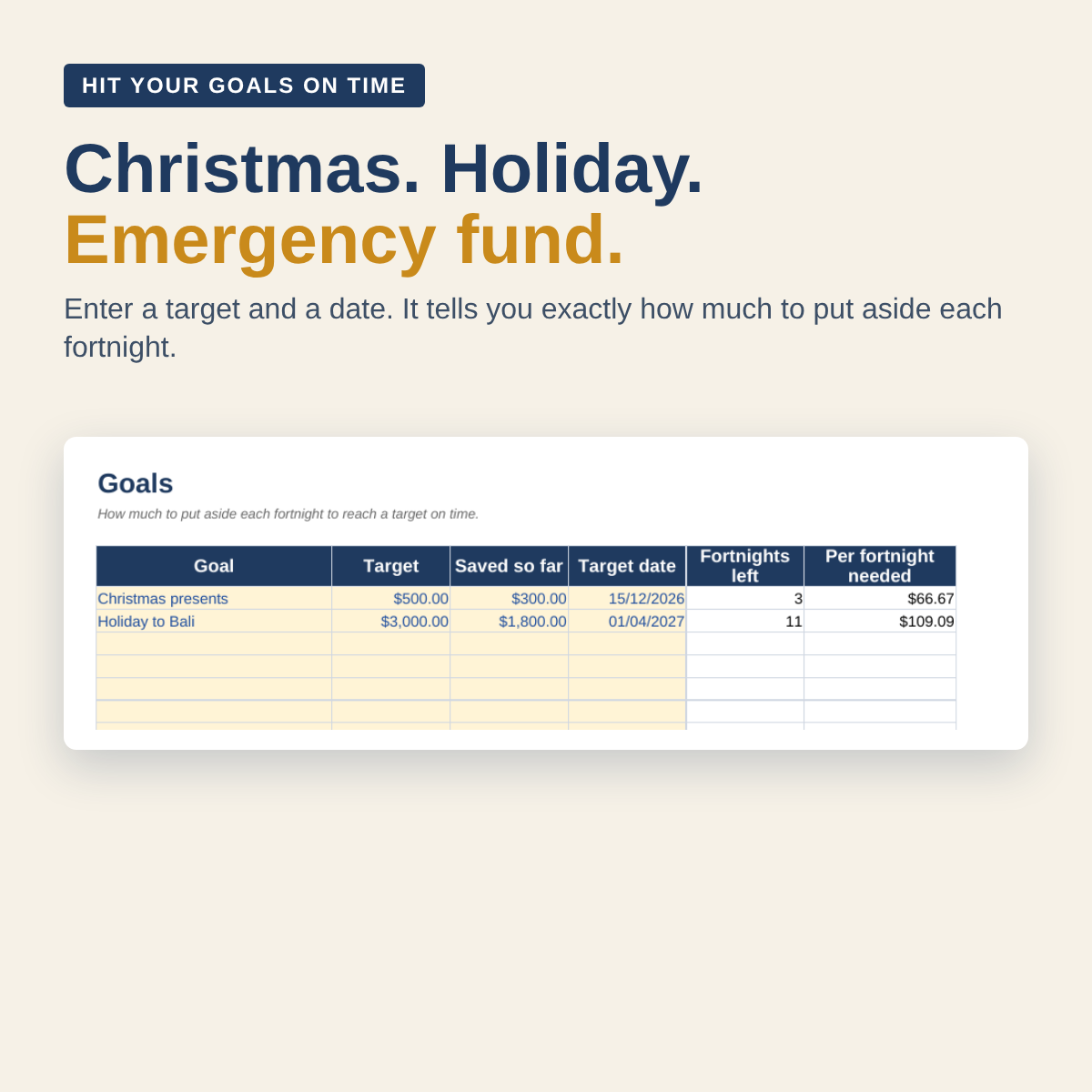
- Savings goals: how much to put aside each fortnight to hit a target on time
- A filled-in example file, so you can see it working before you start
- A setup checklist inside the file that ticks itself off and tells you the next step
WHAT YOU GET
- Excel file (.xlsx), ready to use
- Google Sheets version: one click to make your own copy (link in the guide)
- Filled-in example file
- Step-by-step start guide (PDF)
GOOD TO KNOW
- No bank login, no app, no subscription. Your data stays with you.
- No macros or add-ons. Amounts in AUD. Reads dates like 03/07/2026, 2026-07-03 or 3 Jul 2026.
- Instant digital download. Nothing is posted.
- Personal use only.
- Banks can change their export formats. If the preview looks off, pick Custom, or email payday.planner1@gmail.com and we'll help.
- Change-of-mind refunds aren't offered on digital downloads. This doesn't affect your rights under the Australian Consumer Law: if the file is faulty or doesn't work as described, contact us and we'll fix it or refund you.
This is a budgeting tool, not financial advice. Not affiliated with any bank or author.