
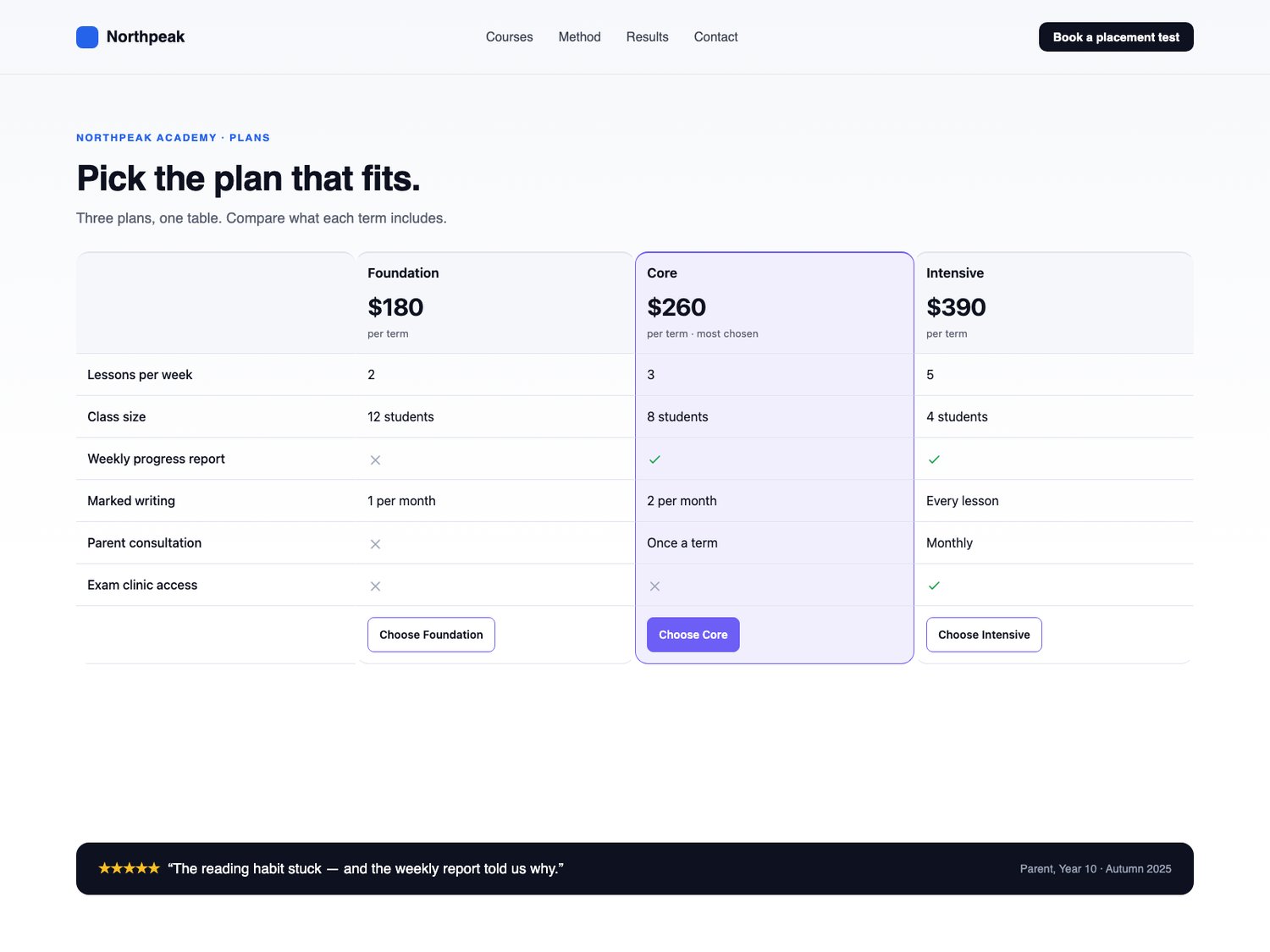
Aisol Compare Table - plan comparison section for Framer
A comparison section for Framer that runs on your CMS collection: two to four plans or products side by side, in a real table a screen reader can actually read.
What you get
- One Framer code component (Aisol Compare Table), delivered as a Component URL.
- Columns: name, price, note, CTA label and link, one highlighted column. Rows: label plus a value per column; yes/no become check and cross icons, anything else is shown as text.
- A component slot per column, so a CMS collection drives the section directly.
- Free updates.
How it behaves
- A real table: caption, column and row headers, so screen readers read it as a table.
- Sticky header row inside the component only; no page scripts, no host-page DOM access, no measuring.
- Under your breakpoint the columns become stacked cards with the row labels repeated, CSS only.
- No motion at all: reduced motion and the Framer canvas show exactly what visitors see.
- Empty state text instead of a blank frame.
Requirements: any Framer project. No plugins, no external libraries.