



Home Care Agency Business Plan + Financial Model | Word Template & Excel 5-Year Projections
A matched pair of templates for a USA non-medical home care agency: an editable Word business plan (.docx) and a linked Excel financial model (.xlsx) with 5-year projections.
Made for new and growing agency owners who need a written plan plus real numbers to show a lender, investor, landlord or partner, or to plan their own launch.
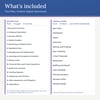
WHAT'S INCLUDED
2 files, delivered as a digital download after purchase:
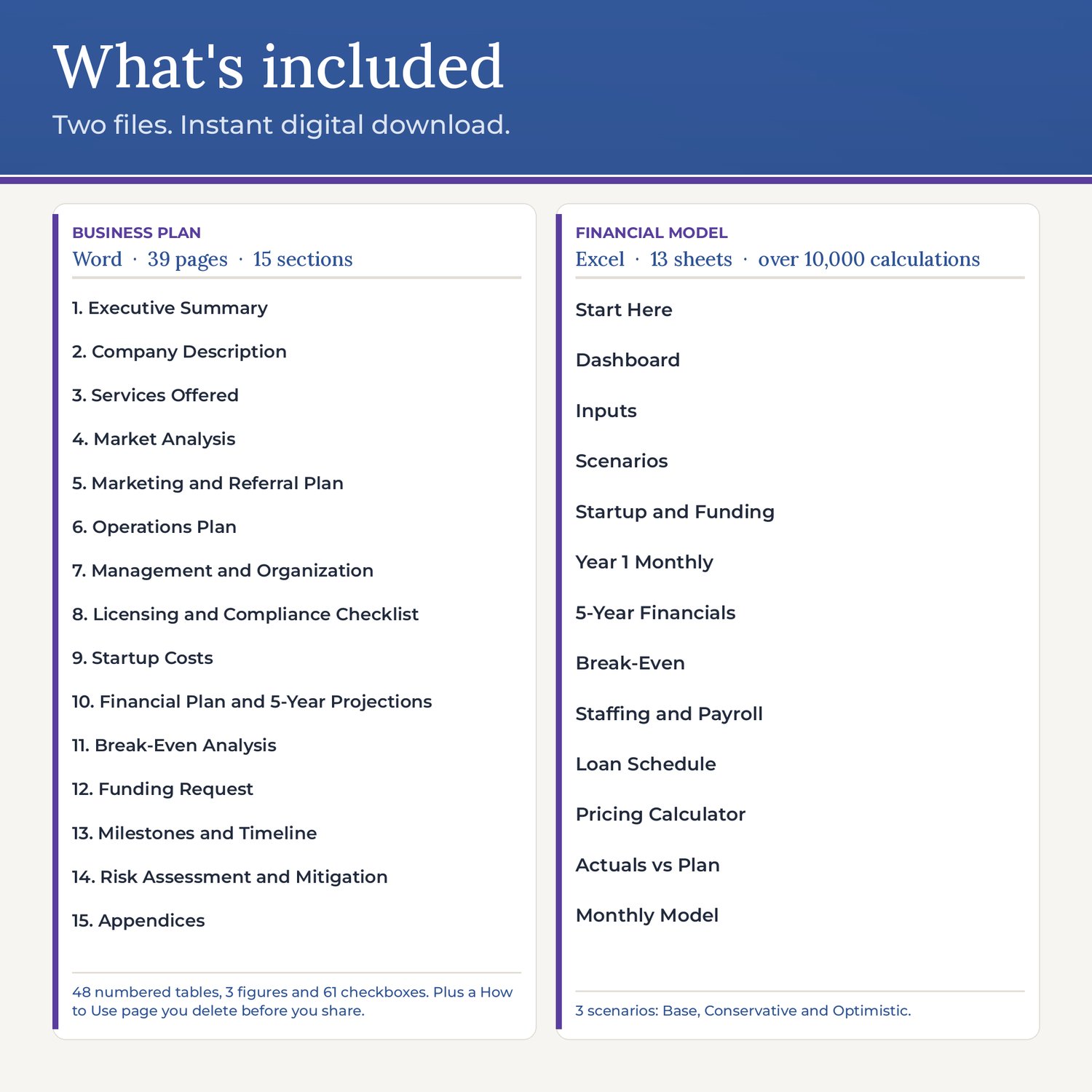
1) BUSINESS PLAN (Word .docx): 39 pages on US Letter
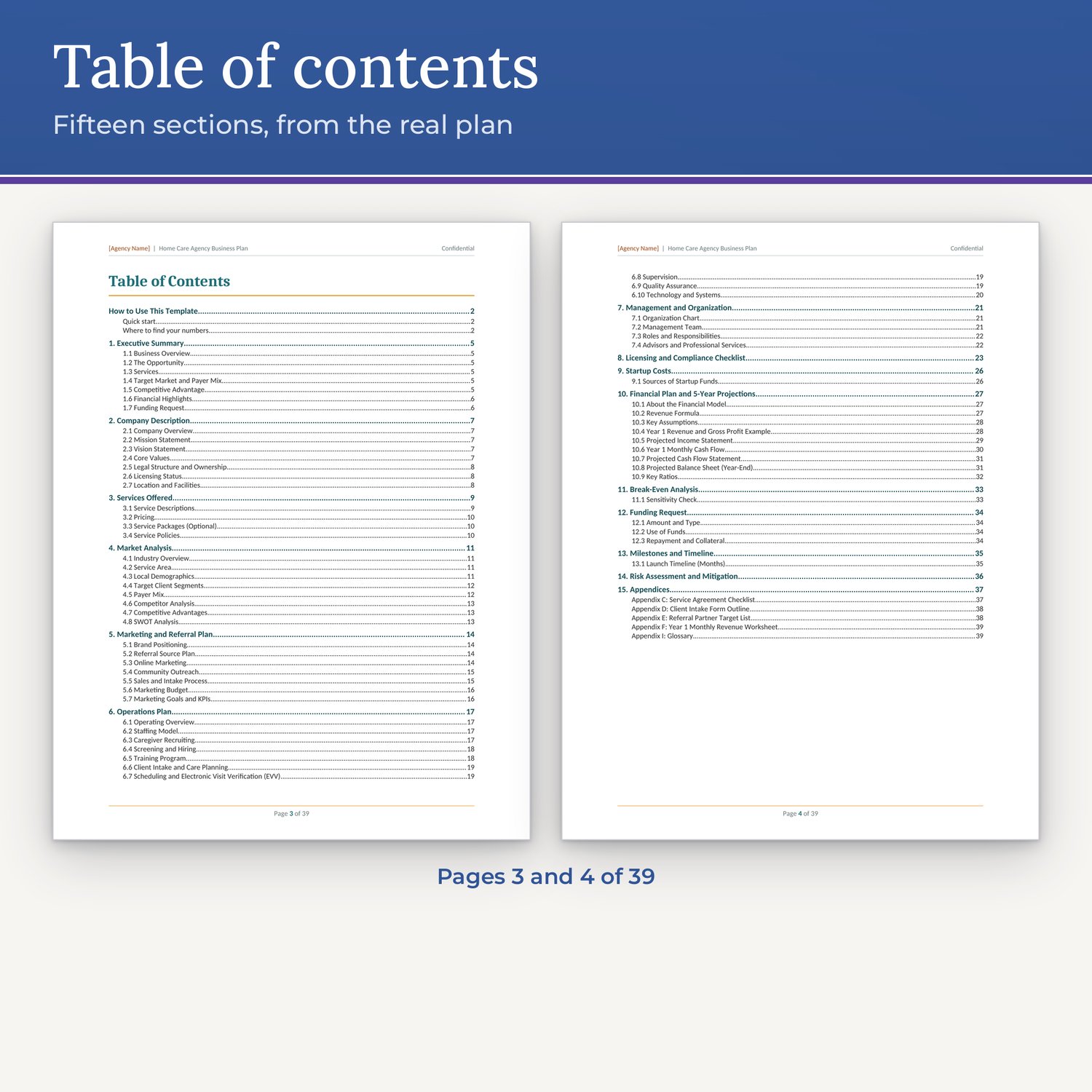
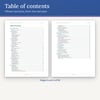
• 38 plan pages: a cover page, a 2-page automatic table of contents and 15 sections with appendices
• 1 "How to Use This Template" page for you; delete it before you share the plan
• 48 numbered tables, 3 figures (SWOT grid, org chart, launch timeline) and 61 checkboxes
• Sections: Executive Summary; Company Description; Services Offered and private-pay pricing; Market Analysis (demographics, client segments, payer mix, competitor table, SWOT); Marketing and Referral Plan; Operations Plan (staffing, recruiting, screening, training, intake, scheduling and EVV, supervision, quality assurance); Management and Organization with an editable org chart; a 6-part licensing checklist (business formation, state licensing, insurance, employment, privacy, payer enrollment); Startup Costs; Financial Plan and 5-Year Projections; Break-Even Analysis with a sensitivity check; Funding Request; Milestones with a launch timeline; Risk Assessment; and Appendices (service agreement checklist, intake outline, referral partner list, Year 1 monthly revenue worksheet, glossary)
• Shaded guidance notes in every section that you can delete all at once
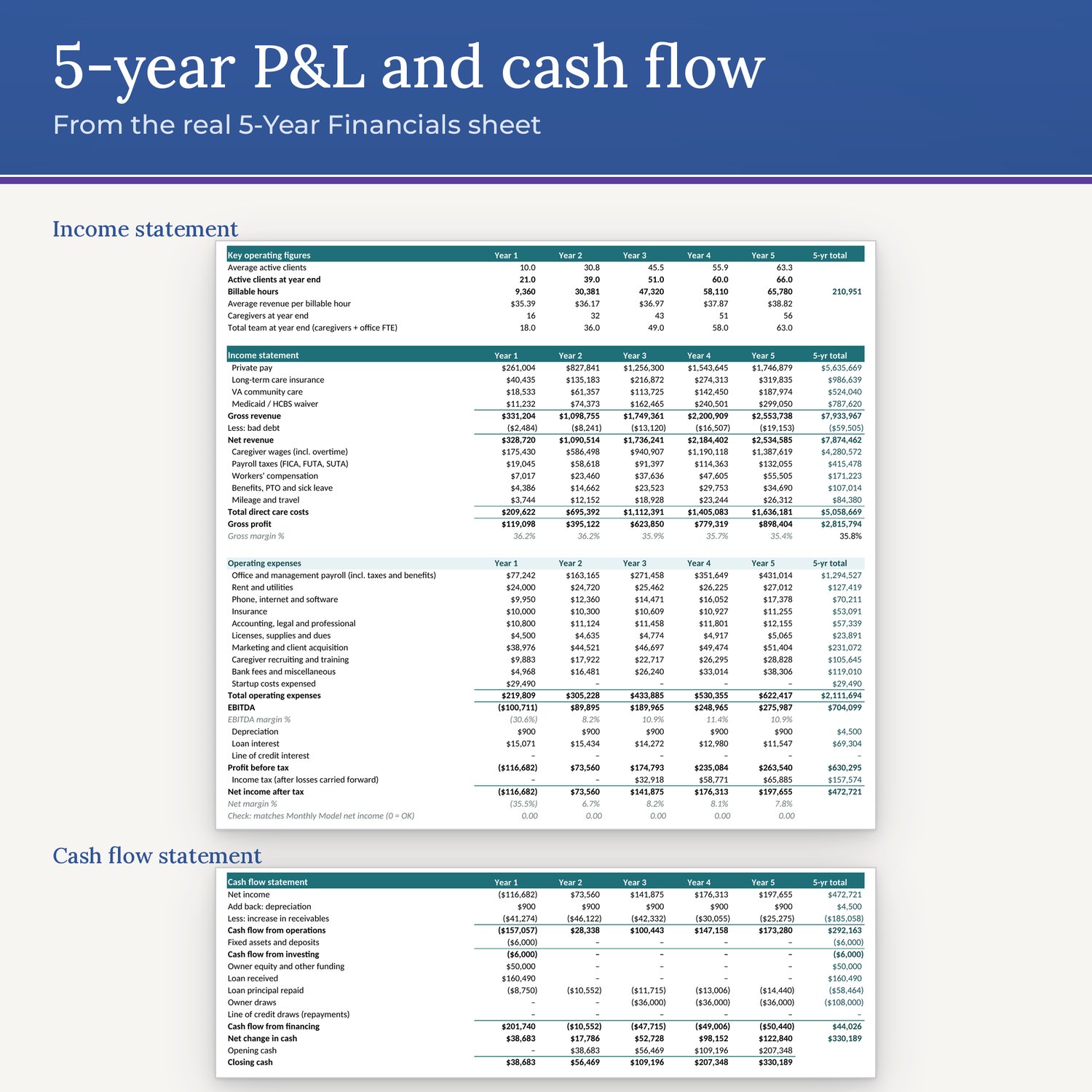
• Financial tables are filled with the model's example Base case and marked "example: model Base case," so you can see how a finished plan reads before you add your own figures
2) FINANCIAL MODEL (Excel .xlsx): 13 sheets, over 10,000 built-in calculations
• Start Here: a 6-step guide and colour key
• Inputs: one place for every assumption, including services, rates by payer (private pay, long-term care insurance, VA, Medicaid/HCBS), payer mix, client growth, wages, overtime, payroll taxes including FUTA and SUTA, workers' comp, office staff, startup costs, overhead, days to collect, loan, line of credit and taxes
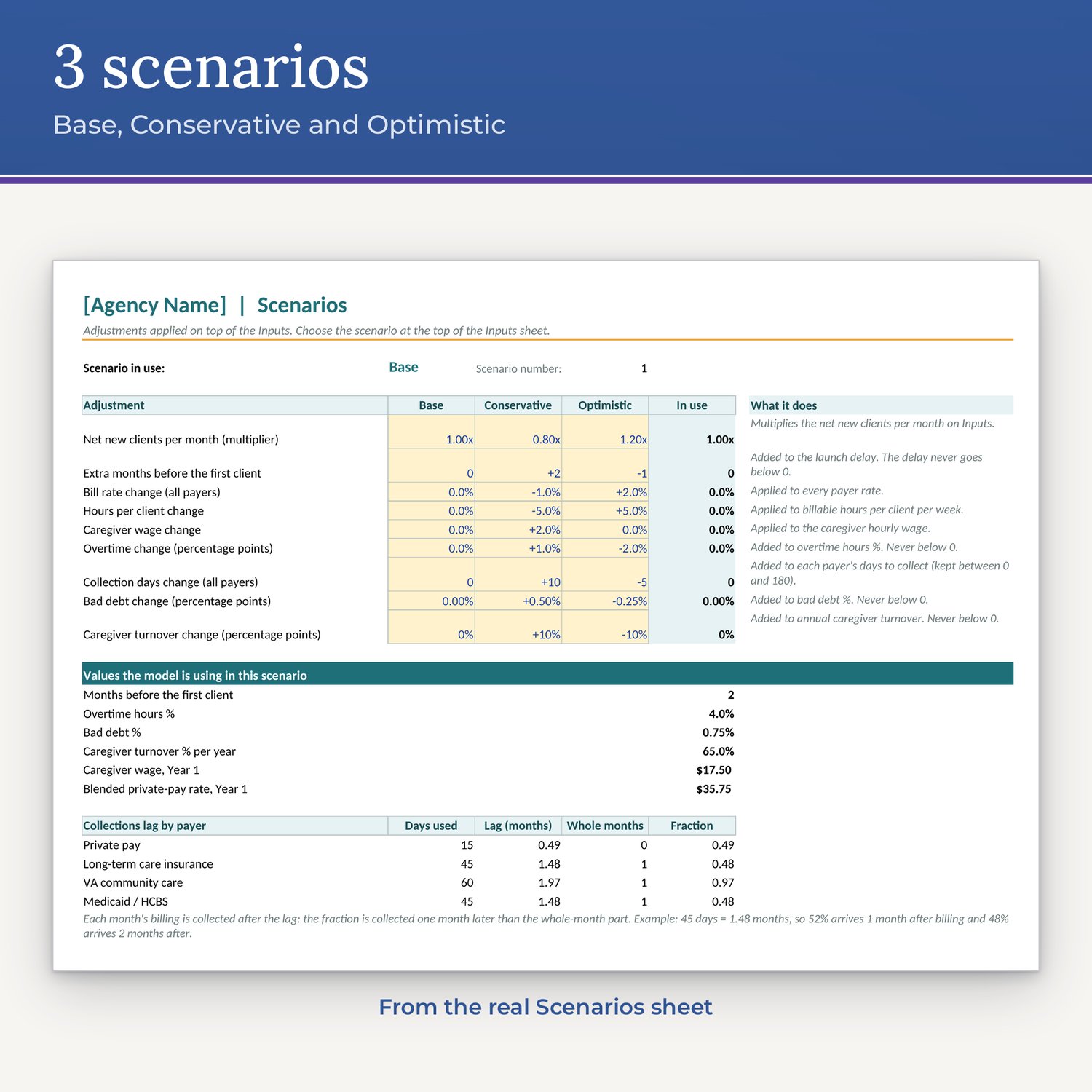
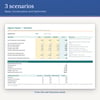
• Scenarios: switch between Base, Conservative and Optimistic from one drop-down
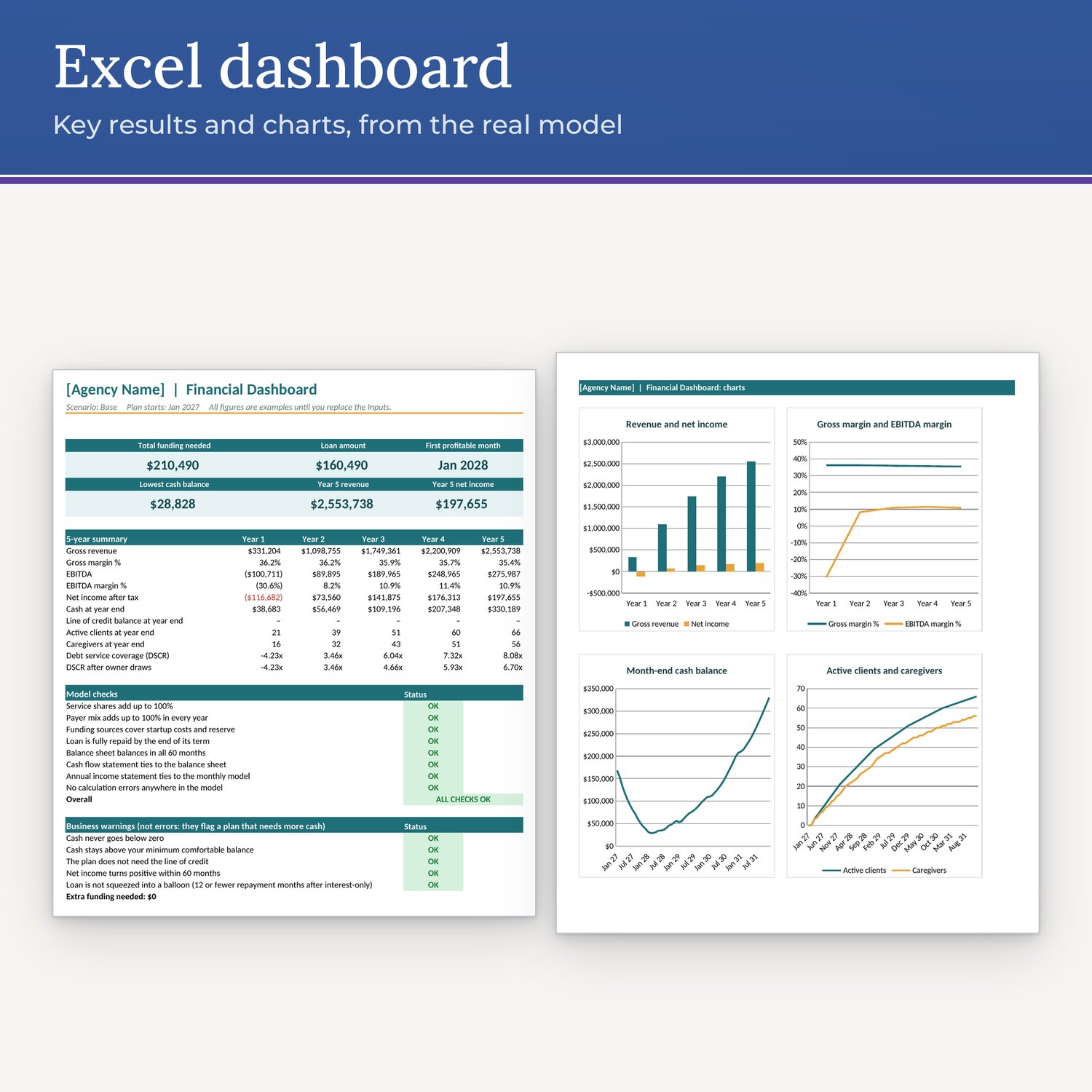
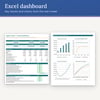
• Dashboard: key results, 4 charts, 8 automatic model checks and 5 business warnings
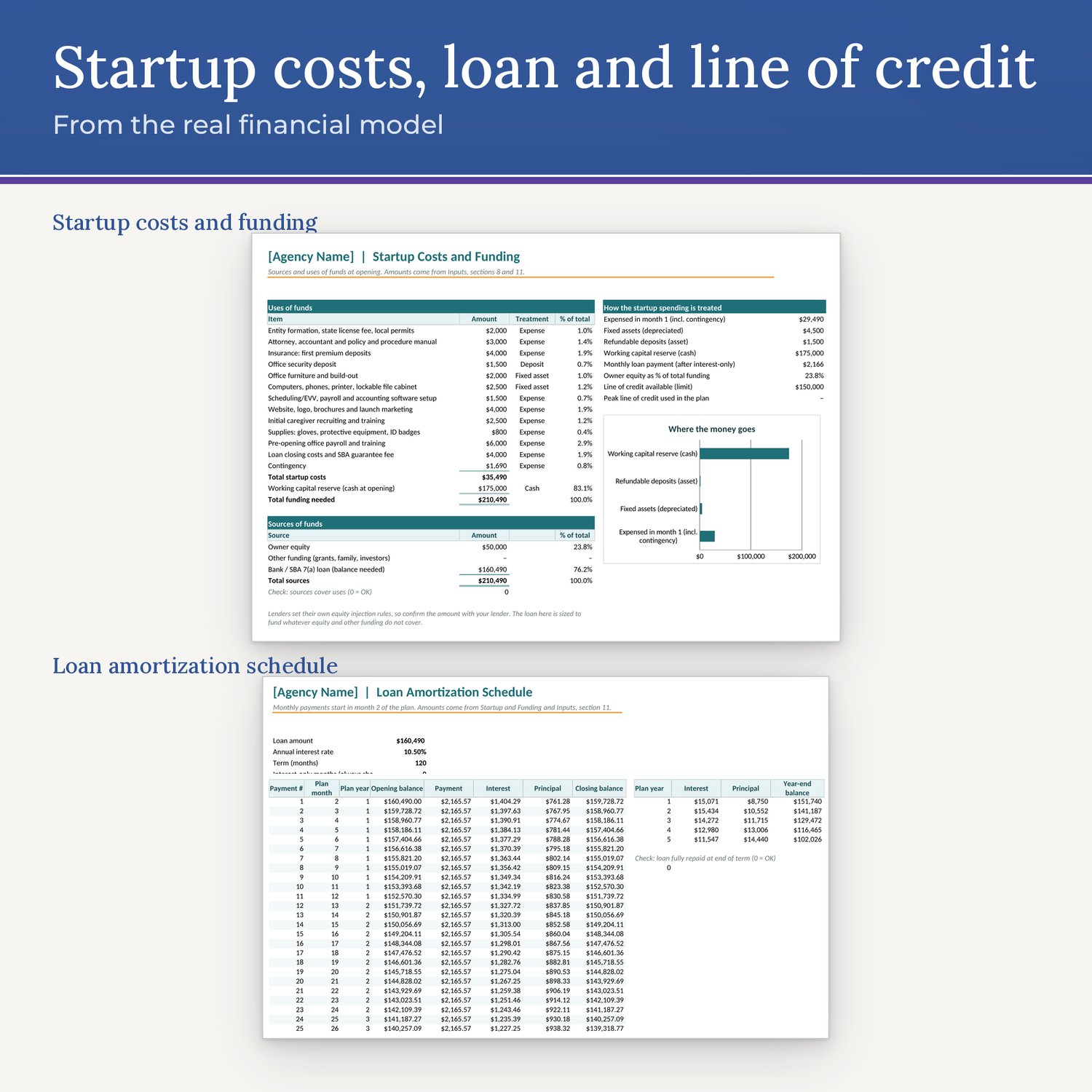
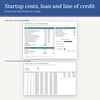
• Startup and Funding: sources and uses of funds, with the loan sized automatically
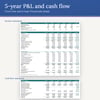
• Year 1 Monthly: a month-by-month profit and loss and cash flow
• 5-Year Financials: income statement, cash flow statement, balance sheet and lender ratios (DSCR, DSO)
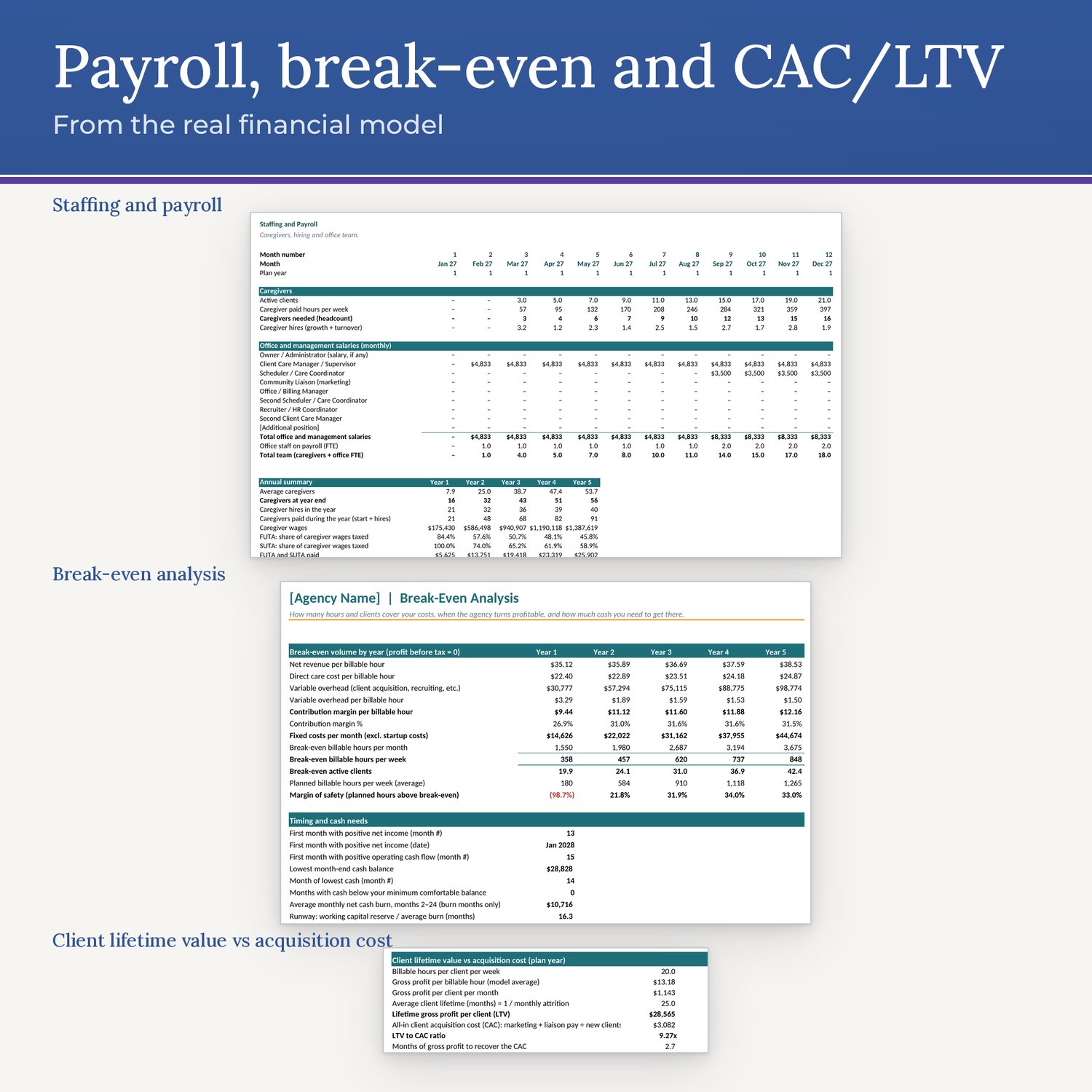
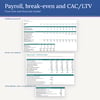
• Break-Even: break-even hours, clients and month, lowest cash, line of credit use, runway, sensitivities and two-way grids
• Staffing and Payroll: caregivers needed, hiring and turnover, and the office team by month
• Loan Schedule: monthly amortization with yearly interest and principal
• Pricing Calculator: the hourly rate needed for a target margin, client lifetime value vs. acquisition cost (LTV:CAC), and a rate table
• Actuals vs Plan: enter real monthly results and see the variance by month and year to date
• Monthly Model: the 60-month engine behind every sheet
• Line of credit that draws automatically when cash would drop below your minimum balance
• Formula cells are protected (no password) so they aren't overwritten by accident; you type only in the yellow input cells
FILE FORMATS
• Home Care Agency Business Plan.docx (Word)
• Home Care Agency Financial Model.xlsx (Excel)
HOW TO EDIT (4 STEPS)
1. In the Excel model, open Inputs. Replace [Agency Name] and [State], set your start date, then work down the yellow input cells and replace every example rate, wage and cost with your own quotes.
2. Choose Base, Conservative or Optimistic in the scenario drop-down at the top of Inputs. Then check that the Dashboard shows every model check as OK.
3. In the Word plan, press Ctrl+F (or Cmd+F) and search for "[" to find each placeholder, such as [Agency Name], [Owner Name], [State], [Date], [MM/YYYY], [$_____] and [__%]. Replace "Your Logo Here" with your logo. Copy your model results into the tables marked "example: model Base case," then delete that label.
4. Delete the shaded guidance notes and the How to Use page. Then right-click the table of contents and choose Update Field, then Update entire table.
DOWNLOAD AND COMPATIBILITY
• This is a digital product. Nothing is shipped.
• After purchase, download the files from the link in your confirmation email, or from your Payhip order page.
• Made for Microsoft Word and Microsoft Excel, and checked in LibreOffice. No other apps are supported.
PLEASE NOTE
Customizable template, not legal, tax or financial advice; projections are examples you replace with your own numbers; check your state's licensing requirements and have an attorney/accountant review.
• Not a license to operate.
• No guarantee of funding, loan approval or business results.
• No medical claims. It's written for non-medical home care.
• For one agency's own use; please don't resell or share the files.
SUPPORT
Questions? Email Support@homecarepdf.com. Support is email-only.