
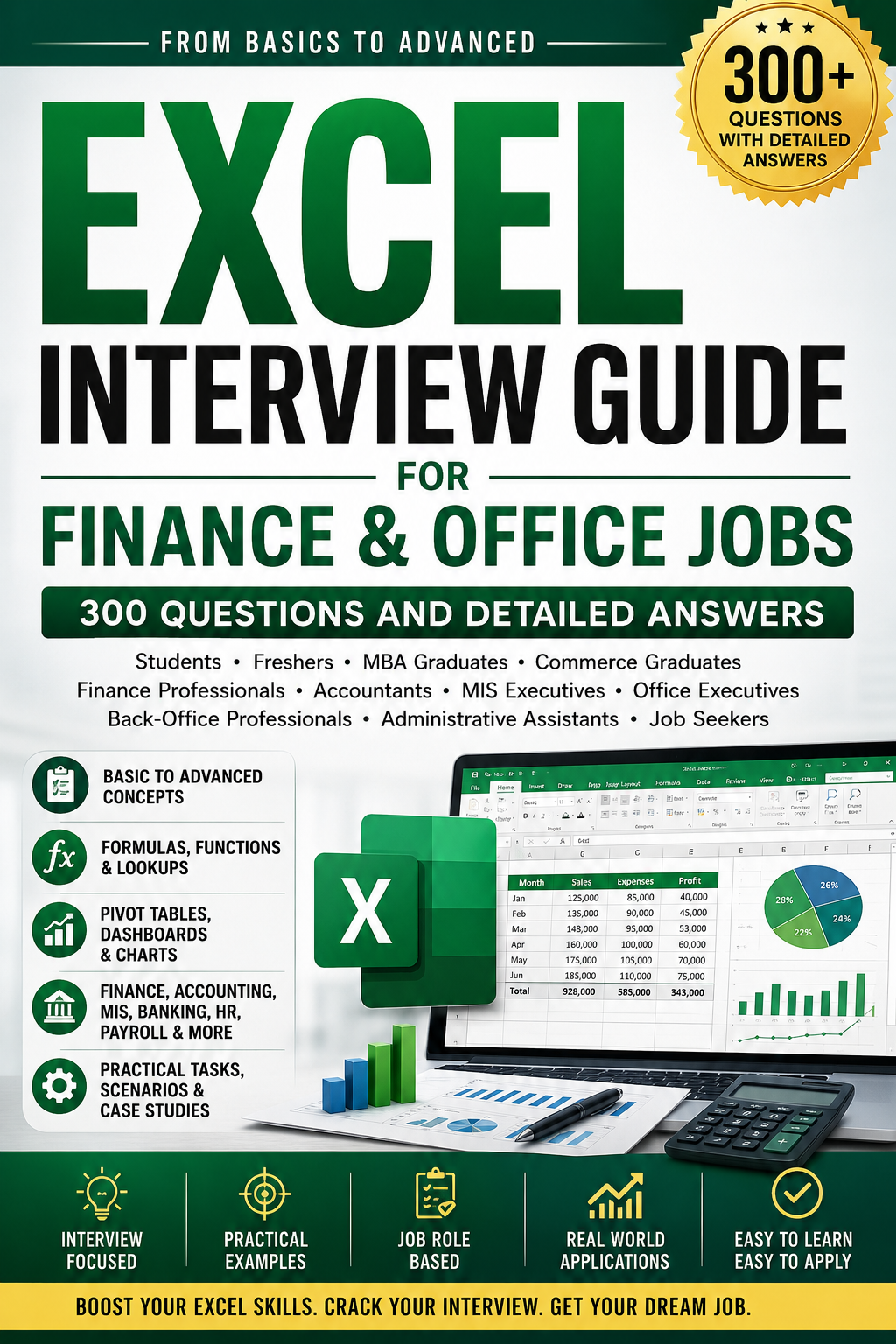
Excel Interview Questions and Answers for Finance, Accounting, MIS and Office Jobs: 300 Practical Questions with Detailed Answers
Payhip Description
Prepare confidently for Excel-based interviews with this practical and detailed interview guide designed for students, freshers, job seekers, MBA graduates, commerce graduates, finance professionals, accountants, MIS executives, office executives, back-office staff, administrative assistants, and working professionals.
This guide covers Excel interview questions from basic to advanced level, with clear and practical answers focused on real workplace usage.
Inside the guide, you will find questions and answers on:
✅ Excel basics
✅ Workbook, worksheet, rows, columns and cells
✅ Cell referencing and formatting
✅ Basic formulas and functions
✅ SUMIF, COUNTIF, IF, IFERROR and logical functions
✅ VLOOKUP, HLOOKUP, XLOOKUP and INDEX-MATCH
✅ Pivot Tables and Pivot Charts
✅ Conditional formatting and data validation
✅ Sorting, filtering and data cleaning
✅ Charts and dashboards
✅ Excel for accounting jobs
✅ Excel for finance jobs
✅ Excel for MIS and reporting roles
✅ Excel for banking and back-office jobs
✅ Excel for HR, payroll, sales and operations reporting
✅ Budgeting, forecasting and financial analysis
✅ Ratio analysis, EMI and loan calculations
✅ Working capital and cash flow analysis
✅ Power Query, Power Pivot, Macros and VBA basics
✅ Practical Excel interview tasks and scenario-based questions
This guide is useful for anyone preparing for roles in finance, accounting, banking, MIS, administration, operations, back-office, payroll, reporting, and general office jobs.
Whether you are appearing for your first job interview or preparing for a role that requires strong Excel skills, this guide will help you revise faster, understand concepts clearly, and answer Excel interview questions with confidence.
Here are 10 sample Excel interview questions:
- What is the difference between a workbook and a worksheet?
- What is the difference between relative, absolute and mixed cell references?
- How does VLOOKUP work?
- Why is XLOOKUP better than VLOOKUP?
- How do you create a Pivot Table?
- How can Excel be used in financial analysis?
- How do you calculate EMI in Excel?
- What is the use of IFERROR?
- How do you clean messy data in Excel?
- How do you prepare a monthly MIS report