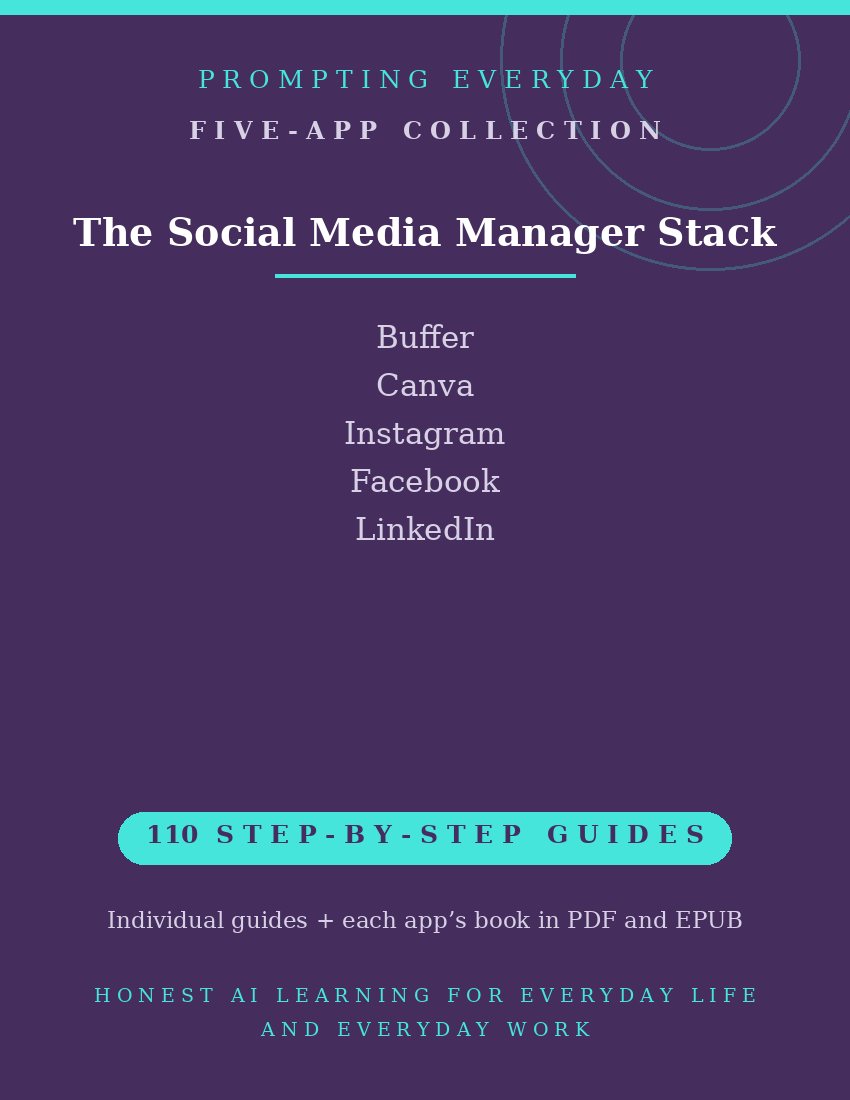
Social Media Manager Collection — Social Media App Guides
Social Media Management Guides for Content Creation, Scheduling, and Publishing
Managing social media accounts can involve creating graphics, organizing content, scheduling posts, publishing updates, and reviewing how audiences interact with what you share.
Different apps and social media platforms provide tools for these tasks, but their features, settings, and interfaces can vary.
The Social Media Manager Collection brings together five application function-guide collections covering Buffer, Canva, Instagram, Facebook, and LinkedIn.
These apps support different aspects of social media management, from designing visual content and organizing publishing schedules to creating posts and managing a presence on individual platforms.
With 110 individual function guides, the collection provides plain-language instructions to help users understand and use these apps.
Each guide explains what a specific feature does, where to find it, and how to use it, with practical examples you can reference when needed.
Whether you're scheduling content through Buffer, designing graphics in Canva, or working with Instagram, Facebook, and LinkedIn, these guides provide instructional resources for learning the individual apps.
What's included:
- 110 individual function guides across five apps.
- Five compiled app reference books, each available in PDF and EPUB formats.
- Individual guides organized by app for easy reference.
Designed for small business owners, content creators, social media managers, and people responsible for managing online accounts, this collection focuses on understanding the apps and platform tools.
The purchase includes instructional guides, not social media management services, app subscriptions, or paid access to any app.
Included App Collections
Buffer — 24 Function Guides
Learn about Buffer's social media management tools for scheduling posts, organizing content, managing publishing calendars, and reviewing available post performance information.
Canva — 24 Function Guides
Explore Canva's graphic design tools for creating social media images, promotional graphics, presentations, and other visual content for online platforms.
Instagram — 14 Function Guides
Learn about Instagram's tools for creating and sharing posts, Stories, and Reels, managing profile information, and using available account and publishing settings.
Facebook — 10 Function Guides
Understand Facebook's tools for creating and sharing content, managing account settings, interacting with audiences, and using available features for personal or business-related activity.
LinkedIn — 38 Function Guides
Explore LinkedIn's professional networking and publishing tools, including managing profiles, creating posts, interacting with professional audiences, and using available business Page features.
Total: 110 individual function guides across five app collections.
Each app collection also includes its own compiled reference book in PDF and EPUB formats.
Who it's for: Anyone managing social accounts for a business, an organization, or themselves.
Not for: People who only post personal photos for friends and family.
What you get: Five social media app function-guide collections containing 110 individual guides, plus one compiled reference book for each app in PDF and EPUB formats.
How it's delivered: Delivered as a Google Drive folder link after purchase. One-time purchase.
Updates: Updates are included while the collection is maintained — if a guide changes, the folder copy is updated.
Disclaimers: These are reference guides that teach the apps, they are not prompt packs, and they don't include subscriptions to the apps themselves.