
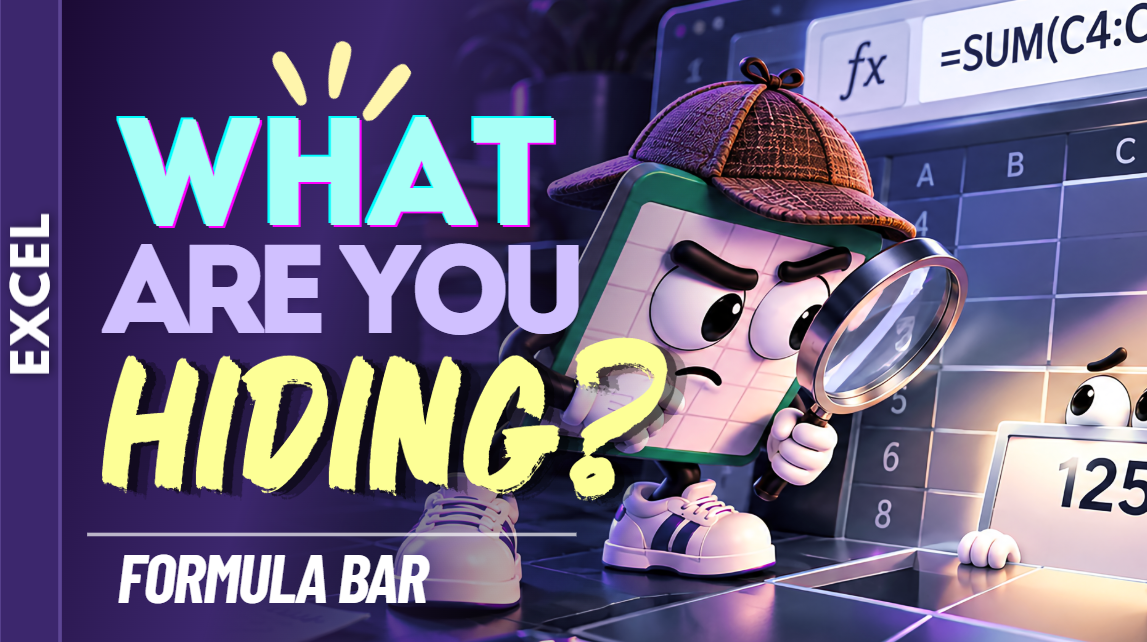
Excel Formula Bar Practice Workbook | Beginner Practice
Learn how to use the Formula Bar in Microsoft Excel with this beginner-friendly practice workbook from Easy Mode Excel Tutorials!
Ever wondered what that long box above your spreadsheet is for? That's the Formula Bar! It's a handy place to view and edit the contents of your cells, including text, numbers, and formulas.
This hands-on workbook accompanies our free Excel Formula Bar video lesson, giving you the opportunity to practice viewing and editing cell contents with confidence.
What You'll Practice
✓ Find and identify the Formula Bar in Excel
✓ View the contents of a selected cell
✓ Recognize the difference between what appears in a cell and what appears in the Formula Bar
✓ Enter information using the Formula Bar
✓ Edit existing cell contents using the Formula Bar
✓ Build confidence working with cell values and formulas
What's Included
✓ One downloadable Excel practice workbook (.xlsx)
✓ Beginner-friendly exercises to reinforce the lesson
✓ A workbook you can open and edit in Microsoft Excel
✓ Hands-on practice you can complete at your own pace
Perfect for Excel beginners! Learn how to use the Formula Bar to see what's really inside your cells and make changes more comfortably.
Price: $2.49 USD — one-time purchase.
After purchasing, you'll be able to download your Excel practice workbook and start practicing right away.
This purchase includes the practice workbook only. Microsoft Excel is not included.
Watch the FREE Video Lesson
🎥 Excel Formula Bar:
More FREE Learning
Continue learning with our free Excel Editing Cell Contents lesson to discover more ways to change information already entered into your worksheet.