
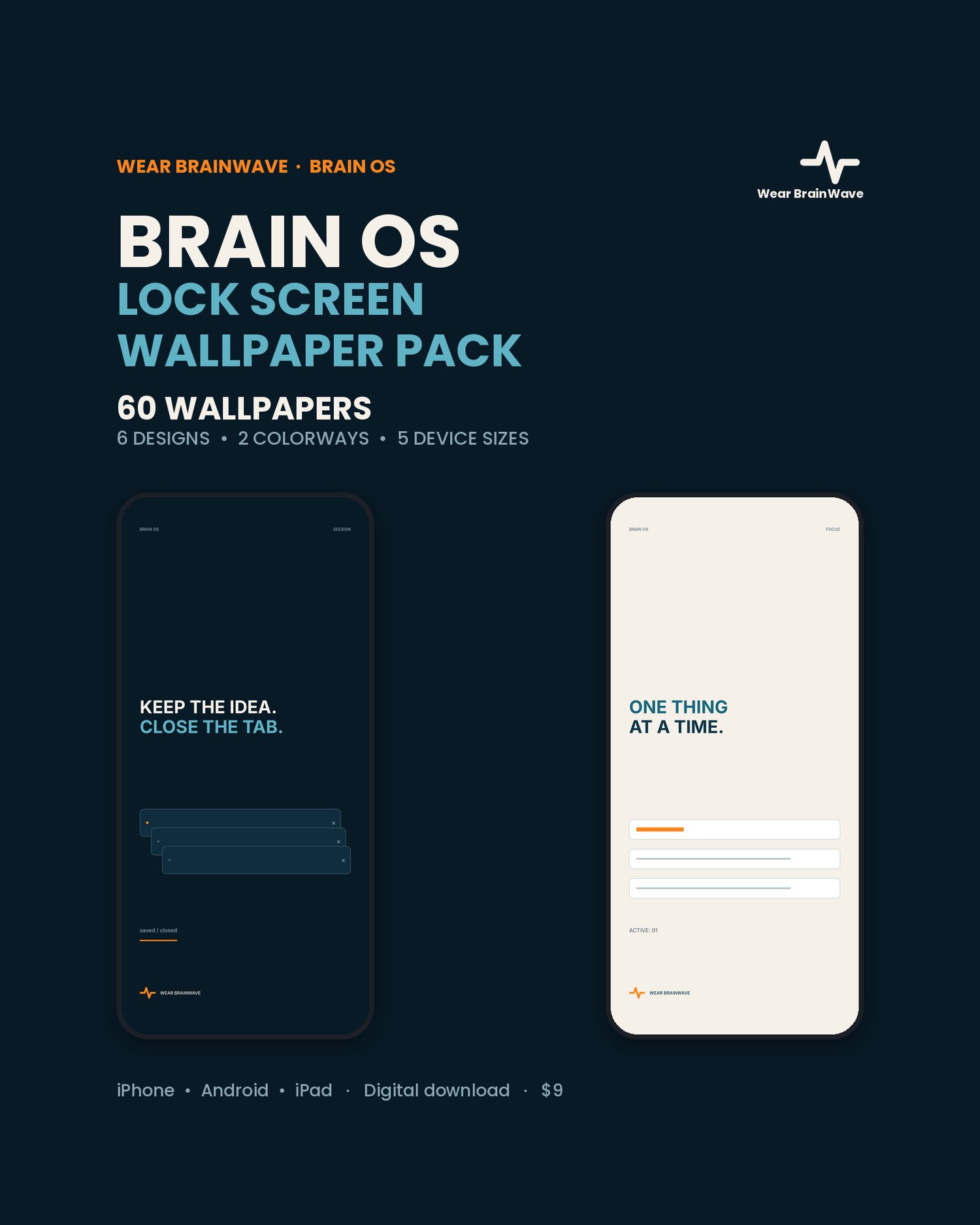

Brain OS Lock Screen Wallpaper Pack — 60 Minimal Wallpapers for iPhone, Android & iPad
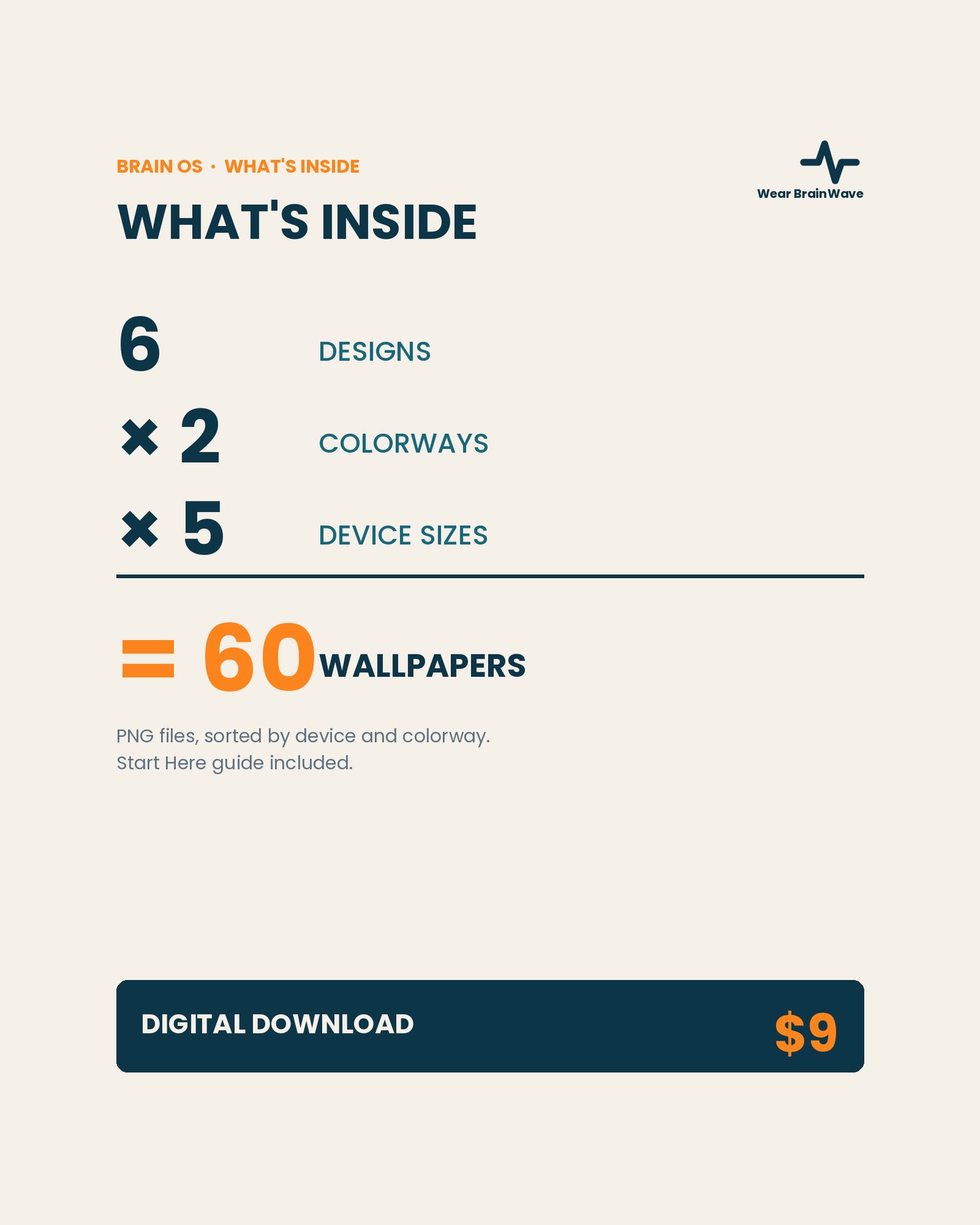
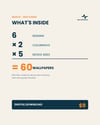
Six original Brain OS designs, each included in two colorways and five device sizes — 60 ready-to-use lock screen wallpapers total.
Minimal reminders built for your lock screen without crowding your clock, widgets or notifications. The message sits in the middle of the screen; the top third stays quiet so the time and your notifications are always readable.
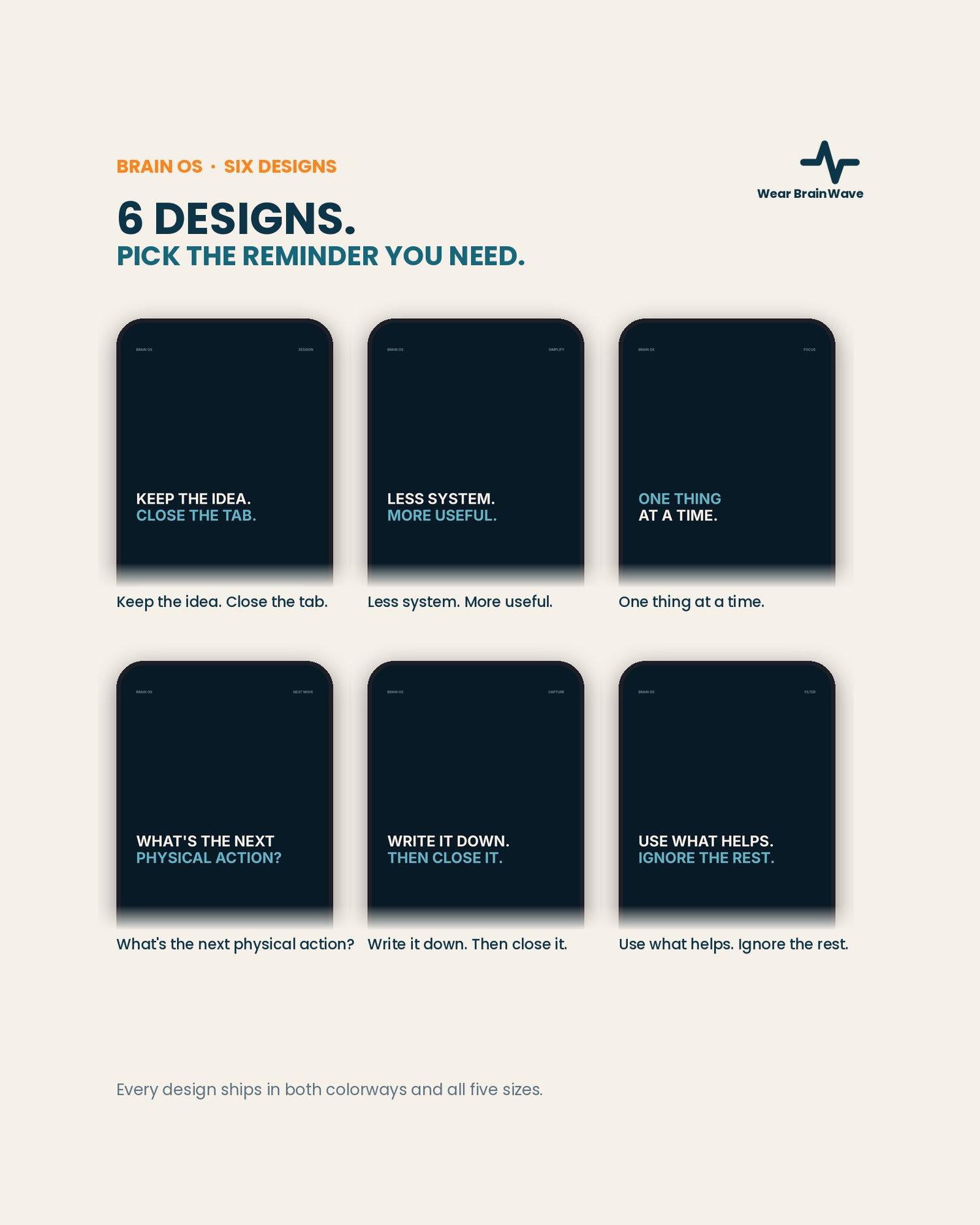
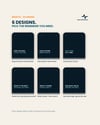
THE SIX DESIGNS
Keep the idea. Close the tab.
Less system. More useful.
One thing at a time.
What's the next physical action?
Write it down. Then close it.
Use what helps. Ignore the rest.
WHAT YOU GET
6 original designs
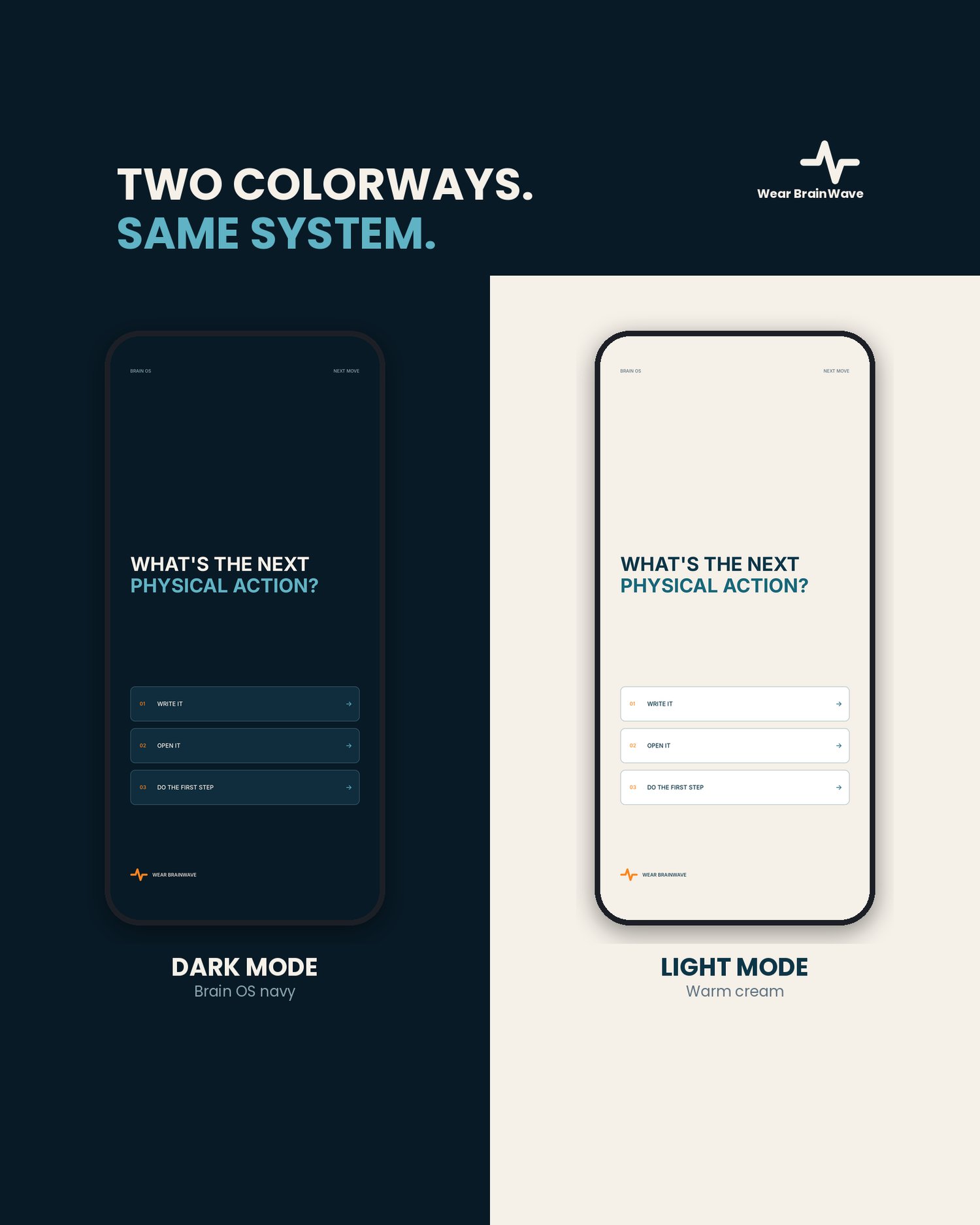
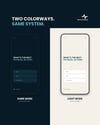
2 colorways: Dark Mode and Light Mode
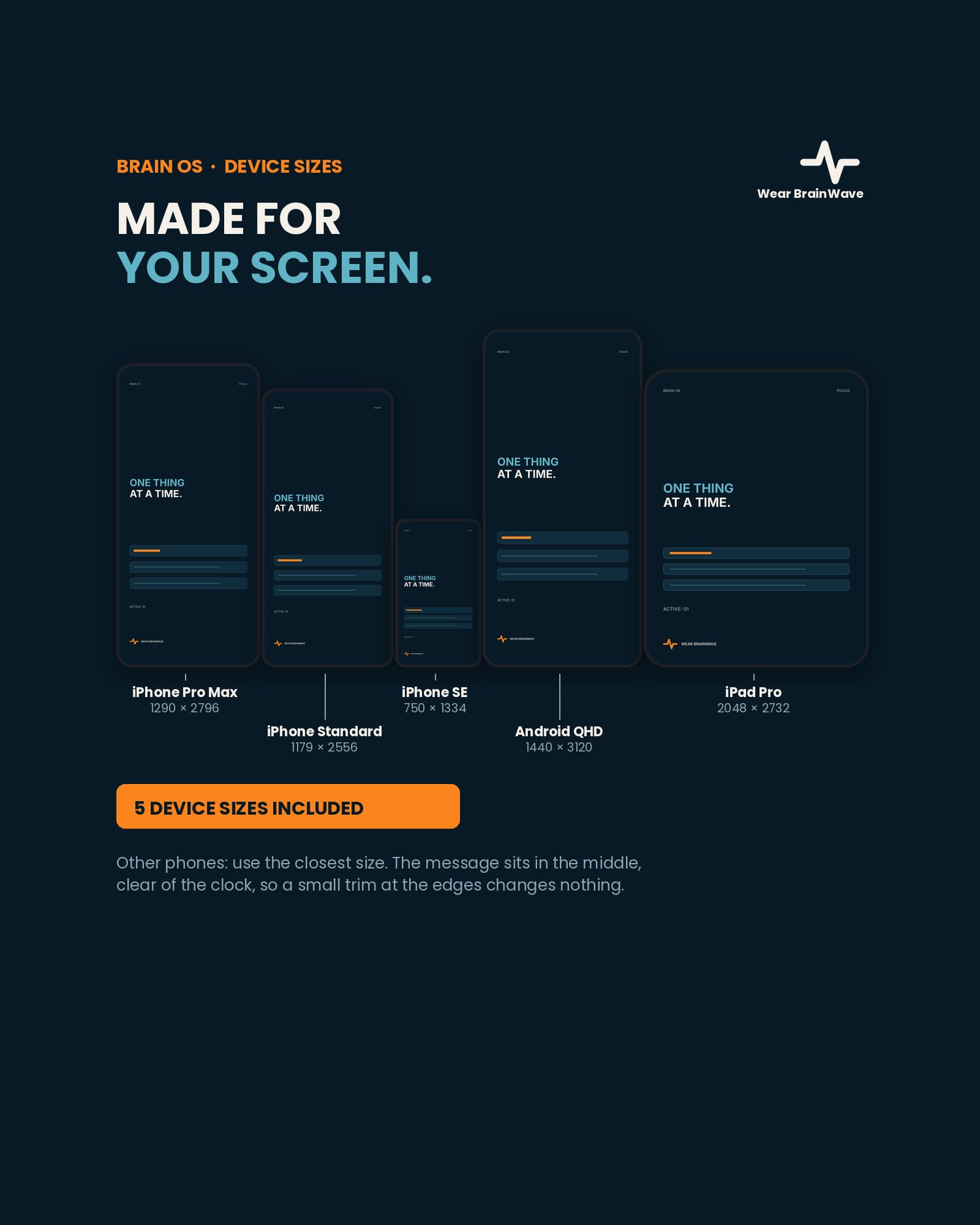
5 device sizes
60 wallpaper files total (PNG), sorted into folders by device and colorway
Start Here guide with install steps for iPhone, Android and iPad
Digital download — nothing ships
DEVICE SIZES
iPhone Pro Max — 1290 × 2796
iPhone Standard — 1179 × 2556
iPhone SE — 750 × 1334
Android QHD — 1440 × 3120
iPad Pro — 2048 × 2732
Other phones: pick the closest size. Because the design sits in the middle of the screen, a small trim at the edges does not cut anything off.
HOW TO INSTALL
iPhone: save the image to Photos, then Settings > Wallpaper > Add New Wallpaper > Photos. Android: open the image > Set as wallpaper > Lock screen. iPad: same as iPhone. Full steps are in the Start Here guide.
Personal use on your own devices. Brain OS is a set of wallpapers — a reminder on a screen, not advice of any kind.