
How to diagnose an online course lesson using completion and knowledge checks
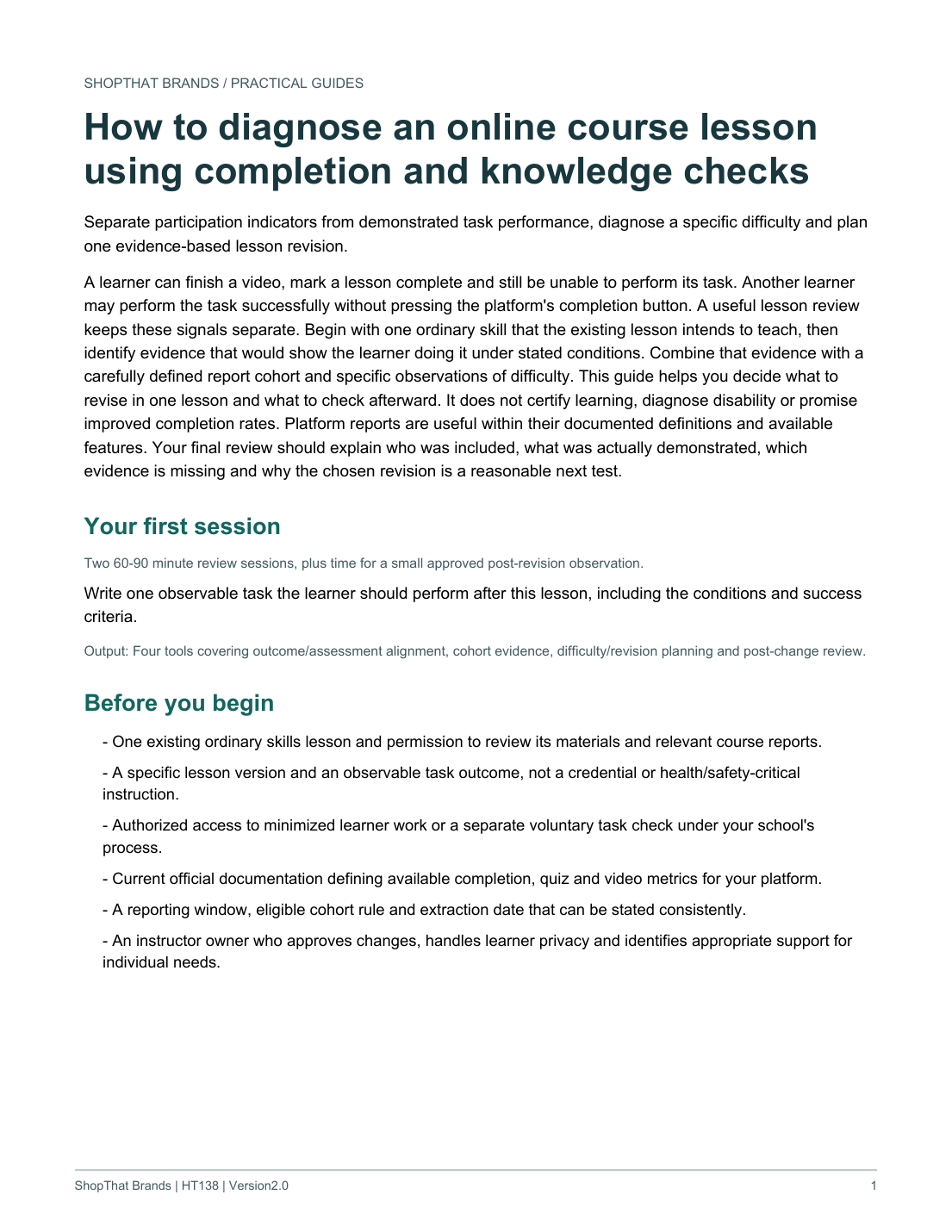
A completed lesson is not the same as a demonstrated skill. This practical guide helps independent instructors review one existing ordinary skills lesson using an observable outcome, an aligned task and carefully defined platform evidence.
Eight explained steps cover task conditions, prerequisites, a prewritten rubric, cohort and report definitions, specific difficulty observations, one revision hypothesis and a bounded post-change review. Keep participation indicators separate from assessment submissions and demonstrated performance. Learn how to disclose missing evidence and different cohorts without presenting a small percentage change as proof of improved learning.
Four reusable tools provide an outcome/task card, cohort evidence register, difficulty and revision log, and post-change review with maintenance responsibilities. A complete fictional PDF-export lesson shows why 80% completion, 60% submission and 66.7% success among submitters answer different questions. Troubleshooting covers sparse submissions, recall quizzes, unavailable video reports, software differences and smaller follow-up cohorts.
Includes PDF, offline HTML and TXT formats for your own authorized instructional workflow. This guide supports one evidence-based lesson decision. It does not certify learning, guarantee completion gains, diagnose individual needs or replace qualified support. Instructors retain responsibility for lesson changes, learner privacy and appropriate assessment conditions.
Included files: PDF guide, offline HTML guide, 4 distinct editable tools in HTML and TXT. Extract the ZIP before use. No paid software is required to read this guide or edit its supplied tools. Third-party services discussed may have their own costs. No XLSX, Canva, Notion or video files are included.
Text and template wording were generated with AI and reviewed for clarity and consistency.
License: Personal or internal business use only. You may edit the templates for that use; do not redistribute or resell the supplied files or templates.
HTML tools do not autosave. Use Save filled copy before closing to download and keep your completed entries.