

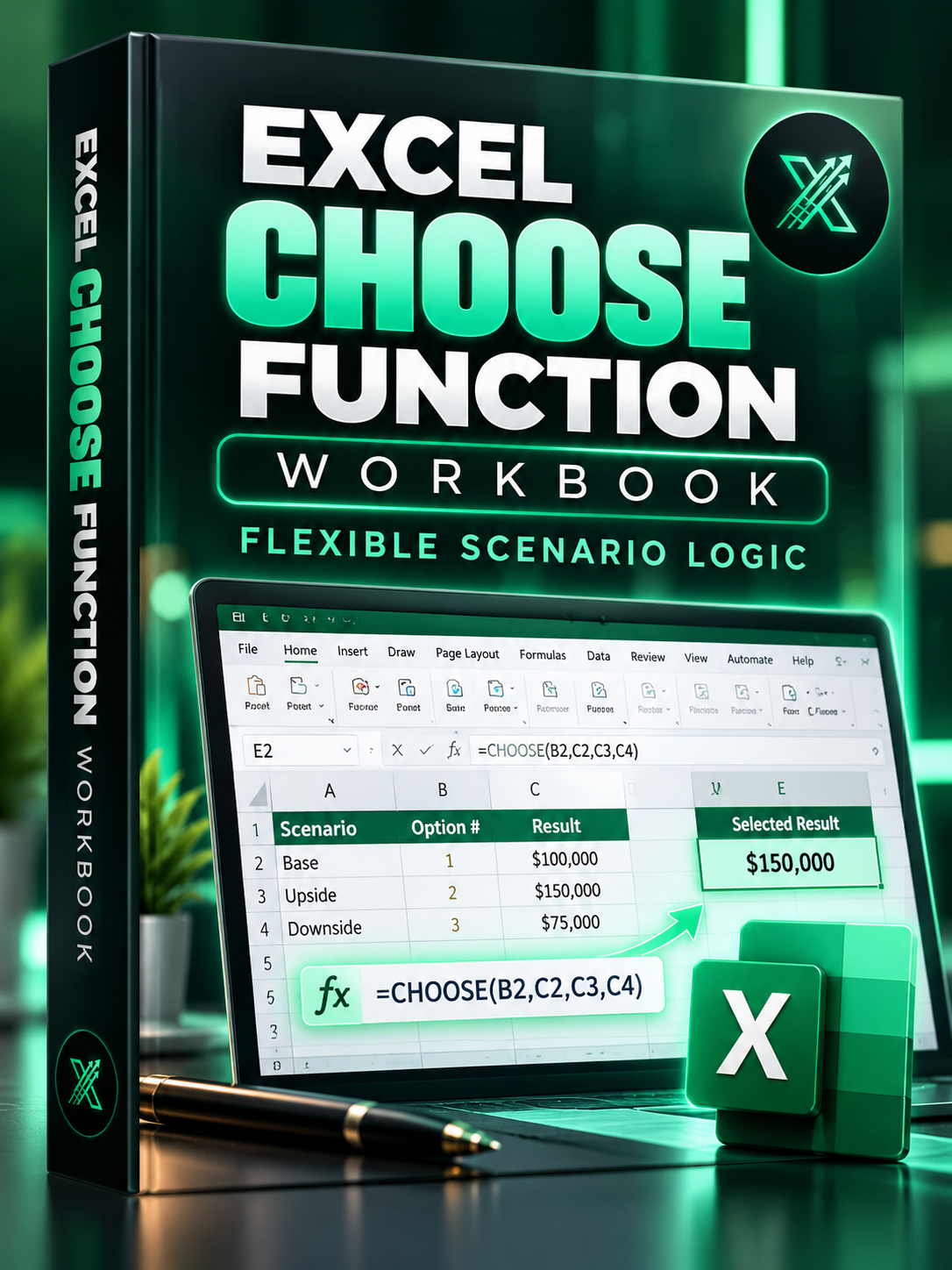
Excel CHOOSE Function – Dynamic Scenario Analysis Workbook | Business & Profit Model
On Sale
$3.49
$3.49
Build smarter business scenarios with Excel's CHOOSE function.
Learn how to switch between Conservative, Base, and Aggressive business scenarios using a single dropdown selector. This practical Excel workbook demonstrates how to create flexible financial models without complicated nested IF formulas.
What's Inside
- 3 Business Scenarios: Conservative, Base, and Aggressive.
- Dynamic Scenario Selector: Change one dropdown to update the entire model.
- CHOOSE Function Examples: Automatically retrieve sales volumes, prices, variable costs, and fixed expenses.
- Financial Calculations: Revenue, total costs, operating profit, and profit margin.
- Break-Even Analysis: Calculate the minimum sales volume required to cover costs.
- CHOOSE + MATCH: An additional example of text-based scenario selection.
- Practice Worksheet: Rebuild the model yourself using the included tutorial.
Perfect For
Business analysts, financial analysts, Excel learners, students, and professionals who want to understand dynamic scenario modeling.
What You'll Receive
An Excel .xlsx workbook containing:
- Scenario_Model — completed financial model.
- Recording_Practice — hands-on practice worksheet.
- START_HERE — instructions and formulas.
Format: Microsoft Excel (.xlsx)
Skill Level: Beginner to Intermediate
Delivery: Instant digital download
Master the CHOOSE function through a practical business example and start building more flexible Excel models today.