


Canadian Digital Seller Tax & Profit Tracker 2026
Know what you made. Know what you owe. Know what you keep.
A complete Canadian finance, profit-tracking, and tax-planning workbook for digital sellers using Etsy, Gumroad, Payhip, Whop, Lemon Squeezy, or direct sales.
Track your sales, platform fees, refunds, expenses, GST/HST position, tax reserves, profitability, and T2125-ready business information — all in one organized Canadian workbook.
One Canadian workbook. Five questions answered.
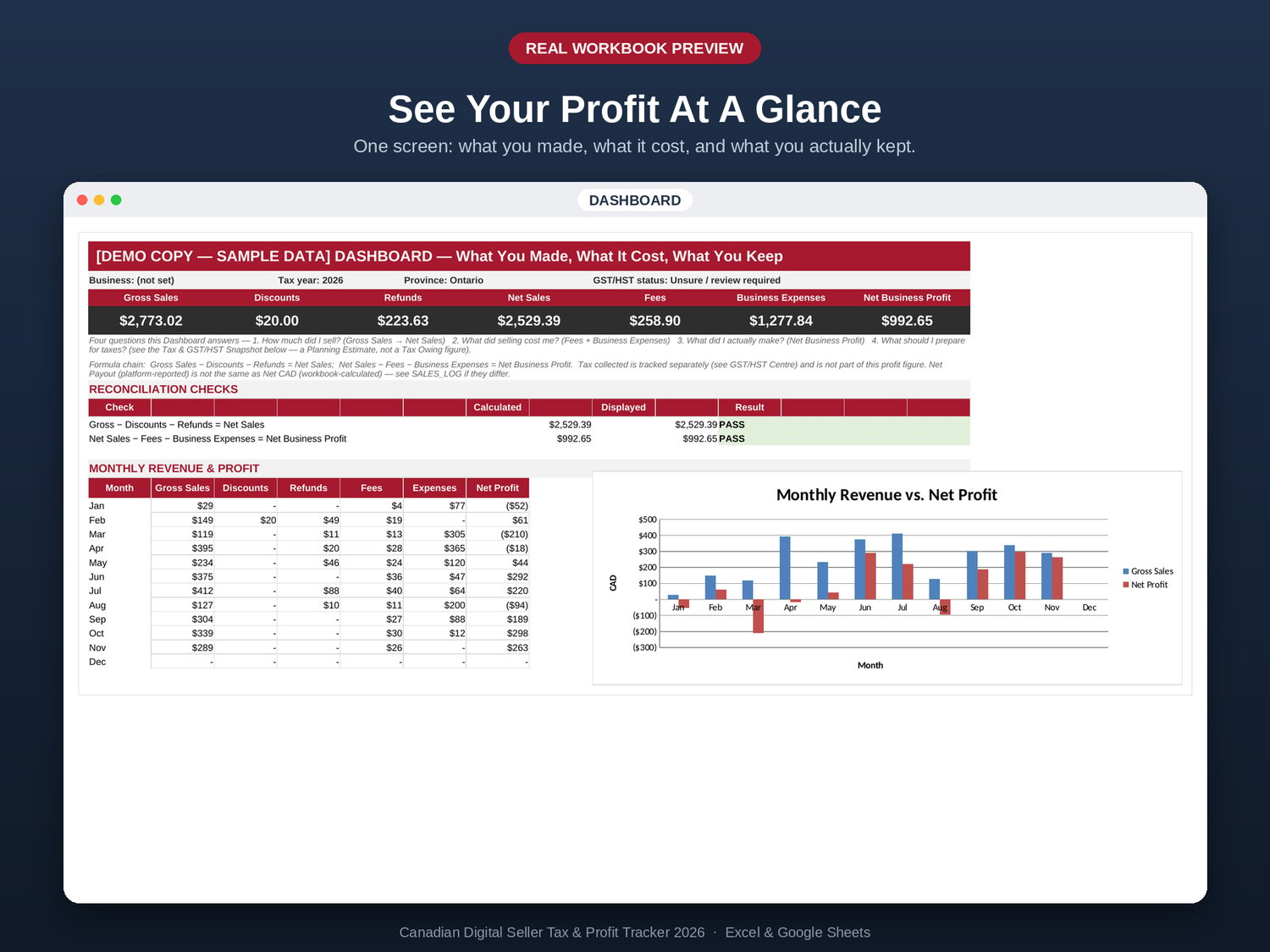
- How much did my digital business sell?
- How much did the platforms take?
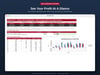
- How much did my business actually profit?
- What Canadian tax and GST/HST numbers should I be reviewing?
- Is my business financially healthy?
Instead of piecing together information from multiple platform exports, spreadsheets, and notes, bring your seller data into one organized system.
What's inside
Track your complete digital business
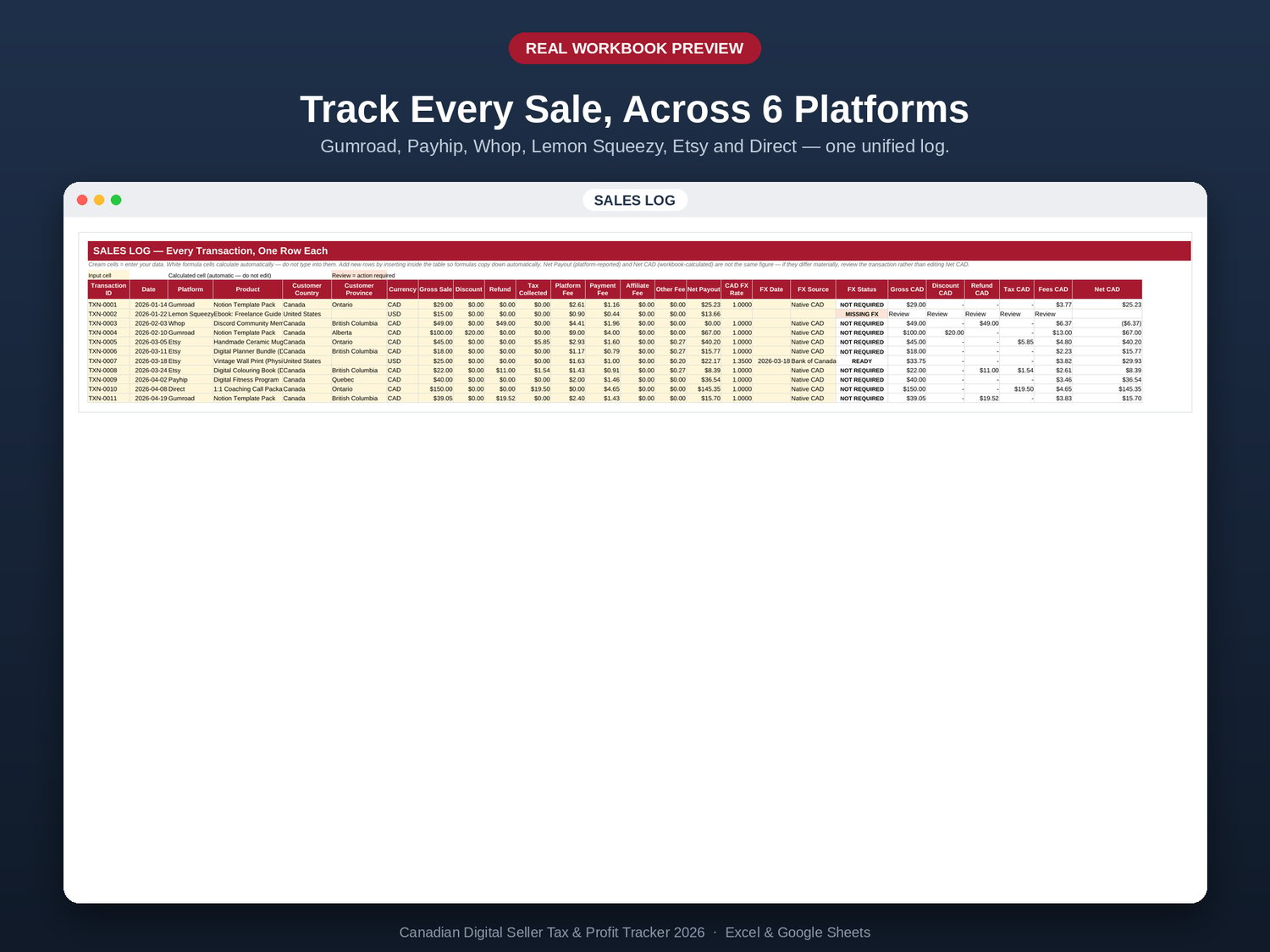
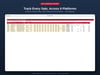
- Track sales across Etsy, Gumroad, Payhip, Whop, Lemon Squeezy, and Direct / Other
- Track platform fees, refunds, and discounts separately from revenue
- Multi-currency support with transparent, user-controlled FX conversion
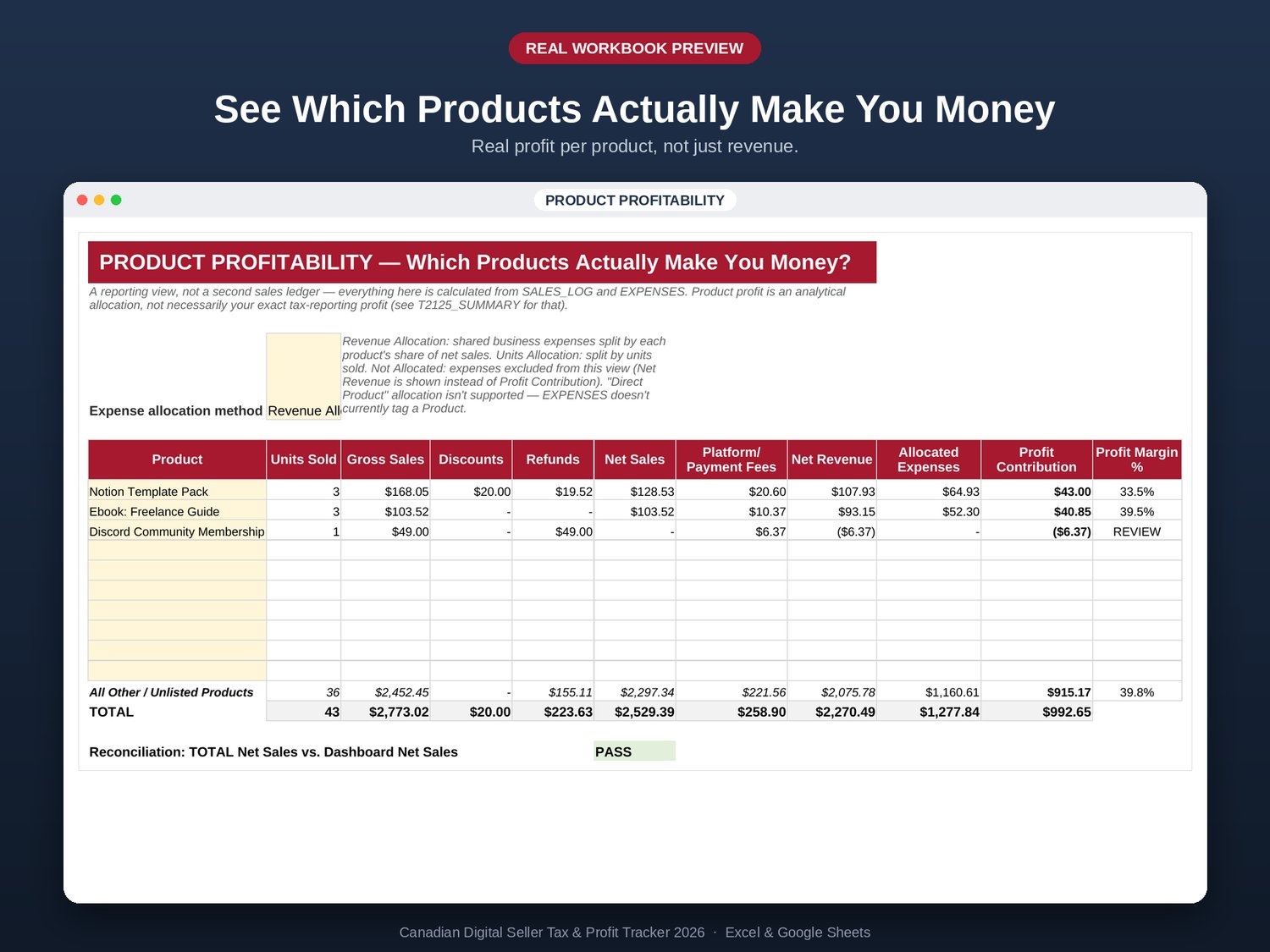
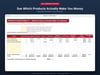
- Product-level profitability reporting
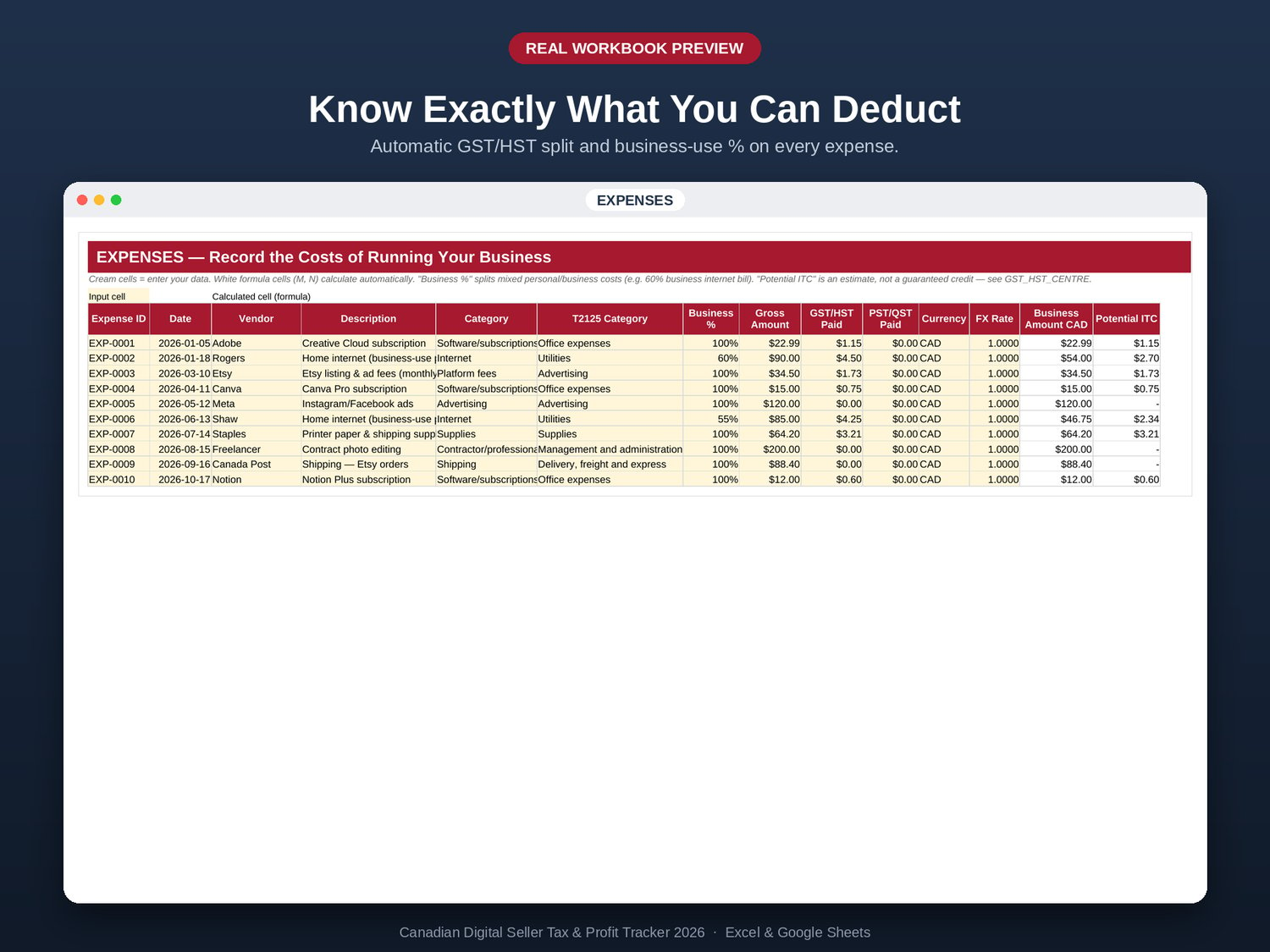
- Business expense tracking
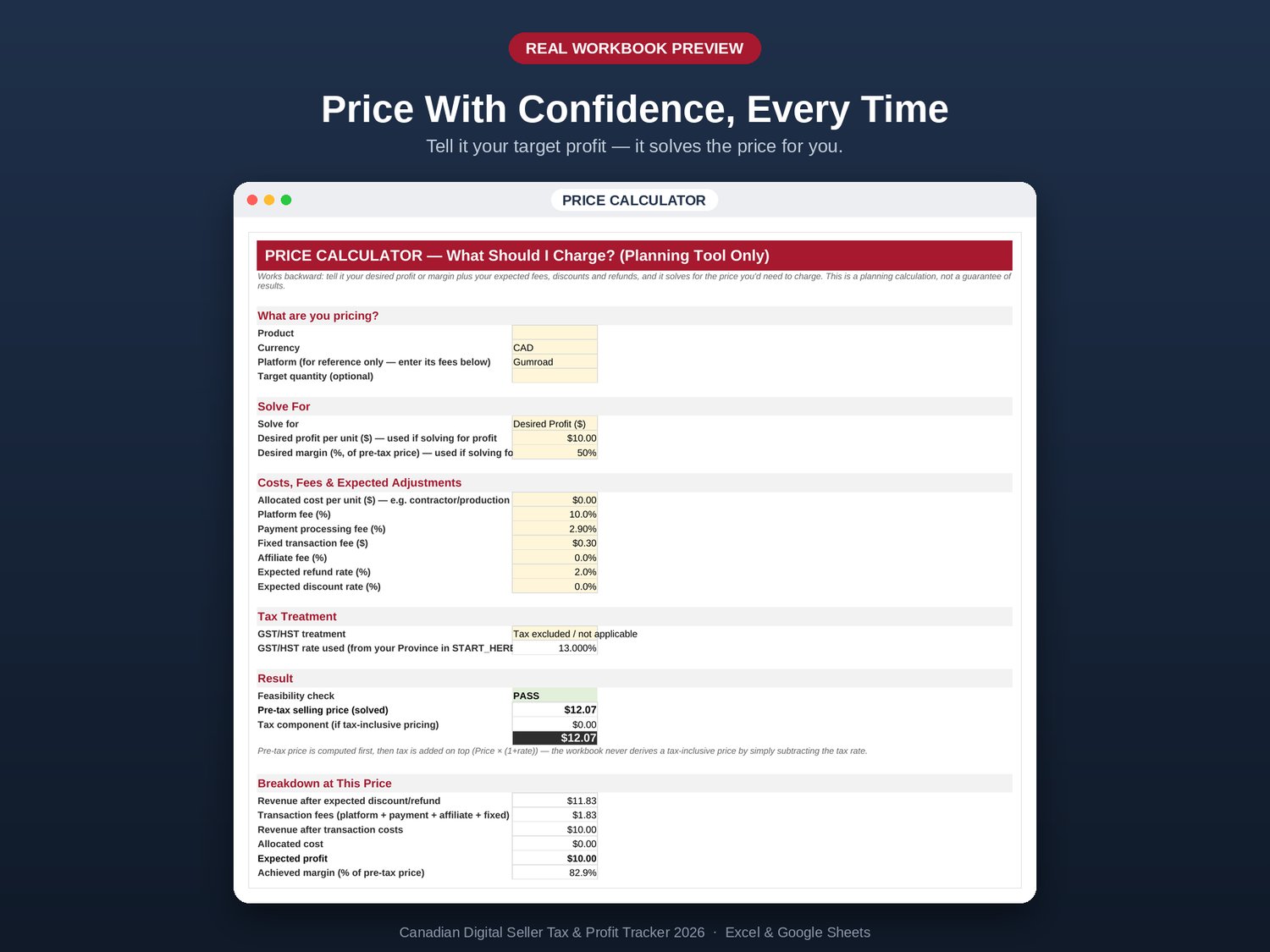
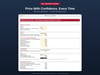
- Reverse price calculator for target profit or margin scenarios
Understand your Canadian tax position
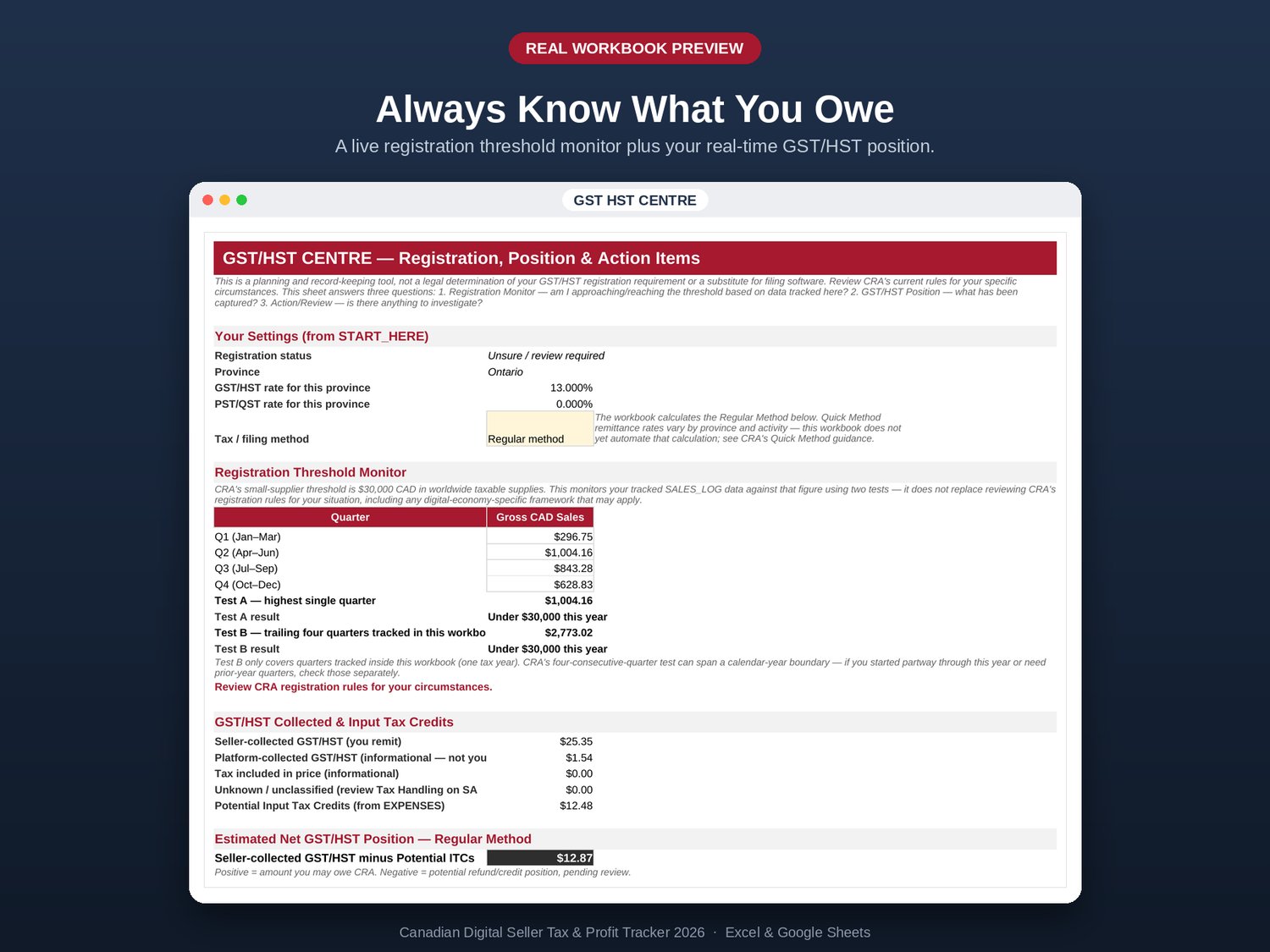
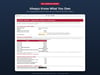
- GST/HST registration-threshold monitoring
- GST/HST net-position calculations
- Seller-collected, platform-collected, and unclear tax situations kept separate
- CPP and income-tax reserve planning using 2026 parameters
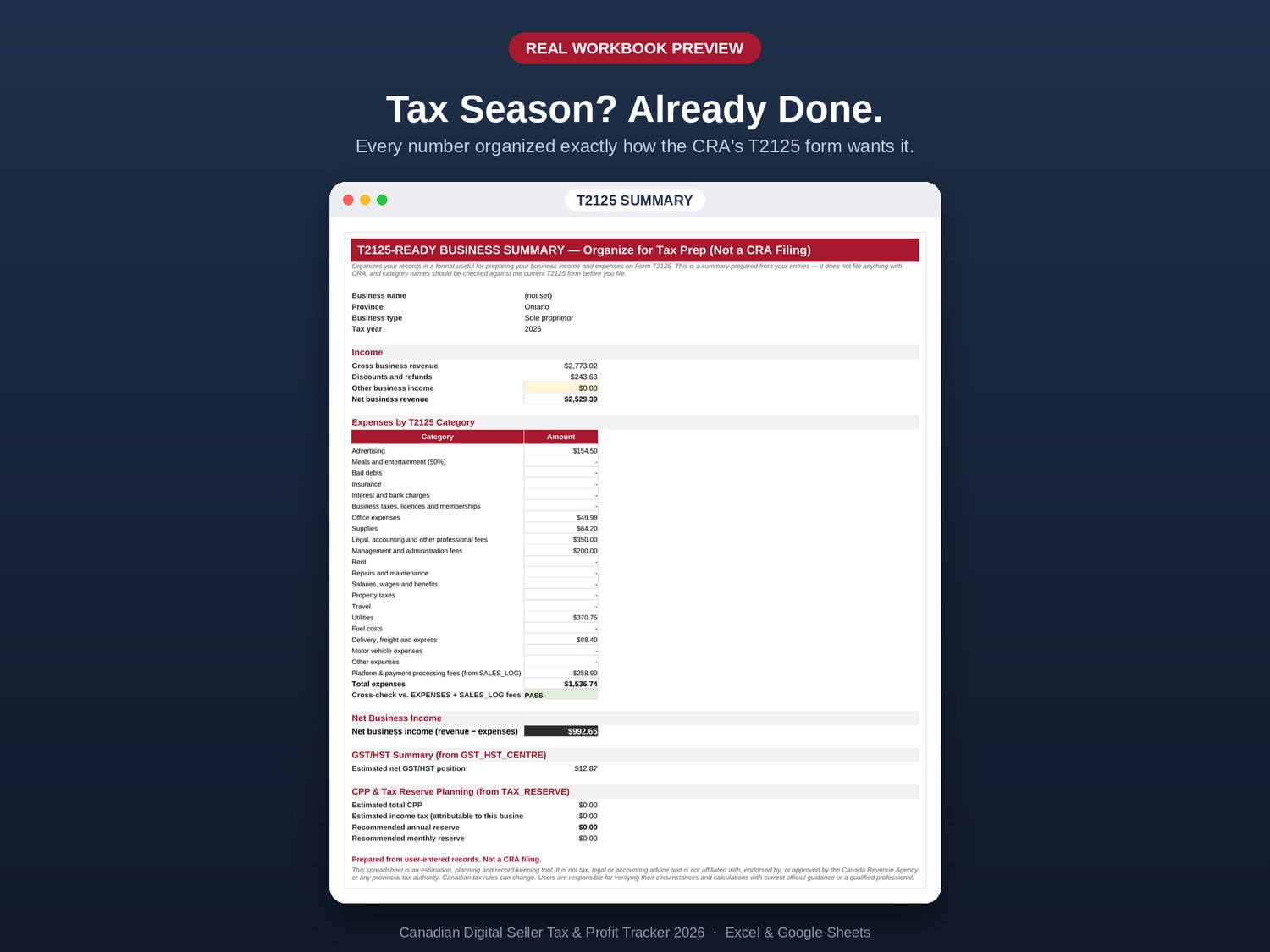
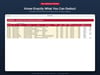
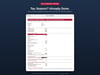
- T2125-ready business income and expense summary
- Platform-by-platform Canadian tax-treatment reference with sources and review dates
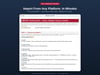
Import platform data without the guesswork
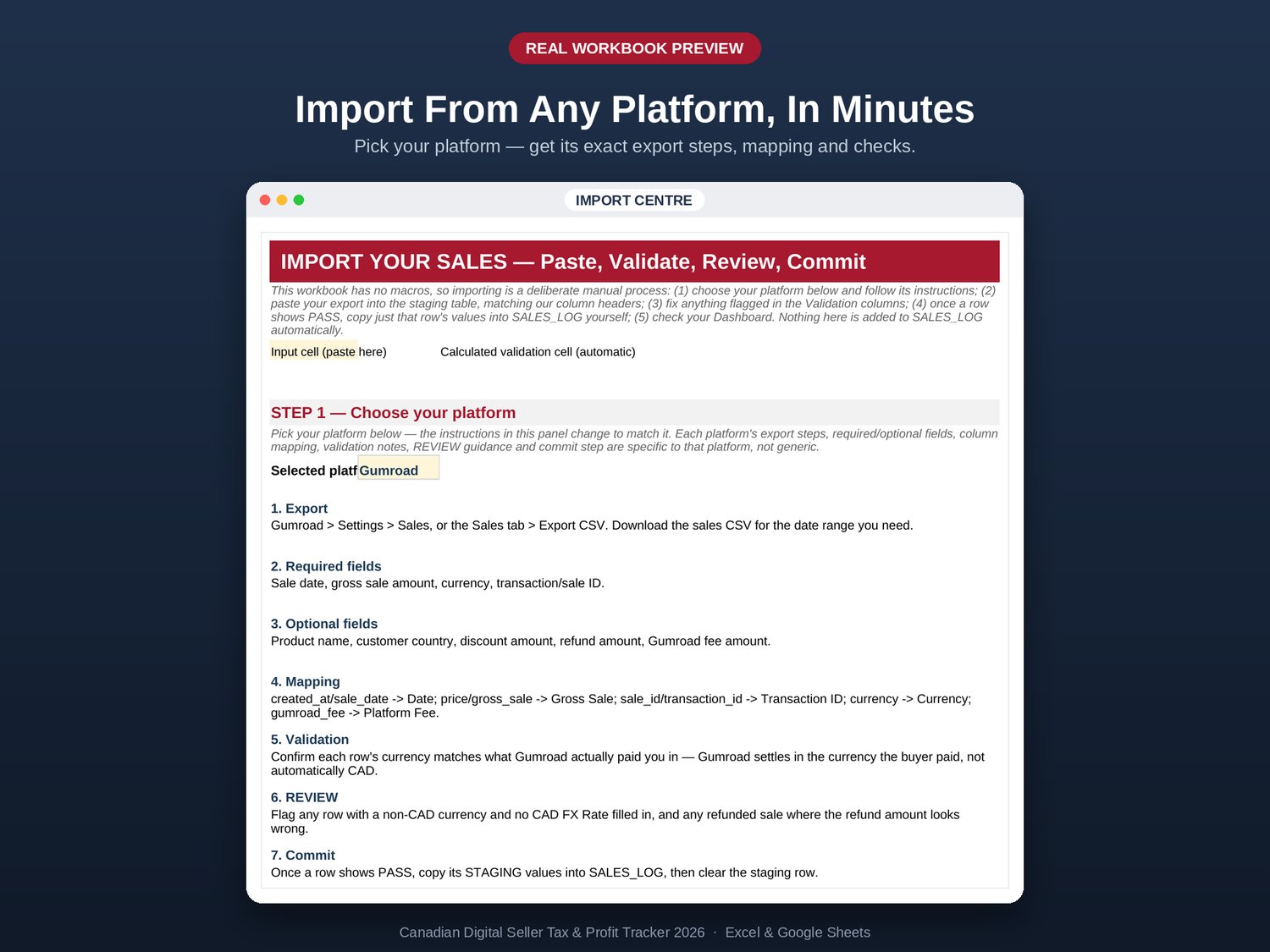
The built-in Import Centre is designed around the platforms you actually use.
Select your platform from the dropdown and receive that platform's relevant:
- Export instructions
- Required and optional fields
- Field mapping guidance
- Validation checks
- Review requirements
- Commit workflow
This is more than a generic "paste your CSV here" instruction.
Built for real-world seller data
Digital sellers deal with more than simple sales totals.
You may have:
- Multiple selling platforms
- Platform fees
- Refunds and discounts
- Different currencies
- Business expenses
- Platform-collected taxes
- Seller-collected taxes
- Unclear tax situations
- Different product margins
The workbook is designed to keep these elements visible rather than blending everything into one number.
No silent assumptions
If something cannot safely be determined, the workbook is designed to flag it for review rather than quietly guessing.
That means you can clearly distinguish situations such as REVIEW, UNKNOWN, READY, NOT REQUIRED, ERROR, or MISSING FX where applicable.
Why this isn't "just another spreadsheet"
The value isn't simply the number of tabs.
This workbook connects your:
Sales → Fees → Expenses → Profit → GST/HST → Tax Reserve → T2125 Information
into one workflow.
You can move from importing your platform data to reviewing transactions, tracking expenses, understanding profit, and planning your tax reserve without maintaining several disconnected spreadsheets.
Who is it for?
Designed for Canadian individual and sole-proprietor digital-product sellers, including:
- Etsy shop owners
- Digital download sellers
- Excel template sellers
- Notion template sellers
- PDF and ebook sellers
- Canva template sellers
- Online-course creators
- Software and plugin creators
- Prompt and template sellers
- Membership creators
- Other independent digital sellers
Not designed for
This workbook is not intended for corporations, payroll-heavy businesses, restaurants, contractors, inventory-heavy businesses, or as a replacement for full accounting software.
What you get
Google Sheets
Blank Workbook
Your working template. Click the link, make your own copy, and start using it.
Demo Workbook
A completed example so you can explore the system before working with your own data.
Excel
The same workbook is also provided as an Excel (.xlsx) file for customers who prefer Excel.
Documentation
Quick Start Guide (PDF)
Get oriented and start working with the workbook quickly.
User Guide (PDF)
A complete walkthrough of the workbook and its major features.
Setup & Formula Protection Guide (PDF)
Guidance for creating your own working copy and using the workbook correctly in Google Sheets or Excel.
FAQ
Does this file my taxes for me?
No.
It is designed to organize your sales, expenses, business profit, and estimated tax position so that tax preparation — whether you handle it yourself or provide the information to an accountant — is more organized and better informed.
I sell on a platform that isn't listed. Will it still work?
Yes.
Use Direct / Other as the platform. The core calculations still apply; you'll simply need to handle the tax research specific to that sales channel.
Do I need to know Excel formulas?
No.
Input cells are identified and explained, while calculated cells are protected to help prevent accidental changes to the underlying formulas.
Does it work in Google Sheets?
Yes.
Google Sheets is the primary delivery format. You receive a link, make your own copy, and use your private working copy.
The included Setup Guide explains the one-time activation step.
Will other buyers see my data?
No.
The template link is separate from your personal working copy. When you select Make a copy, Google creates a separate copy in your own Google Drive.
Your working data is separate from the original template and from other customers' copies.
What if a platform's tax policy changes?
Check PLATFORM_TAX_MAP inside the workbook.
Platform entries include a source link and a Last Reviewed date and are identified as Verified or Review Required, helping you see when additional verification may be appropriate.
Does Etsy handle all Canadian tax automatically?
Not entirely, and the treatment is not presented as one blanket rule.
The workbook separates situations where tax is collected by the platform from situations requiring further review. Where the available platform documentation does not provide a clear answer for a particular digital-product scenario, the workbook flags the situation for review rather than making an unsupported assumption.
See PLATFORM_TAX_MAP inside the workbook for the sourced platform-by-platform breakdown.
Important
This product is designed as a Canadian estimation, planning, and record-keeping tool.
It is not tax, legal, or accounting advice, and it is not a substitute for professional advice or full accounting software.
It is not affiliated with, endorsed by, or approved by the Canada Revenue Agency or any provincial tax authority.
Canadian tax rules and platform policies can change. Users are responsible for reviewing their circumstances and verifying calculations and current requirements using official guidance or with a qualified professional.
Version 1.0 — 2026 Commercial Release
Internal build: 2026.7
Tax data last reviewed: September 2026