

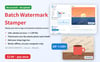

Batch Watermark Stamper — Add Watermark to Multiple Images Offline, Batch Watermark Photos + Logo (No Upload)
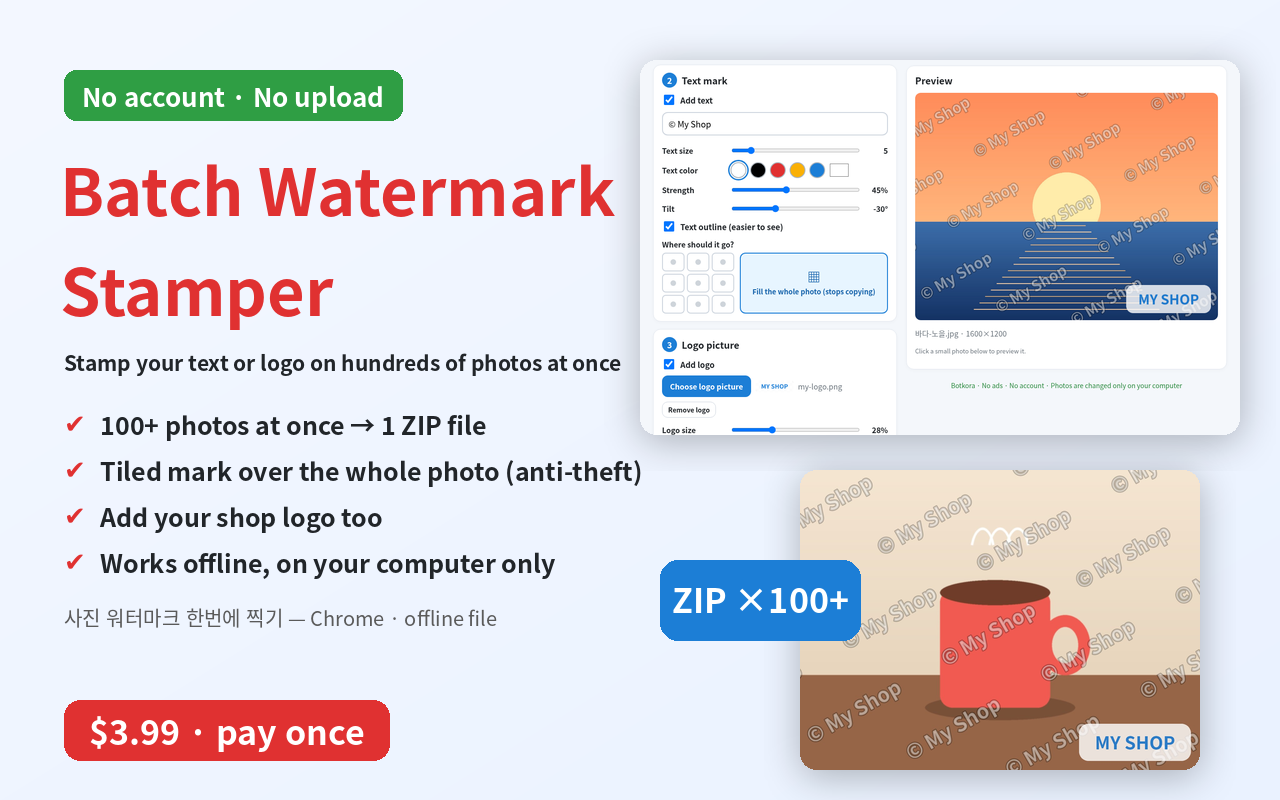
Stamp your watermark on 100+ photos at once. Nothing is uploaded.
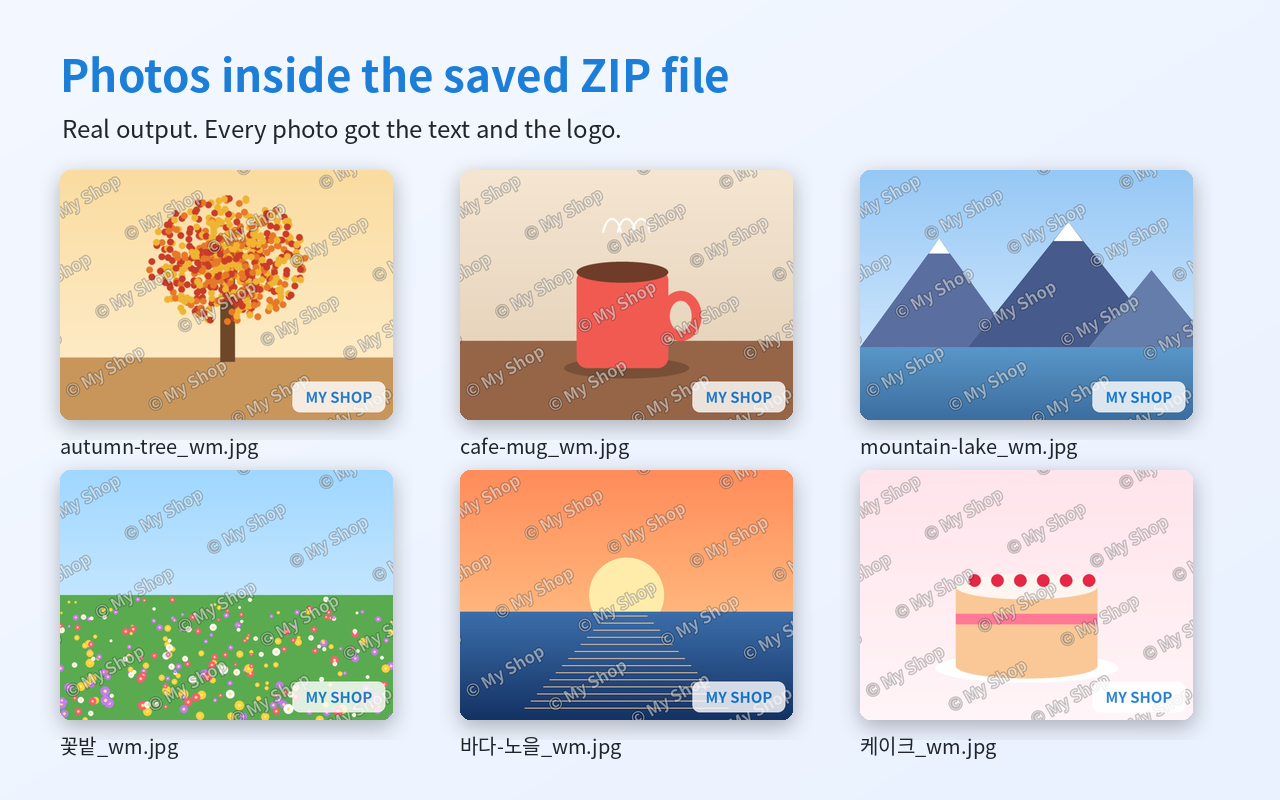
Batch Watermark Stamper puts your text (like © My Shop) or your logo on many photos in one go, and saves them all as 1 ZIP file.
• Drop in many photos at once (JPG, PNG, WebP)
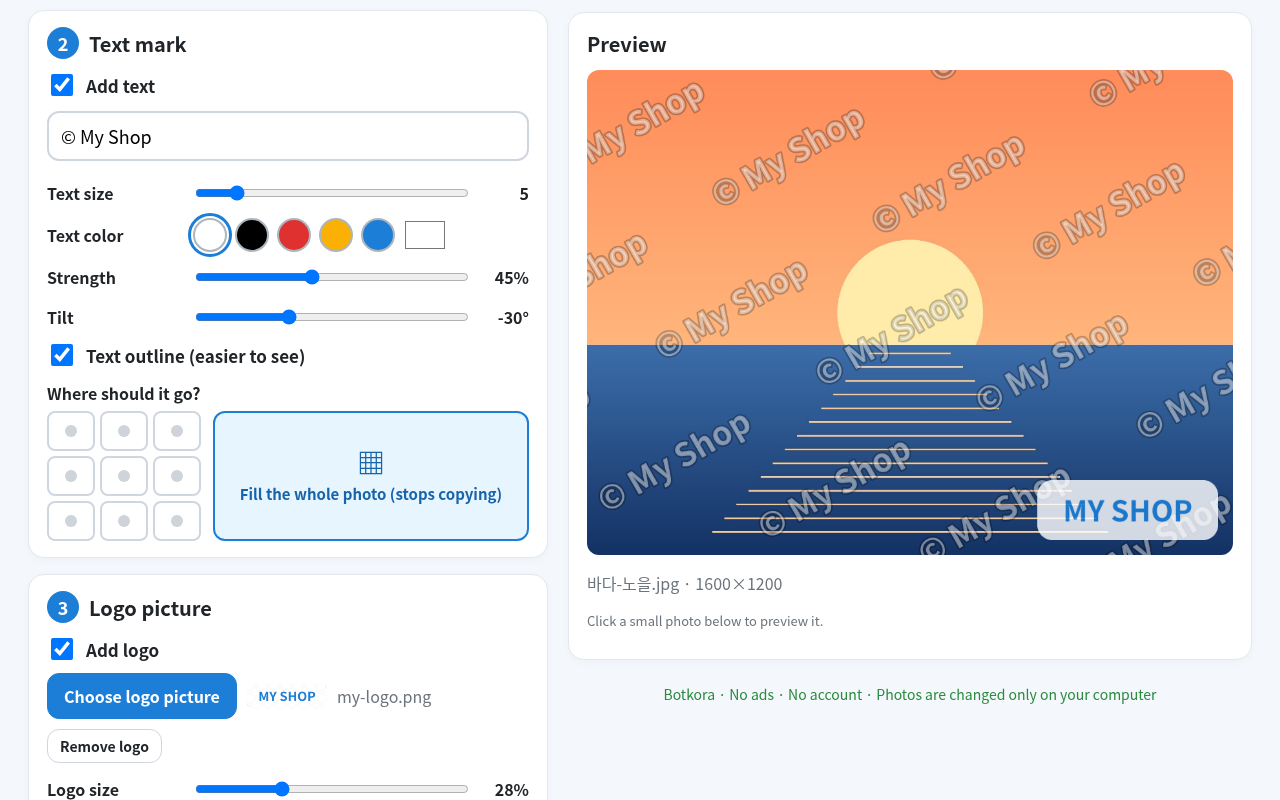
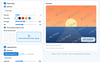
• Text mark: size, color, strength, tilt, 9 places to choose
• "Fill the whole photo": your text repeated all over at a slant — much harder to crop out and steal
• Add your logo too: size, strength, place
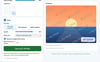
• Live preview before you save
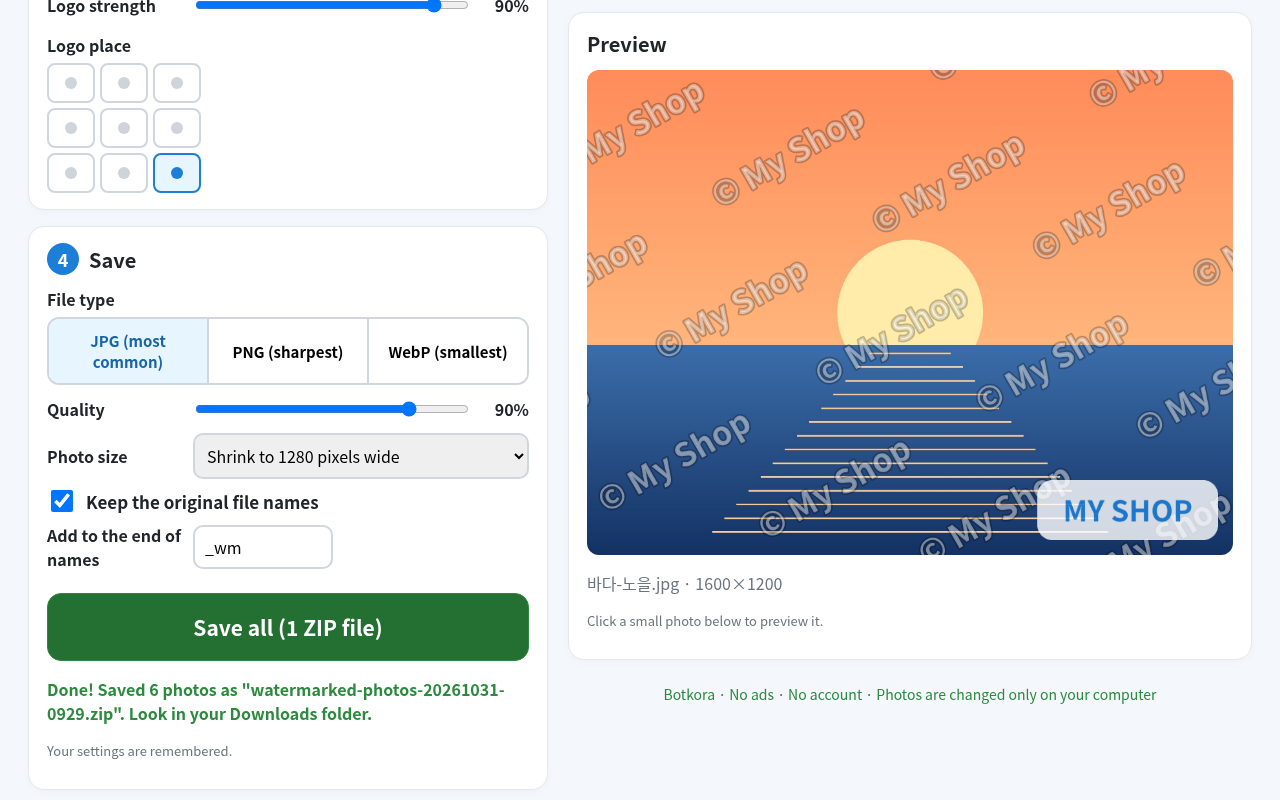
• Save as JPG, PNG or WebP, choose quality, shrink to a max width if you like
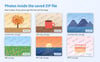
• 100+ photos → 1 ZIP file. Keep the original names (+ "_wm") or number them photo-001…
• Works offline, on your computer only. No upload, no account, no ads.
• Remembers your settings. Big buttons, English and Korean screens.
What you get: 1 offline tool file (just double-click to open) + the same tool as a Chrome extension + easy install guide (English/Korean, picture PDF).
How to use: 1) Open batch-watermark.html (or click the Chrome icon). 2) Drop your photos, type your text, add your logo. 3) Press "Save all (1 ZIP file)".
Honest limits: Tested in Chrome (140 tests passed). Edge/Whale should work but not tested. Not for phones. No iPhone HEIC or animated GIF. Saved photos drop camera info (EXIF). A watermark helps, but cannot stop every copy.
Expert line: Manifest V3, permission storage only, network blocked by CSP (connect-src 'none'), no analytics. Canvas rendering, store-only ZIP written in the browser.
—
사진 100장에 워터마크를 한 번에. 사진은 어디에도 올라가지 않아요.
사진 워터마크 한번에 찍기는 사진 여러 장에 내 글자(예: © 우리가게)나 로고를 한 번에 찍고, ZIP 파일 1개로 저장해 줍니다.
• 사진 여러 장을 한꺼번에 넣기 (JPG·PNG·WebP)
• 글자 찍기: 크기·색·진하기·기울이기, 9군데 중 자리 고르기
• "사진 전체에 가득 찍기": 글자가 사진 전체에 비스듬히 여러 번 — 잘라서 훔쳐 가기 어려워요
• 내 가게 로고도 같이: 크기·진하기·자리
• 저장 전에 미리 보기
• JPG·PNG·WebP로 저장, 화질 고르기, 원하면 사진 크기 줄이기
• 사진 100장 → ZIP 파일 1개. 원래 이름 + "_wm" 또는 photo-001… 번호로
• 인터넷 없이 내 컴퓨터에서만. 올리기·가입·광고 없음
• 설정 저절로 기억, 큰 버튼, 한국어 화면
받는 것: 두 번 눌러 바로 여는 프로그램 파일 1개 + 같은 기능의 크롬 확장 프로그램 + 쉬운 설치 설명서(한국어·영어, 그림 PDF)
쓰는 법: 1) batch-watermark.html 열기 (또는 크롬 아이콘 누르기) 2) 사진 넣고, 글자 쓰고, 로고 고르기 3) "모두 저장하기 (ZIP 파일 1개)" 누르기
솔직한 한계: 크롬에서 시험(140개 시험 통과). 엣지·웨일은 될 것이지만 시험 안 함. 휴대폰 안 됨. 아이폰 HEIC·움직이는 GIF 안 됨. 저장한 사진엔 촬영 정보(EXIF)가 빠져요. 워터마크가 모든 복사를 막지는 못해요.