
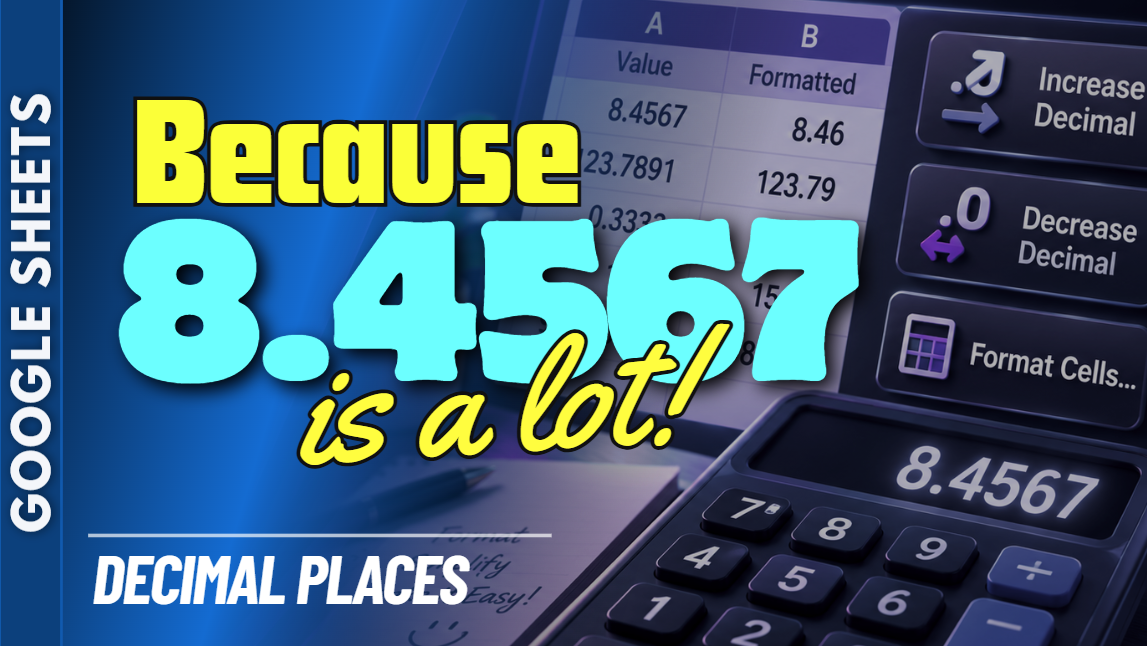
Google Sheets Decimal Formatting Practice Workbook | Beginner Practice
Learn how to format decimal places in Google Sheets with this beginner-friendly practice workbook from Easy Mode Excel Tutorials!
Too many numbers after the decimal point? Not enough? Google Sheets makes it easy to control how many decimal places appear in your spreadsheet so your numbers look neat, consistent, and easy to read.
This hands-on workbook accompanies our free Google Sheets Decimal Formatting video lesson, giving you the opportunity to practice adjusting decimal places yourself.
What You'll Practice
✓ Increase the number of displayed decimal places
✓ Decrease the number of displayed decimal places
✓ Use Google Sheets decimal formatting toolbar buttons
✓ Understand how displayed decimal places differ from the underlying number
✓ Practice formatting numbers with different decimal places
✓ Make spreadsheet data easier to read and compare
What's Included
✓ One ready-to-use Google Sheets practice workbook
✓ Beginner-friendly exercises to reinforce the lesson
✓ Your own editable copy of the workbook
✓ Hands-on practice you can complete at your own pace
Perfect for Google Sheets beginners! Learn how to control the appearance of your numbers and create cleaner, more professional-looking spreadsheets.
Price: $2.49 USD — one-time purchase.
After purchasing, you'll receive a link to create your own editable copy of the Google Sheets practice workbook.
This purchase includes the practice workbook only.
Watch the FREE Video Lesson
🎥 Google Sheets Decimal Formatting: