


Finance Made Simple — U.S. Self-Employed Tax Prep System
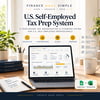
Finance Made Simple — U.S. Self-Employed Tax Prep System
Your self-employed finances shouldn't become a tax-season reconstruction project.
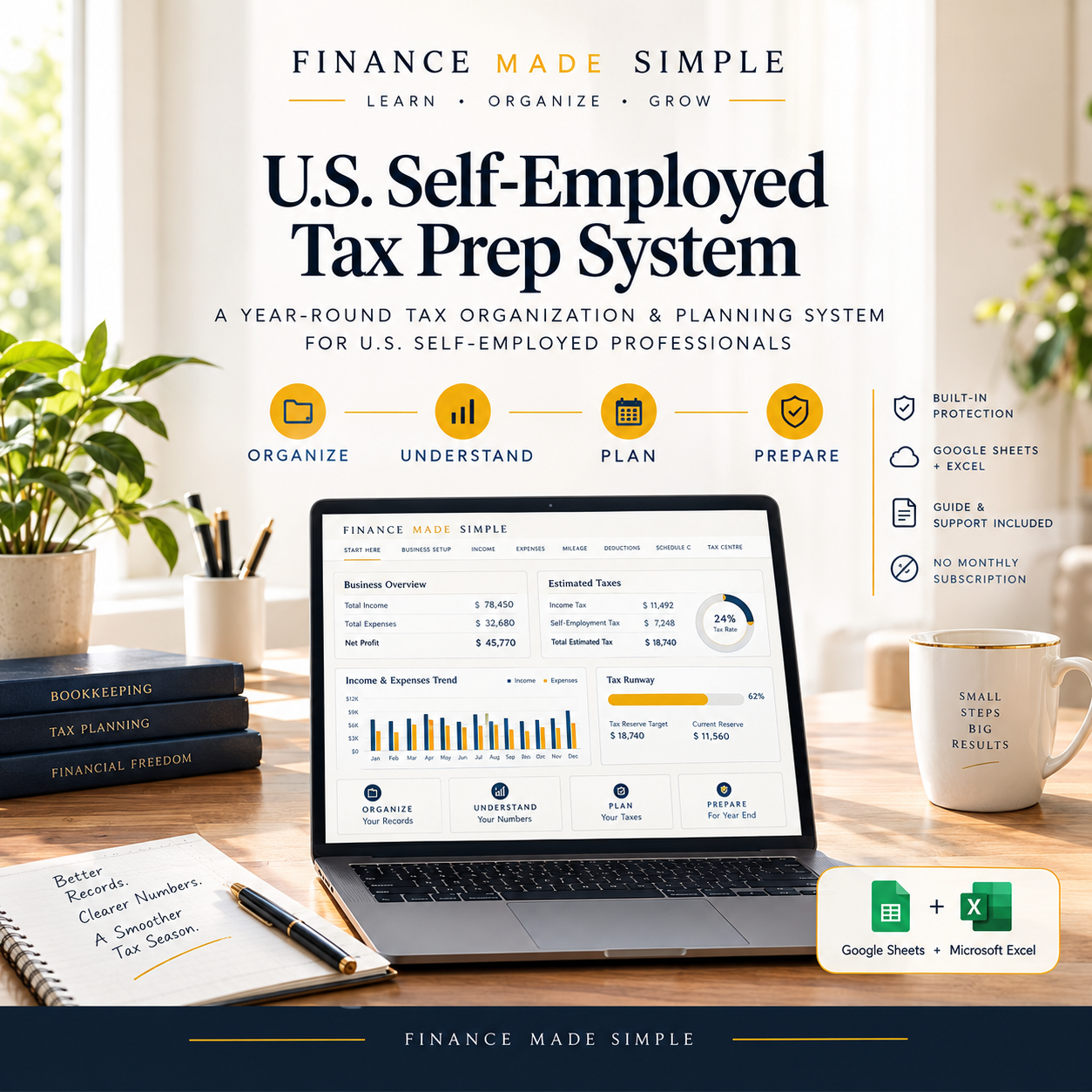
Income, expenses, mileage, estimated taxes, quarterly payments, and year-end information can easily end up scattered across different places. Finance Made Simple brings these activities together into one structured, year-round financial workflow — available in Google Sheets + Microsoft Excel.
The workflow is simple:
ORGANIZE → UNDERSTAND → PLAN → PREPARE
Work where you're comfortable
Google Sheets + Microsoft Excel
Use the system in Microsoft Excel with built-in workbook protection, or create your own Google Sheets copy and complete the included one-time protection setup.
The goal is simple: help you stay organized throughout the year and make tax preparation much less chaotic.
ORGANIZE
Income • Expenses • Mileage • Deductions
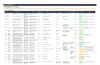
Record business income, expenses, mileage, and other planning information using structured logs, Schedule C categories, and built-in review flags.
Keep your records organized throughout the year so they're easier to review when you need them.
UNDERSTAND
Schedule C • Dashboard • Trends • Tax Logic
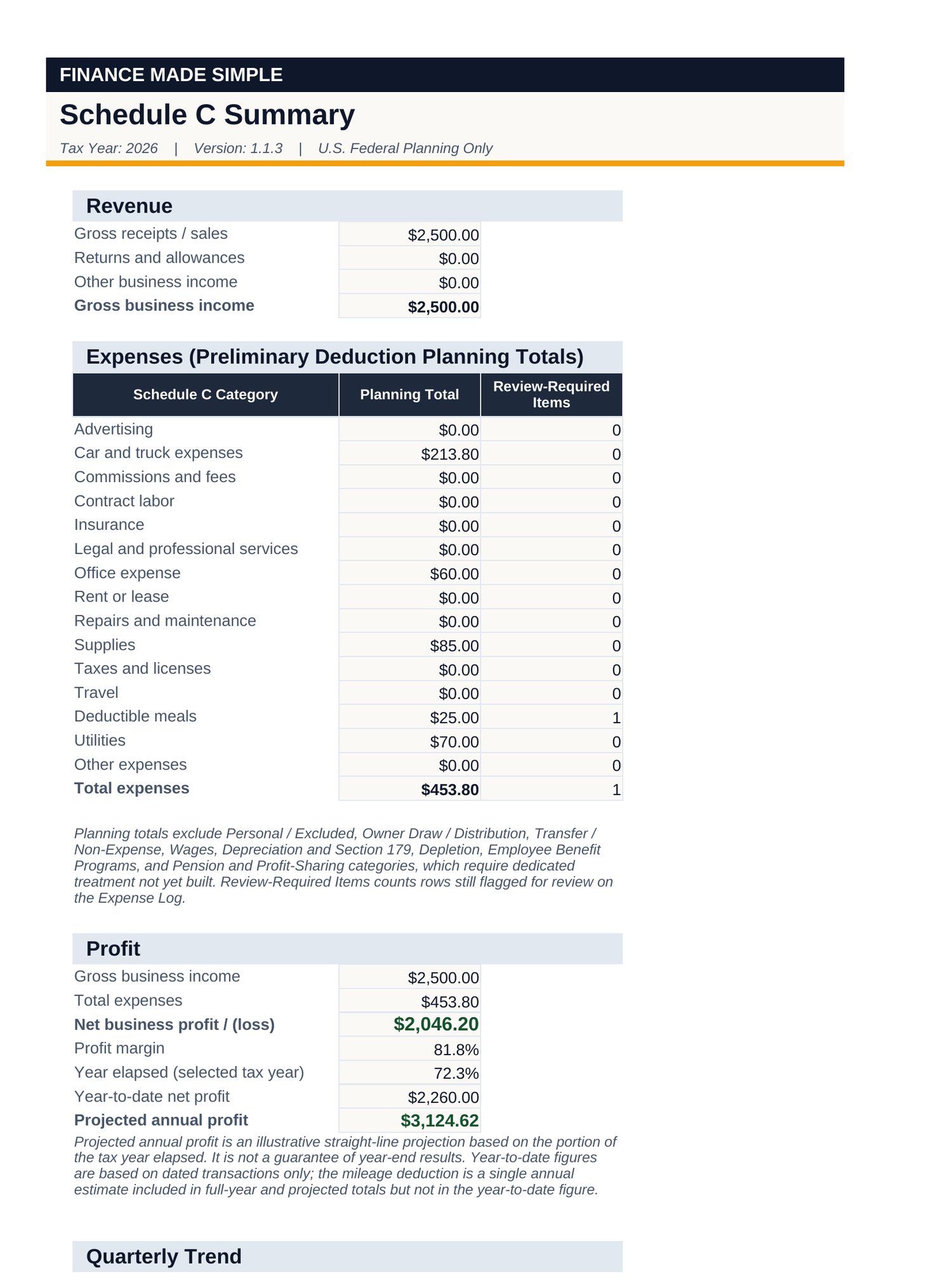
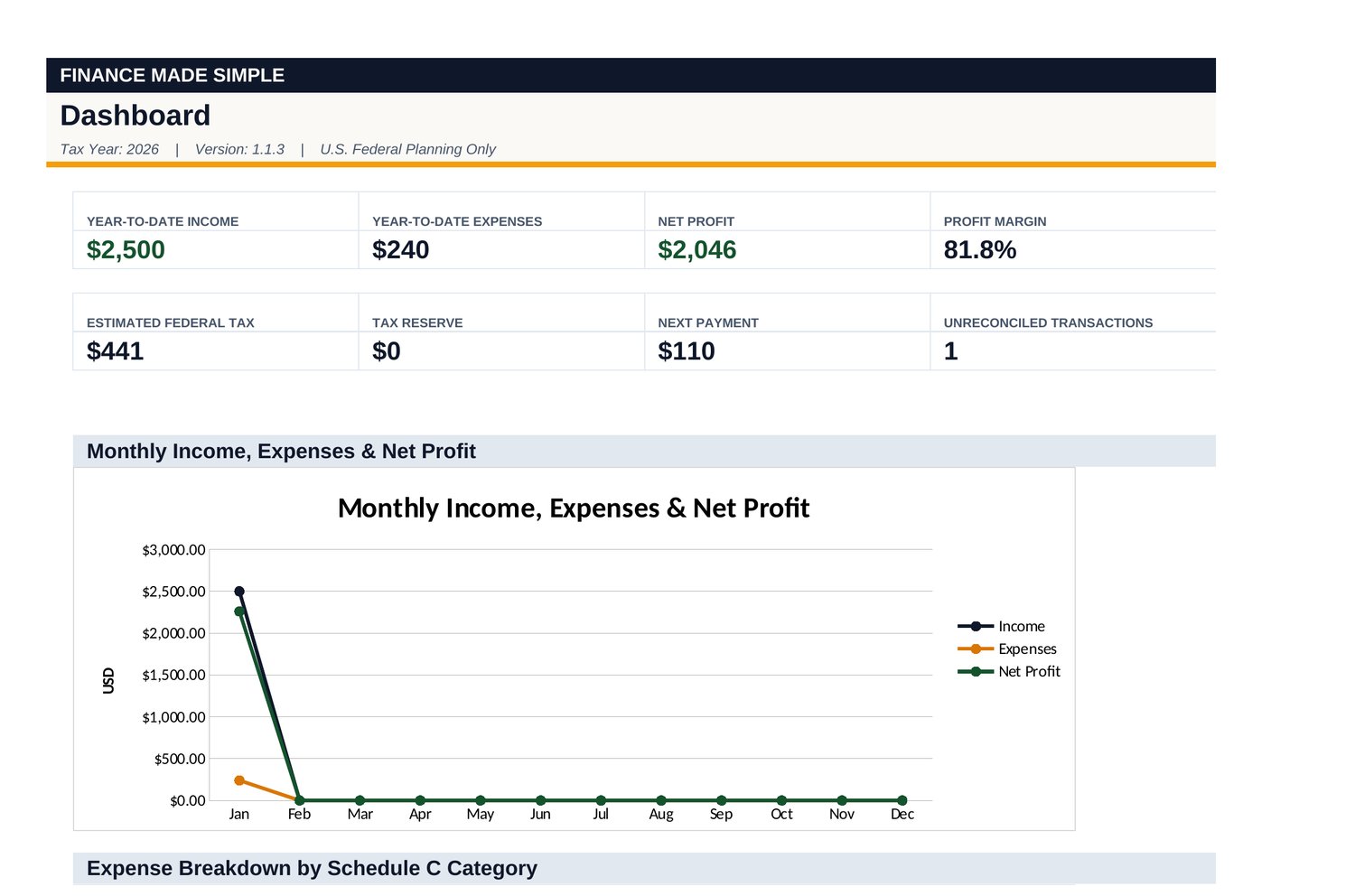
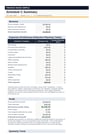
See how your business activity flows into a clear Schedule C Summary, Dashboard, and connected reporting.
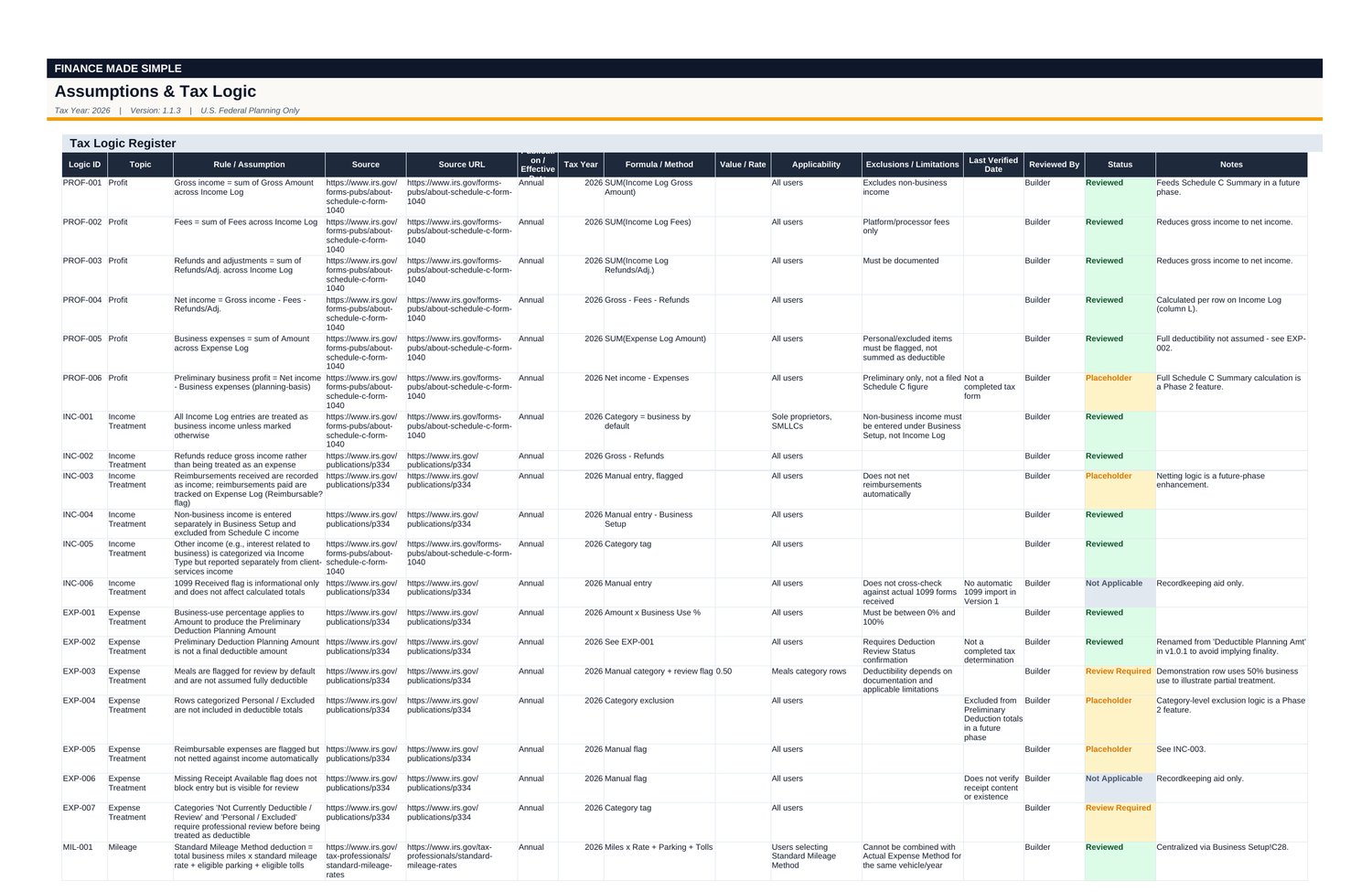
Tax assumptions, rates, thresholds, and calculation logic are documented in a dedicated register so the planning framework remains transparent and reviewable.
PLAN
Estimated Tax • Quarterly Payments • Tax Reserve
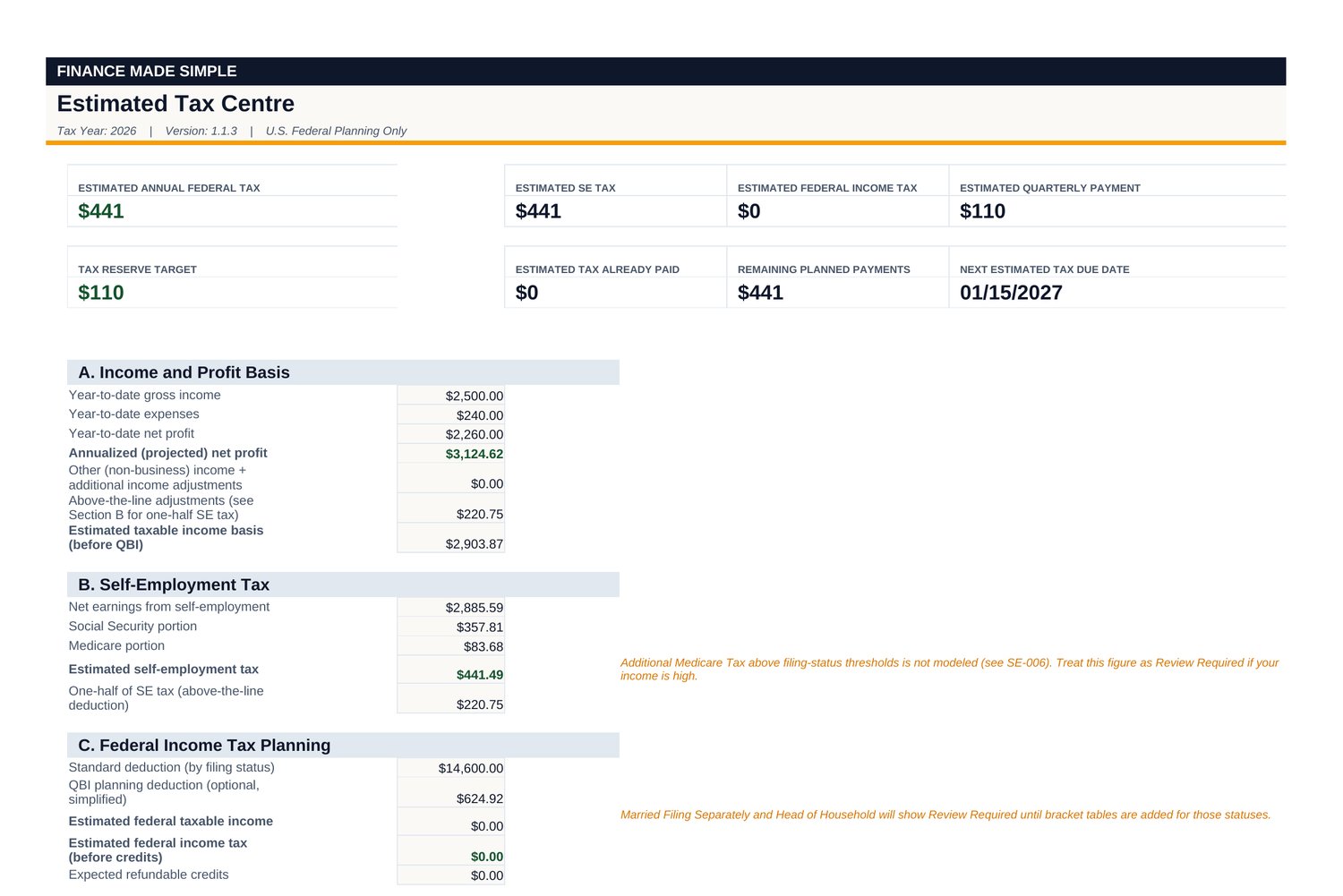
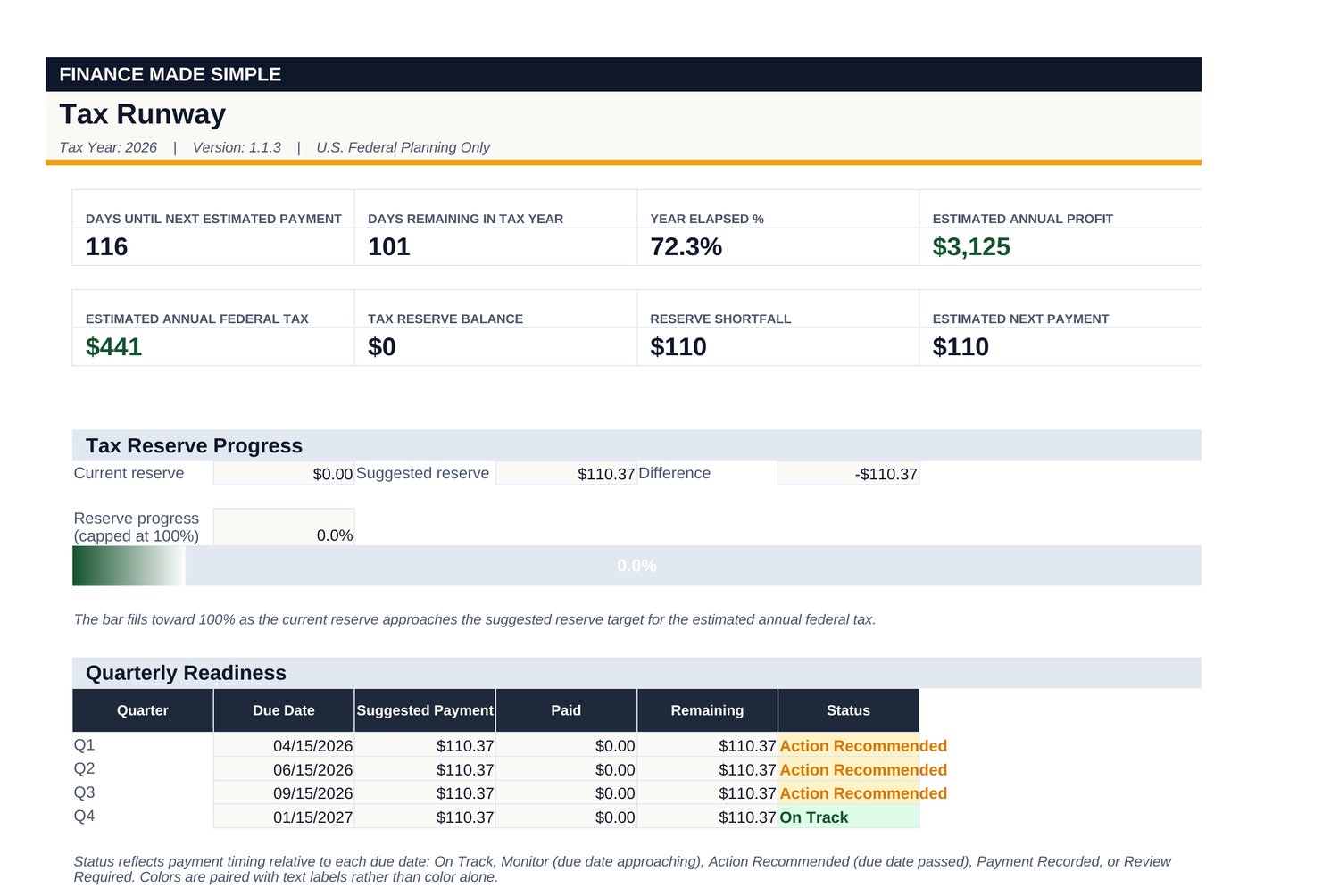
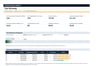
Monitor federal self-employment and income tax planning estimates, quarterly payment planning, and your tax-reserve target.
As you enter your business information, the connected calculations update to help you understand your current planning position.
PREPARE
Year-End Summary • Accountant Pack
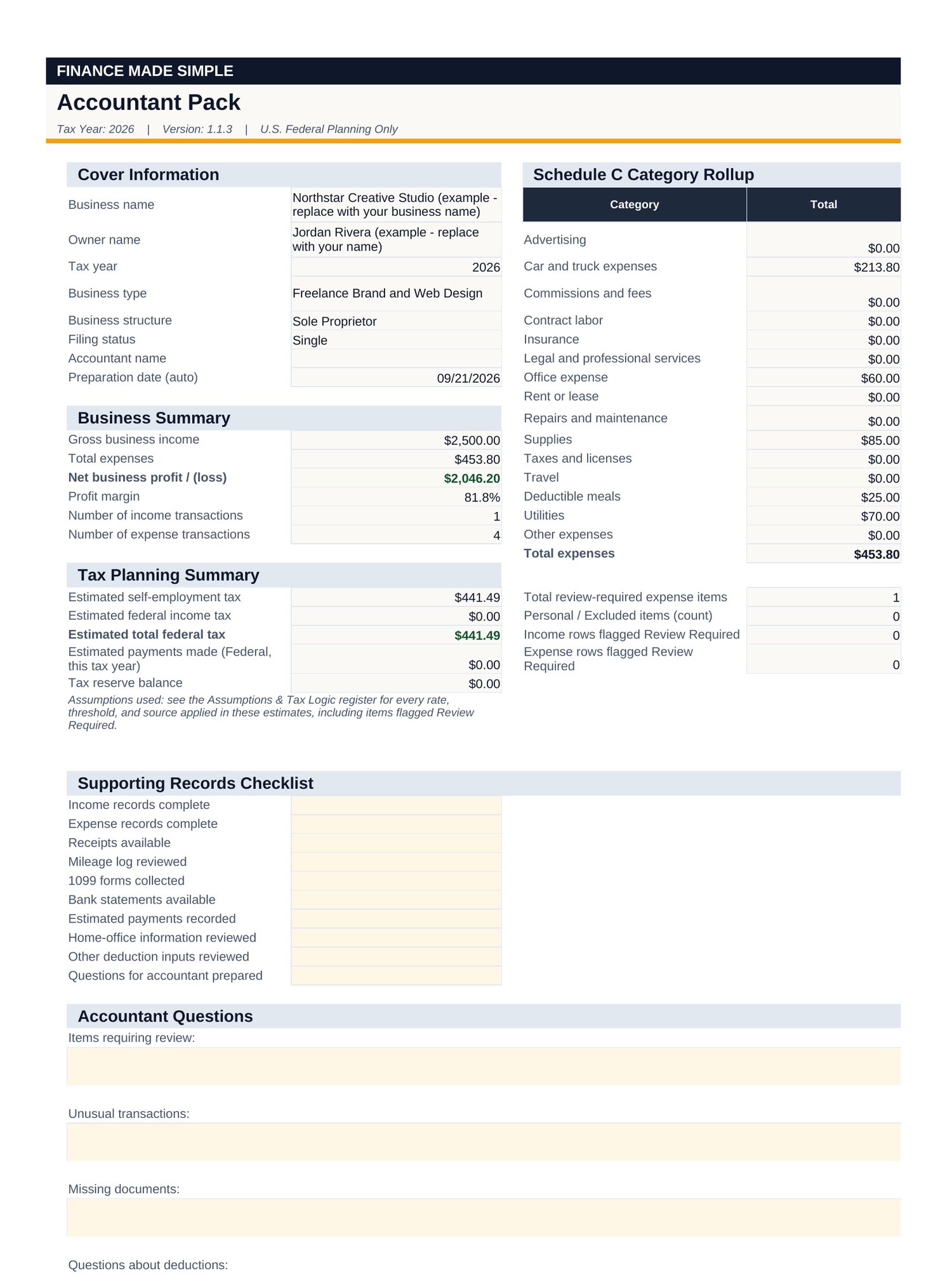
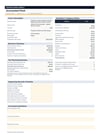
Bring your year together into an organized Accountant Pack for professional review and tax preparation.
The summary is built from the information you enter into the system, reducing unnecessary re-entry when preparing your year-end records.
What makes it different?
This is not simply a blank spreadsheet or a generic budgeting template.
It is a guided financial system designed around the year-round workflow of a U.S. self-employed professional reporting business activity on Schedule C.
Organize your records.
Understand your numbers.
Plan ahead.
Prepare for tax time.
Key Benefits
- One organized home for business income, expenses, mileage, and planning information
- Structured Schedule C categories to help keep business records organized
- Built-in Complete / Review Required workflow for easier record review
- Federal self-employment and income tax planning estimates
- Quarterly estimated payment planning
- Tax-reserve tracking
- Tax Runway view for monitoring your reserve position
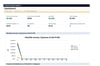
- Visual Dashboard for an at-a-glance view of your business information
- Accountant Pack for a cleaner year-end handoff
- Transparent tax assumptions, rates, thresholds, and calculation logic
- Connected reporting that updates from the information you enter
- Available in Google Sheets + Microsoft Excel
- No monthly subscription
What's Included
1. Google Sheets + Microsoft Excel System — v1.1.3
A structured 14-part financial workflow:
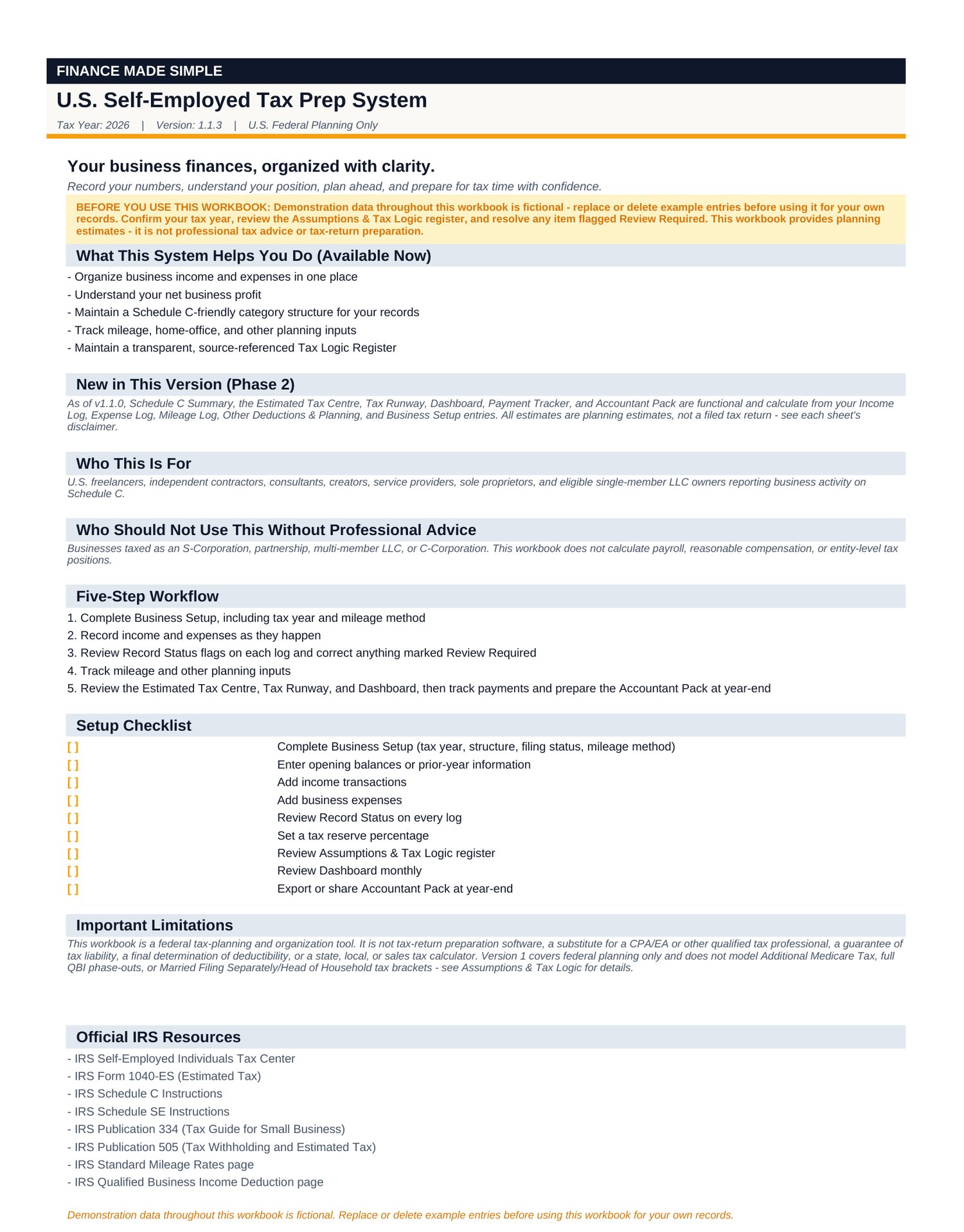
- Start Here
- Business Setup
- Income Log
- Expense Log
- Mileage Log
- Other Deductions & Planning
- Schedule C Summary
- Estimated Tax Centre
- Tax Runway
- Dashboard
- Payment Tracker / Quarterly Payment Planner
- Accountant Pack
- Assumptions & Tax Logic
- Change Log
Microsoft Excel
The Excel workbook is ready to use immediately. Calculated cells are protected within the workbook while input cells remain available for your information.
Google Sheets
Make your own Google Sheets copy using the provided access link, then follow the included Setup & Formula Protection Guide for the one-time protection activation.
The Google Sheets and Excel versions use the same core formulas, tax logic, and calculations. The documented visual difference is the Tax Runway reserve-progress indicator, which displays as a color gradient in Google Sheets rather than Excel's fill-style data bar.
2. Quick Start Guide
A concise walkthrough covering:
- Initial setup
- Core workflow
- Review logic
- Tax planning
- Payment tracking
- Tax Runway
- Accountant Pack
- Product limitations
- Demo/reference data
3. Google Sheets Setup & Formula Protection Guide
A dedicated guide explaining:
- How to make your own Google Sheets copy
- How to activate formula protection
- How Google Sheets protection works
- What the input cells look like
- What happens if a calculated cell is accidentally edited
- How to repair formula protection
- Optional protection for additional editors
- Frequently asked questions
Who It's For
Built for:
- Sole proprietors
- Freelancers
- Independent contractors
- Consultants
- Creators
- Self-employed professionals
- Single-member business owners reporting business activity on Schedule C
Who It's Not For
This system is not designed to be:
- Tax-filing software
- A complete federal tax-return preparation system
- A state or local tax preparation system
- A replacement for professional tax advice
- A guarantee of tax savings
- A complete solution for every filing status or entity structure
S-corporations, partnerships, and multi-member LLCs are not supported as the primary use case.
Limitations
- Tax calculations are estimates for planning purposes, not a filed tax return.
- QBI (Qualified Business Income) is included as an optional planning estimate and does not guarantee the final allowable deduction.
- State and local taxes are not fully modeled.
- Sales tax is not modeled.
- Additional Medicare Tax is not fully modeled.
- Full QBI phase-out complexity is not modeled.
- The system does not prepare a complete tax return.
- The system does not cover every possible IRS deduction or credit.
- Professional tax review may be appropriate depending on your circumstances.
- Support is centered on the U.S. sole-proprietor / Schedule C use case.
Important
This product is designed for organization, planning, and preparation support.
It does not:
- File your tax return
- Replace a tax professional
- Guarantee tax savings
- Guarantee a specific tax liability
- Guarantee compliance
- Claim to be IRS-approved or IRS-certified
- Provide comprehensive state or local tax preparation
License / Terms of Use
Single-User License
By purchasing this product, you are granted a license to use it — not ownership of its intellectual property.
You may:
- Use the system for your own business.
- Enter and maintain your own financial information.
- Print or export reports for your own records.
- Share reports generated from the system with your accountant or tax professional.
You may not:
- Resell the workbook or system.
- Redistribute the files.
- Upload or publish the files.
- Share the purchased files with others.
- Repackage or sublicense the product.
- Sell modified or derivative versions.
- Claim the original workbook or its content as your own.
Refund Policy
Because this is an immediately delivered digital product, purchases are generally final.
If you experience any of the following, please contact us and we'll work to resolve the issue:
- The downloaded files are technically defective.
- The product is materially different from its description.
- You made an accidental purchase or purchased the wrong product.
This policy does not remove any consumer rights that cannot legally be excluded in your jurisdiction.
Finance Made Simple
Organize → Understand → Plan → Prepare
Year-round tax organization, planning & preparation for U.S. self-employed professionals.