

Sole Trader MTD Record Book 2026/27 (UK spreadsheet)
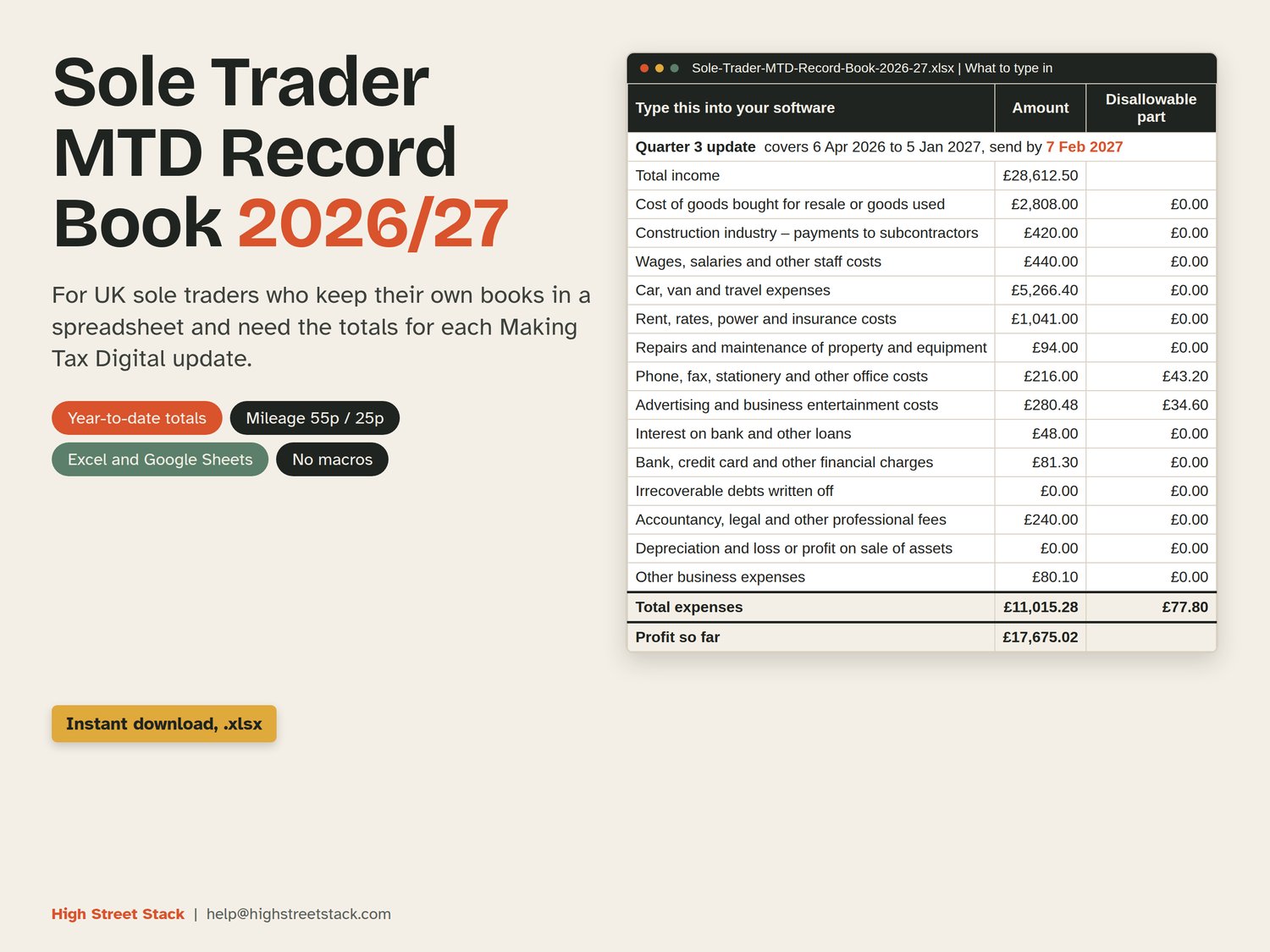
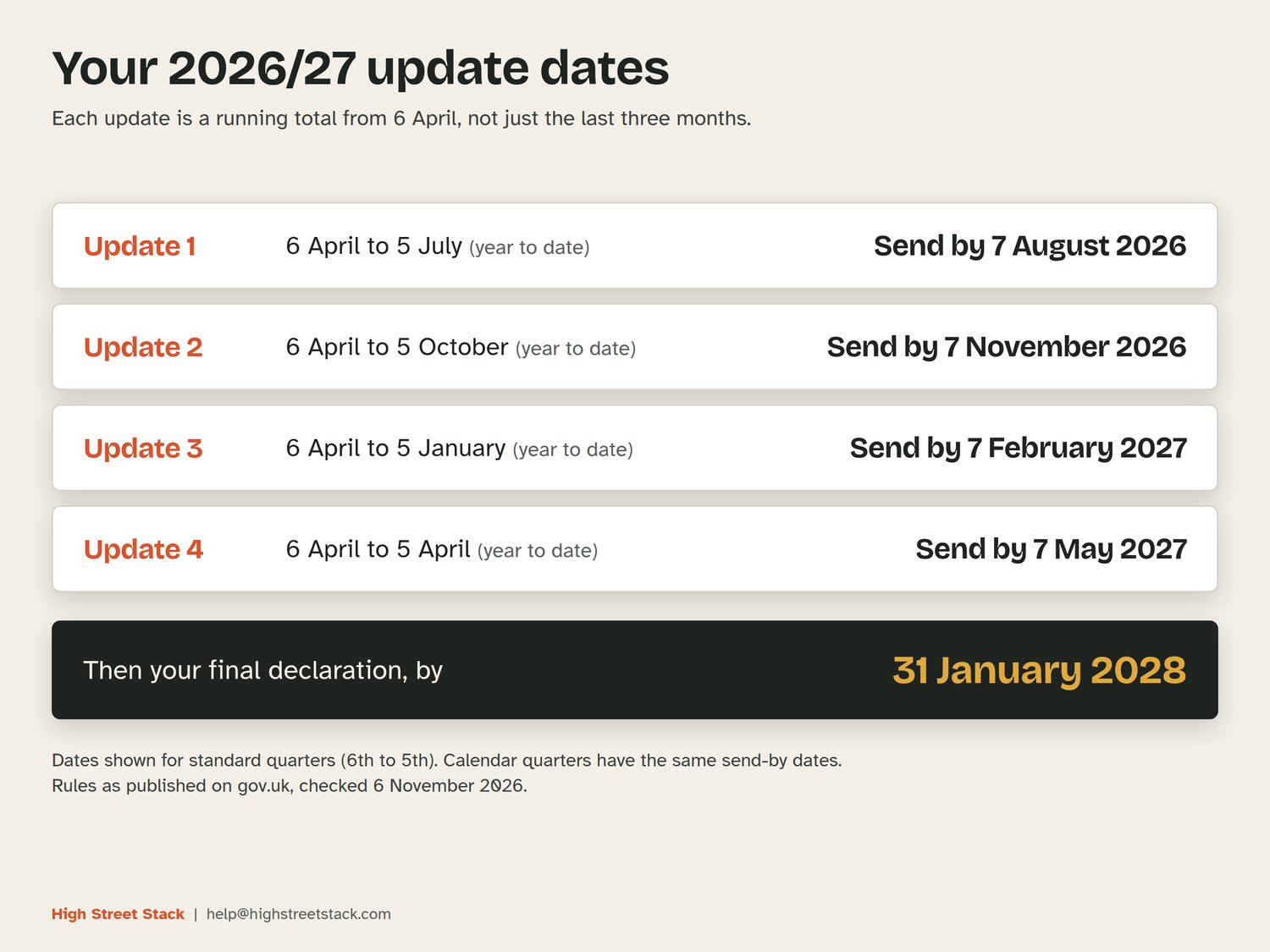
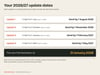
Making Tax Digital quarterly updates started this year for sole traders with qualifying income over £50,000. Update 3 is due on 7 February 2027. Log your income, expenses and miles in this workbook and it gives you the year-to-date totals to type into your MTD software.
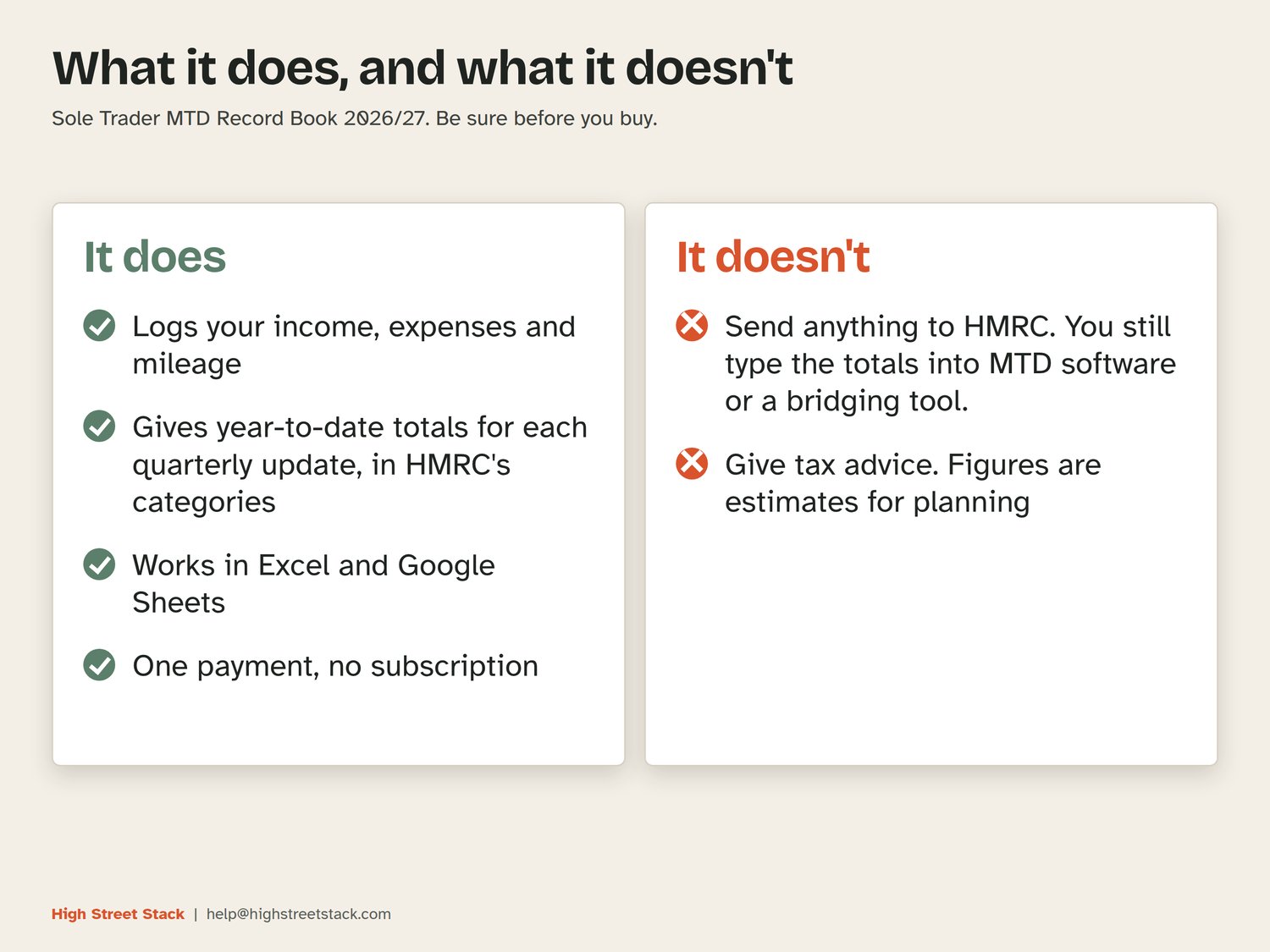
It does not connect to HMRC. You still send each update through HMRC-recognised software or a bridging tool.
Launch price £8.99 until 21 November.
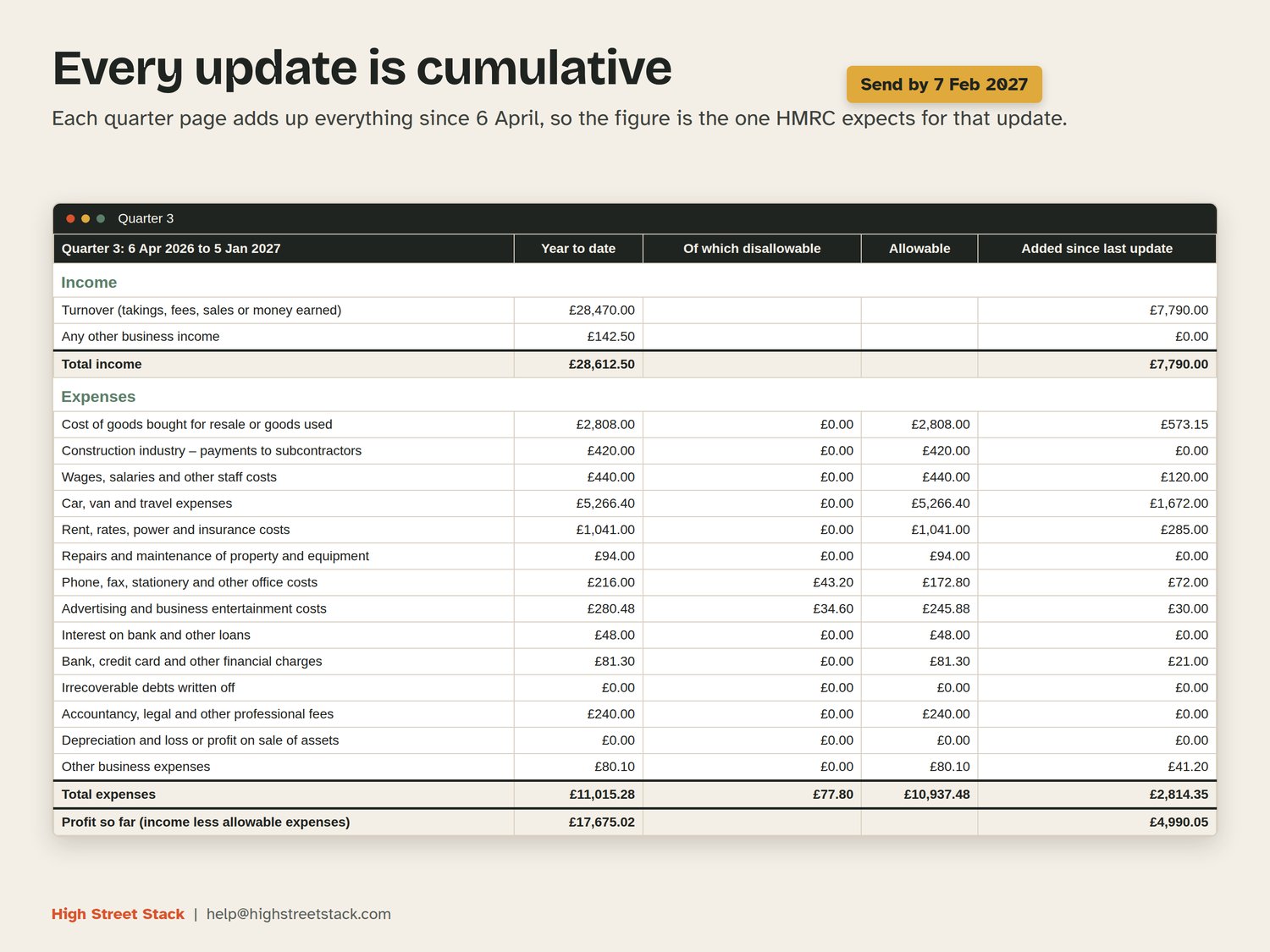
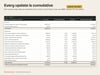
Each quarterly update is cumulative: the one due on 7 November covers everything from 6 April, not just the last three months. The four quarter sheets do that sum for you. The update dates are 7 August, 7 November, 7 February and 7 May.
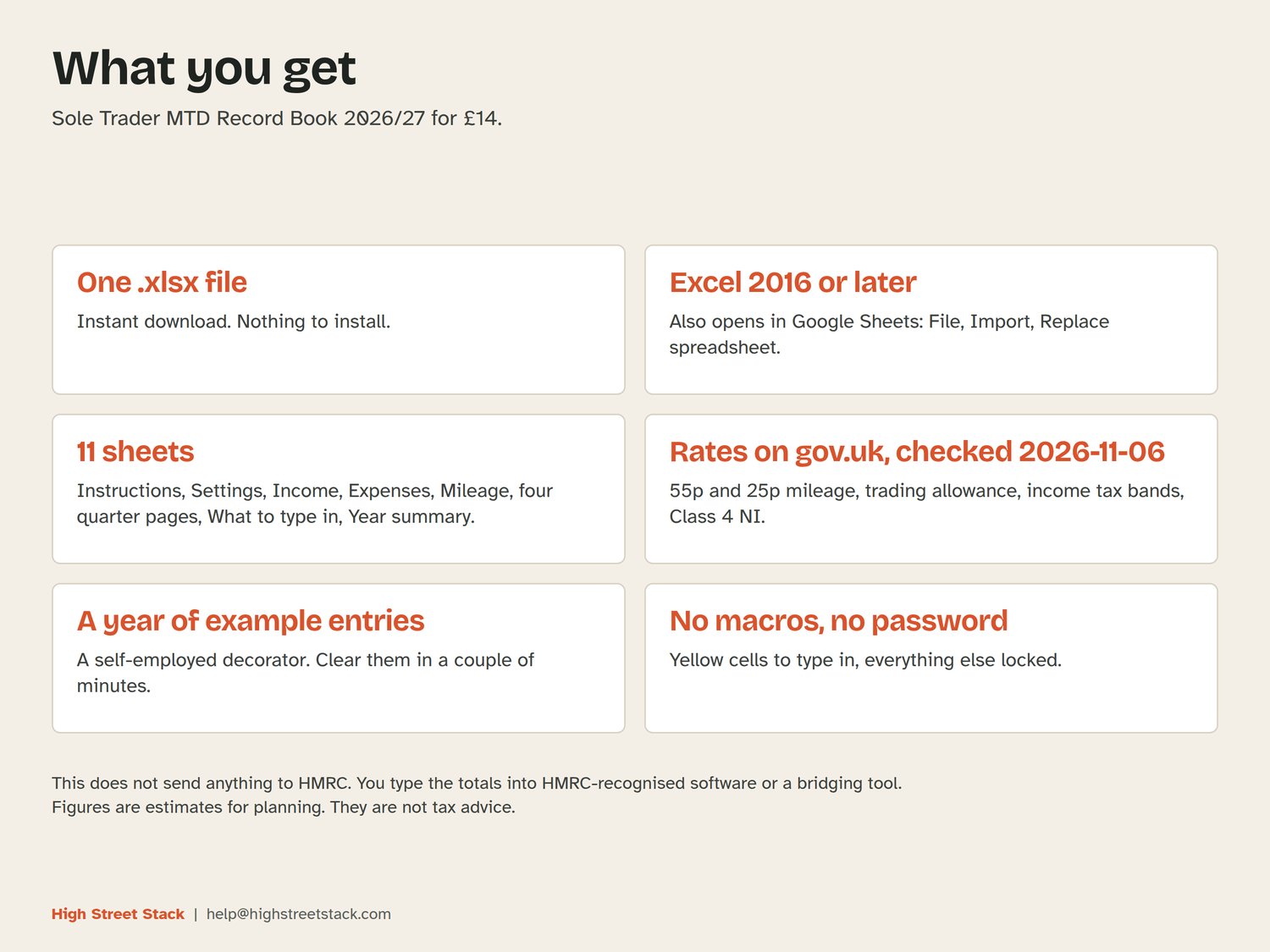
What is inside
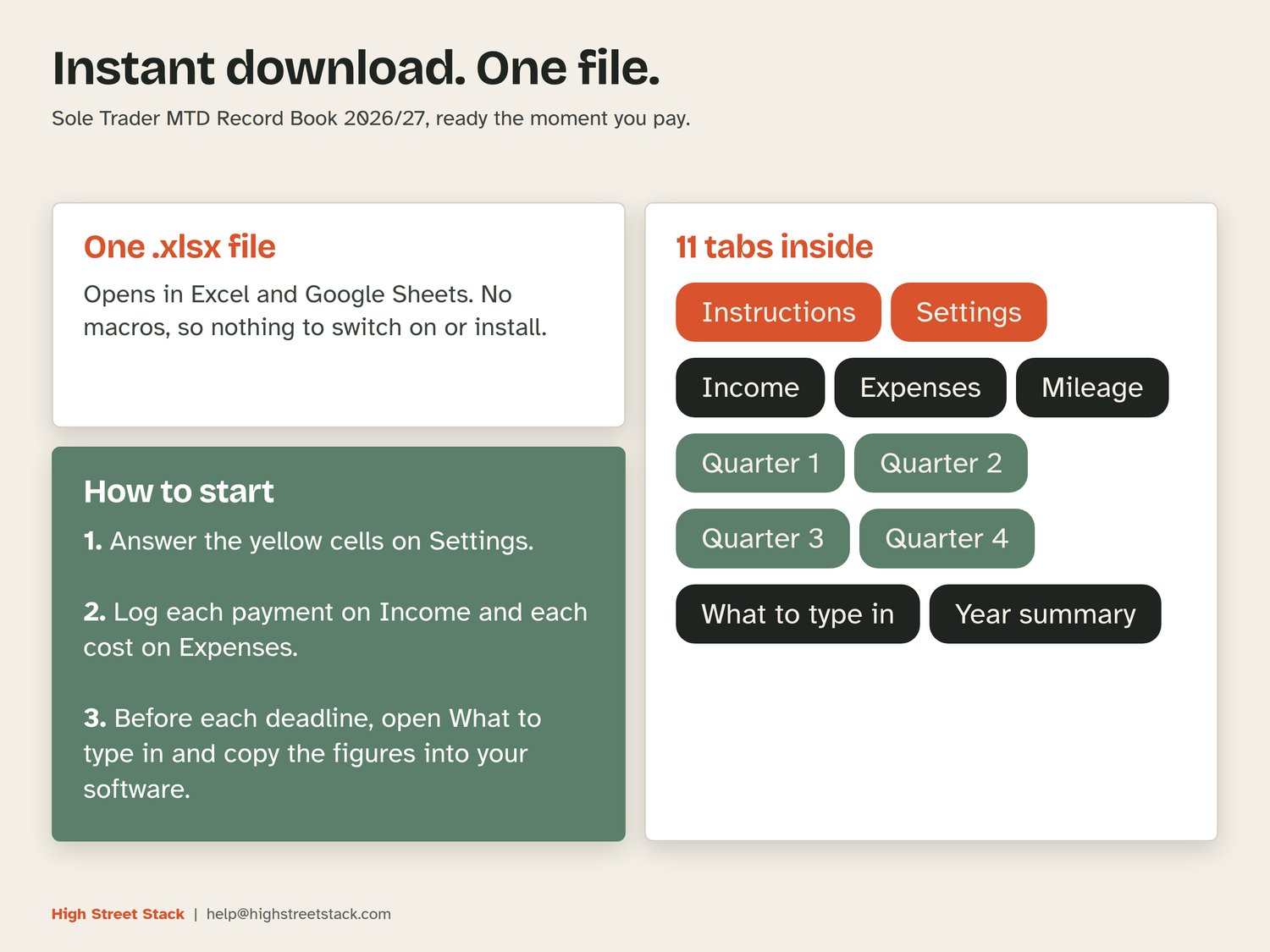
- Instructions: six steps, how to clear the example data, and what each sheet does.
- Settings: your business name, cash basis or traditional accounting, standard or calendar quarters, whether turnover is under £90,000, simplified mileage or actual vehicle costs, and Scottish taxpayer or not. Every rate sits here with the date it was checked on gov.uk (2026-11-06), so you can change one if it moves.
- Income: date, description, amount and category, with room for 1,500 lines. The quarter is worked out from the date and a Check column flags missing dates, amounts or categories.
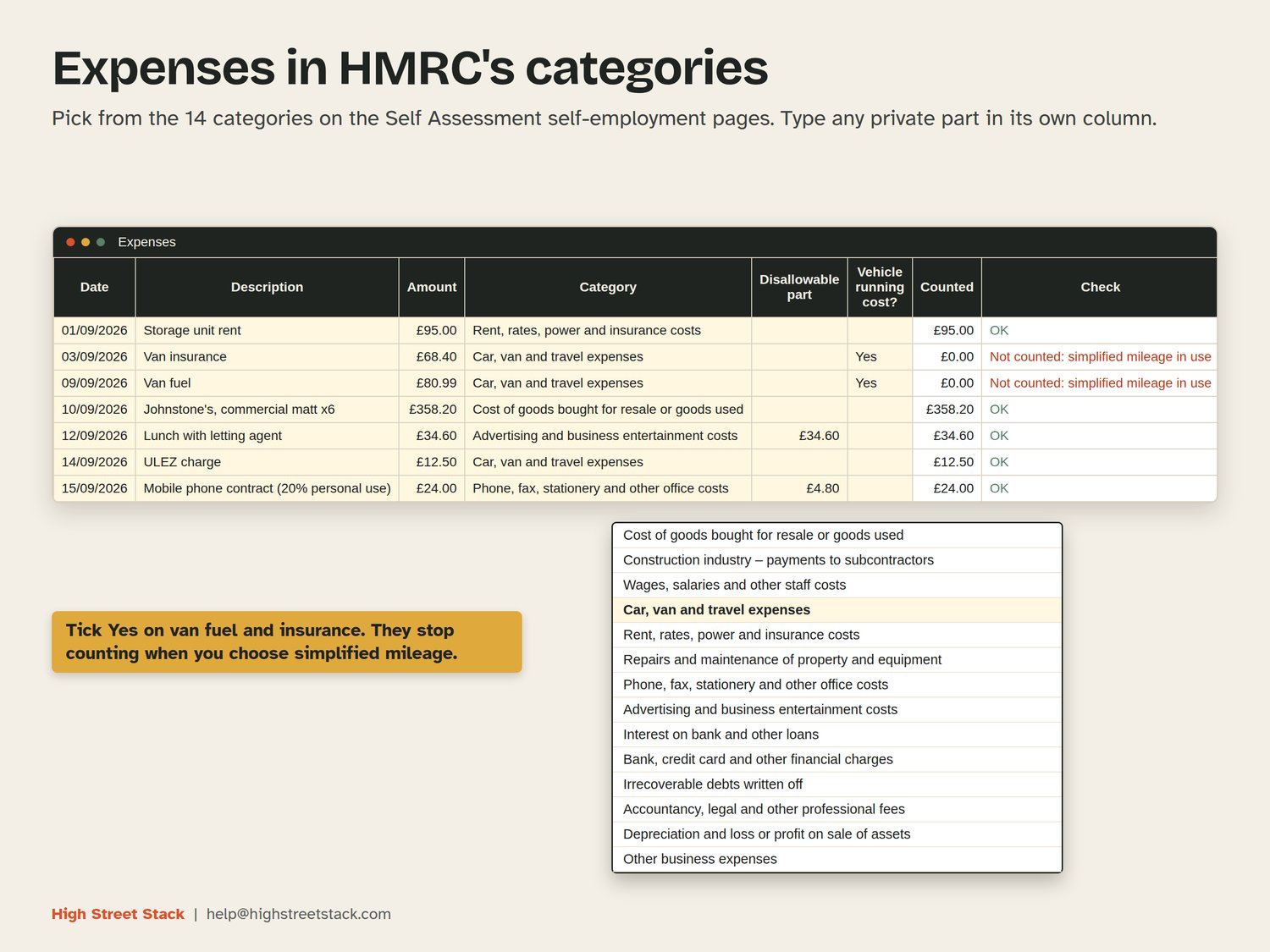
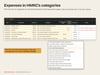
- Expenses: the same layout, with the 14 expense categories from the Self Assessment self-employment (full) pages in a dropdown, a column for the part that is not allowable, and a Yes box for vehicle running costs. Room for 1,500 lines.
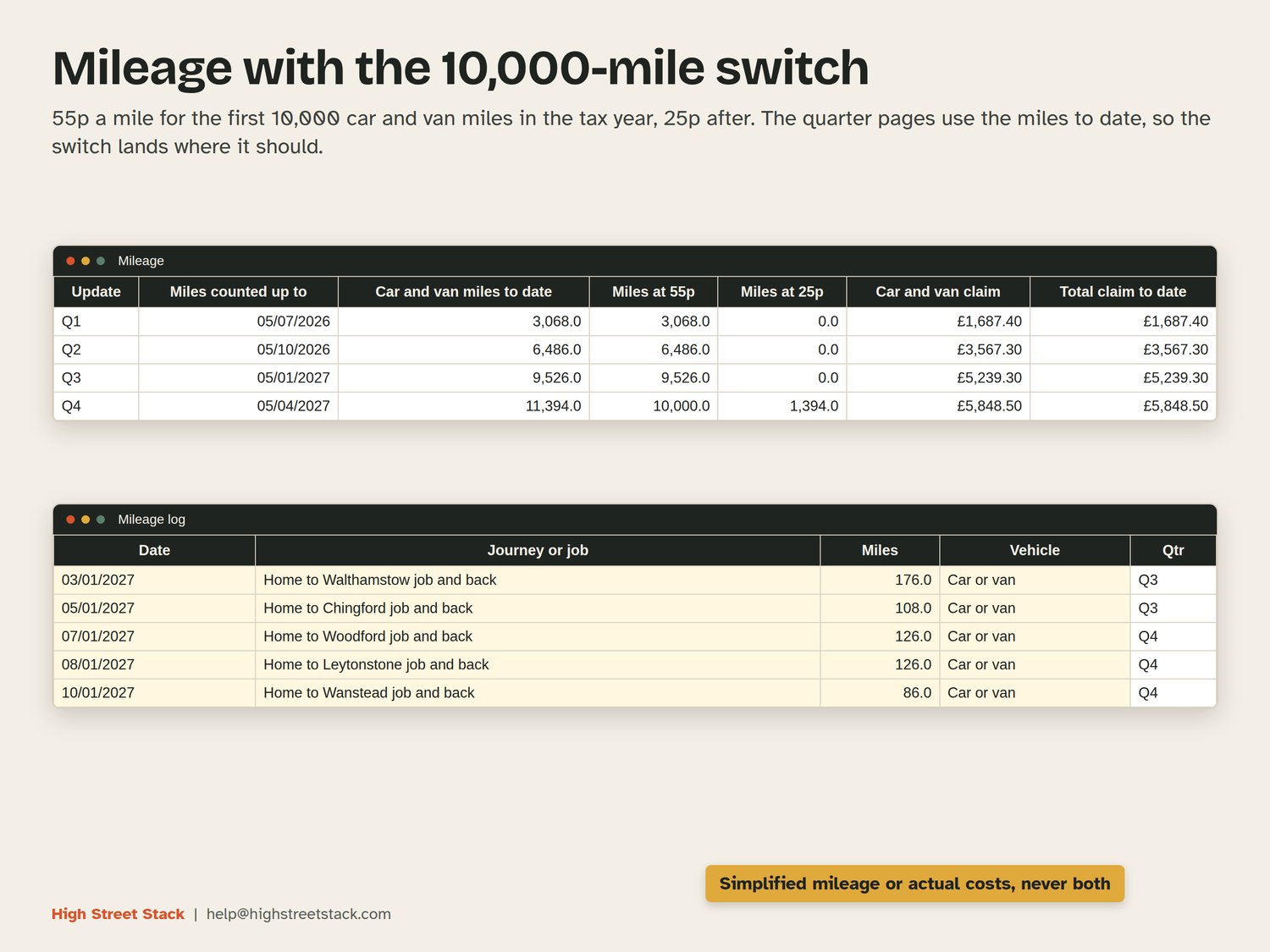
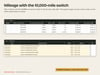
- Mileage: a trip log and a table of miles and claim to date. It uses the 55p rate for the first 10,000 car and van miles in the tax year and 25p after that, and works from miles to date so the switch lands in the right quarter. Motorcycles are at 24p a mile.
- Quarter 1 to Quarter 4: year-to-date income and expenses by category, the disallowable part, the allowable amount and what was added since the last update.
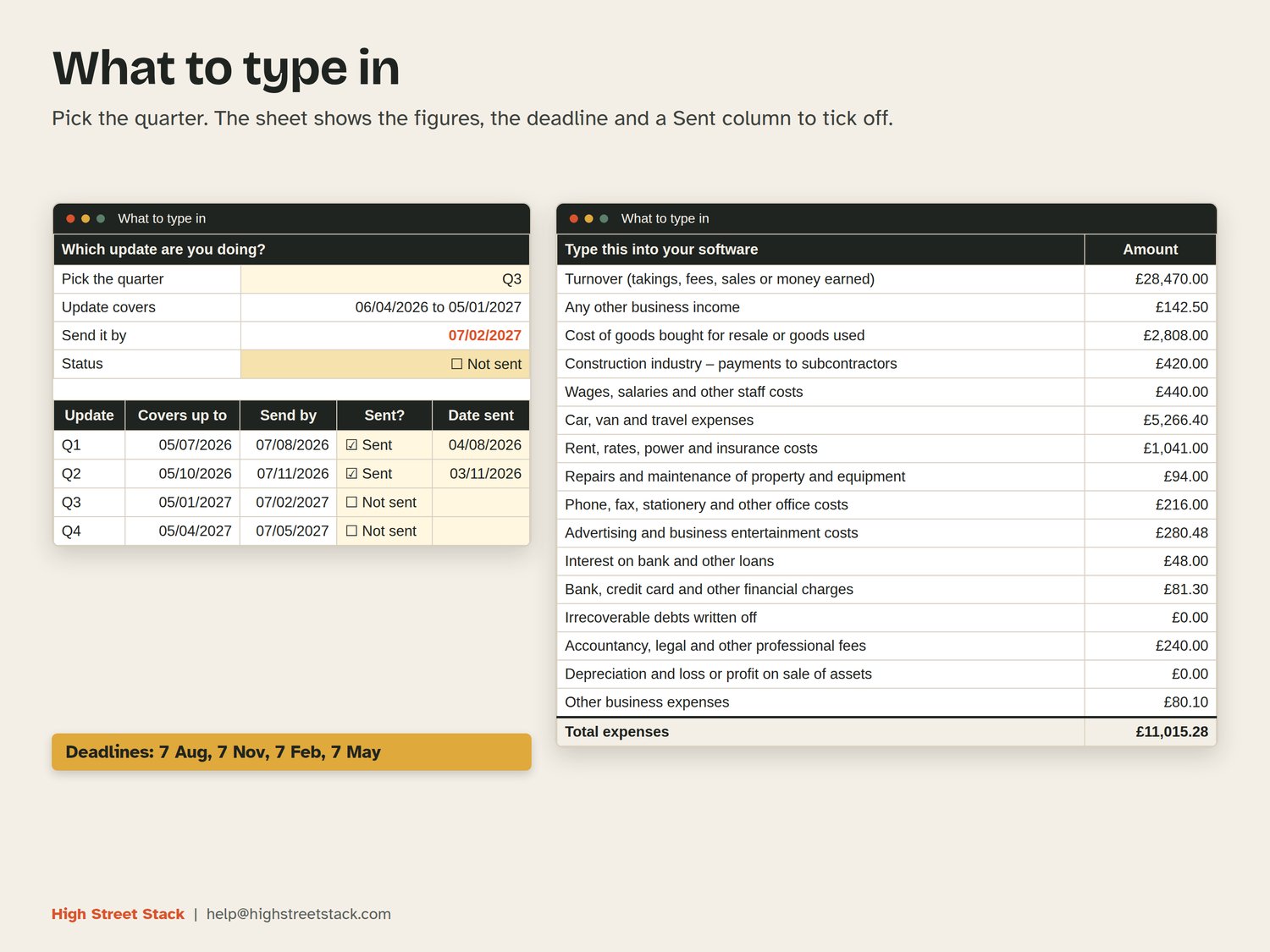
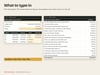
- What to type in: pick a quarter and it shows the figures to enter, the deadline and a Sent column to tick off.
- Year summary: income, allowable expenses and profit, a trading allowance check, a rough income tax and Class 4 National Insurance estimate with a Scottish option, and an amount to set aside each month.
How it works
You type only in the pale yellow cells. Everything else is a formula and is locked, with no password, so you can unprotect a sheet if you want to change something. You choose simplified mileage or actual vehicle costs once in Settings; the workbook counts one and ignores the other, so you cannot claim both by accident. The trading allowance check tells you if your gross income is £1,000 or less, or if the £1,000 allowance is bigger than your actual expenses.
A year of example entries for a self-employed painter and decorator is already in the file, so you can see it working. The Instructions sheet shows how to clear it in a couple of minutes.
What you get
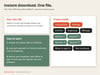
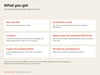
One .xlsx file, available to download straight after purchase. It opens in Excel 2016 or later and in Google Sheets (open Google Sheets, choose File, then Import, upload the file and pick Replace spreadsheet). No macros. It uses ordinary functions such as SUMIFS, INDEX and MATCH, so it behaves the same in both.
What it does not do
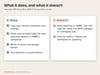
It does not connect to HMRC and it does not send updates. You copy the totals into HMRC-recognised software or a bridging tool. It is built for self-employment income only, so it does not cover rental income, partnerships, VAT returns or Construction Industry Scheme deductions. The tax figure is a rough estimate that assumes this is your only income. Check the rates on gov.uk if you are close to a threshold.
Figures are estimates for planning. They are not tax advice.