
ATS-Friendly Resume Template Bundle | Word, Google Docs & Canva
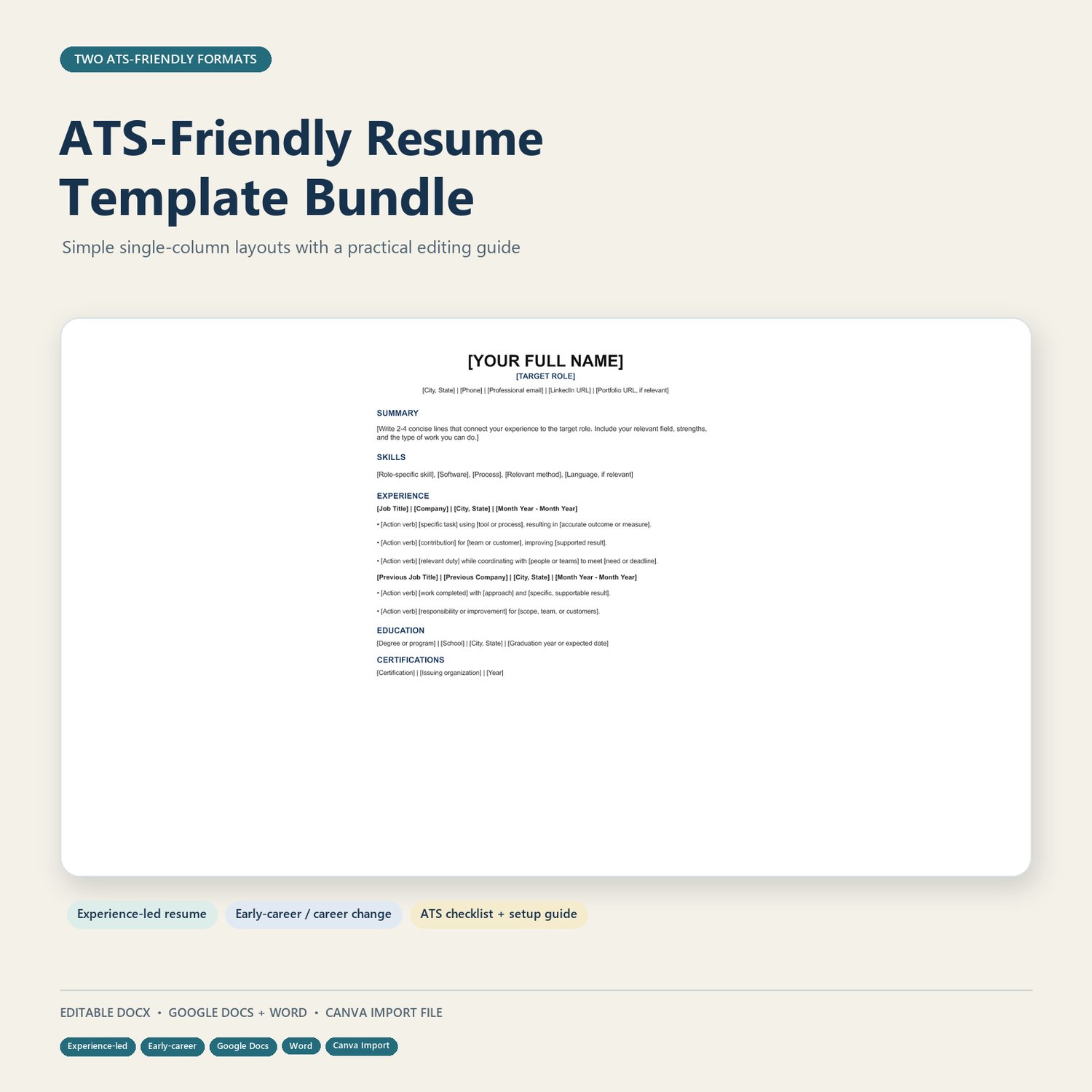
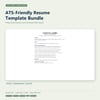
Create a clear, tailored resume with two editable single-column layouts, a practical resume guide, and a Canva-import version. Includes options for experienced applicants and early-career or career-change job seekers.
Build a resume that presents your experience clearly and is easy to tailor for each application.
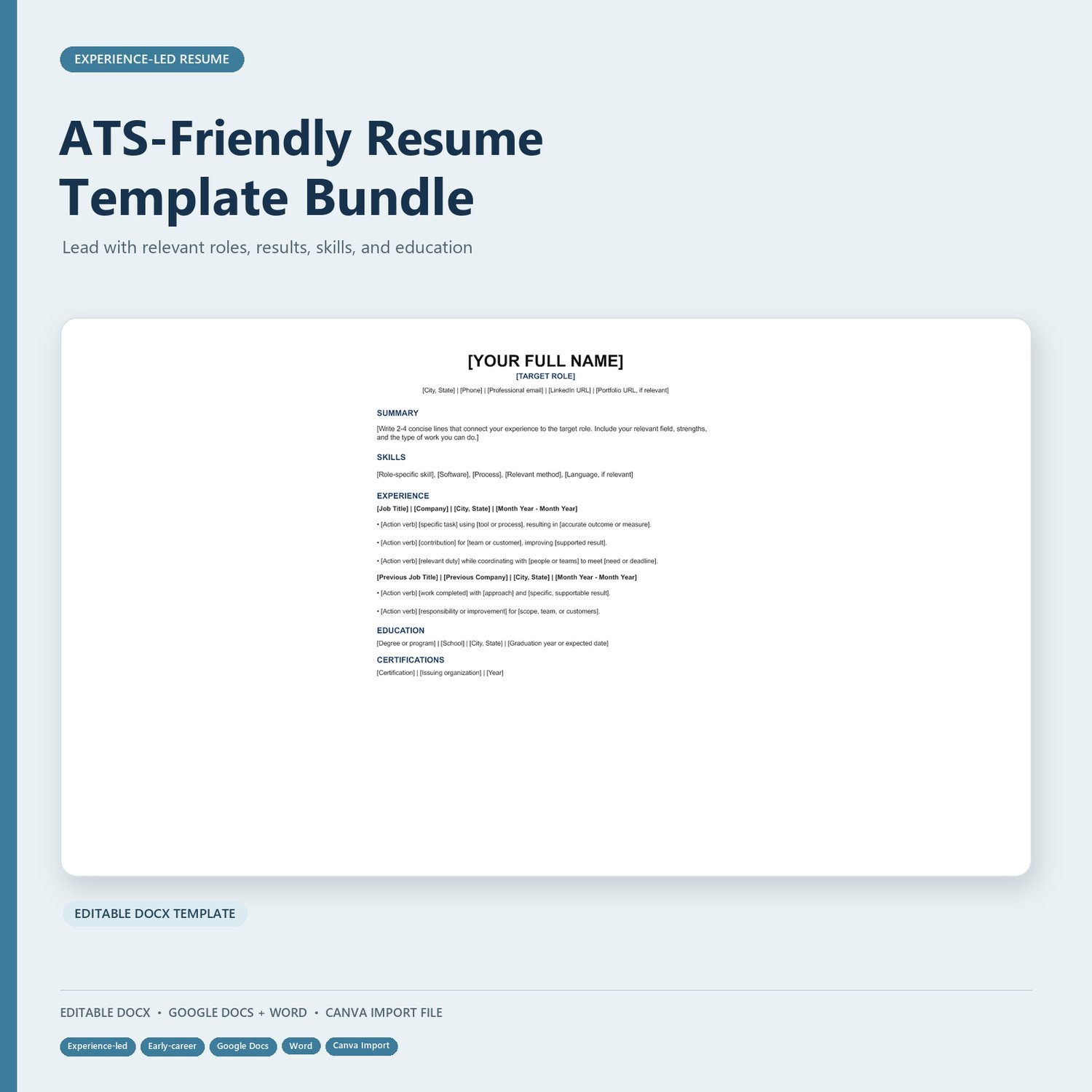
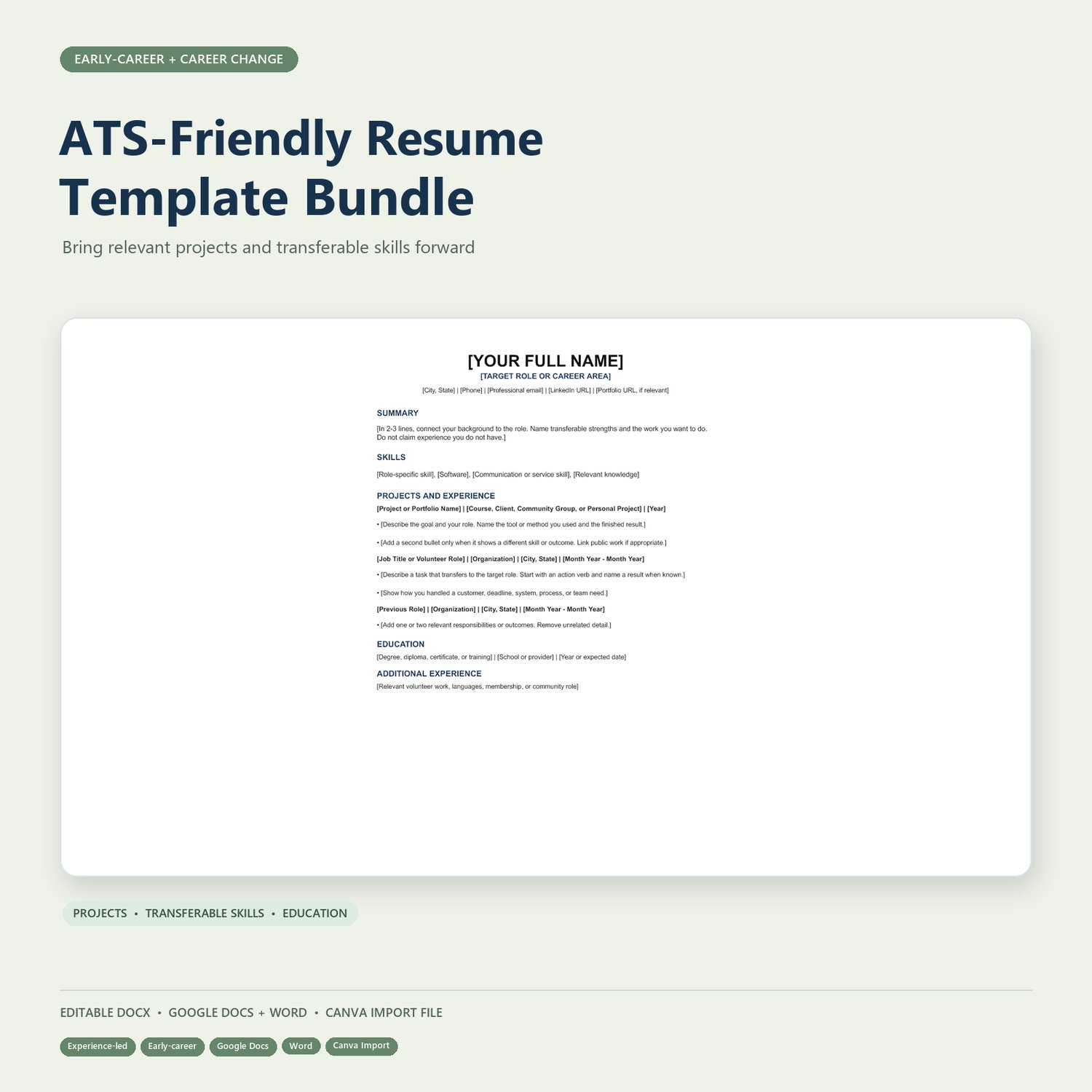
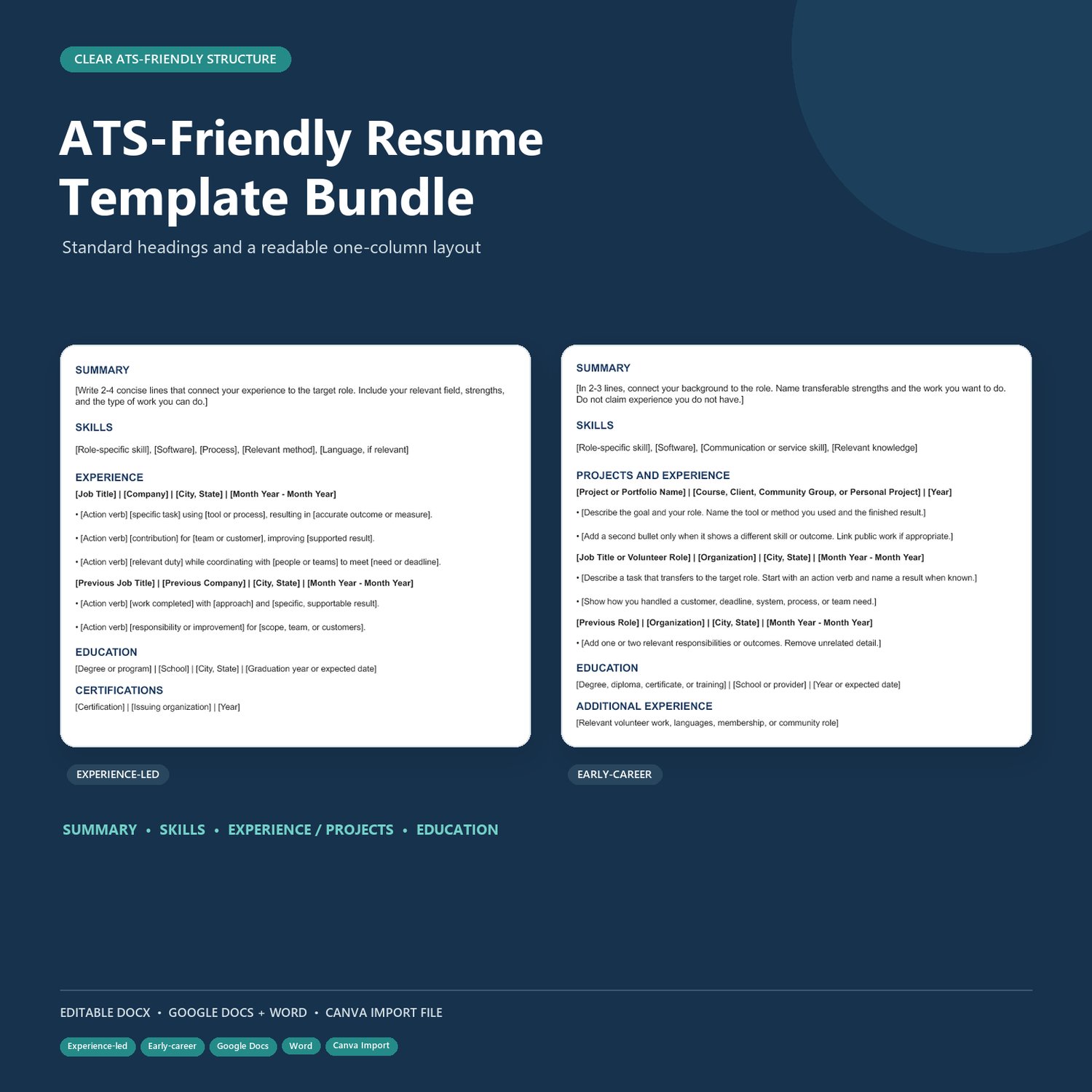
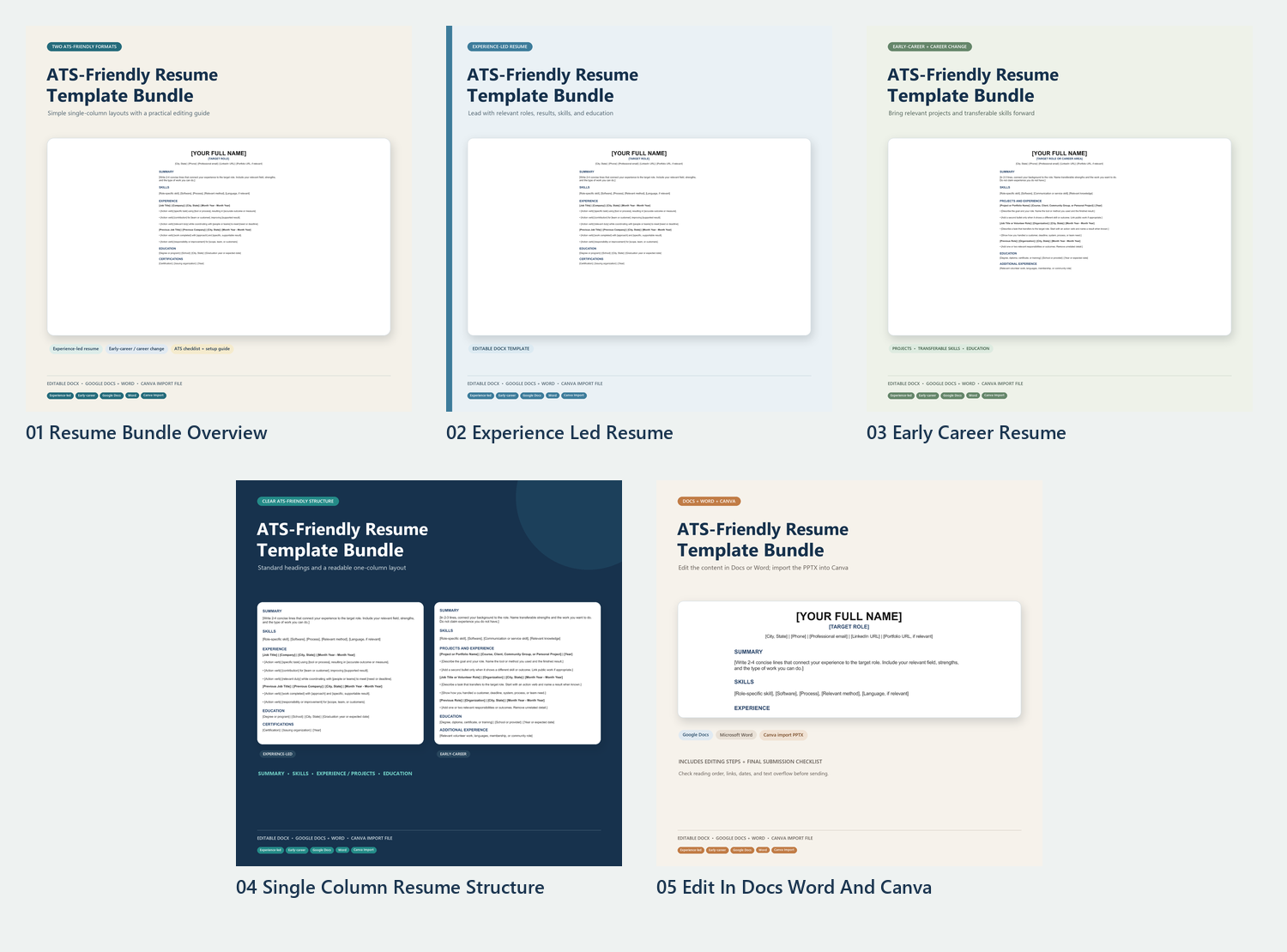
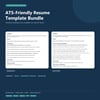
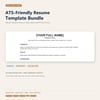
This bundle includes two editable resume layouts: an experience-led version for applicants with relevant work history, and an early-career or career-change version that gives more room to skills, projects, education, and transferable experience. A companion guide walks you through editing, tailoring, and checking your files before you apply.
WHAT’S INCLUDED
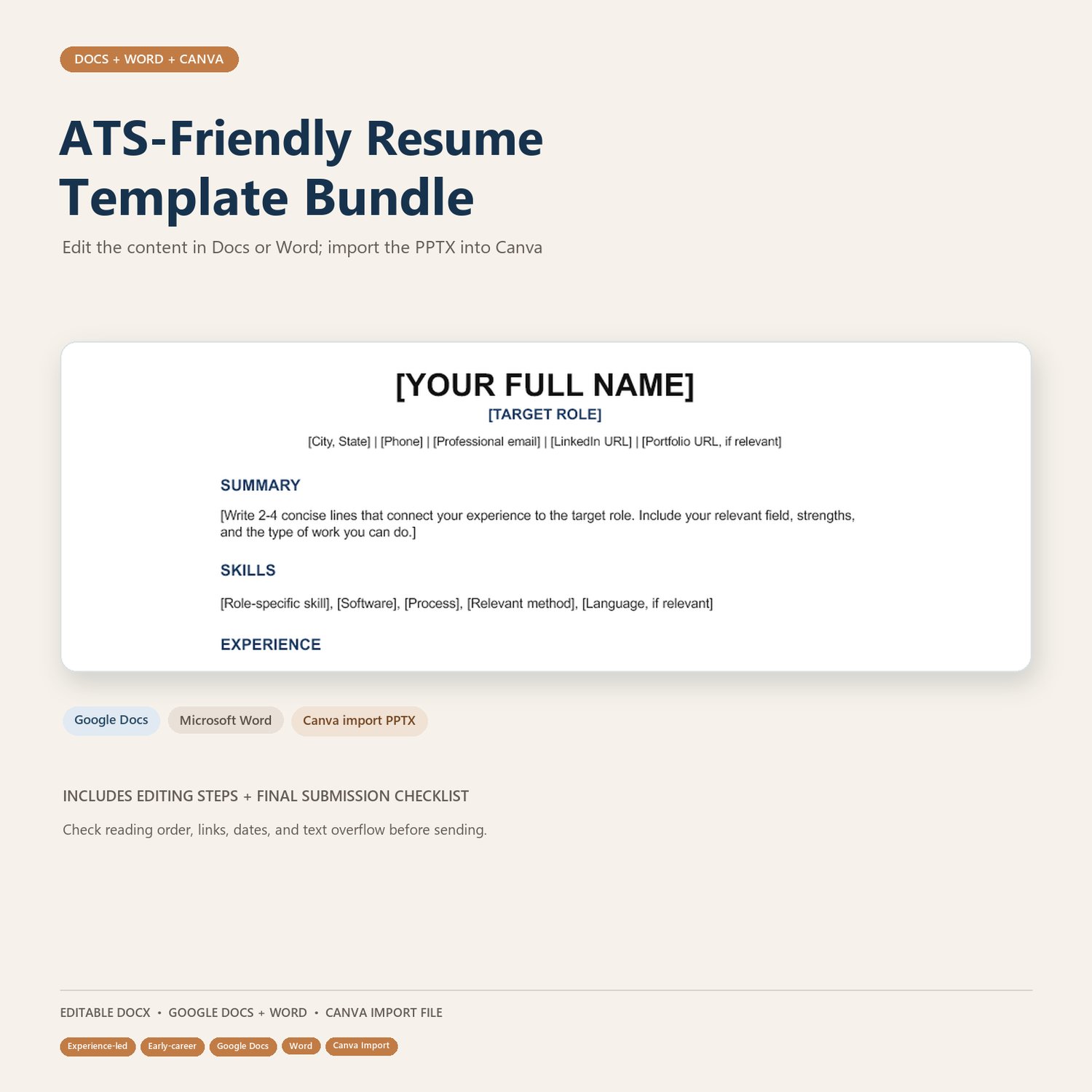
• Editable DOCX file with both resume templates and a practical setup guide
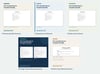
• Canva-import PowerPoint file with two editable resume pages
• Google Docs and Word editing instructions
• Resume quality checklist for reviewing details, reading order, links, and file format
DESIGNED FOR CLEAR READING
The templates use simple, single-column layouts and standard section headings. The guide recommends keeping contact details in the document body and avoiding tables, text boxes, icons, photos, and skill bars in application copies.
CHOOSE THE LAYOUT THAT FITS
• Experience-led — organize recent, relevant roles and accomplishments first
• Early-career or career change — highlight relevant skills, projects, education, volunteer work, and transferable experience
HOW TO USE THE BUNDLE
- Save a copy of the DOCX and replace every bracketed prompt with accurate information.
- Choose the resume version that best fits your background and remove the other version.
- Tailor the content to the role using relevant, truthful details from the job posting.
- Use the Canva-import file when you want to edit the design, then check the exported file for text flow and readability.
- Follow the employer’s instructions for file type and naming. Keep a simple DOCX version for online applications.
PLEASE NOTE
No template can guarantee how every applicant tracking system will read a resume. Review the final file for reading order and missing content and follow the employer’s file-format instructions. Canva may substitute fonts or shift text after import, so check the design before exporting.
The DOCX is editable in Word and can be uploaded to Google Drive and opened with Google Docs. The PPTX is a Canva-import file, not a live Canva template link. This product provides resume formatting and editing guidance; it does not guarantee interviews or employment.
Download the bundle and create a resume that clearly reflects your experience.