Budget & Money Planner (Undated) - Monthly Budget, Cash Flow Forecast, Bills, Debt & Savings - Excel, Google Sheets + Printable PDF
Take control of your money with one simple, undated Budget & Money Planner - and see your bank balance for the whole year BEFORE problems happen. Use it in Excel or Google Sheets, or print the pages and write by hand.
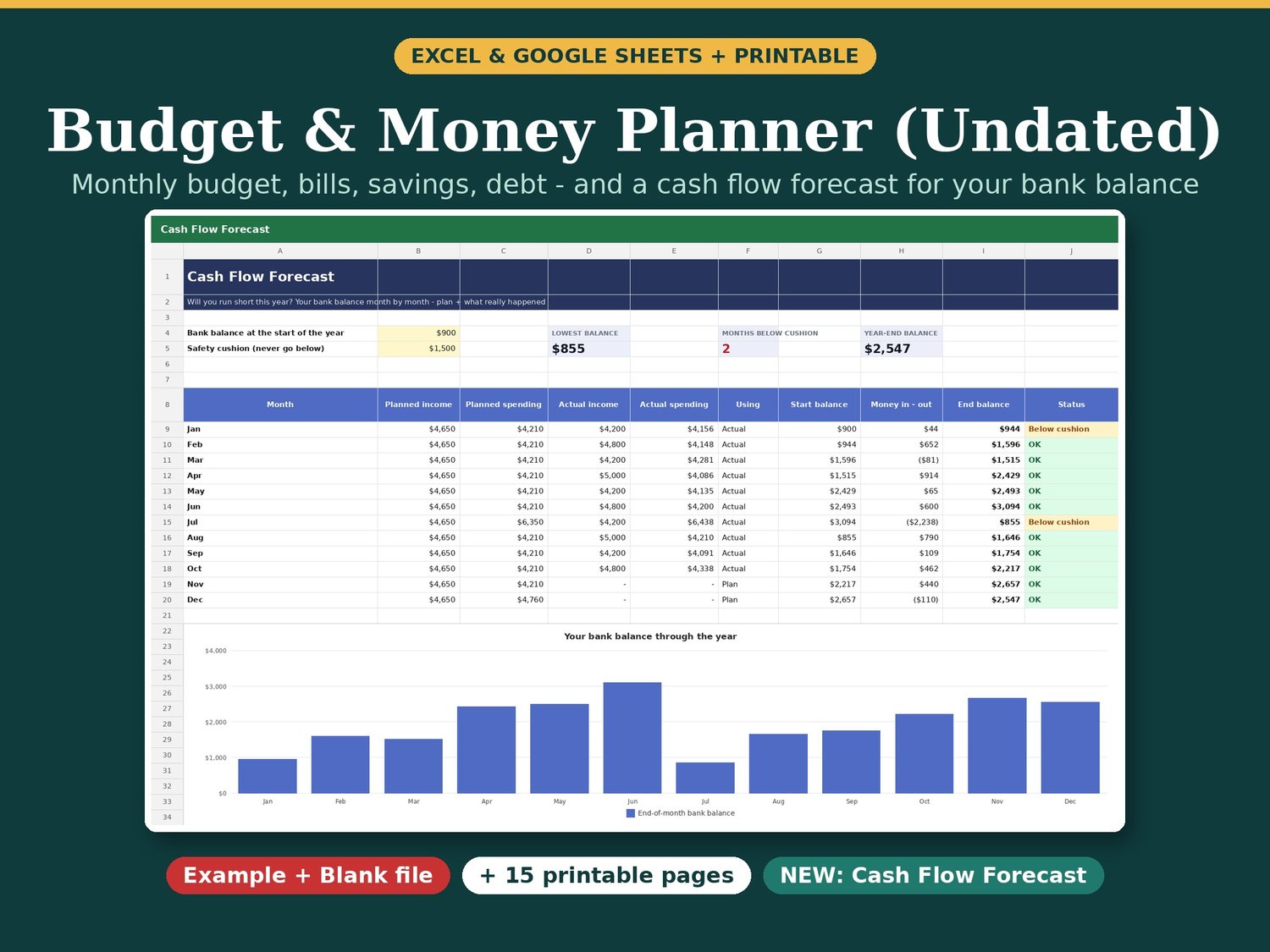
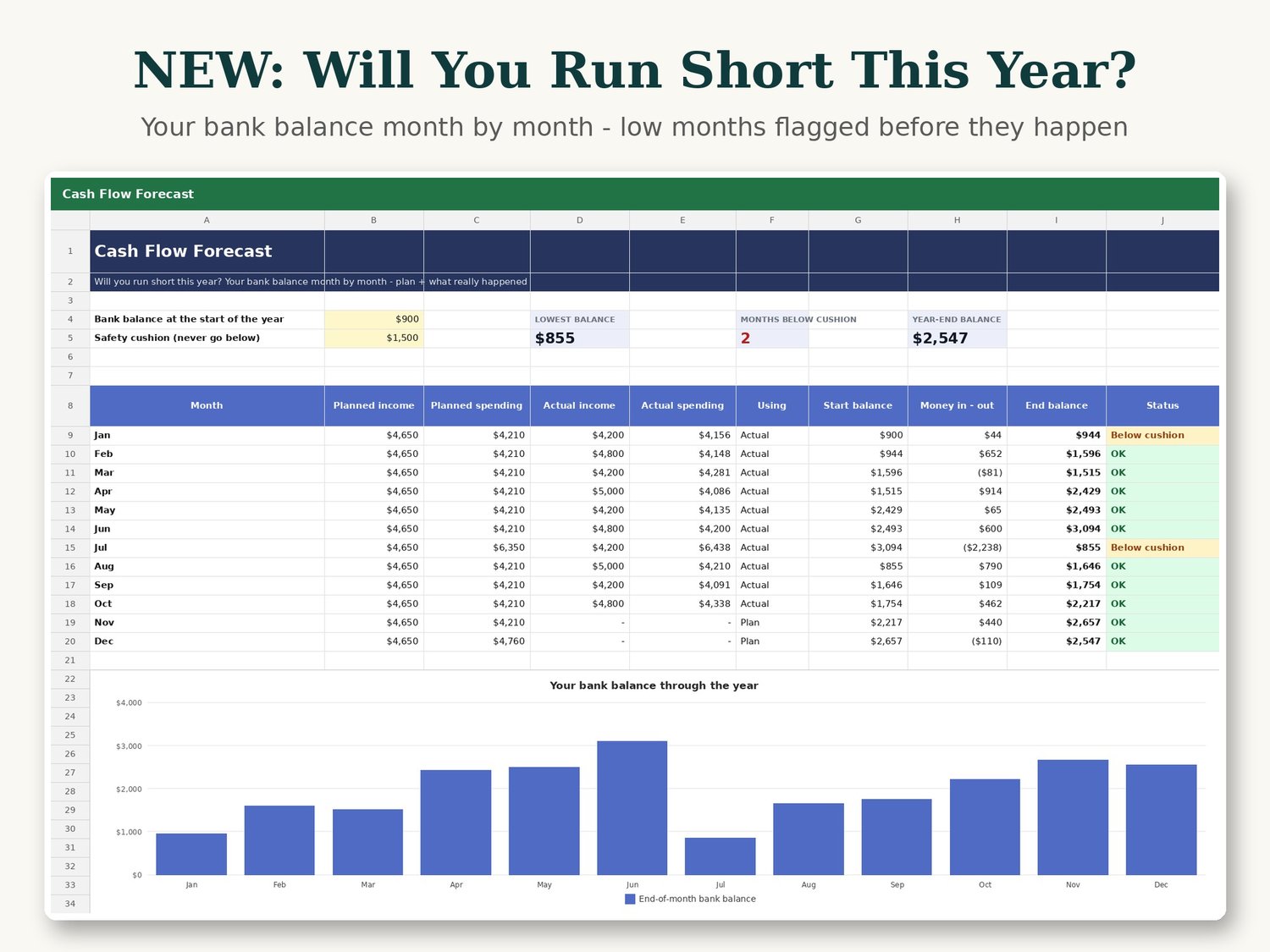
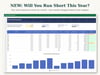
NEW IN THIS VERSION: Cash Flow Forecast
• Type your bank balance at the start of the year and a safety cushion
• See your end-of-month balance for all 12 months, with a chart
• Uses your real numbers for months you have tracked, and your plan for the months ahead
• Months that go below your cushion or overdrawn are flagged - so you can fix them early
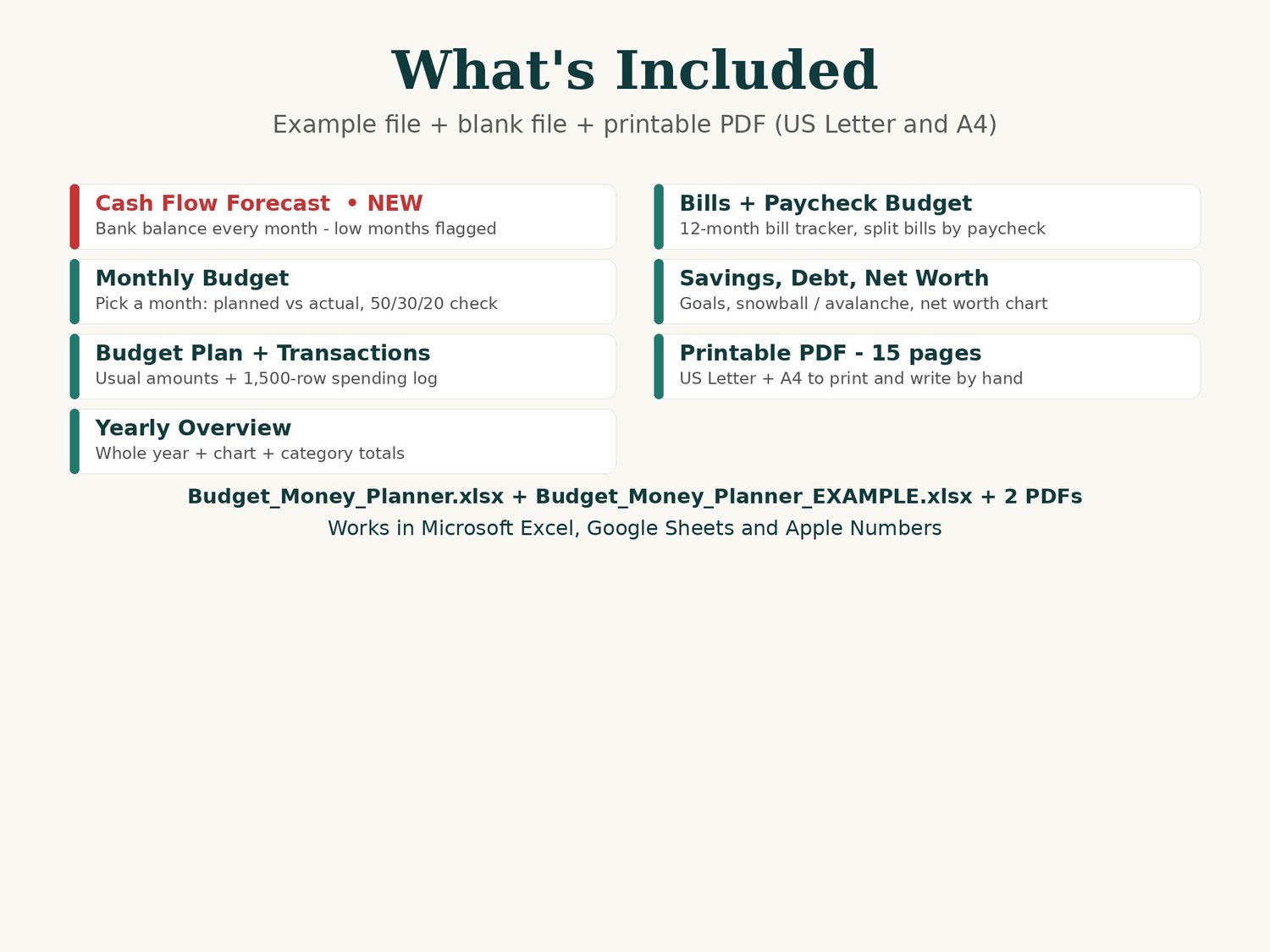
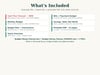
WHAT YOU GET (4 files)
• Budget_Money_Planner_EXAMPLE.xlsx - filled with a sample year so you can see how everything works
• Budget_Money_Planner.xlsx - blank, ready for your own numbers
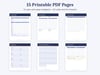
• Printable PDF, US Letter - 15 pages
• Printable PDF, A4 - 15 pages
INSIDE THE SPREADSHEET (14 tabs)
• Cash Flow Forecast (NEW) - bank balance month by month
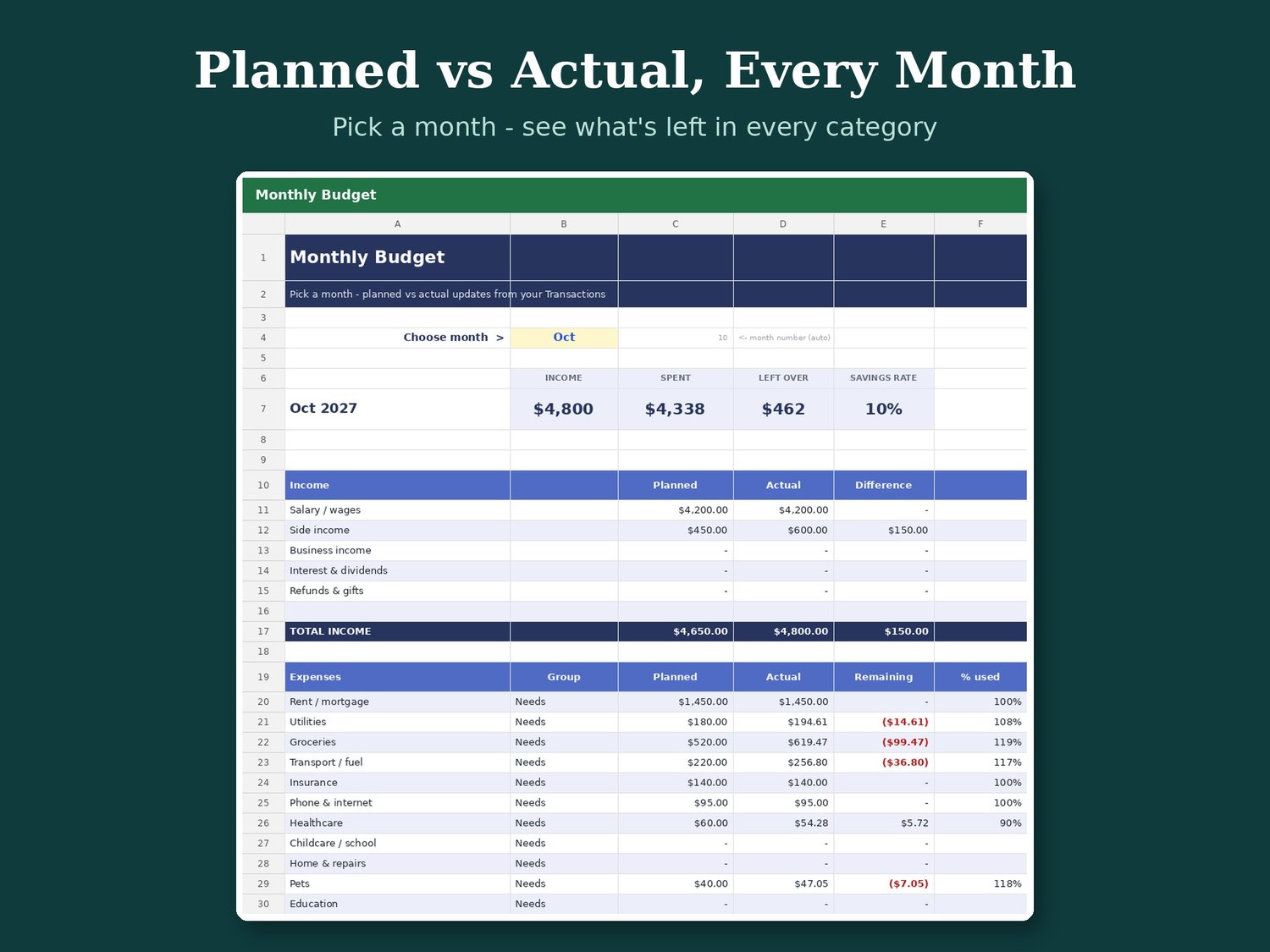
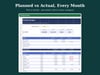
• Monthly Budget - pick a month: planned vs actual for every category, 50/30/20 check
• Budget Plan - set a usual monthly amount, change only months that differ
• Transactions - add income and spending, category from a dropdown
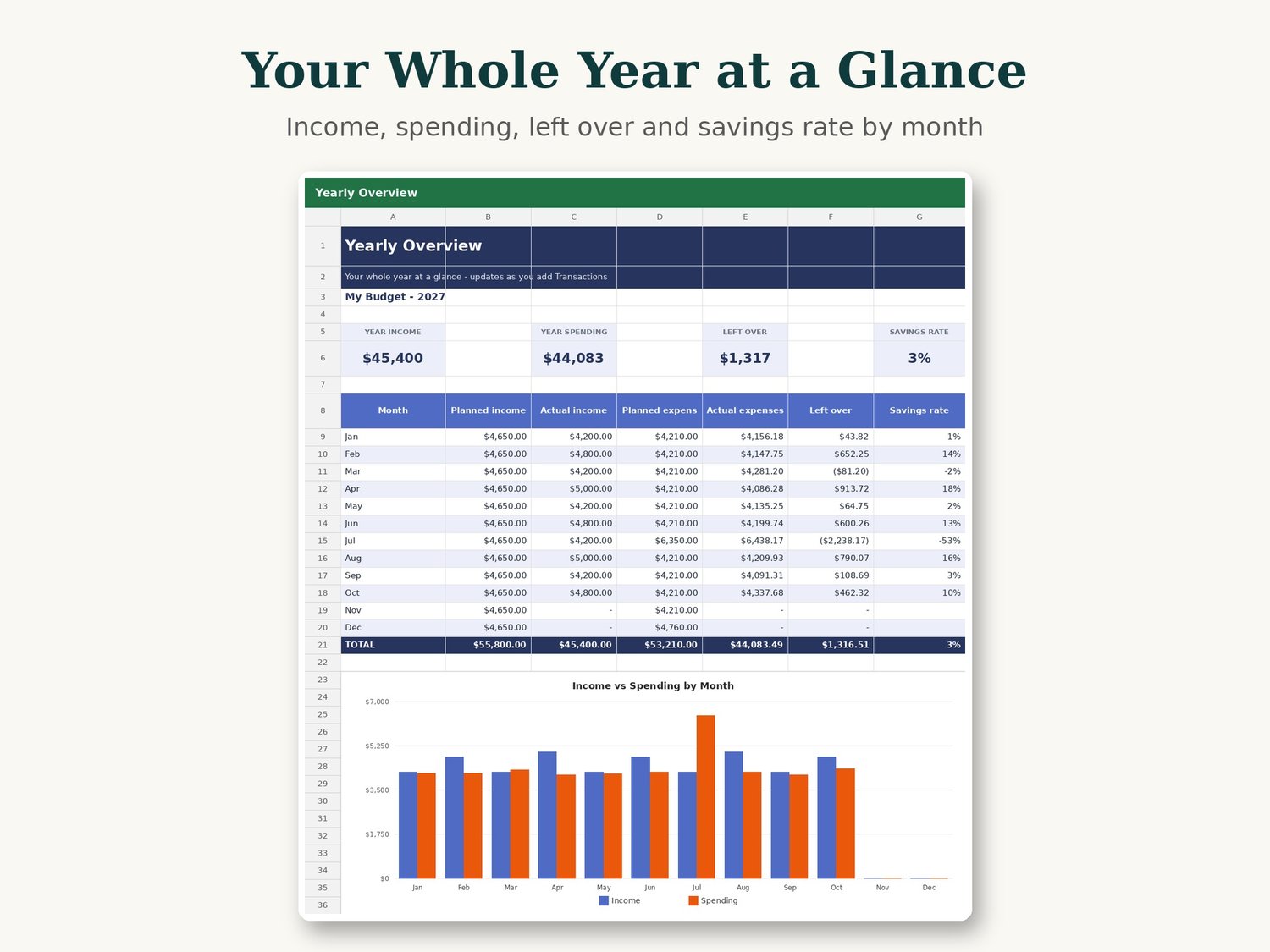
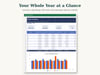
• Yearly Overview with chart + Category Totals
• Bill Tracker for 12 months
• Paycheck Budget - split bills across two paychecks
• Subscription Tracker - what you pay per month and per year
• Savings Goals, Debt Payoff (snowball or avalanche) and Net Worth with chart
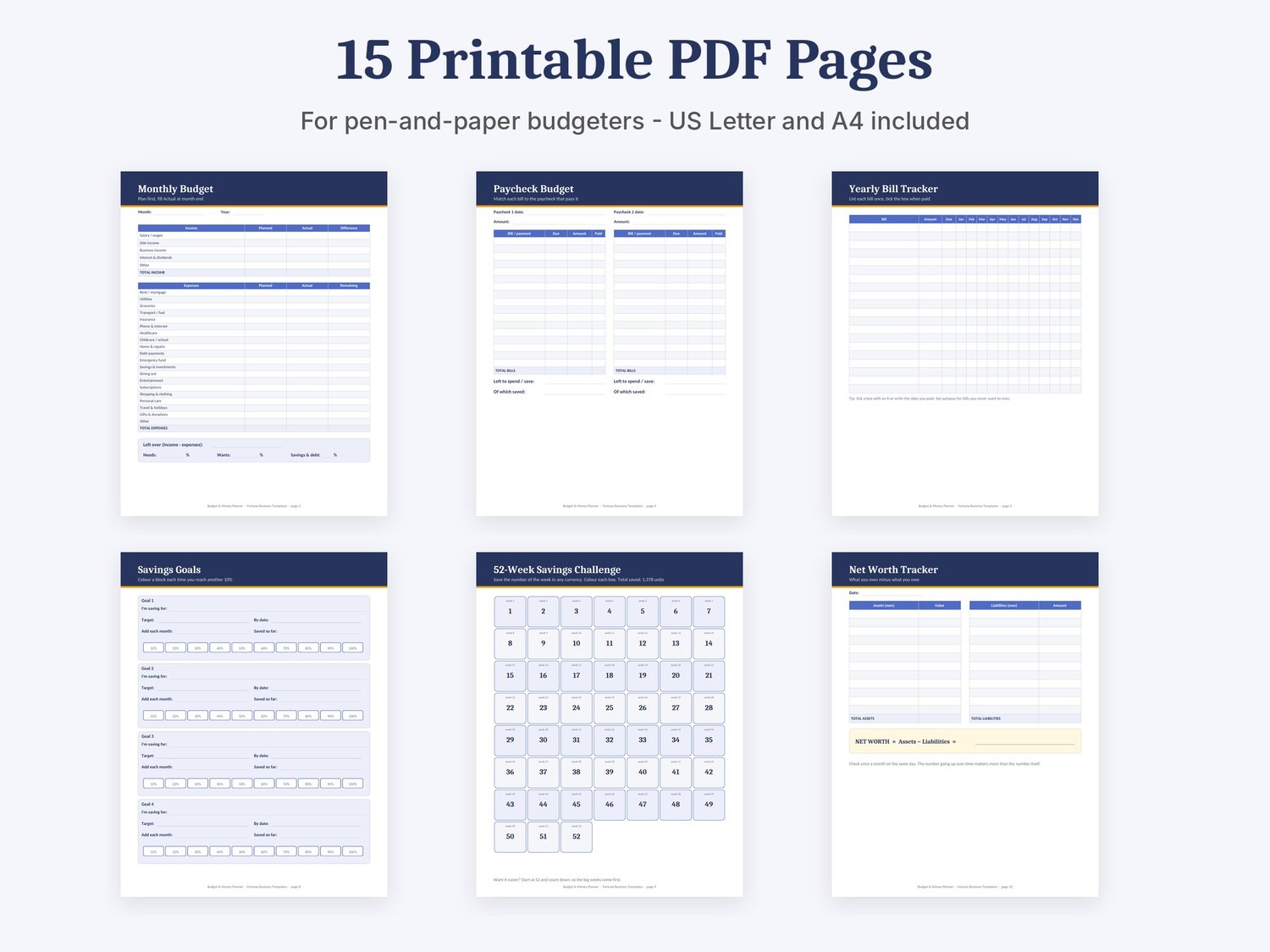
INSIDE THE PRINTABLE PDF (15 pages)
Monthly Budget, Paycheck Budget, Yearly Bill Tracker, Weekly Spending Tracker, Expense Log, Savings Goals, 52-Week Savings Challenge, Debt Payoff, Subscription Tracker, Net Worth, Yearly Overview, Sinking Funds Planner, Monthly Review, How-to guide.
WHY YOU WILL LIKE IT
• Undated: change the year once on Settings and keep using it
• Any currency: just change the cell format
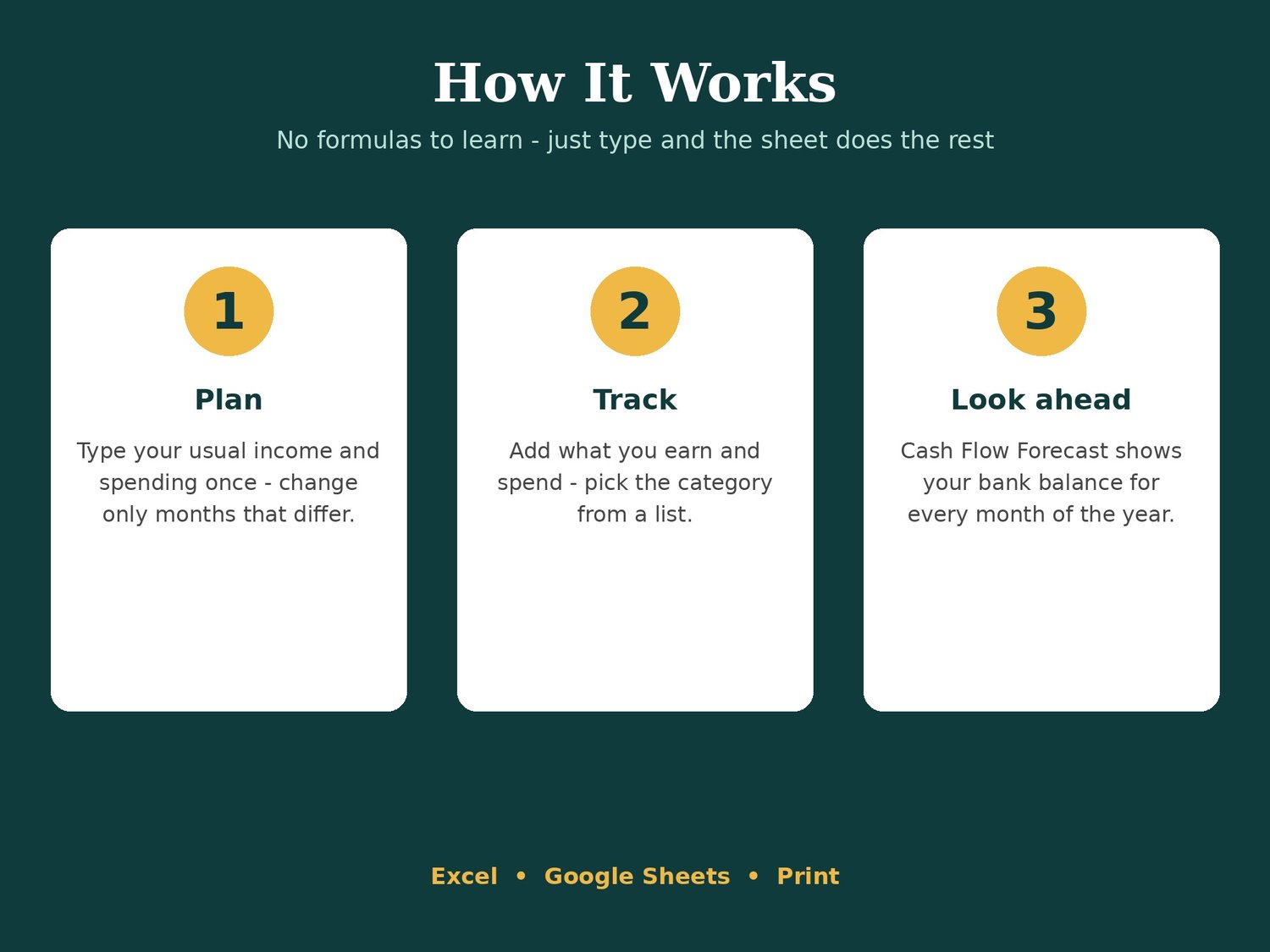
• Light yellow cells are for you - everything else calculates by itself
WORKS IN: Microsoft Excel, Google Sheets (File > Import) and Apple Numbers - or print the PDF.
Instant download. Example numbers are samples only. A planning tool, not financial advice.
Personal use only. Please do not resell or share.
Images made by me from the real spreadsheet; some design help from AI tools.