
Microsoft 365 Administrator Basic To Advanced
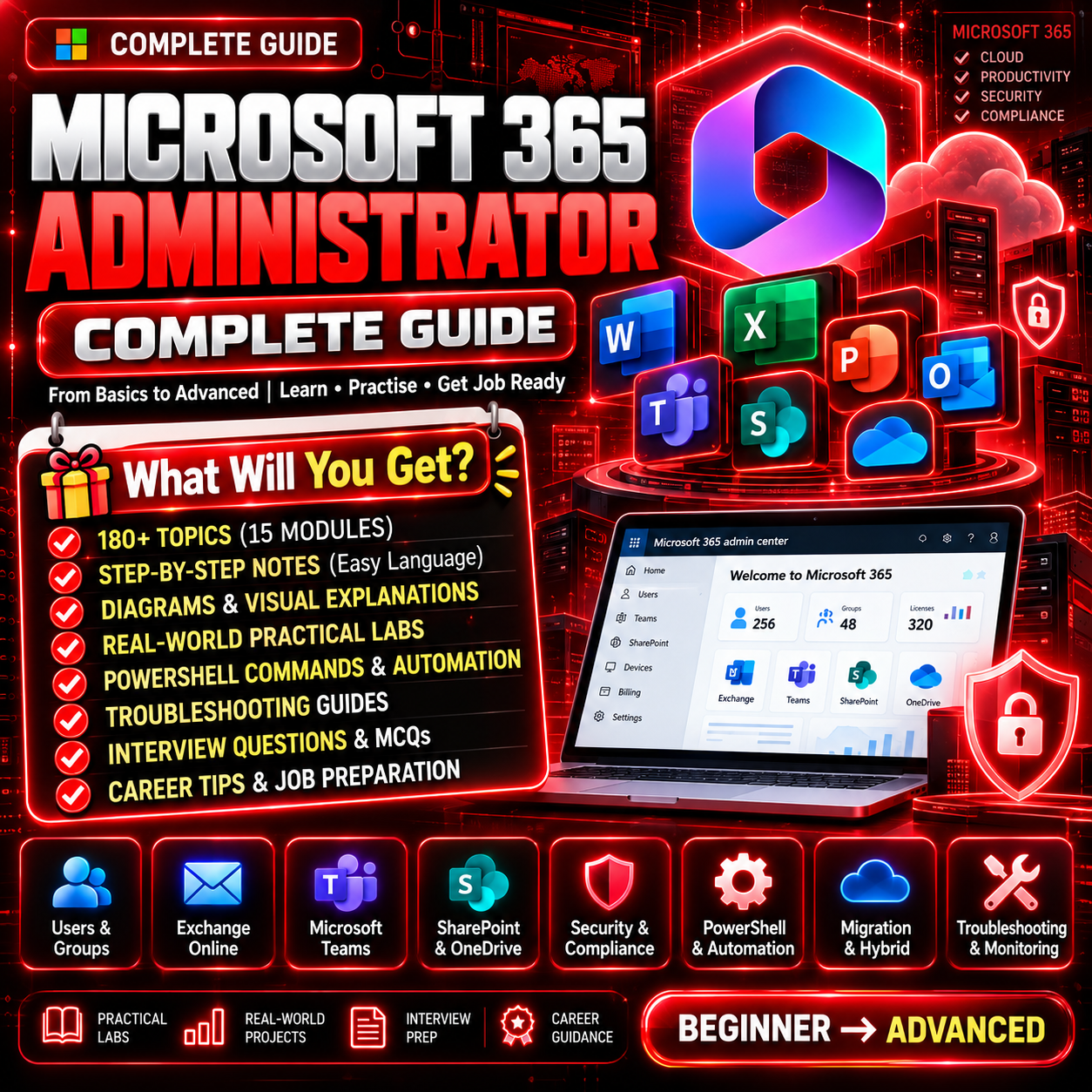
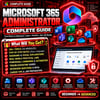
Microsoft 365 Administrator Complete Guide
180 Topics | 15 Modules | Practical Labs | PowerShell Automation | Interview Preparation
🚀 Master Microsoft 365 Administration — From Fundamentals to Real-World Enterprise Administration!
Want to build your skills in Microsoft 365 administration, cloud identity, Exchange Online, Microsoft Teams, SharePoint, security, and compliance?
The Microsoft 365 Administrator Complete Guide is a structured learning resource designed for IT students, beginners, help desk professionals, system administrators, and aspiring Microsoft 365 Administrators.
With 180 carefully organized topics across 15 modules, this guide covers essential administration concepts, troubleshooting workflows, automation, migration, and practical lab exercises to help you develop job-relevant skills.
📚 What Will You Learn?
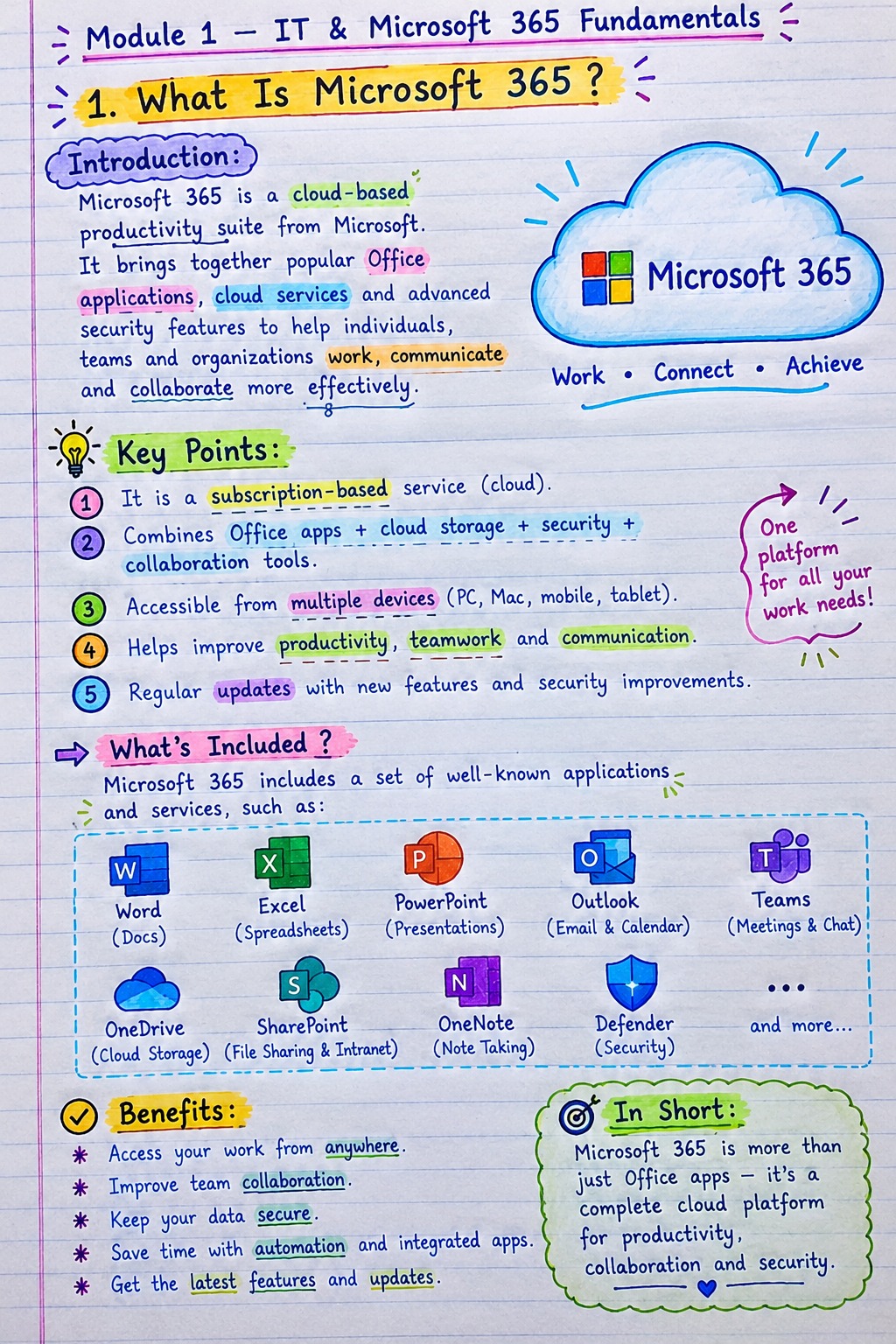
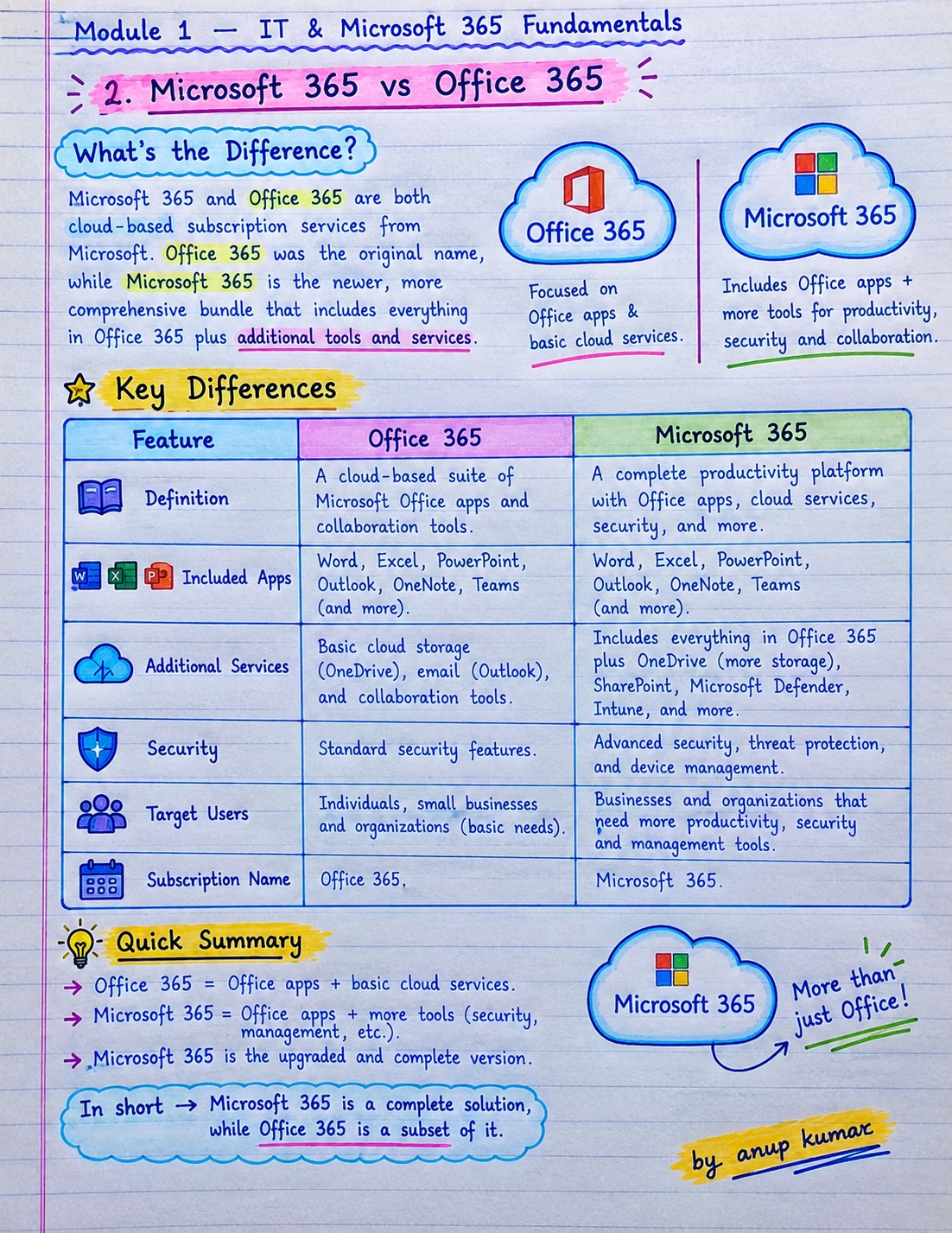
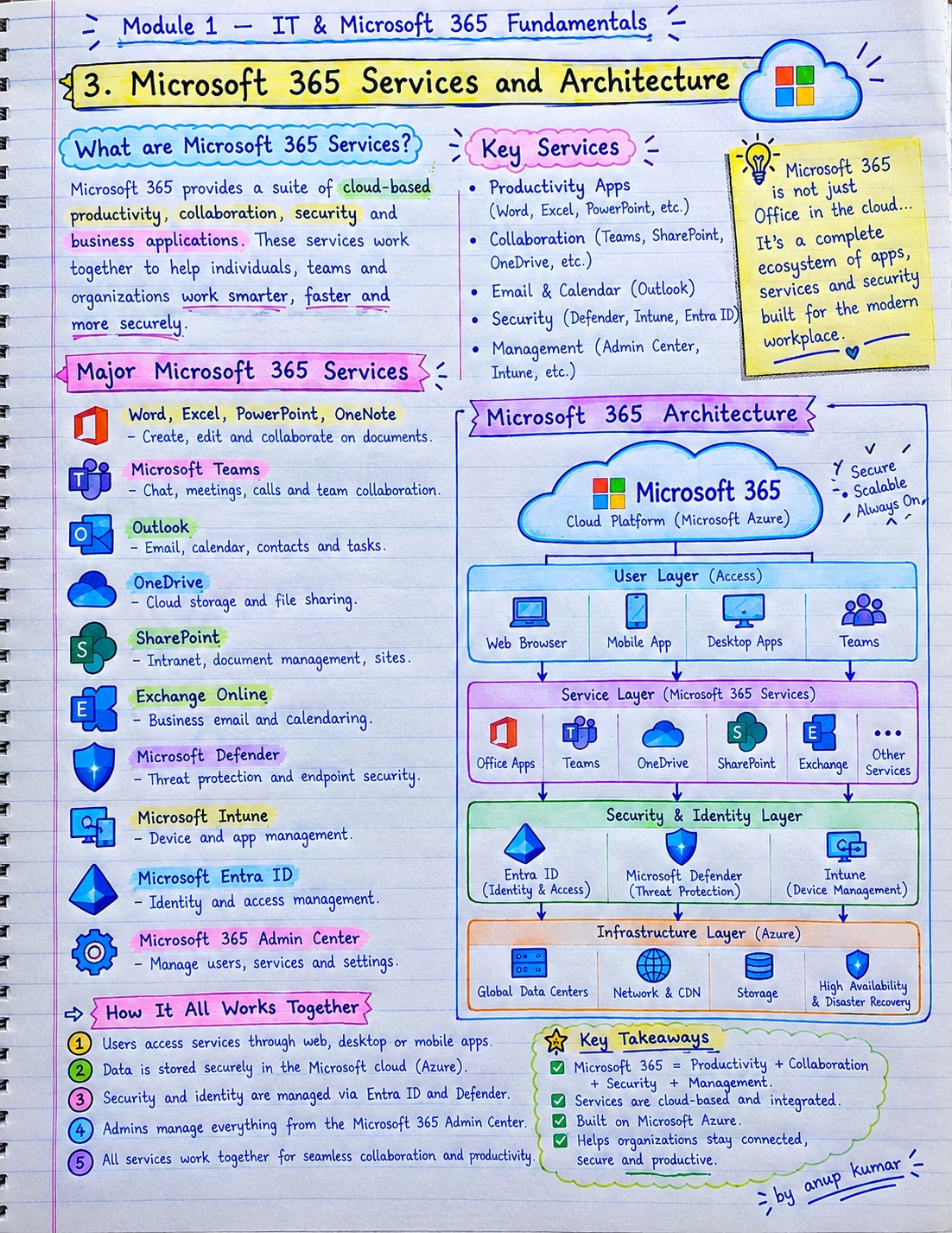
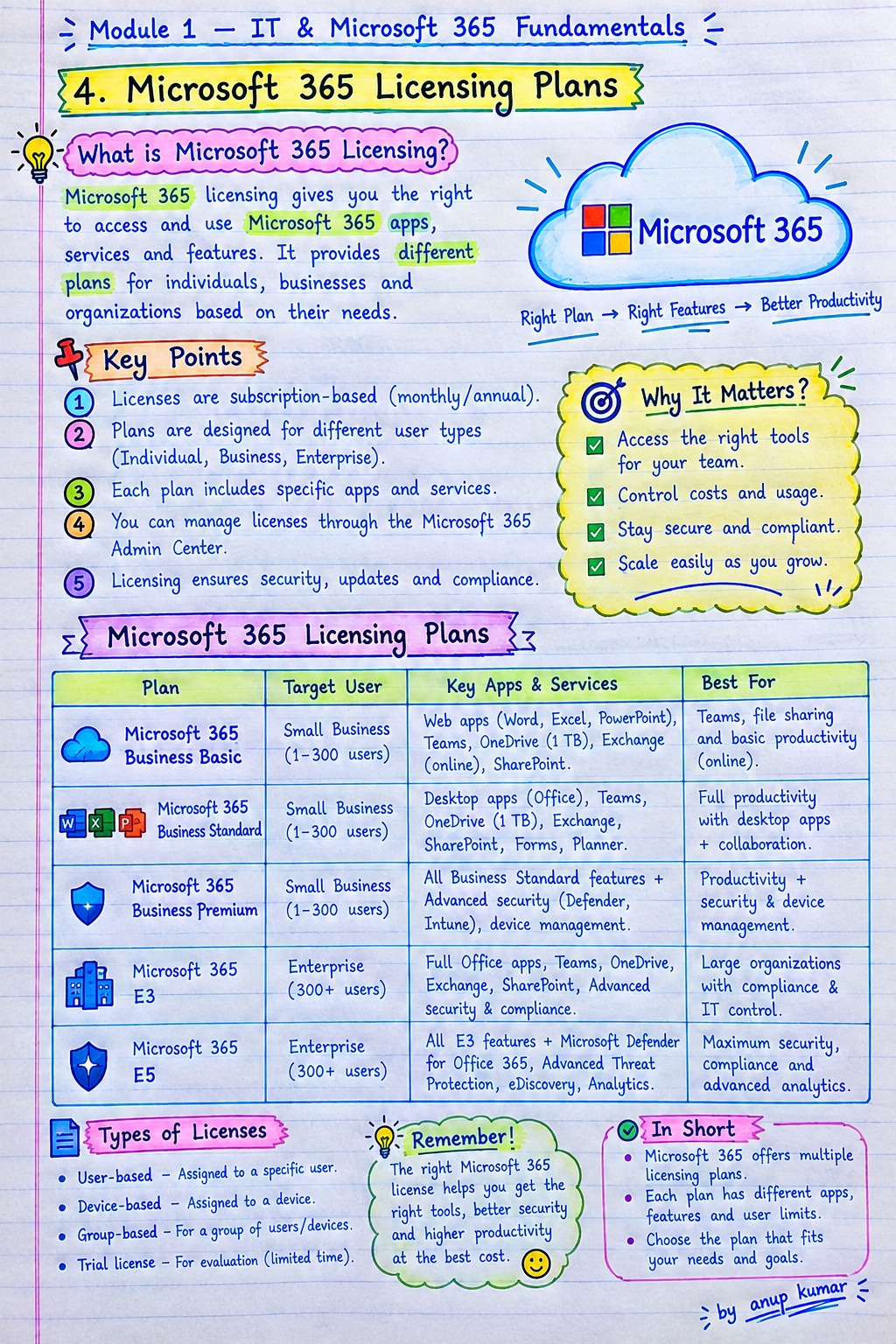
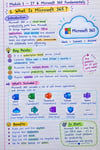
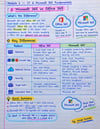
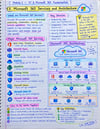
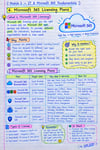
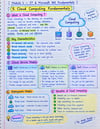
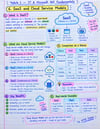
✅ Module 1: IT & Microsoft 365 Fundamentals
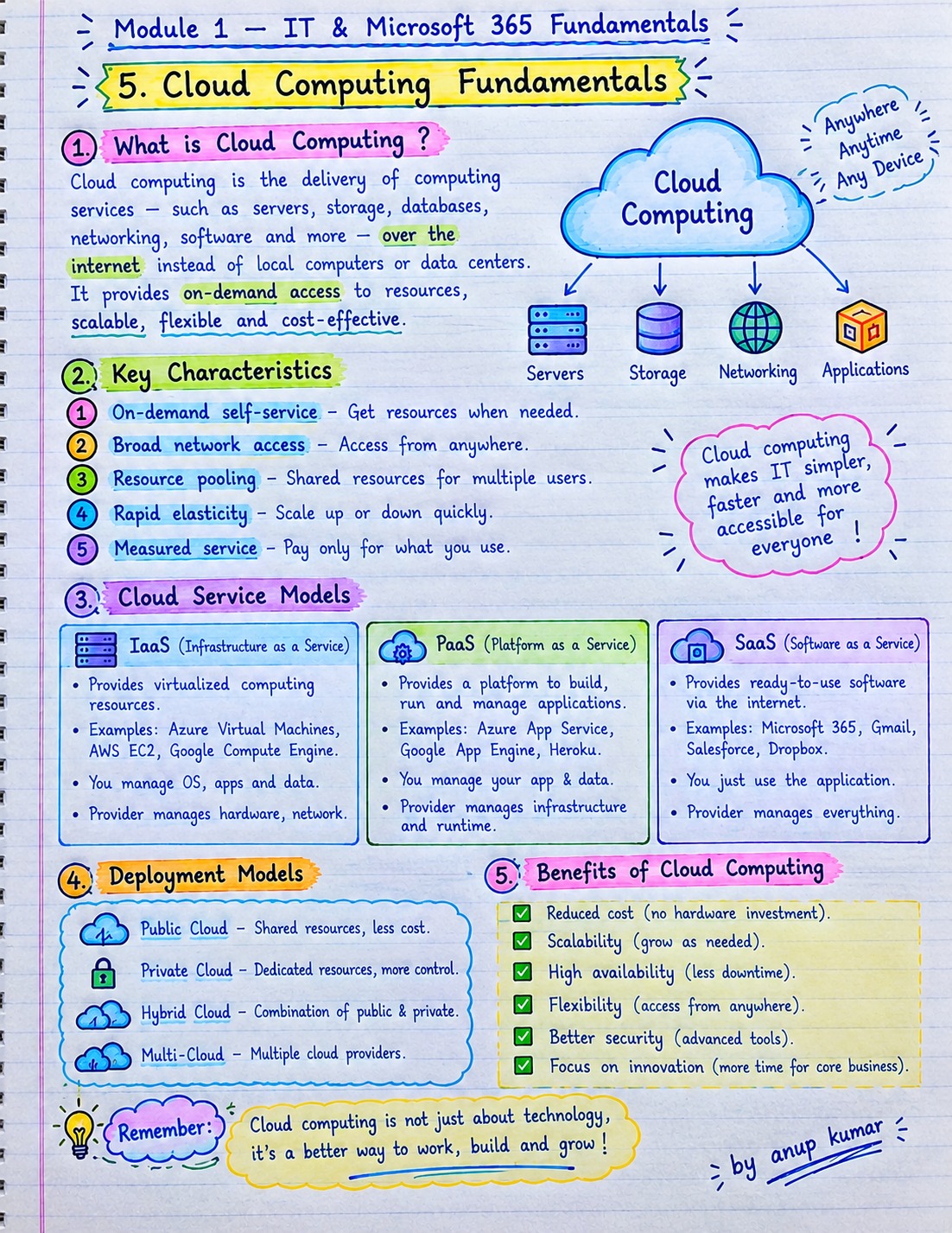
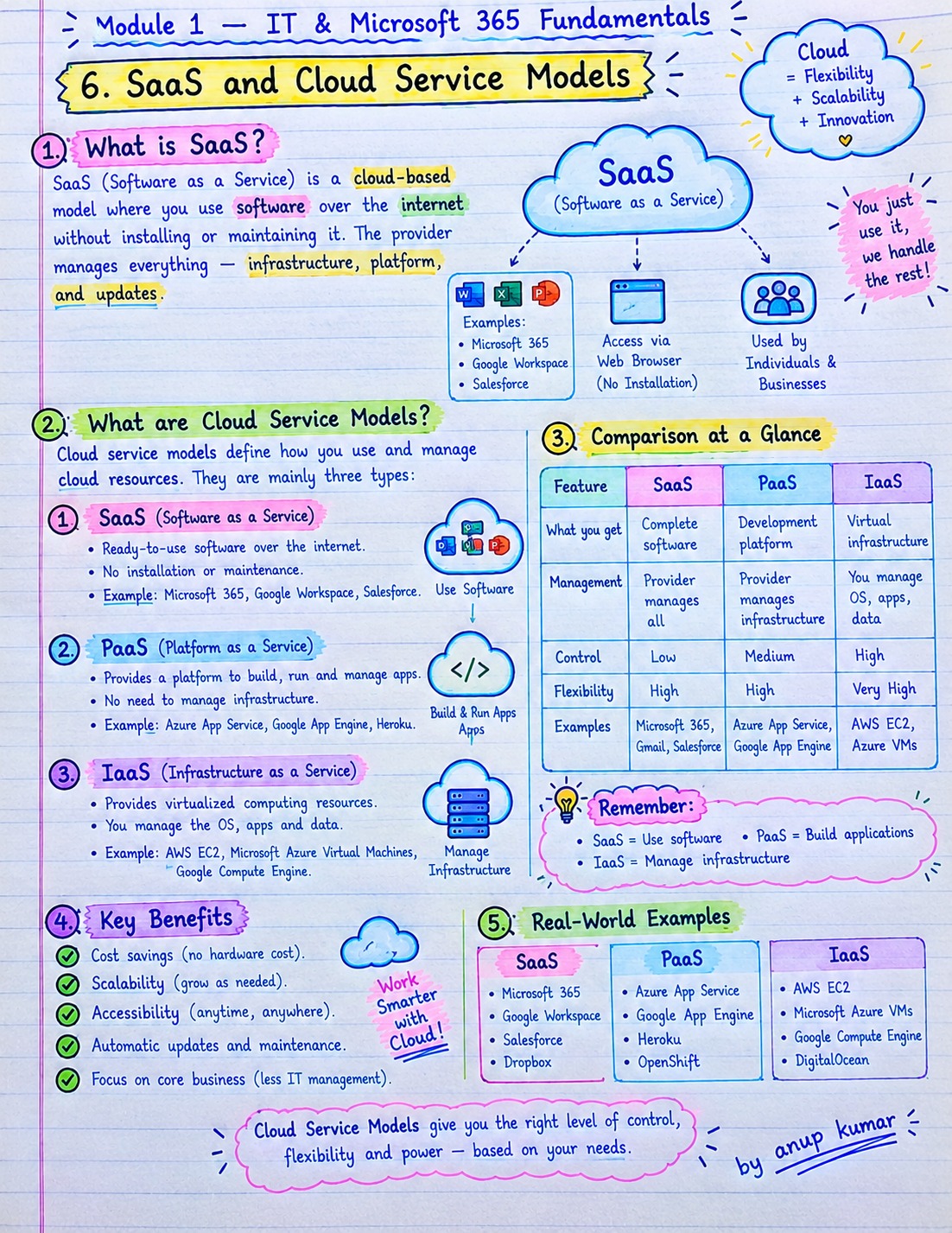
Understand Microsoft 365 architecture, licensing, cloud computing, SaaS, admin centers, and essential prerequisites.
✅ Module 2: Tenant Setup & Administration
Learn tenant configuration, custom domains, DNS records, subscriptions, license management, service health, and usage reports.
✅ Module 3: Users, Groups & Administrative Roles
Explore user lifecycle management, security groups, Microsoft 365 Groups, shared mailboxes, guest users, and delegated administration.
✅ Module 4: Microsoft Entra ID
Study authentication, authorization, MFA, Conditional Access, SSO, enterprise applications, identity synchronization, and hybrid identity.
✅ Module 5: Exchange Online Administration
Learn mailbox management, mail flow, connectors, transport rules, message tracing, email protection, migration fundamentals, and PowerShell.
✅ Module 6: Microsoft Teams Administration
Understand Teams, channels, meetings, calling, guest access, policies, apps, governance, reports, and troubleshooting.
✅ Module 7: SharePoint Online & OneDrive
Explore site administration, document libraries, permissions, external sharing, synchronization, storage, recovery, and migration.
✅ Module 8: Microsoft 365 Apps & Devices
Learn application deployment, Office activation, update management, Microsoft Intune fundamentals, device compliance, and endpoint policies.
✅ Module 9: Microsoft Defender & Security
Explore Defender portals, email protection, anti-phishing, security alerts, threat investigation, endpoint detection, and Secure Score.
✅ Module 10: Microsoft Purview & Compliance
Understand data classification, sensitivity labels, DLP, retention, eDiscovery, audit logs, records management, and compliance reporting.
✅ Module 11: PowerShell & Automation
Learn PowerShell fundamentals, Microsoft Graph, Exchange Online connections, bulk user creation, license assignment, reporting, and API basics.
✅ Module 12: Migration & Hybrid Administration
Study migration planning, email migration, Exchange hybrid architecture, directory synchronization, rollback planning, and post-migration validation.
✅ Module 13: Monitoring & Troubleshooting
Practise investigating sign-in failures, MFA issues, email delivery problems, Teams connectivity, SharePoint permissions, DNS errors, and PowerShell connection issues.
✅ Module 14: Real-World Practical Labs
Work through hands-on scenarios involving tenant setup, DNS verification, users and licenses, Conditional Access, SharePoint, Teams, Defender, DLP, and PowerShell automation.
✅ Module 15: Interview Questions & Exam Preparation
Prepare with role-specific interview questions, scenario-based troubleshooting, command exercises, lab assessments, MCQs, mock interviews, and a final practice assessment.
🎯 Who Is This Guide For?
- IT students and freshers
- Help Desk and IT Support professionals
- System Administrators
- Microsoft 365 Administrator aspirants
- Microsoft cloud and identity learners
- IT professionals preparing for interviews
- Learners developing PowerShell and automation skills
💼 Skills You Can Develop
- Microsoft 365 tenant administration
- User, group, and license management
- Microsoft Entra ID and identity security
- Exchange Online and email troubleshooting
- Microsoft Teams administration
- SharePoint Online and OneDrive management
- Security, compliance, and data protection fundamentals
- PowerShell-based administration and reporting
- Cloud migration and hybrid administration
- Incident documentation and troubleshooting
⭐ Why Choose This Guide?
📘 Structured Learning: Progress from fundamentals to advanced administration topics.
🛠️ Practical Focus: Apply concepts through guided lab scenarios and administration exercises.
🔐 Security Awareness: Learn about identity protection, Conditional Access, Defender, and compliance.
⚙️ Automation Skills: Explore PowerShell, Microsoft Graph, bulk operations, and reporting.
🎯 Career Preparation: Review interview questions, troubleshooting scenarios, MCQs, and practical assessments.
🚀 Start Building Your Microsoft 365 Skills
Develop a stronger foundation in cloud administration and prepare for practical learning, technical interviews, and Microsoft 365 administration opportunities.
📚 Product: Microsoft 365 Administrator Complete Guide
📌 Coverage: 180 Topics | 15 Modules | Practical Labs | Interview Preparation
Learn → Practise → Troubleshoot → Automate → Grow Your IT Career
Note: This guide provides structured learning content and practical exercises. Access to a Microsoft 365 tenant, subscriptions, and certain security or compliance features may require separate licensing. Certification success and employment are not guaranteed.