
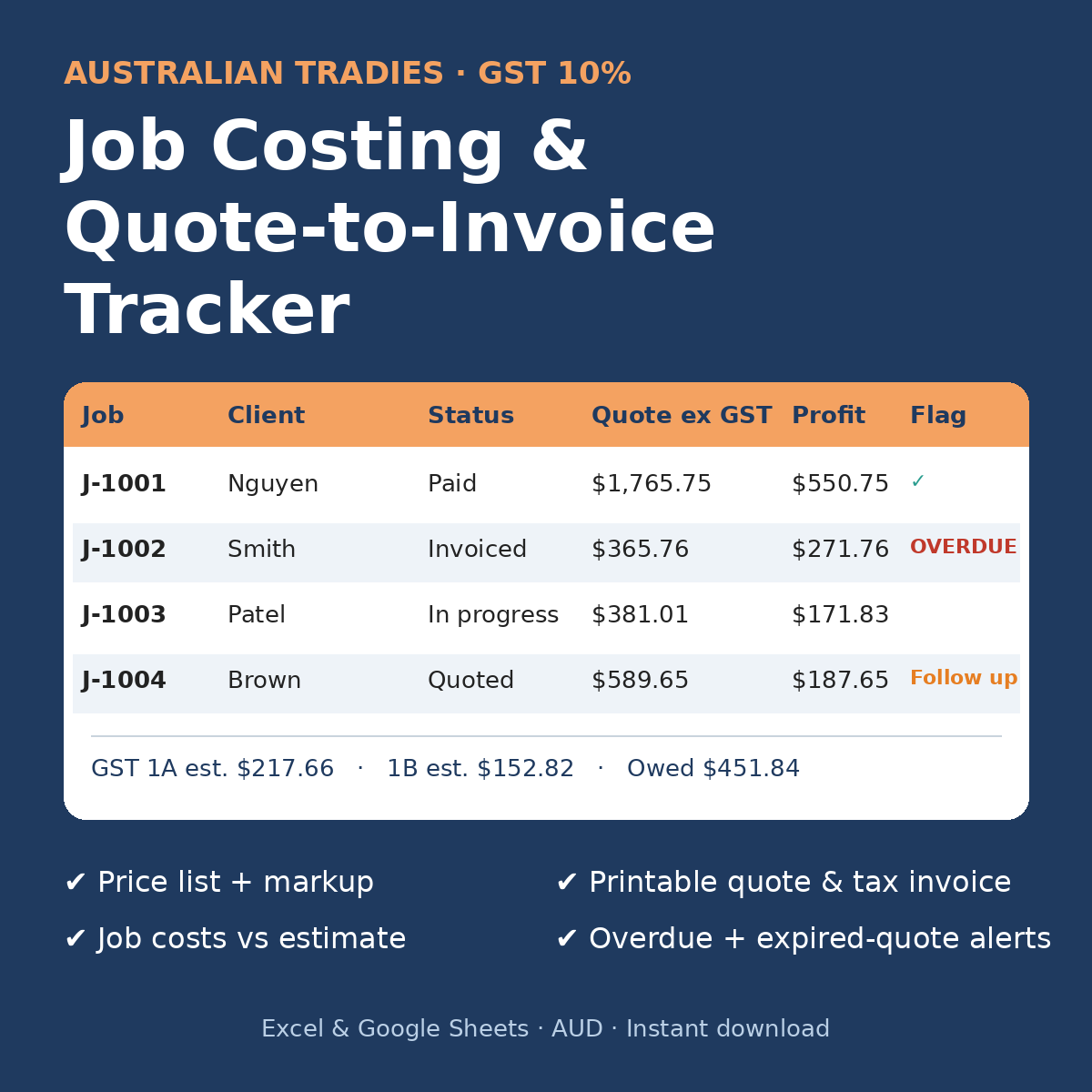
Tradie Job Costing & Quote-to-Invoice Tracker – Australia, GST (AUD)
Quote it, win it, invoice it, get paid, and know what you made on every job.
A simple spreadsheet for Australian tradies and small trade businesses (plumbers, sparkies, chippies, painters, landscapers, handymen, cleaners), so you don't need a monthly app subscription. Set up your rates once, build quotes in minutes, and follow each job from "Quoted" to "Paid".
What it does
- Price list with markup: enter what YOU pay for labour, call-outs, materials, subbies and hire (ex GST). Sell prices are worked out from your markup, either per item or a default %.
- Quote builder: add a Job ID, a code and a quantity. Descriptions, unit prices, line totals and GST fill in for you.
- Printable quote and tax invoice in one: pick the job, then switch the dropdown from Quote to Invoice. The document shows "TAX INVOICE" with GST if you're registered, or "INVOICE" with no GST if you're not. Print or save it as a PDF.
- Job pipeline: each job moves Quoted → Accepted → In progress → Invoiced → Paid (or Declined), with the quote expiry date, due date, balance owing and days overdue worked out for you.
- Job costs against the estimate: log receipts against each job (amount including GST). The GST credit is worked out as amount ÷ 11, and you see the profit and margin % per job.
- Alerts: "Quote expired – follow up", "OVERDUE xx days – chase payment" and "Costs over estimate by 10%+".
- Summary for any period (e.g. your BAS quarter): quotes sent and won, win rate, invoiced, received, owed, overdue, plus an estimate of GST collected (1A) and GST credits (1B) on an accrual or cash basis.
What's included
- 1 × .xlsx workbook with 8 tabs: Instructions, Summary, Settings, Price List, Jobs, Quote Lines, Job Costs, Quote – Invoice
- Example jobs, receipts and price-list items, clearly marked EXAMPLE, so you can see how it works before you delete them
- Room for 200 jobs, 300 quote lines, 500 receipts and 25 lines per printed quote
- Works in Microsoft Excel and Google Sheets (File → Import). No macros.
Who it's for
- Sole-trader and small-crew tradies who quote from memory or on a notepad, or who copy and edit old Word quotes
- Anyone who wants to see which jobs actually make money after materials
- GST-registered and not-yet-registered businesses (there's a Yes/No switch)
Who it's NOT for: businesses that need payroll, Single Touch Payroll, bank feeds or BAS lodgement. Use accounting software or a BAS/tax agent for those.
FAQ
Do I need Excel? No. It works in free Google Sheets too. Upload the file, then choose File → Save as Google Sheets.
I'm not registered for GST. Can I use it? Yes. Set GST registered to No and your documents will show "INVOICE" with no GST line.
Does it lodge my BAS? No. The Summary tab gives an estimate of 1A and 1B from your job data to help you prepare. Check the figures with your records, the ATO or your BAS agent before you lodge.
Can I add my logo? Yes. Insert an image at the top of the Quote – Invoice tab.
Is it a subscription? No. You pay once, download it instantly and keep the file.
Refunds? Because it's a digital download, contact us if something isn't working and we'll help fix it.
General information only, not tax, legal or financial advice. Check GST and tax-invoice requirements at ato.gov.au or with a registered tax/BAS agent.