
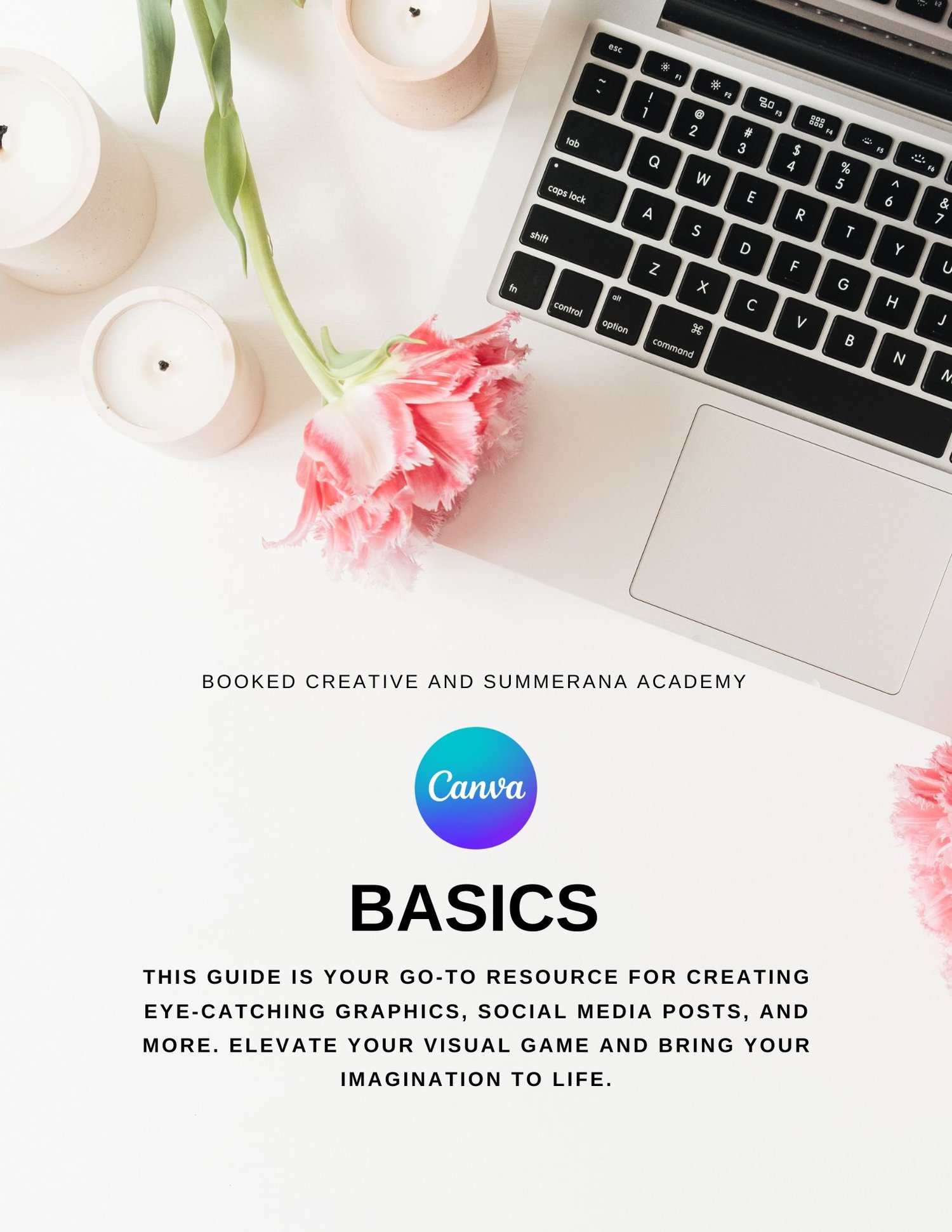
Canva Basics Guide
Feeling overwhelmed every time you open Canva?
You’re not alone.
The Canva Basics Guide is designed for creative business owners, beginners, and entrepreneurs who want clean, professional designs — without hiring a designer or spending hours figuring it out.
This simplified guide walks you through Canva in a clear, easy-to-follow way so you can confidently create graphics that elevate your brand.
Inside, you’ll learn:
✔️ How to navigate Canva like a pro
✔️ The difference between templates and custom designs
✔️ How to choose fonts and colors that look cohesive
✔️ Simple layout rules that make your designs look polished
✔️ How to create social media posts, stories, and marketing materials
✔️ Time-saving shortcuts and hidden features
✔️ How to keep your branding consistent
No design degree required.
No complicated terminology.
No guesswork.
By the end, you’ll be able to create scroll-stopping content, beautiful marketing graphics, and branded materials that actually look professional.
Because great design builds trust.
And trust builds sales.
If you’re ready to stop overthinking your graphics and start creating with confidence, this guide will show you exactly how to master Canva basics the simple way.
**DISCLAIMER** Due to the digital nature of the products, we DO NOT OFFER REFUNDS.