
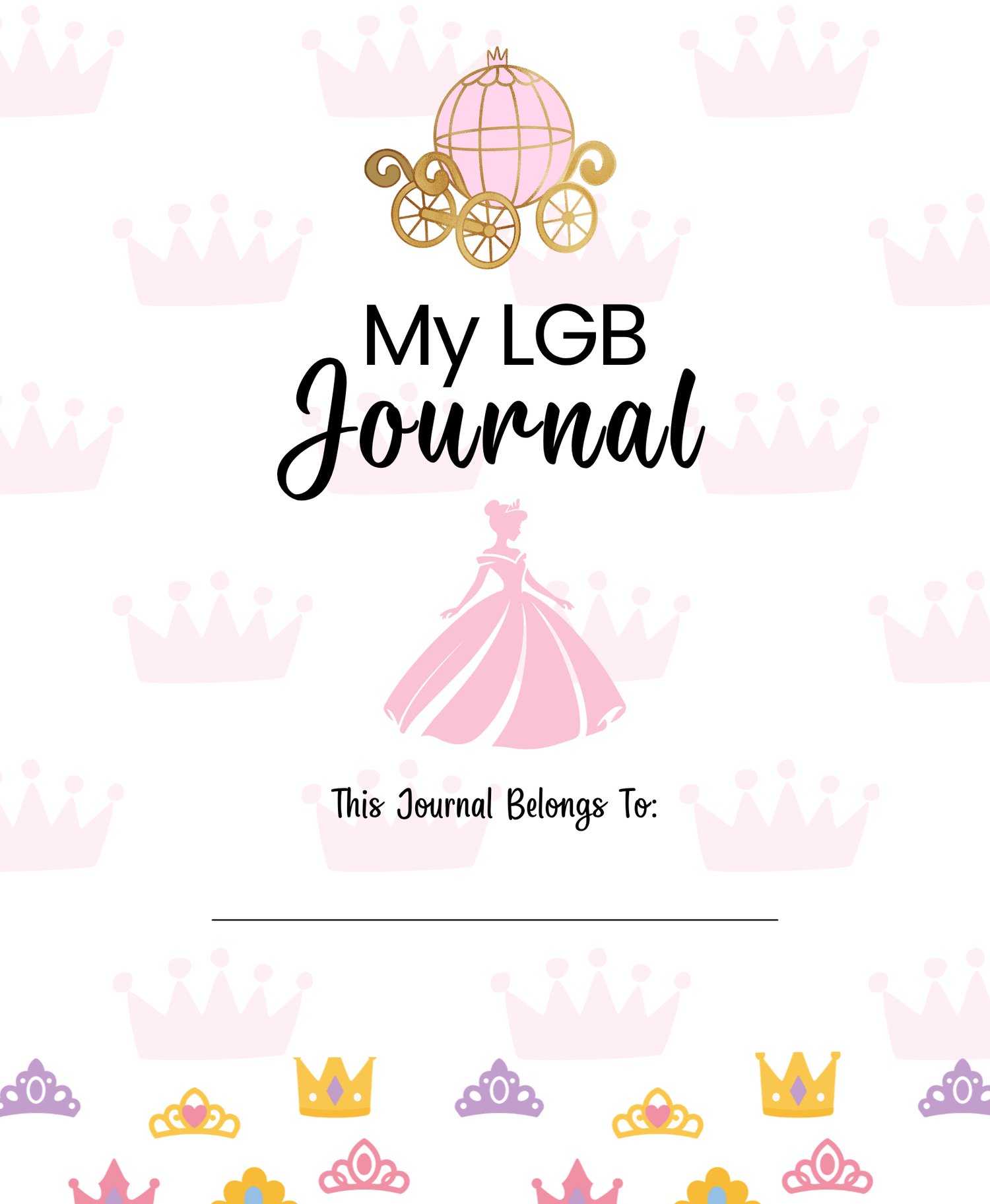
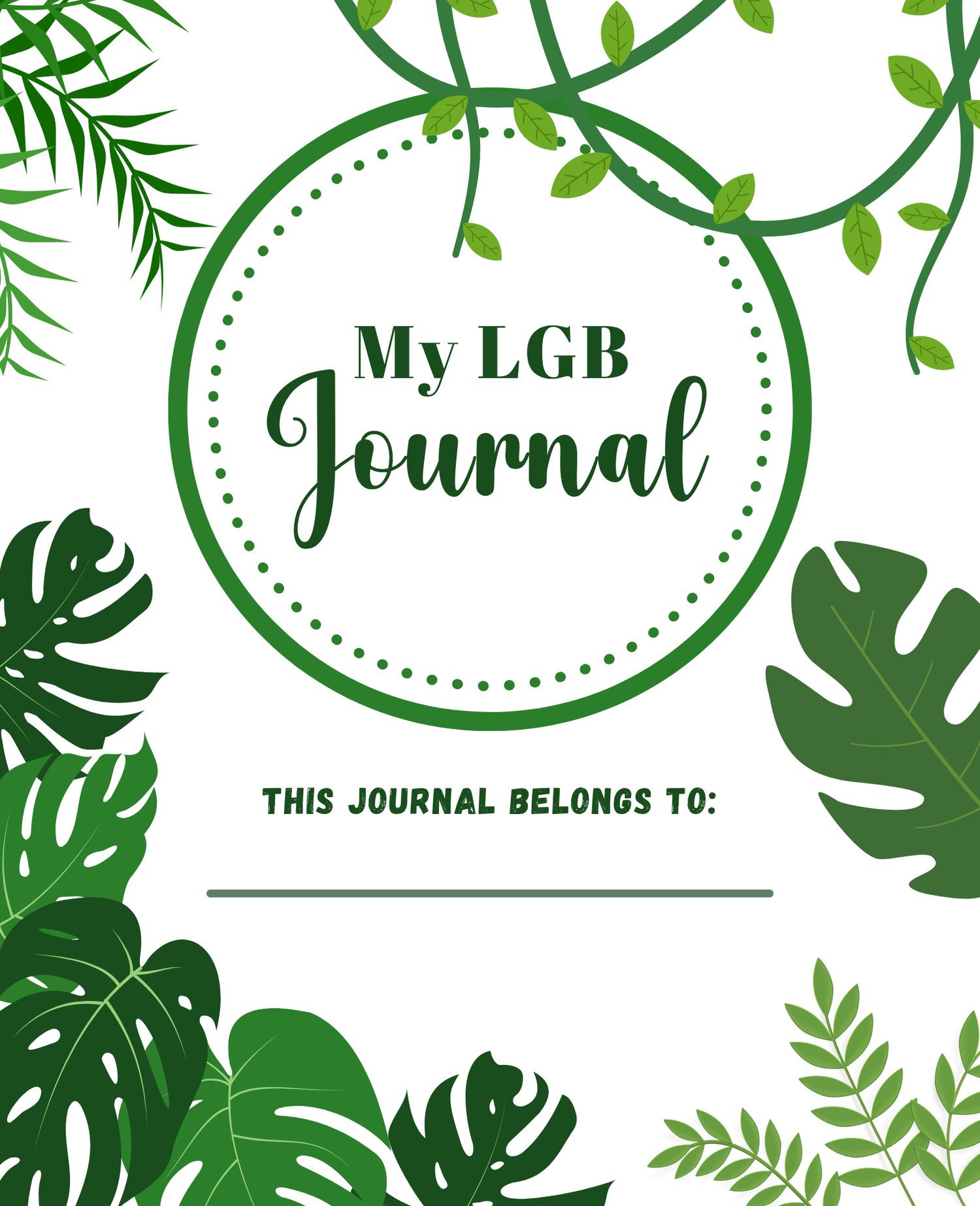

My Little Golden Book Cover Page Tutorial- Canva elements ONLY
Create Little Golden Book Cover Pages Using Canva Elements ONLY
Want to learn how to create your own Little Golden Book cover pages without searching the internet for images? 📚✨
This is my third course, and it's a little different from my original Little Golden Book cover-page course.
🎨 What's Different About This Course?
In my original Little Golden Book Cover Page Course, I showed you how I created my covers using images I found online, including images from places like Pinterest and Disney artwork.
This new course takes a completely different approach.
In this course, I will show you how to create your cover pages using Canva's own elements and graphics instead of finding and downloading images from the internet.
That means you can stay inside Canva while creating your design and learn how to find elements that work together to create the look you want.
📚 What I'll Teach You
I'll take you through my cover-making process step-by-step, including:
✨ Setting up your Canva design
✨ Creating your cover layout
✨ Searching Canva for the right elements
✨ Finding graphics and illustrations
✨ Choosing elements that work well together
✨ Layering and positioning your elements
✨ Adding and customizing text
✨ Creating the different parts of your cover
✨ Changing colors and sizing elements
✨ Making everything fit together
✨ Creating a polished finished cover
✨ Preparing your finished design for printing
You will be able to follow along with me inside Canva and create your own cover as we go.
💻 CANVA PRO IS HIGHLY RECOMMENDED
This course is specifically for Canva Pro users.
I use Canva Pro elements and features throughout the course, so you will need an active Canva Pro account to follow along with everything I demonstrate.
❤️ NO OUTSIDE IMAGES
For this course, I will not be using images downloaded from Pinterest, Google, Disney, or other websites.
Everything I demonstrate will be created using Canva's elements and tools.
This is a great option if you would rather learn how to create your designs using the resources available directly inside Canva.
🎥 WHO IS THIS COURSE FOR?
This course is perfect for someone who:
✔️ Wants to make Little Golden Book cover pages
✔️ Has Canva Pro
✔️ Wants to learn how to use Canva elements creatively
✔️ Doesn't want to search the internet for artwork to use and worry about copyright infringement
✔️ Wants to learn my process for putting the cover together
✔️ Wants to create their own unique designs
This is NOT my Canva Basics course. You should already have a basic understanding of how Canva works before taking this course.
If you're completely new to Canva, check out my Canva: Just the Basics course first!
📖 THREE COURSES — THREE DIFFERENT PURPOSES
Original Little Golden Book Cover Course:
Learn how I created covers using images found online.
Canva: Just the Basics:
Learn the fundamentals of Canva so you're comfortable navigating and creating.
This Course:
Learn how to create Little Golden Book cover pages using Canva elements only.
You can choose the course that fits the way you want to create! ❤️
🎥 Step-by-step video course
💻 Canva Pro highly recommended
🎨 Canva elements only
🔓 Lifetime access with your purchase
Ready to create your own Little Golden Book cover pages entirely inside Canva? Let's get started! 📚✨