

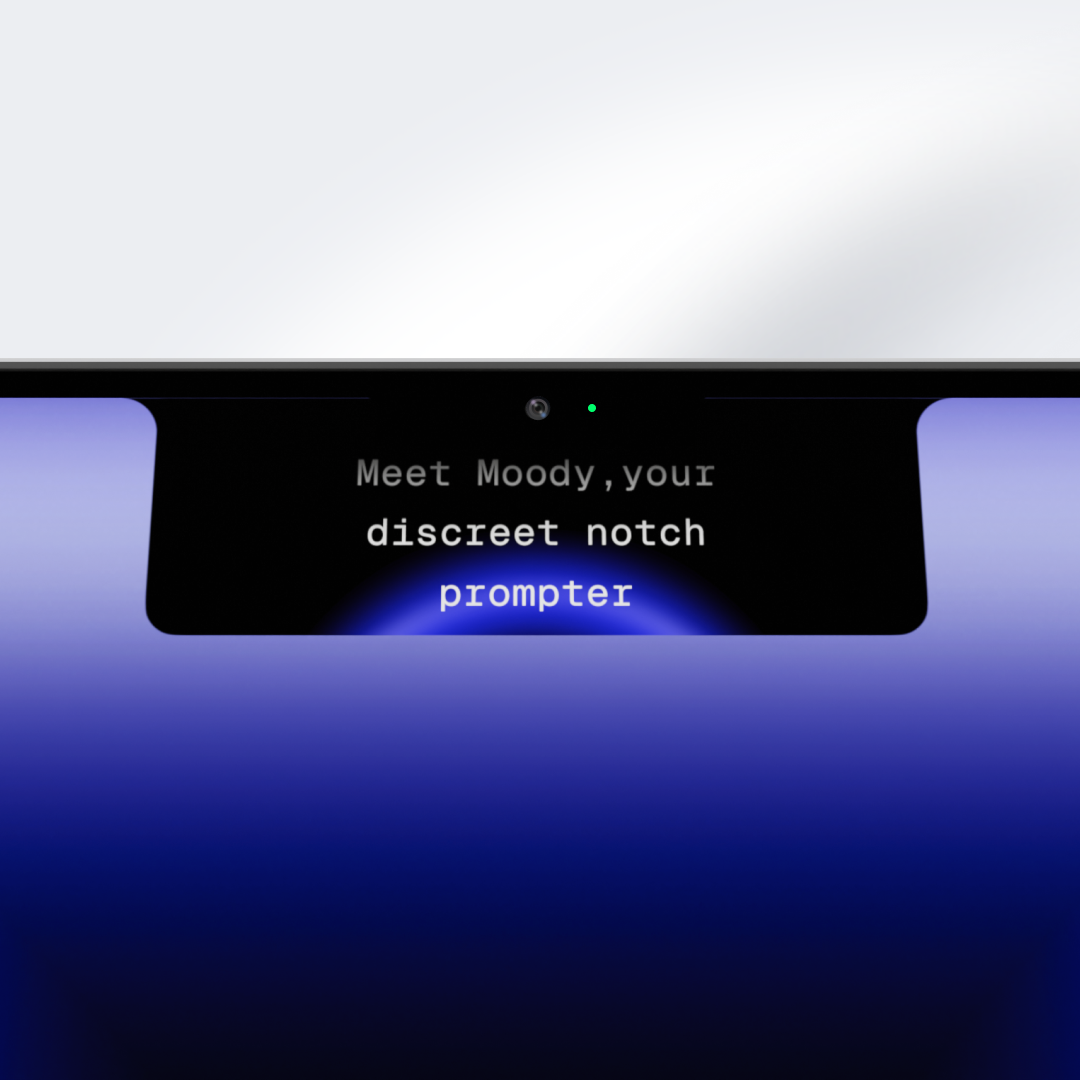

Moody — notch prompter
On Sale
$39.00
$39.00
You're on camera every week. Demos, investor calls, course recordings, client presentations. And every time, there's a version of you that stumbles over words, glances off-camera, or sounds like you're reading from notes.
Moody fixes that.
It displays your script right next to the camera — inside the MacBook notch — so you maintain natural eye contact while saying exactly what you mean.
What makes Moody different:
- Text lives in the notch, as close to your camera as physically possible
- Smooth, adjustable scrolling — you control the pace
- Keyboard shortcuts (Shift + arrow keys) so you never break your flow
- Invisible during screen sharing — nobody sees it but you
- Clean, high-contrast typography built for readability at a glance
- Everything runs locally — your scripts never leave your Mac
- One-time purchase. No subscription.
Built for people who speak on camera professionally:
- Founders recording demos, pitches, and all-hands updates
- Coaches and educators running courses, webinars, and live sessions
- Agencies delivering polished client presentations and case studies on video
- Consultants who need to sound sharp, prepared, and authoritative
Requirements: macOS 14.7 or later