
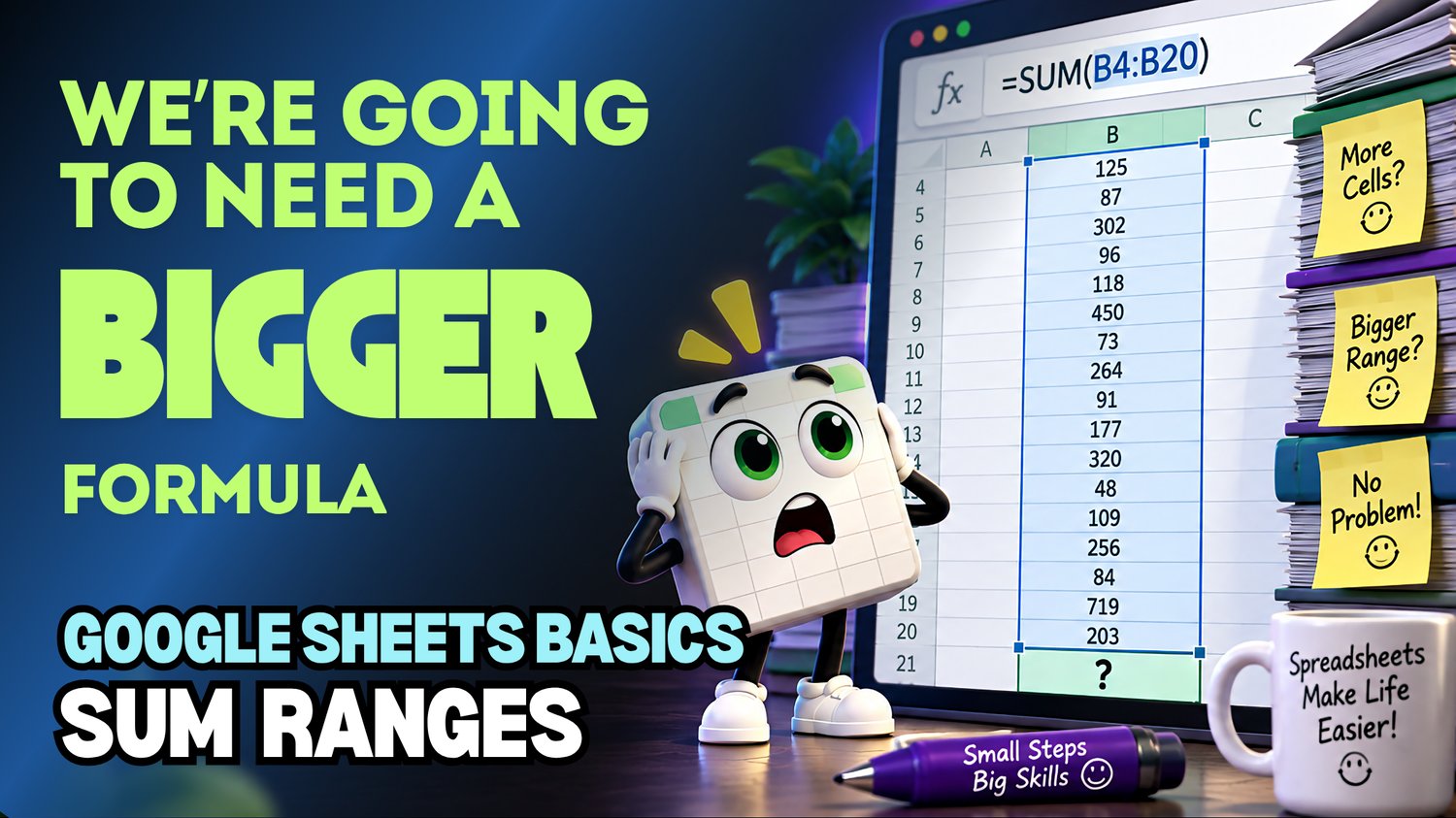
Google Sheets SUM with Cell Ranges Practice Workbook | Beginner Formulas
Learn how to use the SUM function with cell ranges in Google Sheets with this beginner-friendly practice workbook from Easy Mode Excel Tutorials!
Want to add a whole group of numbers without typing each cell reference individually? The SUM function lets you quickly calculate totals using cell ranges, making your formulas simpler and your spreadsheets easier to manage!
This hands-on workbook accompanies our free Google Sheets SUM with Cell Ranges video lesson, giving you the opportunity to practice creating SUM formulas with confidence.
What You'll Practice
✓ Understand what a cell range is
✓ Use the SUM function to add numbers in a range
✓ Write SUM formulas using beginning and ending cell references
✓ Calculate totals across rows and down columns
✓ Select ranges of cells for your SUM formulas
✓ See how totals update when values in the range change
What's Included
✓ One ready-to-use Google Sheets practice workbook
✓ Beginner-friendly exercises to reinforce the lesson
✓ Your own editable copy of the workbook
✓ Hands-on practice you can complete at your own pace
Perfect for Google Sheets beginners! Learn how to calculate totals quickly and efficiently using cell ranges instead of adding numbers one at a time.
Price: $2.49 USD — one-time purchase.
After purchasing, you'll receive a link to create your own editable copy of the Google Sheets practice workbook.
This purchase includes the practice workbook only.
Watch the FREE Video Lesson
🎥 Google Sheets SUM with Cell Ranges:
More FREE Learning
Continue learning with our free Google Sheets AutoSum lesson to discover another quick way to calculate totals.