
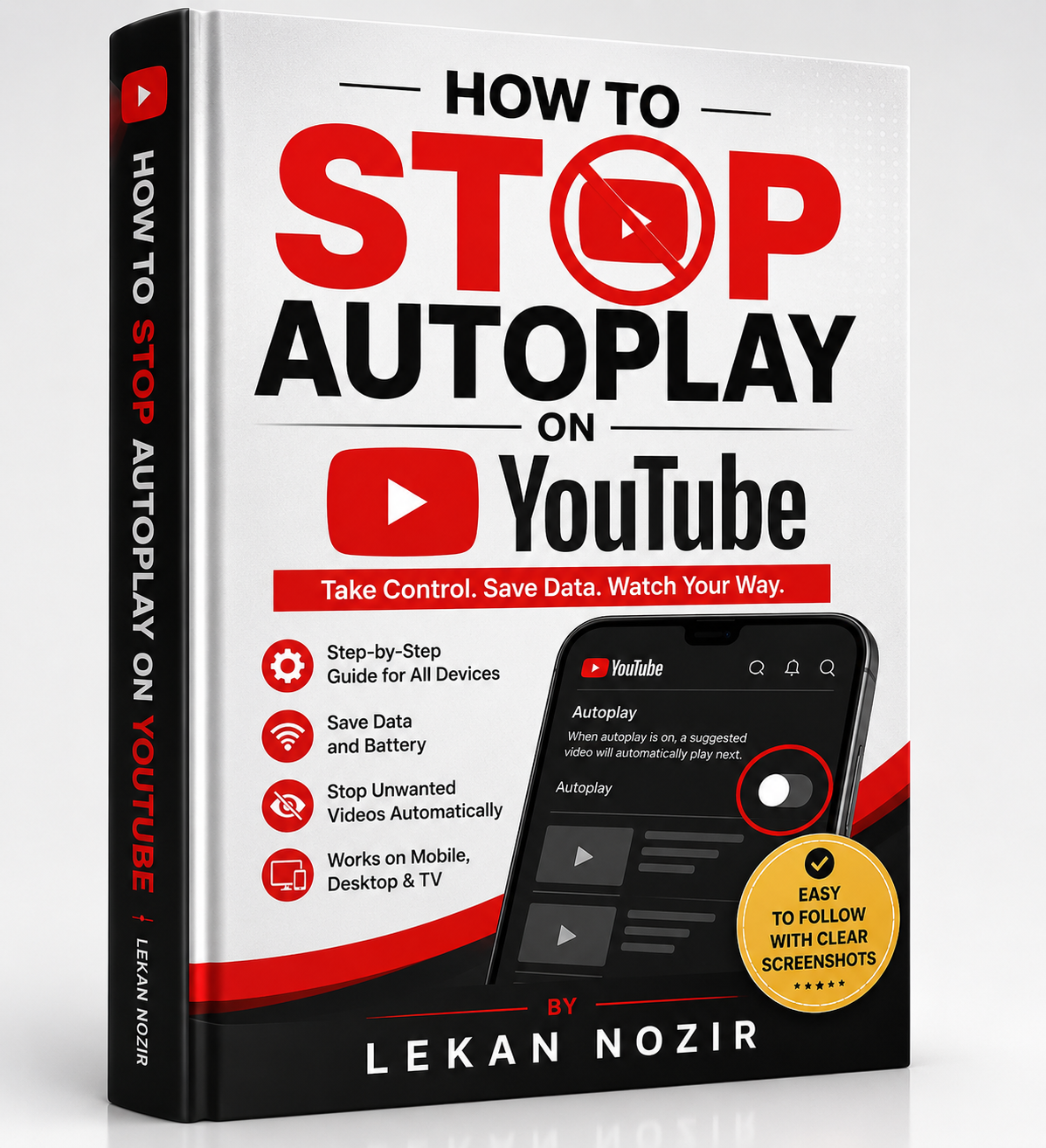
How to Stop Autoplay on YouTube
How to Stop Autoplay on YouTube
By Lekan Nozir
▶️ Stop YouTube from Choosing What You Watch Next!
Are you tired of YouTube automatically playing the next video without your permission?
Autoplay can quickly drain your mobile data, reduce your battery life, distract you from important tasks, and keep you watching far longer than you intended. Whether you're using YouTube on your smartphone, tablet, computer, or Smart TV, learning how to control Autoplay puts you back in charge.
How to Stop Autoplay on YouTube is a practical, step-by-step guide that teaches you exactly how to disable Autoplay on every major device. Written in simple language with easy-to-follow instructions, this guide helps you customize YouTube to suit your preferences and enjoy a distraction-free viewing experience.
📘 Inside This Book, You'll Learn
✅ How to turn off Autoplay on Android phones
✅ How to disable Autoplay on iPhone and iPad
✅ Stop Autoplay on Windows and Mac computers
✅ Turn off Autoplay on Smart TVs and streaming devices
✅ Save mobile data while watching YouTube
✅ Reduce battery consumption on your devices
✅ Prevent unwanted videos from playing automatically
✅ Customize your YouTube playback settings
✅ Troubleshoot Autoplay if it keeps turning back on
✅ Discover additional YouTube settings for a better viewing experience
⭐ Why You'll Love This Guide
✔ Simple, beginner-friendly instructions
✔ Clear, step-by-step walkthroughs
✔ No technical knowledge required
✔ Works with the latest YouTube app and website
✔ Suitable for all ages
✔ Learn everything in under an hour
✔ Improve your digital well-being and reduce screen time
👥 Who This Book Is For
- YouTube users
- Students
- Parents
- Professionals
- Teachers
- Content creators
- Seniors
- Anyone who wants more control over their YouTube experience
🎯 Imagine This...
📱 Your mobile data lasts longer because videos no longer play automatically.
🔋 Your battery isn't constantly being drained by videos you never intended to watch.
⏰ You save valuable time by avoiding endless autoplay sessions.
🧘 Enjoy a calmer, distraction-free viewing experience.
🎥 Watch only the videos you choose—not what the algorithm decides.
🚀 Why This Guide Is Different
Most online tutorials explain only one device or provide outdated instructions. This guide brings everything together in one place, covering multiple platforms with clear, practical steps that anyone can follow.
You'll also learn useful YouTube settings and productivity tips that can improve your overall viewing experience beyond simply turning off Autoplay.
📥 Get Your Copy Today!
Don't let endless videos control your time, your attention, or your mobile data.
Take back control of your YouTube experience with simple, proven steps that work across all your devices.
Whether you're trying to stay productive, reduce distractions, conserve battery life, or simply enjoy YouTube on your own terms, this guide gives you everything you need.
Click "Buy Now" and start watching YouTube your way—not the algorithm's way.
One small setting can make a big difference. Take control today!