

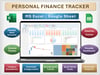

Personal Finance Tracker Excel & Google Sheets | Budget, Expenses, Income and Savings Dashboard
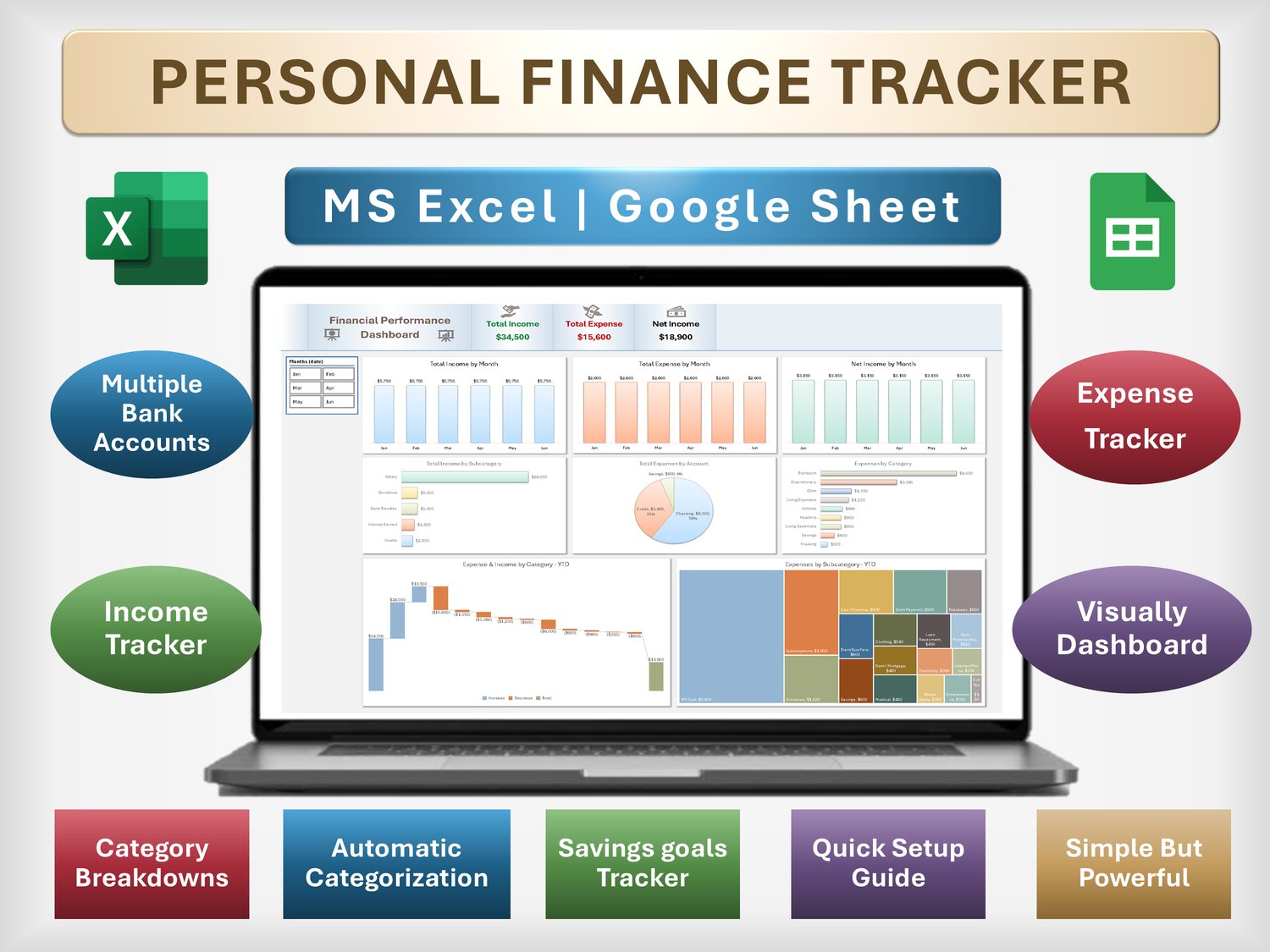
Take control of your money with this easy Personal Finance Tracker for Excel & Google Sheets—track bank accounts, income, expenses, and savings in one clean dashboard.
✅ 🎞Video link to preview the template and learn how to use it:
👉👉 https://youtu.be/wCqEaCrloQU 👈👈
✅ Why this template is different (benefits)
See everything in one place – income, expenses, savings, and net balance at a glance.
Stop guessing where your money goes – automatic categorization shows exactly which categories eat your budget.
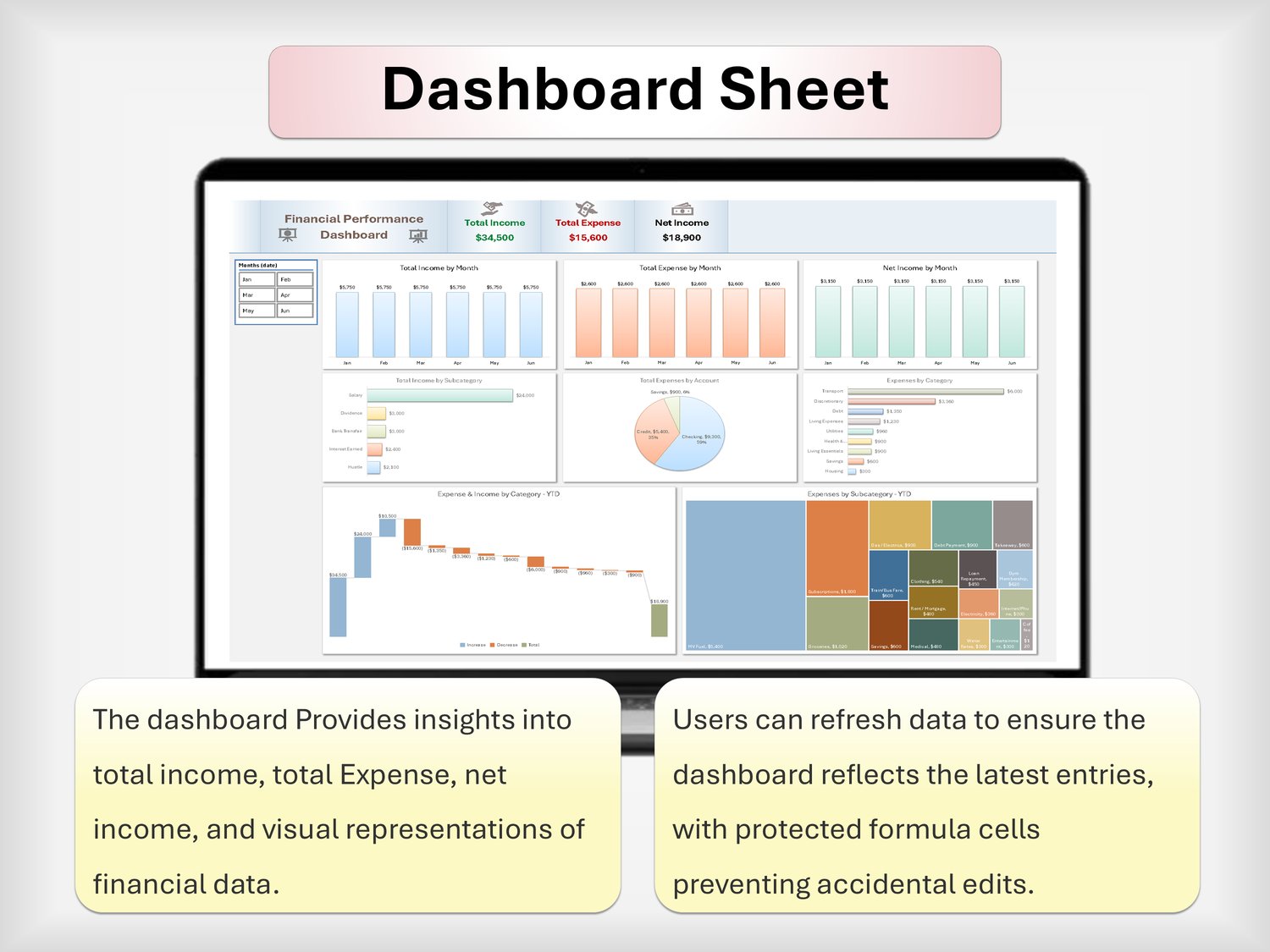
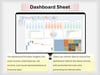
Make better decisions, faster – clear charts and KPIs highlight trends month by month.
No formulas needed – just paste your bank data and the dashboard updates for you.
Works in Excel & Google Sheets – no macros, no add‑ons, just smart formulas.
🔍 What you can track (features)
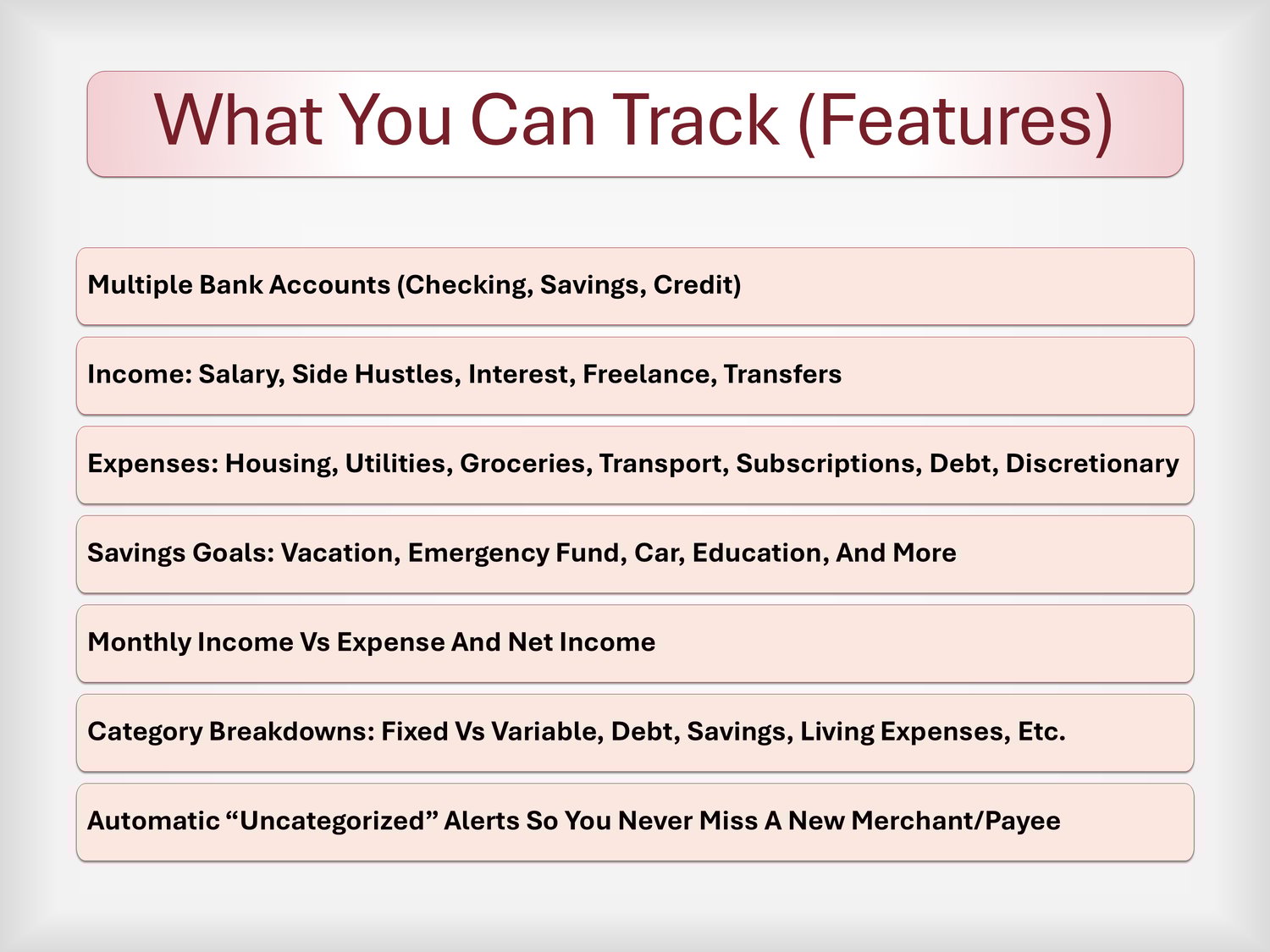
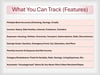
Multiple bank accounts (checking, savings, credit)
Income: salary, side hustles, interest, freelance, transfers
Expenses: housing, utilities, groceries, transport, subscriptions, debt, discretionary
Savings goals: vacation, emergency fund, car, education, and more
Monthly Income vs Expense and Net Income
Category breakdowns: Fixed vs Variable, Debt, Savings, Living Expenses, etc.
Automatic “Uncategorized” alerts so you never miss a new merchant/payee
🧩 What’s included
1× Excel (.xlsx) Personal Finance Tracker
1× Google Sheets version (copy link)
Sheets included:
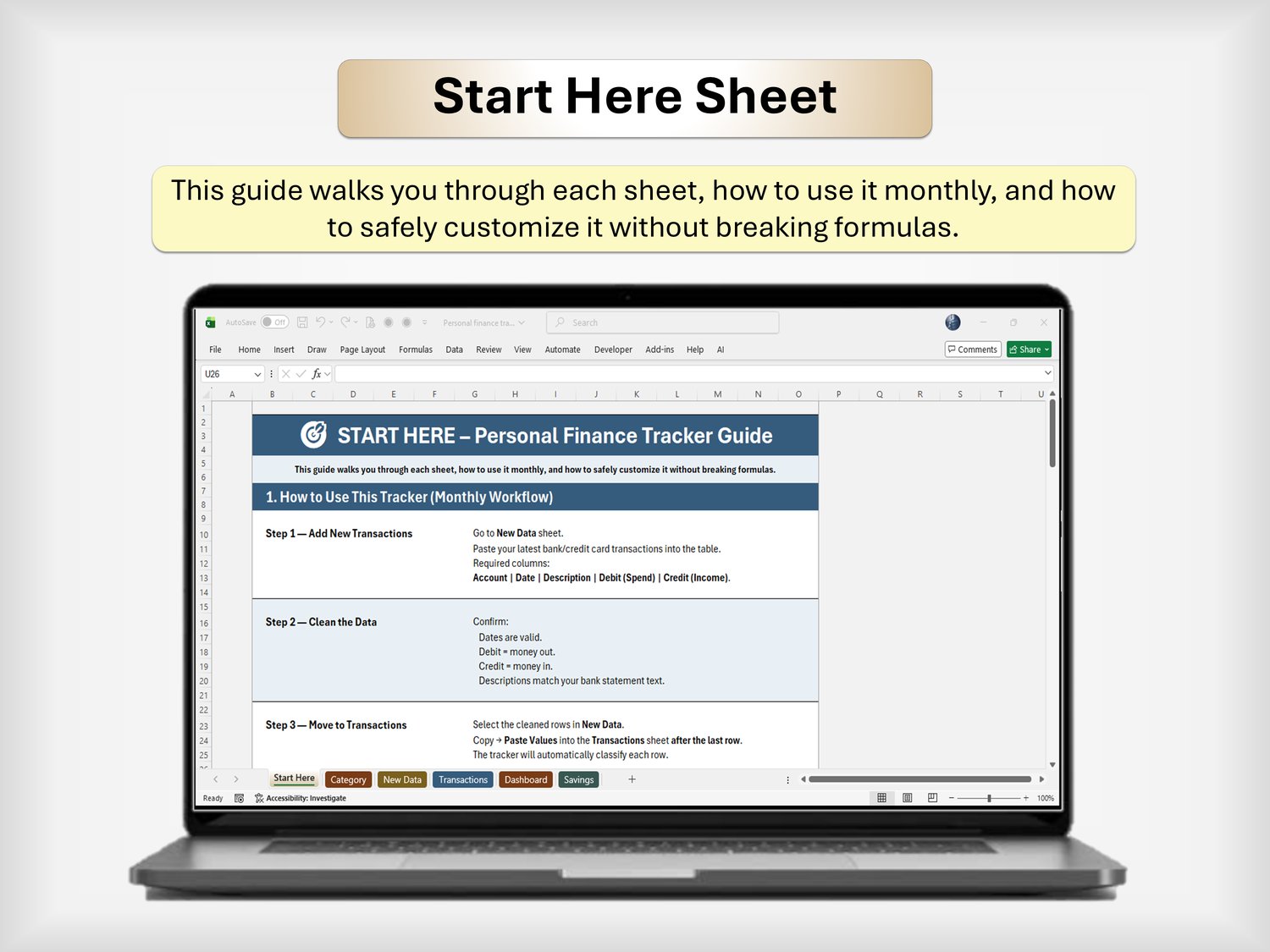
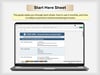
Start Here – quick setup guide
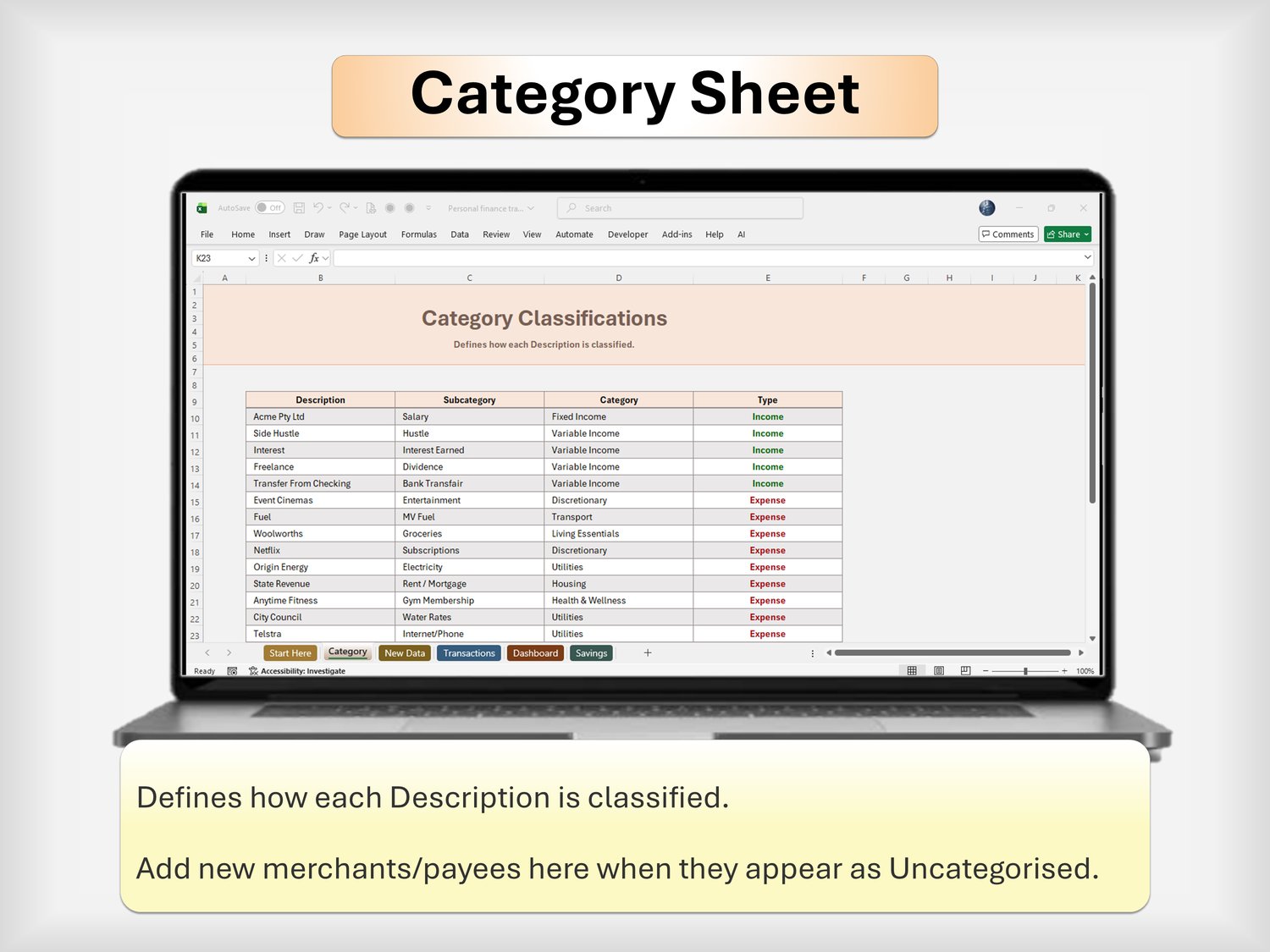
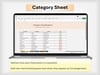
Category – define how transactions are classified
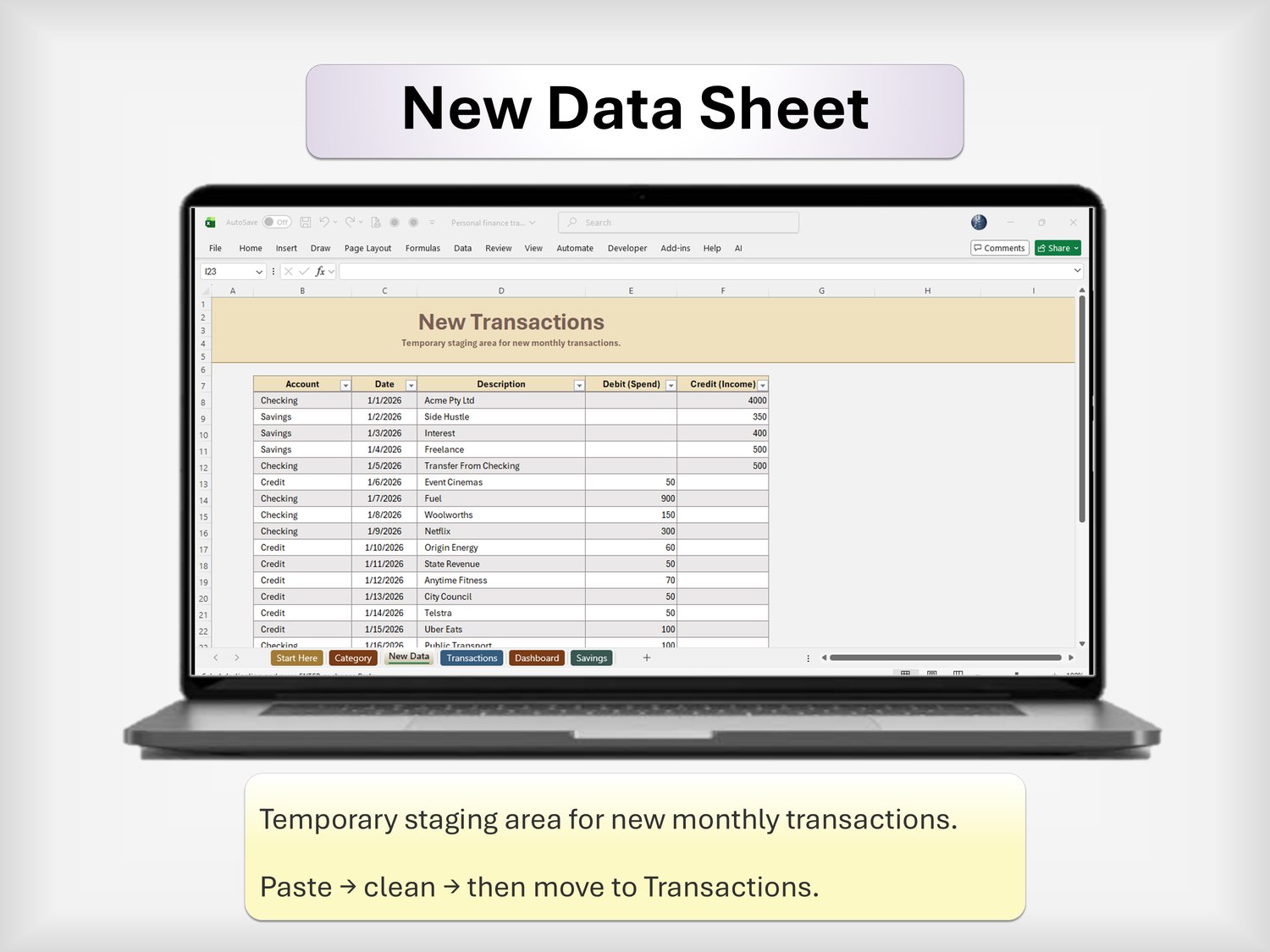
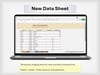
New Data – paste new bank transactions
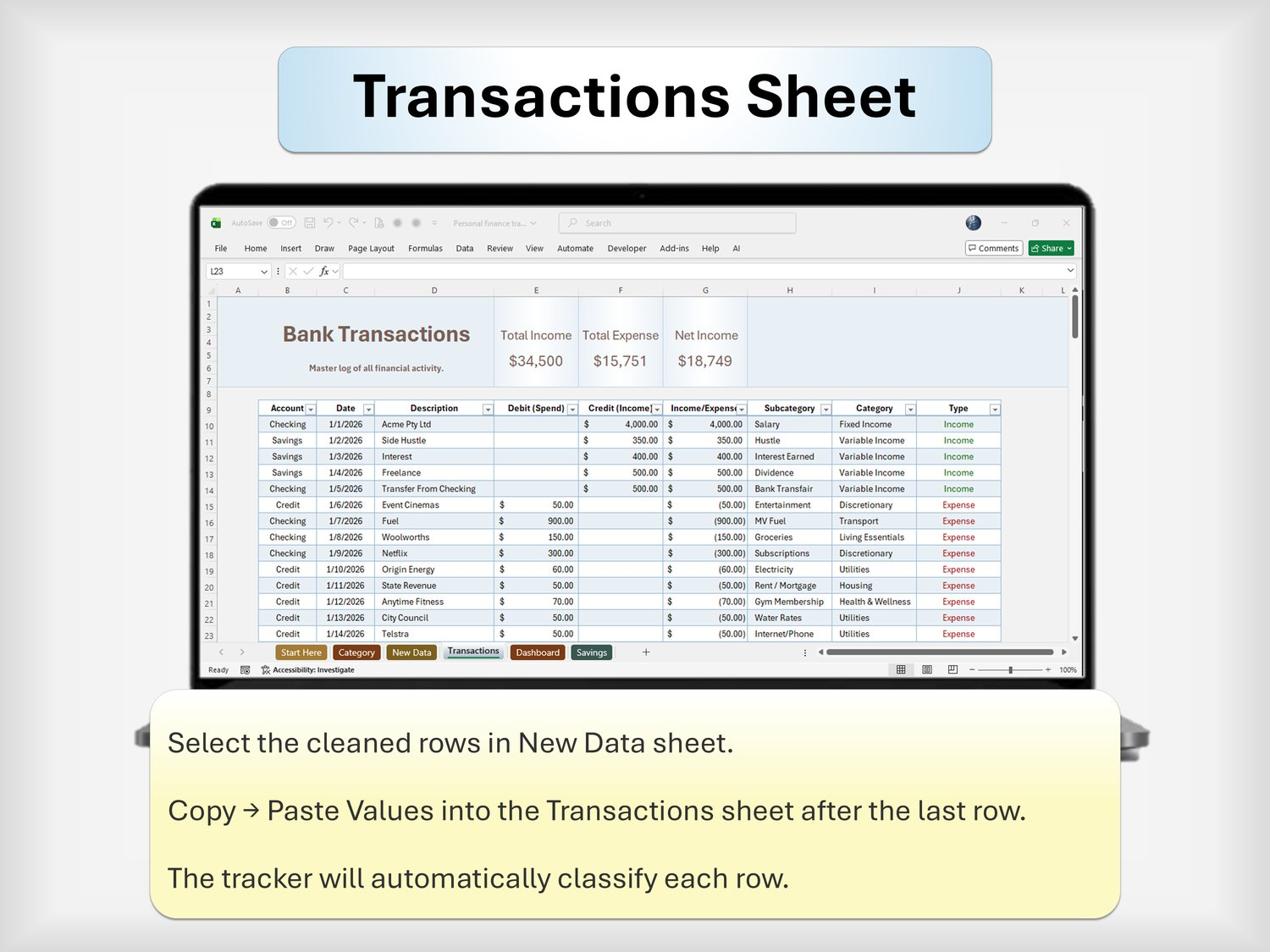
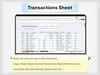
Transactions – master log with automated categorization
Analysis – income/expense summaries
Dashboard – KPIs + charts + monthly overview
Savings – goals, progress, and months to goal
🧠 How it works (usage)
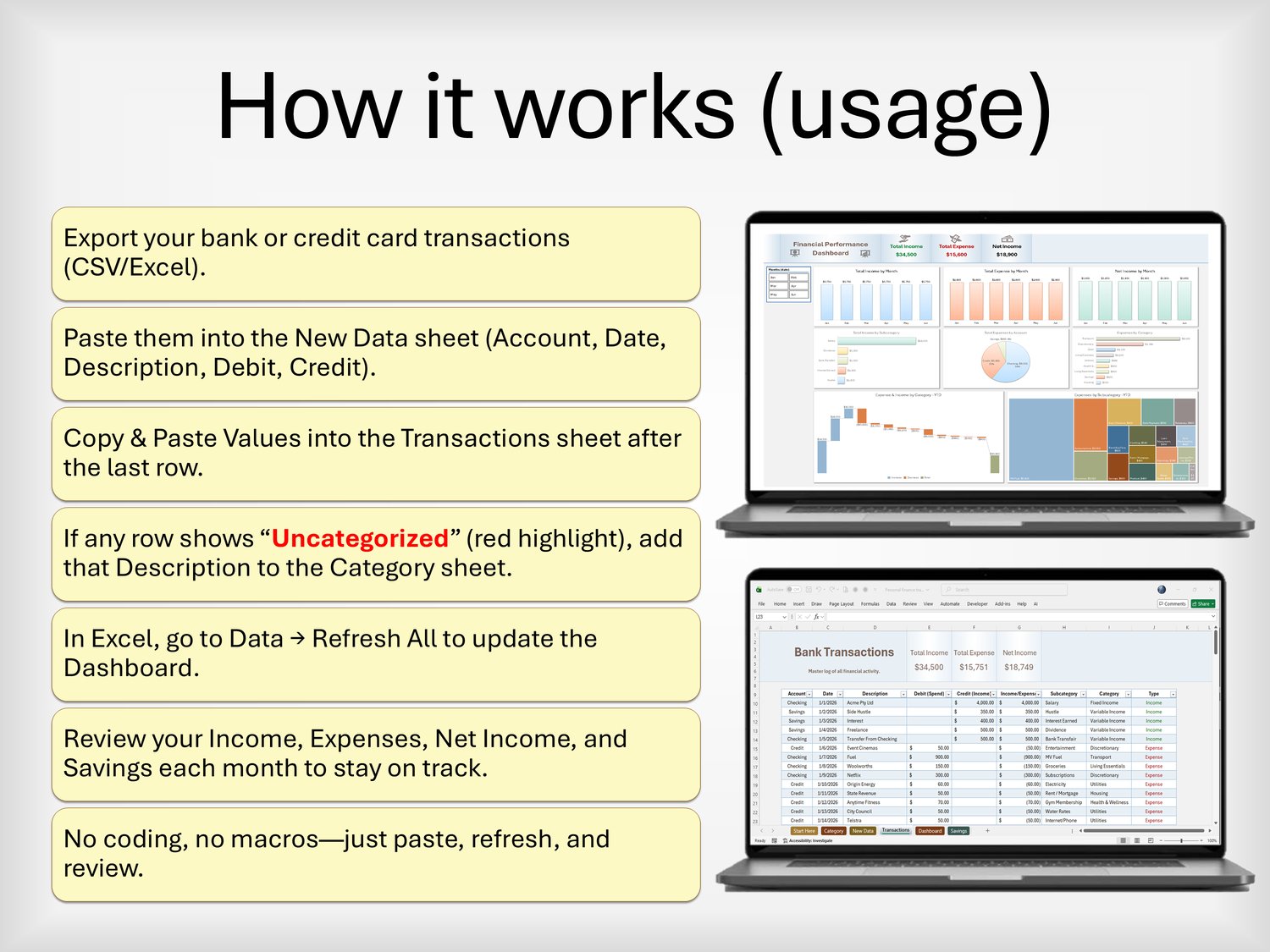
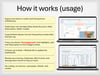
Export your bank or credit card transactions (CSV/Excel).
Paste them into the New Data sheet (Account, Date, Description, Debit, Credit).
Copy & Paste Values into the Transactions sheet after the last row.
If any row shows “Uncategorized” (red highlight), add that Description to the Category sheet.
In Excel, go to Data → Refresh All to update the Dashboard and Analysis.
Review your Income, Expenses, Net Income, and Savings each month to stay on track.
No coding, no macros—just paste, refresh, and review.
🧾 Who this is for
Individuals and couples wanting a simple but powerful money overview
Side hustlers and freelancers tracking multiple income streams
Anyone who prefers spreadsheets over apps but wants a polished dashboard
People who want a repeatable monthly routine for their finances
✅ Proof of thoughtfulness
Built with low‑memory formulas for smooth performance
Designed for Excel & Google Sheets compatibility (no macros)
Clear Start Here instructions so beginners don’t feel lost
Professional layout suitable for personal or household finance
📥 How you’ll receive it
Instant digital download after purchase
Instructions to open in Excel and Google Sheets
You can duplicate the file for different years or scenarios
📣 Call to action
Ready to finally see where your money goes and what you can save each month?
👉 Add this Personal Finance Tracker (Excel & Google Sheets) to your cart and start your next month with clarity and control.
FAQ
1. Do I need advanced Excel or Google Sheets skills to use this?
No. You only need basic skills like copy, paste, and simple navigation. All formulas and dashboards are already built—just paste your transactions and follow the Start Here guide.
2. Will this work in both Excel and Google Sheets?
Yes. The template is designed without macros, so it works in Microsoft Excel and Google Sheets. You’ll receive an Excel file and instructions to use it in Google Sheets.
3. Can I change categories or add my own?
Absolutely. You can edit and add categories in the Category sheet. Any new Description you add there will be recognized and categorized automatically in the Transactions sheet.
4. Is this a one-time purchase or a subscription?
This is a one-time purchase. You can reuse the template every month and every year by duplicating the file or adding new data.
5. What if I’m not very organized with money yet?
This template is made exactly for that. It gives you a simple monthly routine: paste transactions, check categories, refresh the dashboard, and review your numbers. You don’t need to be perfect—just consistent.
personal finance xls, google sheets budget, expense tracker xls, income expense sheet, budget planner excel, money tracker sheet, savings tracker xls, monthly budget sheet, bank transaction log, financial dashboard, simple budget template, household finance, debt and savings