

Complete STR Turnover & Cleaner Pay Planner
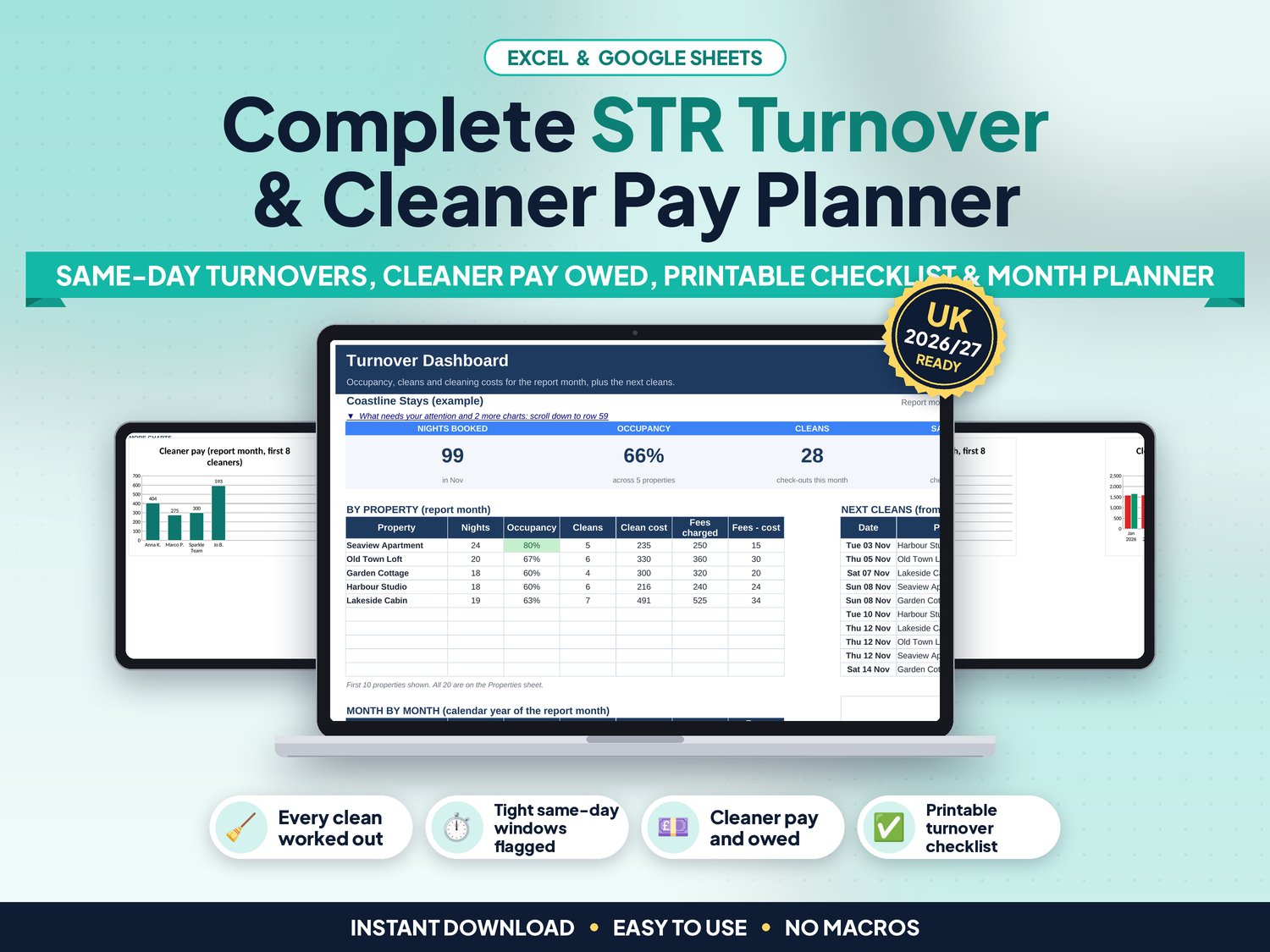
Type in your bookings and see every clean before it happens: which property, which cleaner, how many hours they have between check-out and the next check-in, and how many guests are coming next. Then see what each cleaner is owed and print a pay statement and a turnover checklist.
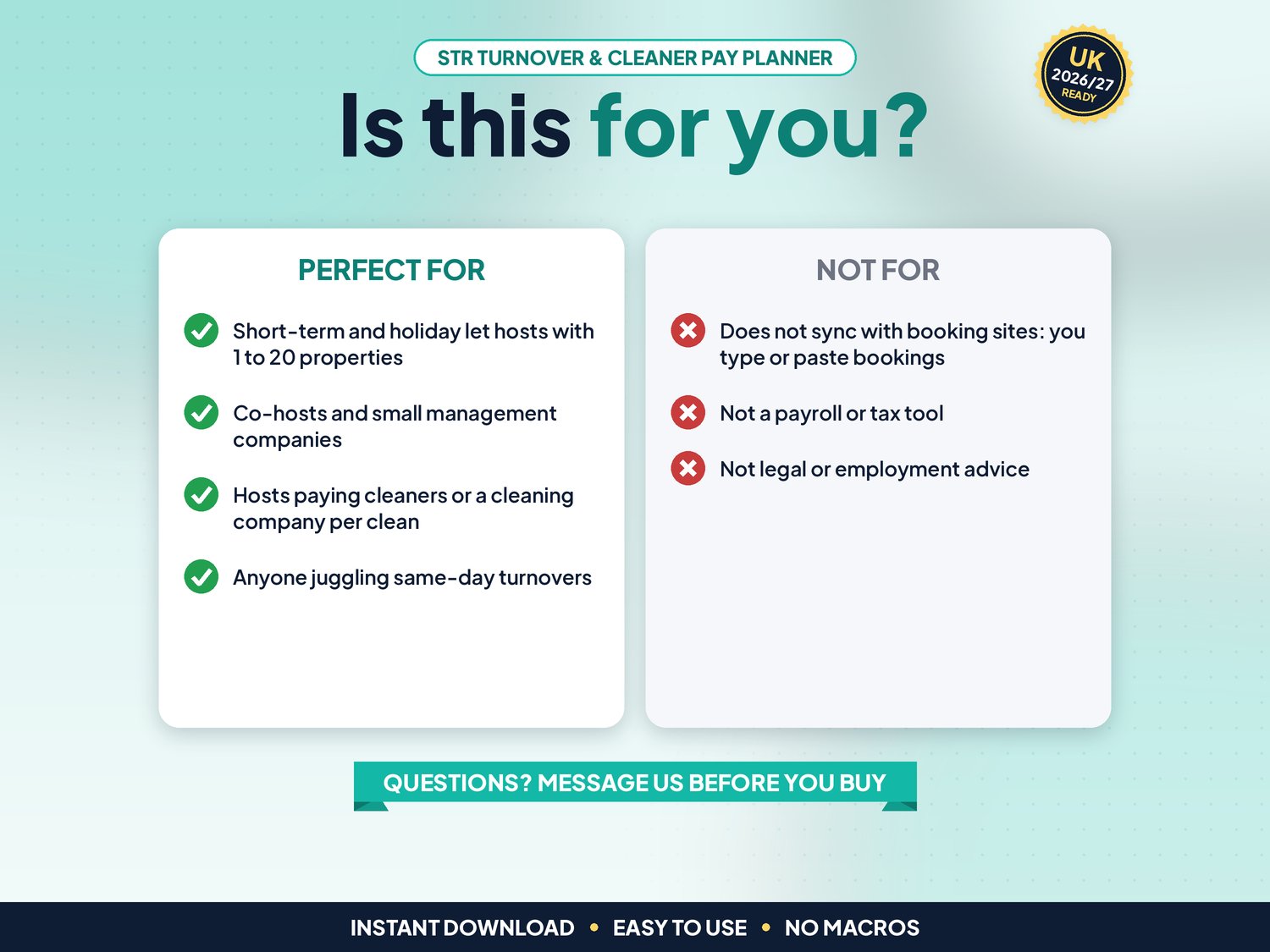
Made for short-term rental and holiday let hosts, co-hosts and small management companies with 1 to 20 properties. The example file has five fictional properties, four cleaners and a year of bookings, and the blank copy is ready for your own.
▶ Easy Start Here guide included – video tutorial coming to our YouTube channel
Works in Microsoft Excel and Google Sheets, with no macros.
What it does for you
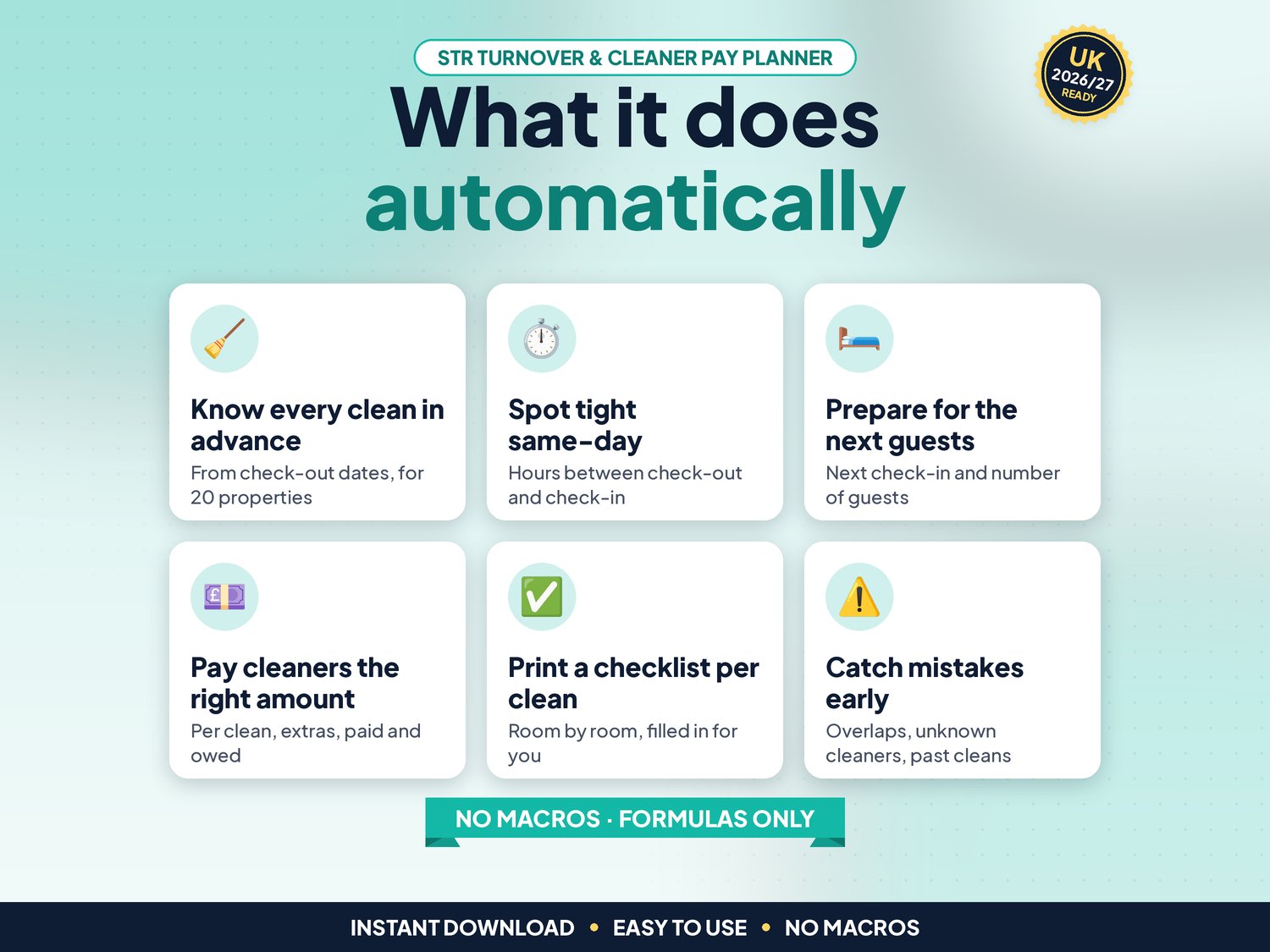
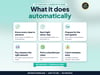
- Bookings: up to 500 reservations with property, dates, guests, channel, cleaning fee and clean status. The clean is worked out on the check-out date
- Check column on every booking: overlapping stays, an unknown property or cleaner, text or missing dates, past cleans not marked Done and unpaid cleans are flagged
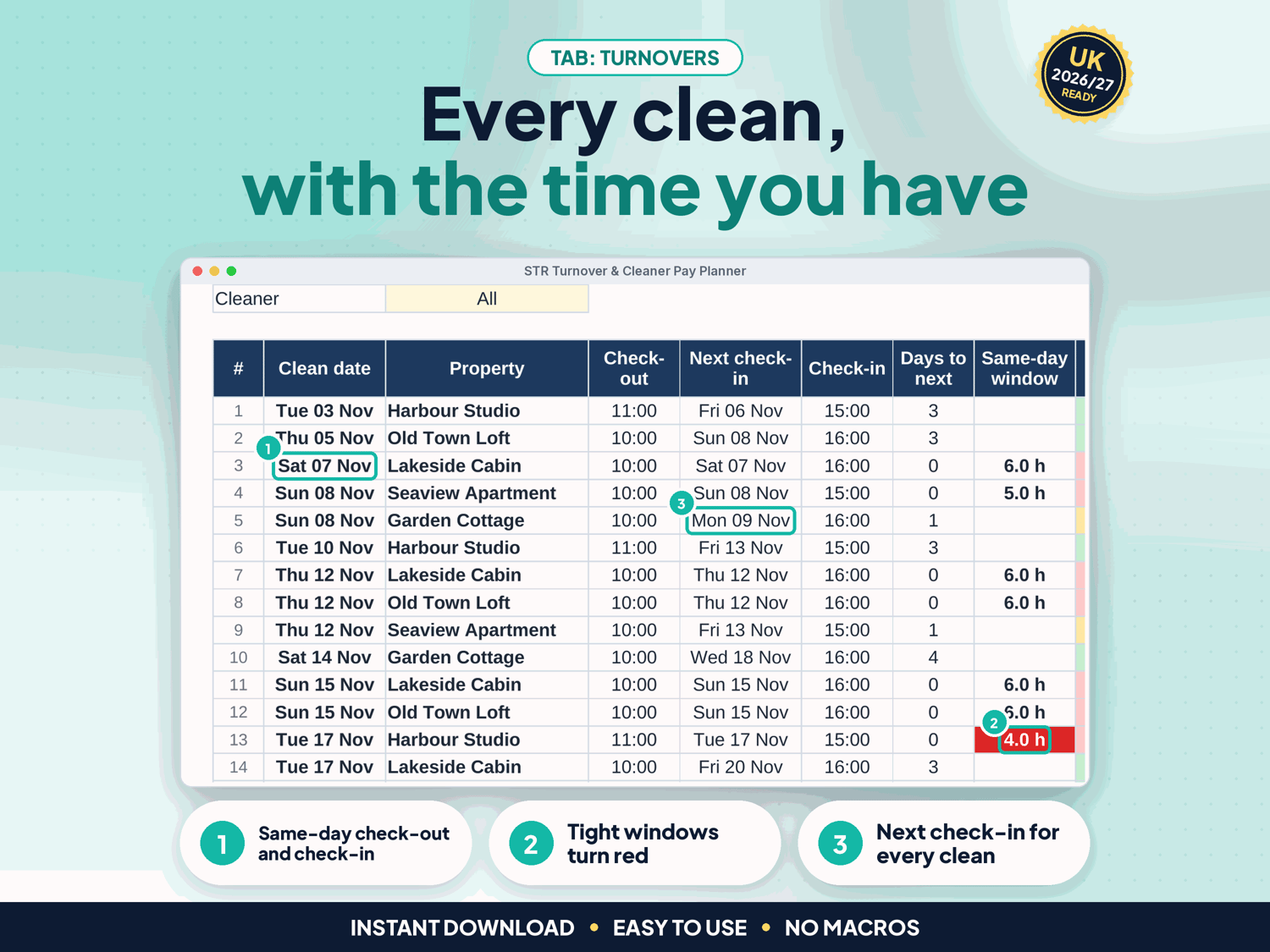
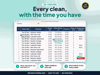
- Turnover schedule: the next cleans in date order with the cleaner, check-out and next check-in times, the hours available and the next guests. Same-day and tight windows turn red
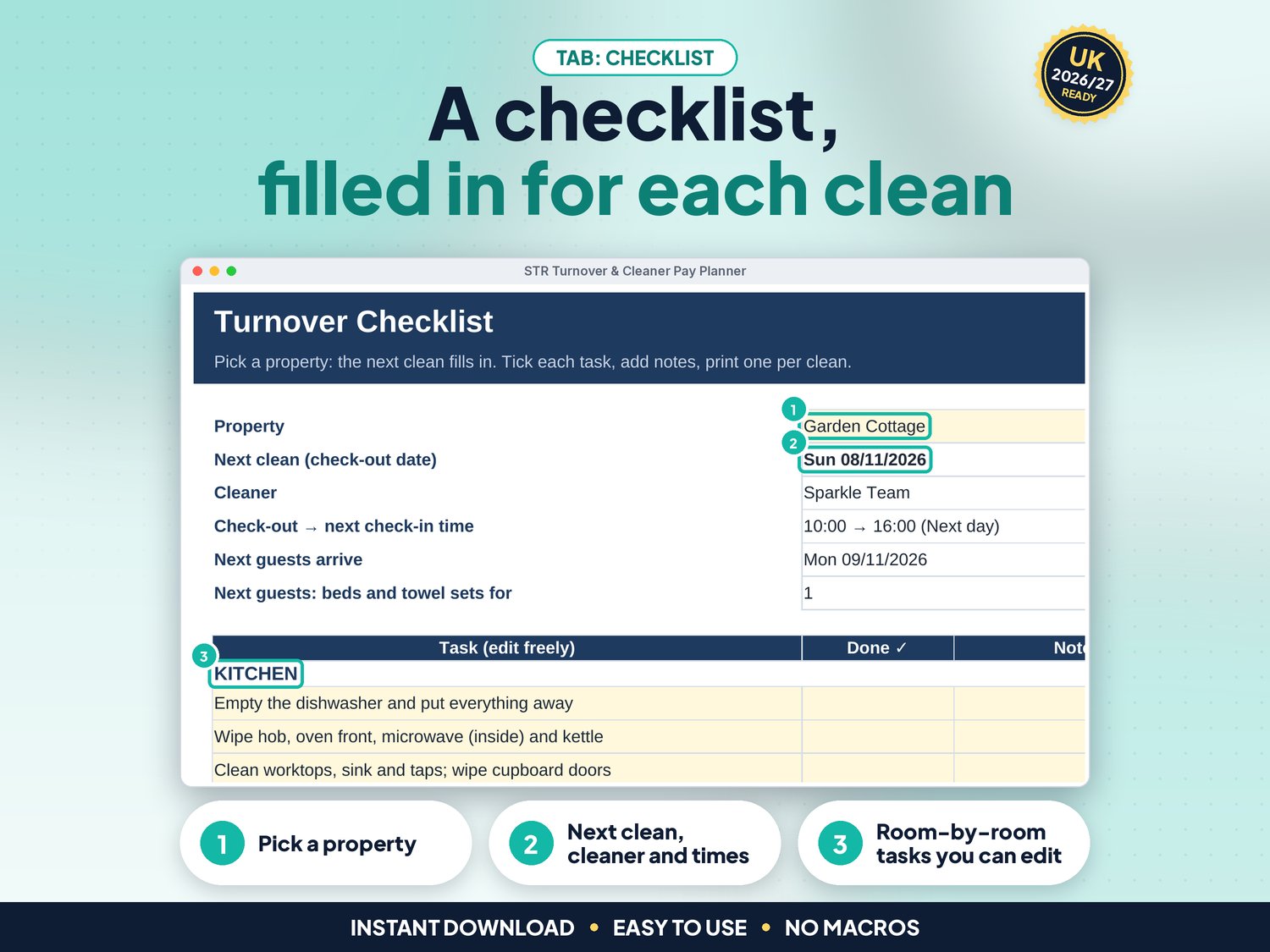
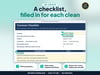
- Turnover Checklist: pick a property and the next clean, cleaner, times and guests fill in. Room-by-room tasks you can edit. Prints on one A4 page
- Month Planner: a calendar grid of booked nights, check-out cleans and same-day turnovers for every property
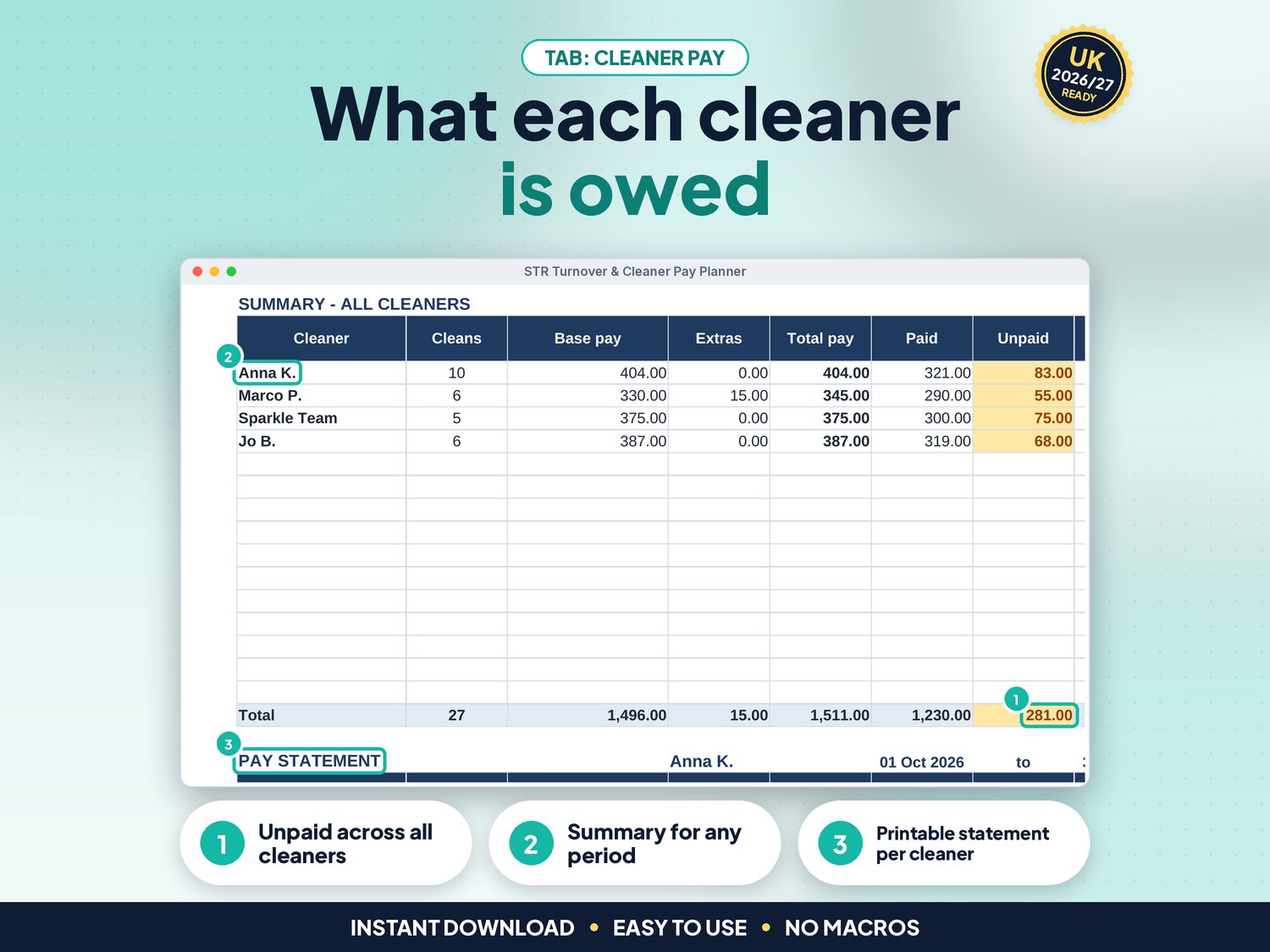
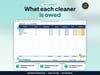
- Cleaner pay: pay per clean plus extras, paid and owed for each cleaner, and a printable statement for any cleaner and period
- Pay per hour check: add the hours each clean takes and see the pay per hour compared with the minimum rate on Settings (£12.71 from 1 April 2026, editable)
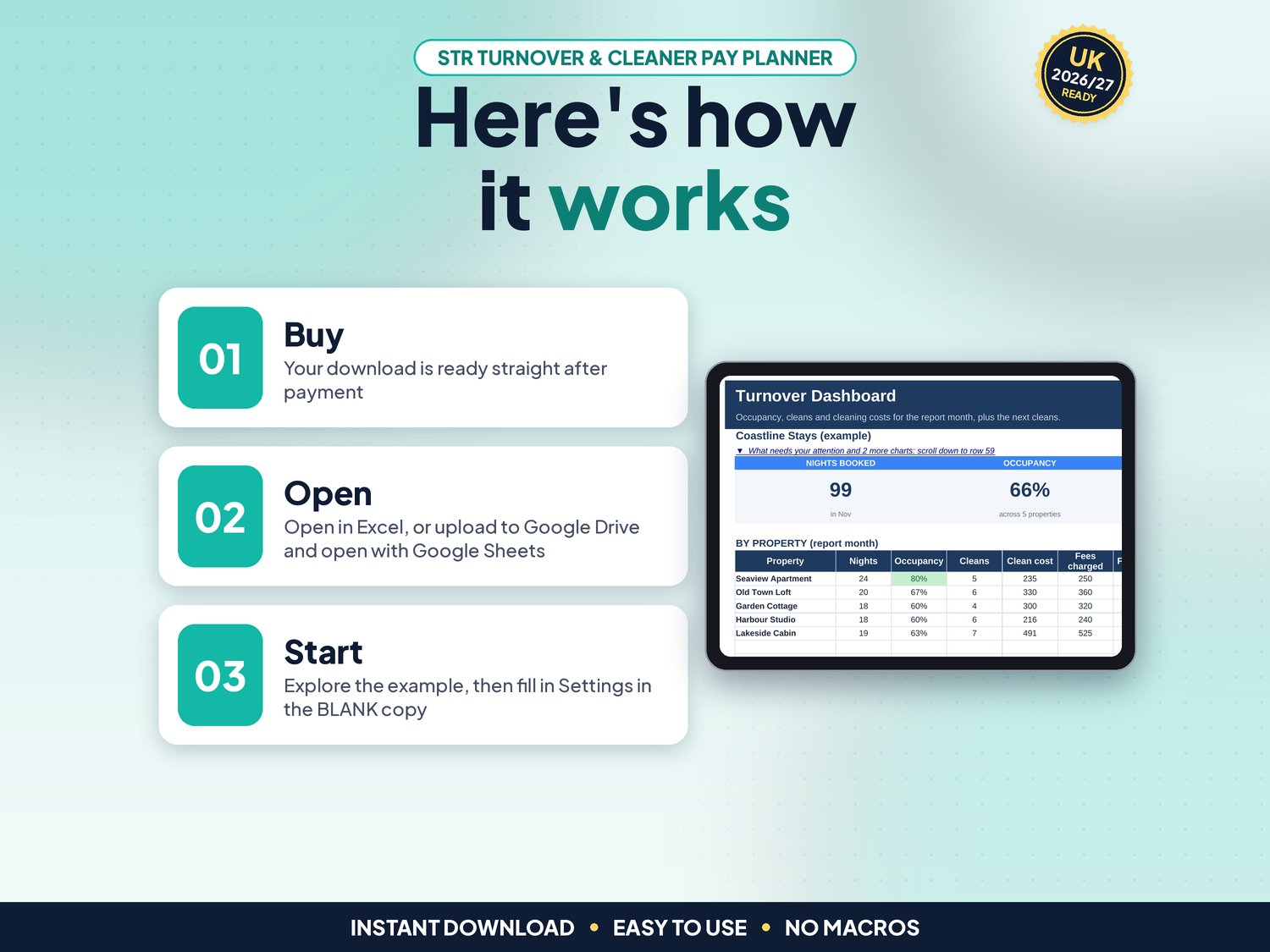
- Dashboard: nights booked, occupancy, cleans, same-day turnovers and cleaning cost for the month, a "What needs your attention" list, cleaners table and 4 charts
- Properties: occupancy, cleans, cleaning cost and cleaning fees charged for each listing
How it works (3 steps)
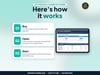
- Set up Settings, Properties and Cleaners (about 5 minutes)
- Add your bookings, then mark each clean Done and Paid
- Plan with the Dashboard and Turnovers, print a checklist per clean and a statement per cleaner
What's included
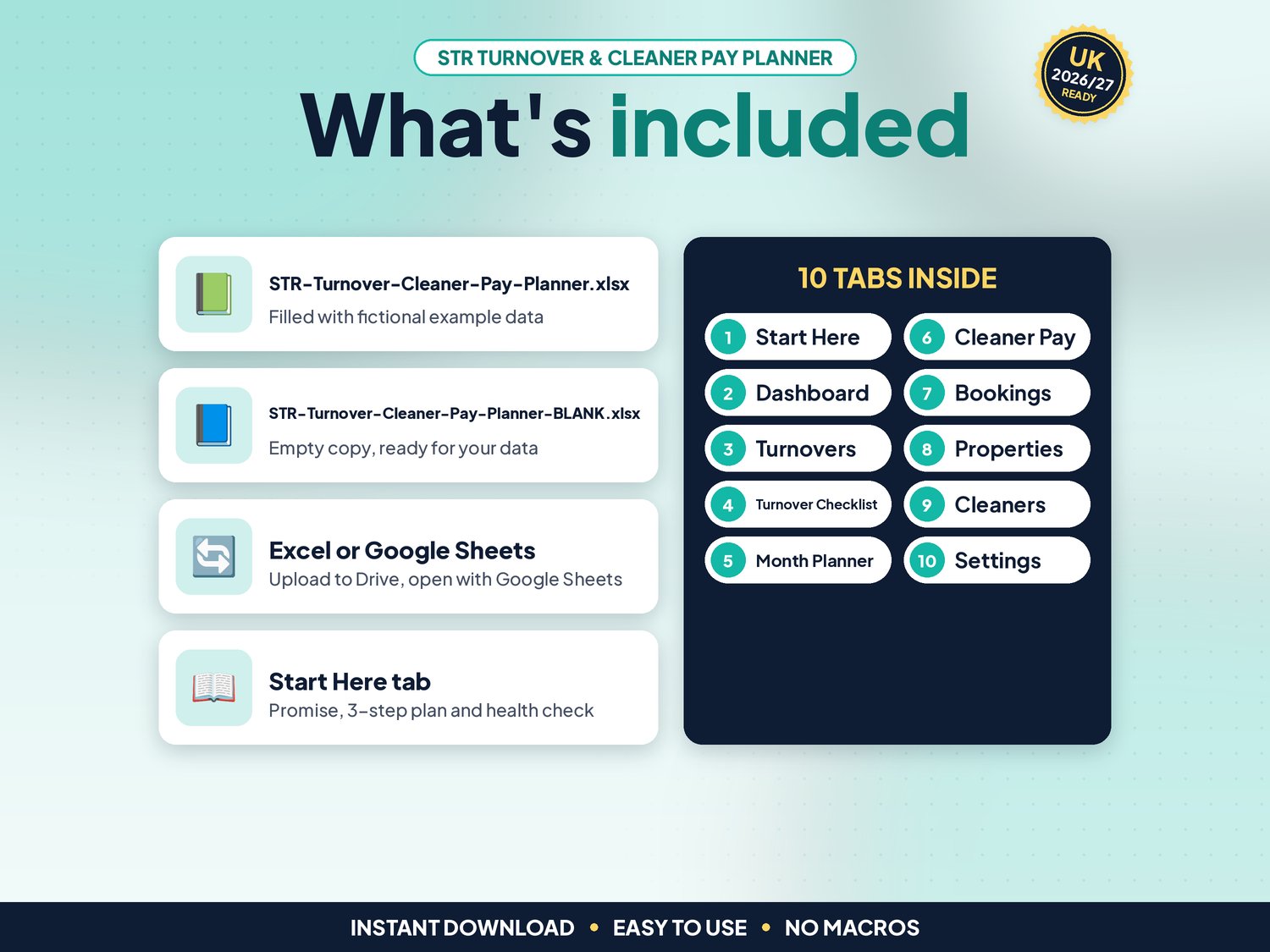
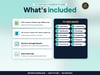
- STR-Turnover-Cleaner-Pay-Planner.xlsx: filled with fictional example properties, cleaners and bookings so you can see how it works
- STR-Turnover-Cleaner-Pay-Planner-BLANK.xlsx: an empty copy, ready for your own
- Works in Google Sheets: upload the .xlsx to Google Drive, right-click > Open with > Google Sheets, then File > Save as Google Sheets (tested: formulas and charts kept)
- Start-here.pdf: one-page quick-start guide, including how to open it in Google Sheets
Compatibility
- Microsoft Excel 2010 or newer (Windows & Mac) and Microsoft 365
- Google Sheets (free Google account). Set File > Settings > Locale to United Kingdom for £ and UK dates
- Not designed for Apple Numbers or mobile-only editing. A computer is recommended
- No macros, add-ons or subscriptions
Instant download
This is a digital product. Nothing physical will be shipped. Your download link appears straight after checkout and is also emailed to you. Stuck or have a question? Email info@phkmedia.co.uk and I'll gladly help you set it up.
Good to know
- Cream (pale yellow) cells are for your input. White and grey cells are worked out for you, and the sheets are protected (no password) so formulas are not overwritten by mistake
- A Health check on the Start Here tab and a Check/Status column on every log flag missing or odd entries
- Minimum wage: the National Living Wage is £12.71 an hour for workers aged 21 and over from 1 April 2026 (gov.uk "National Minimum Wage and National Living Wage rates", checked 02/11/2026). It applies to workers and employees, not to genuinely self-employed cleaners or cleaning companies (gov.uk "Employment status"). The check is a guide: hours are your own estimate
- Bookings are typed or pasted in: the planner does not connect to booking sites
- Amounts are plain numbers, so any currency works
- FAQ: Does it work on a phone? You can view it in the Google Sheets app, and cleaners can tick a printed checklist, but entering bookings is easiest on a computer
DISCLAIMER
This planner is a planning aid, not legal, tax or employment advice. Check your cleaners' employment status and pay rules with gov.uk or an adviser. All names and figures in the example file are fictional.
Licence: Licensed for use within one business. Please do not resell, share or redistribute the files.
AI disclosure: This template and its listing images were designed by PHK MEDIA LTD with the help of AI tools. All formulas were tested and the files were reviewed and finalised by the seller.
© PHK MEDIA LTD
Licence: Licensed for use within one business or household. You may edit and print the files for that business. You may not resell, share or upload them for others.