

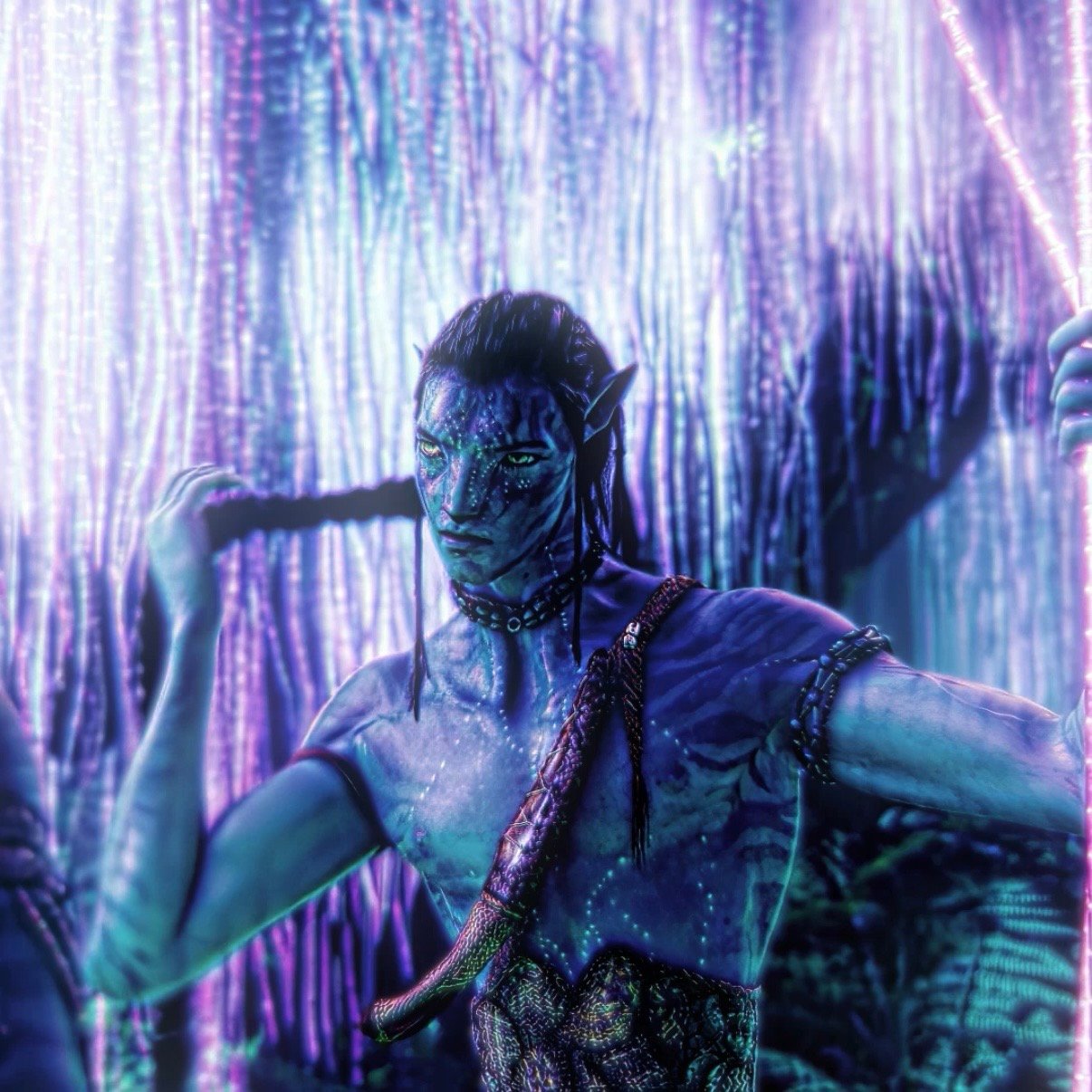






TOPAZ/QUALITY SETTINGS
CAN ONLY BE USED ON AE 25!! (topaz can be used on all versions- so u don't need AE 2025)
I use Topaz Video Ai 2.3.0
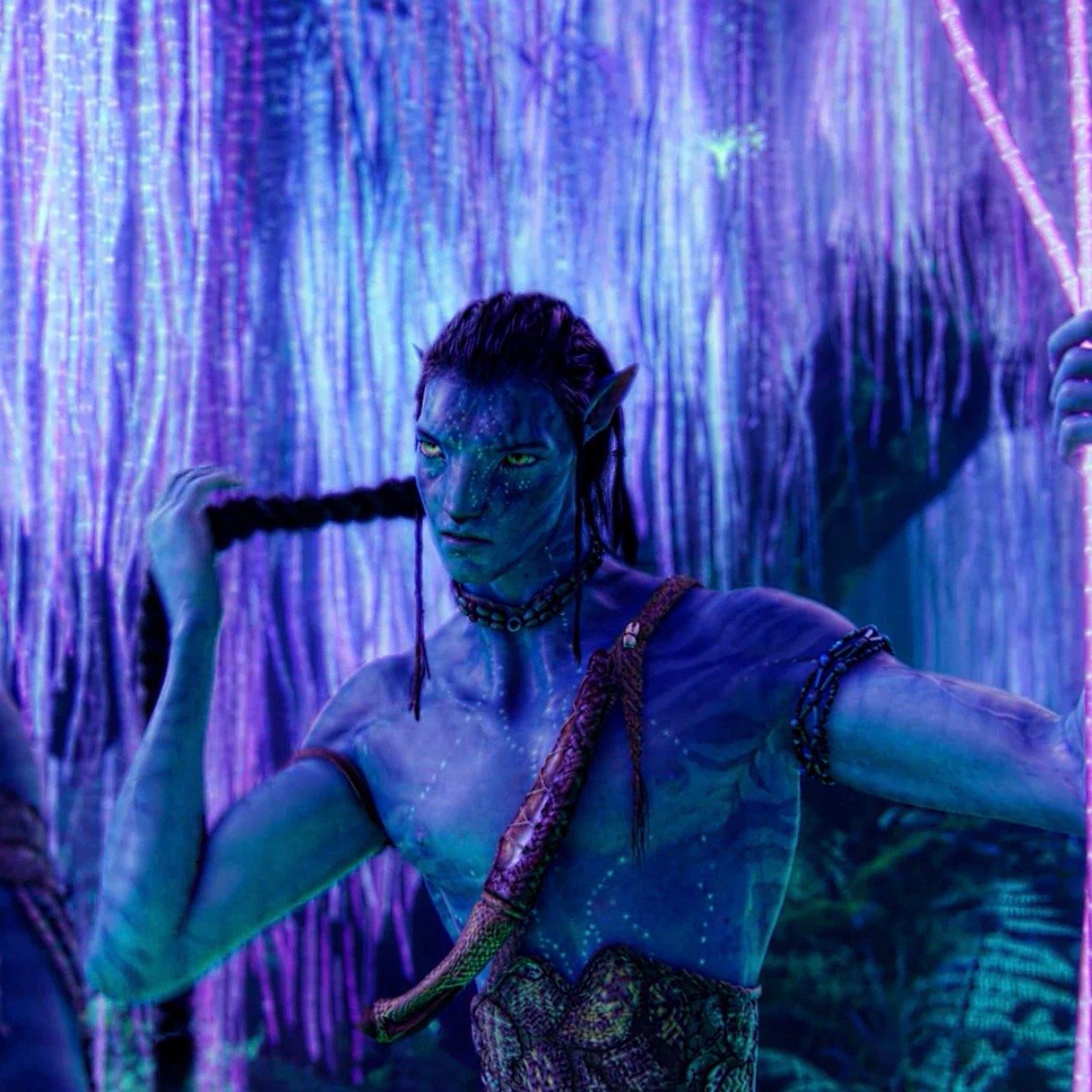
Vid 1
Pic 2 (only quality settings)
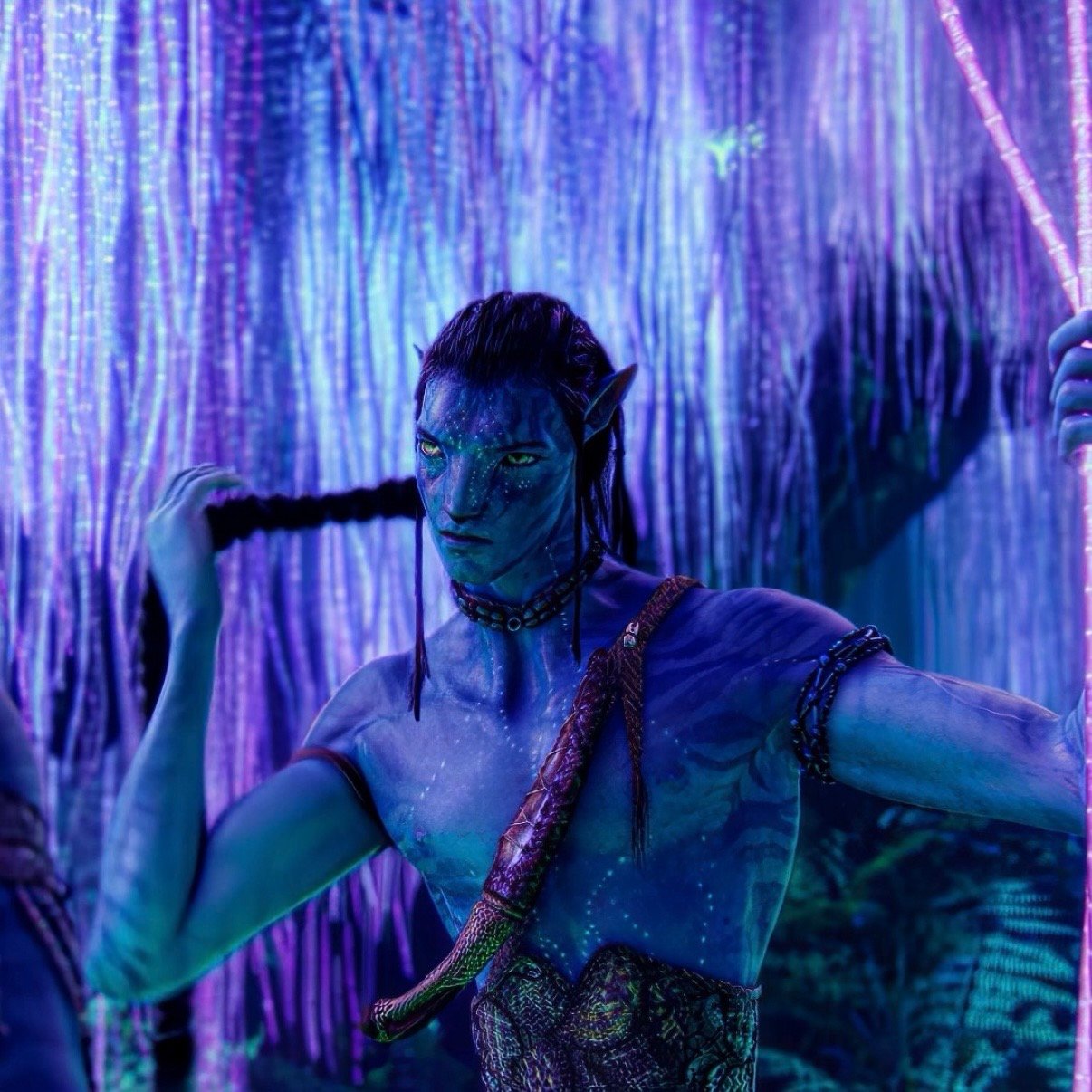
Pic 3 (with topaz and quality settings)
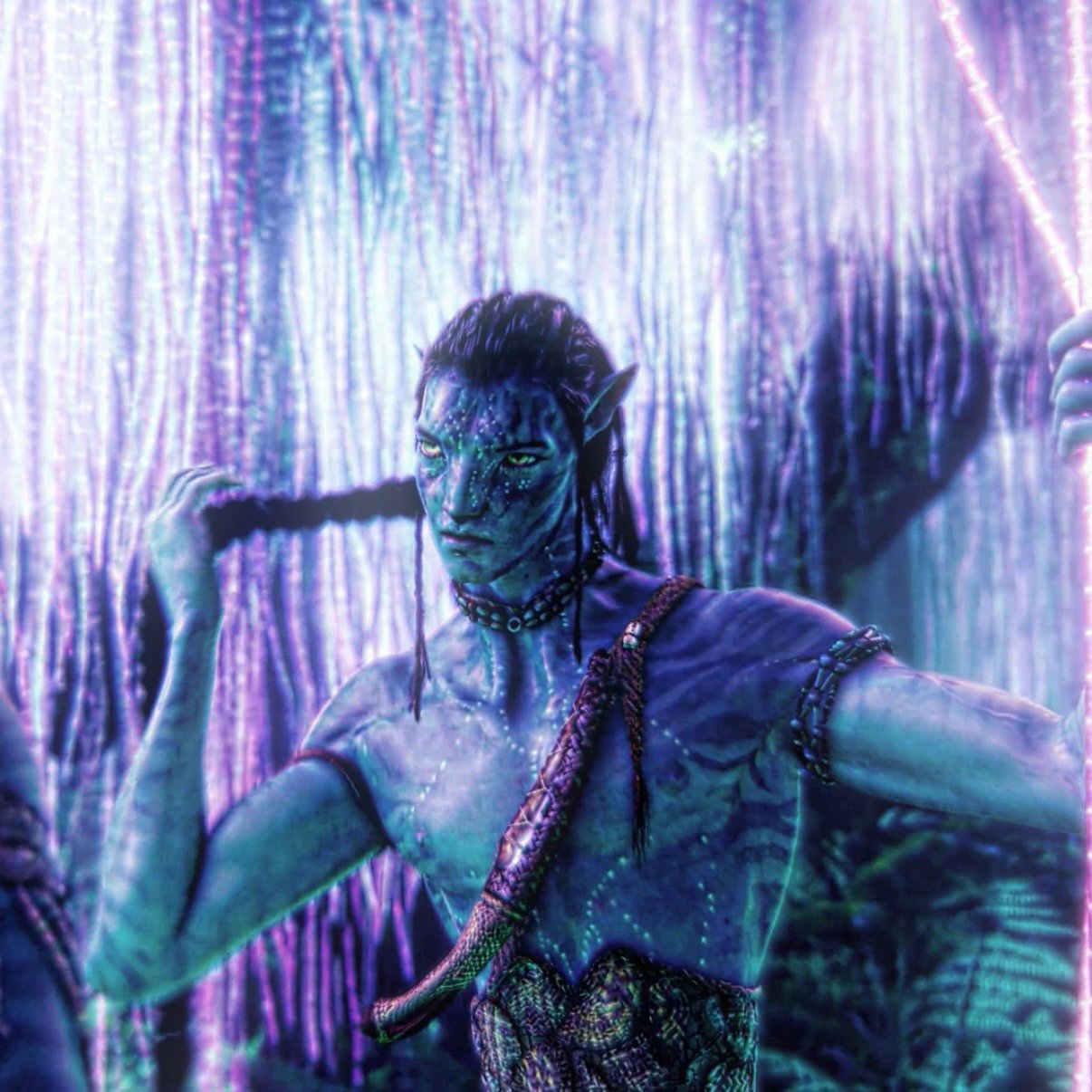
Pic 4 (only quality settings and cc - DIAMOND)
Pic 5 (with topaz, quality settings and cc - DIAMOND)
If you’re not using Topaz, you can simply apply the quality settings directly in After Effects using adjustment layers like shown in the reference photos. Start by adding your first adjustment layer for the quality enhancement, and then place a second one on top with your color correction or any other effects you want to include.
If you are using Topaz, begin with the quality settings adjustment layer, then render your clip and bring it into Topaz Video AI. Once you’ve applied your chosen Topaz settings and exported the result, return to After Effects, remove the initial quality settings layer, and replace it with your color correction or any additional adjustments.
Please note: This product is intended for personal use only and is non-refundable under any circumstances. Any form of redistribution, sharing, or resale is strictly prohibited and may result in legal action. Individuals found leaking or sharing presets will be permanently banned without a refund.
By completing your purchase, you agree to these terms and conditions. Thank you for your support!
If you experience any issues, please don’t hesitate to contact me.