
Budget Tracker for Apple Card: Google Sheets & Excel Spreadsheet with Dashboard, Budgets & CSV Import
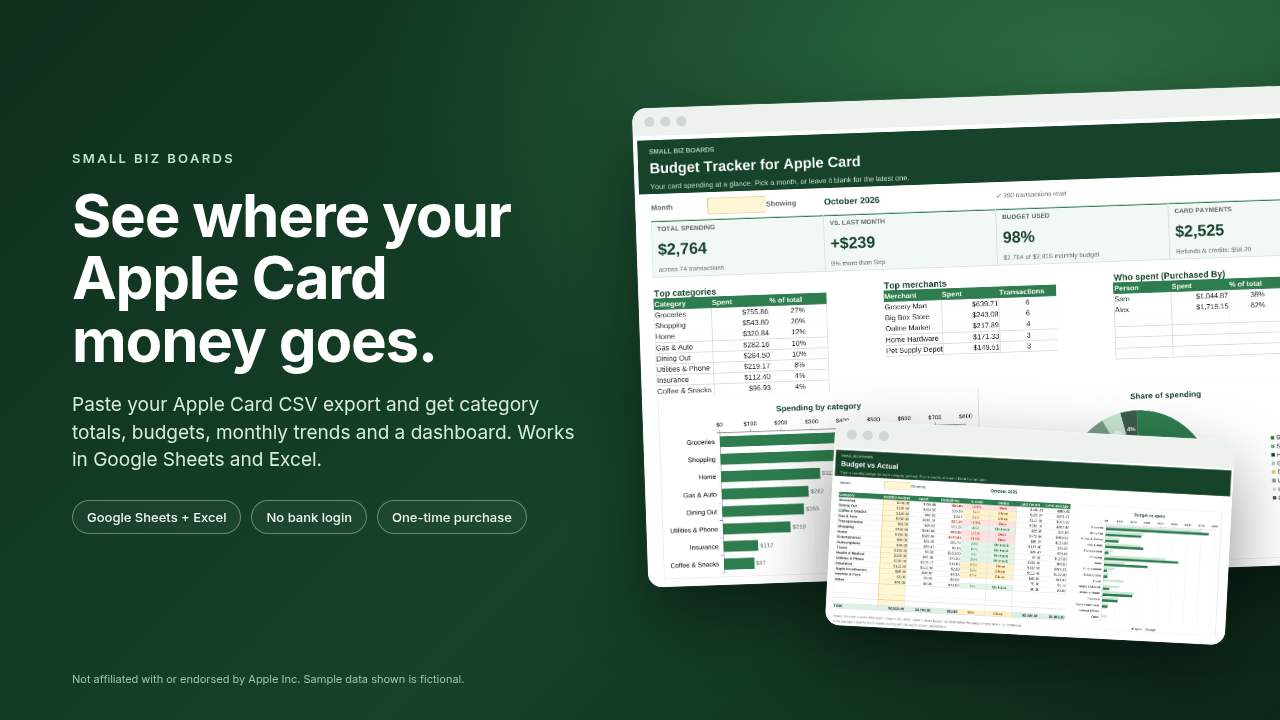
See where your Apple Card money actually goes, without linking your bank to another app.
Apple Wallet shows your spending one month at a time. This spreadsheet takes the CSV export Apple Card already gives you and turns it into budgets, monthly totals and a clear dashboard you can keep for the whole year.
How it works
- Export your transactions from Apple Card as a CSV file (Wallet app or card.apple.com; steps included).
- Paste the file into the Paste Data tab.
- Everything else fills in on its own: categories, budgets, monthly summary, dashboard and charts.
About 5 minutes to set up. A few seconds each month after that.
What's included
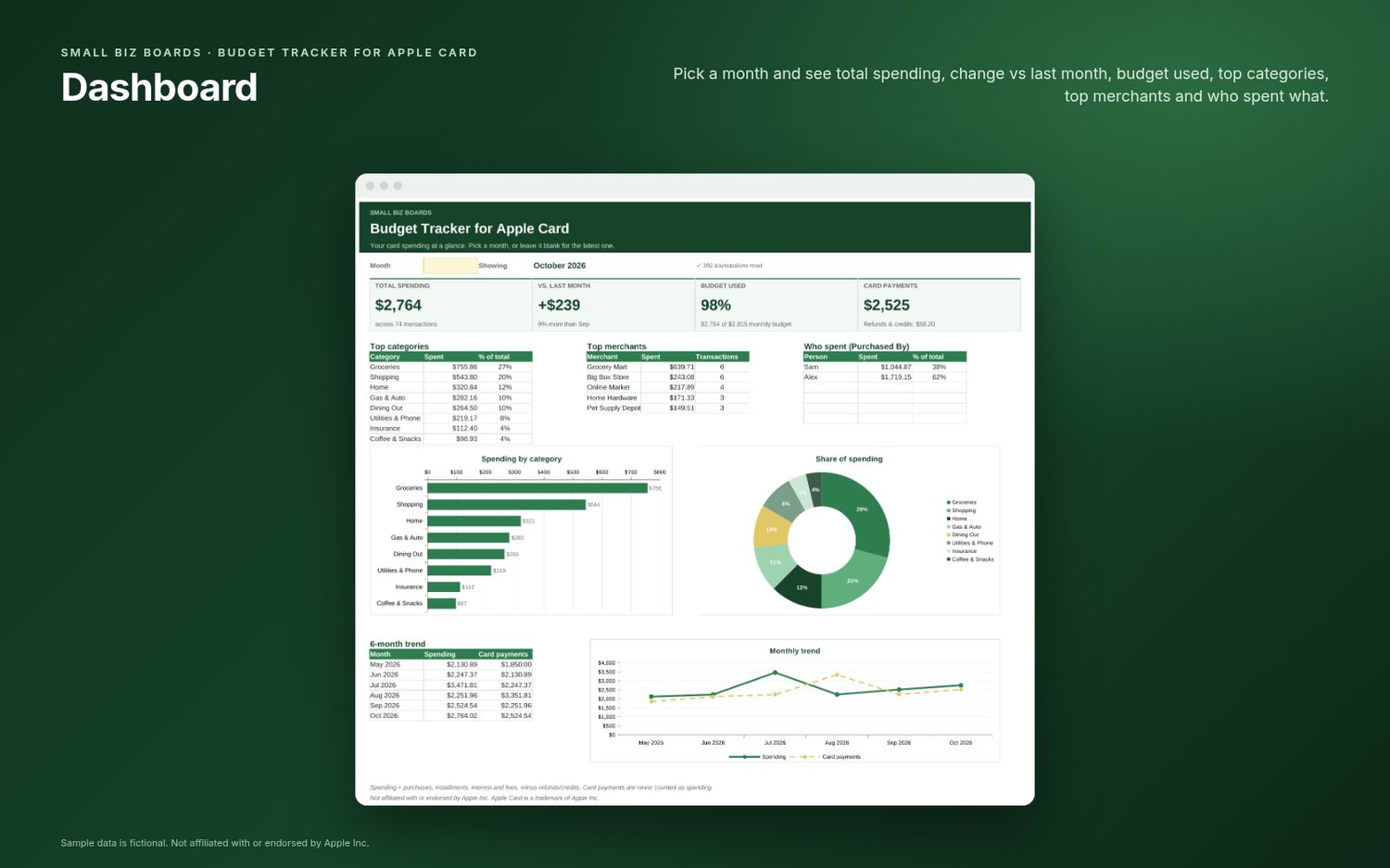
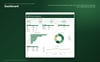
- Dashboard: pick any month to see total spending, change vs. last month, % of budget used, card payments, top 8 categories, top 5 merchants, who spent what, a category bar chart, a share-of-spending chart and a 6-month trend line.
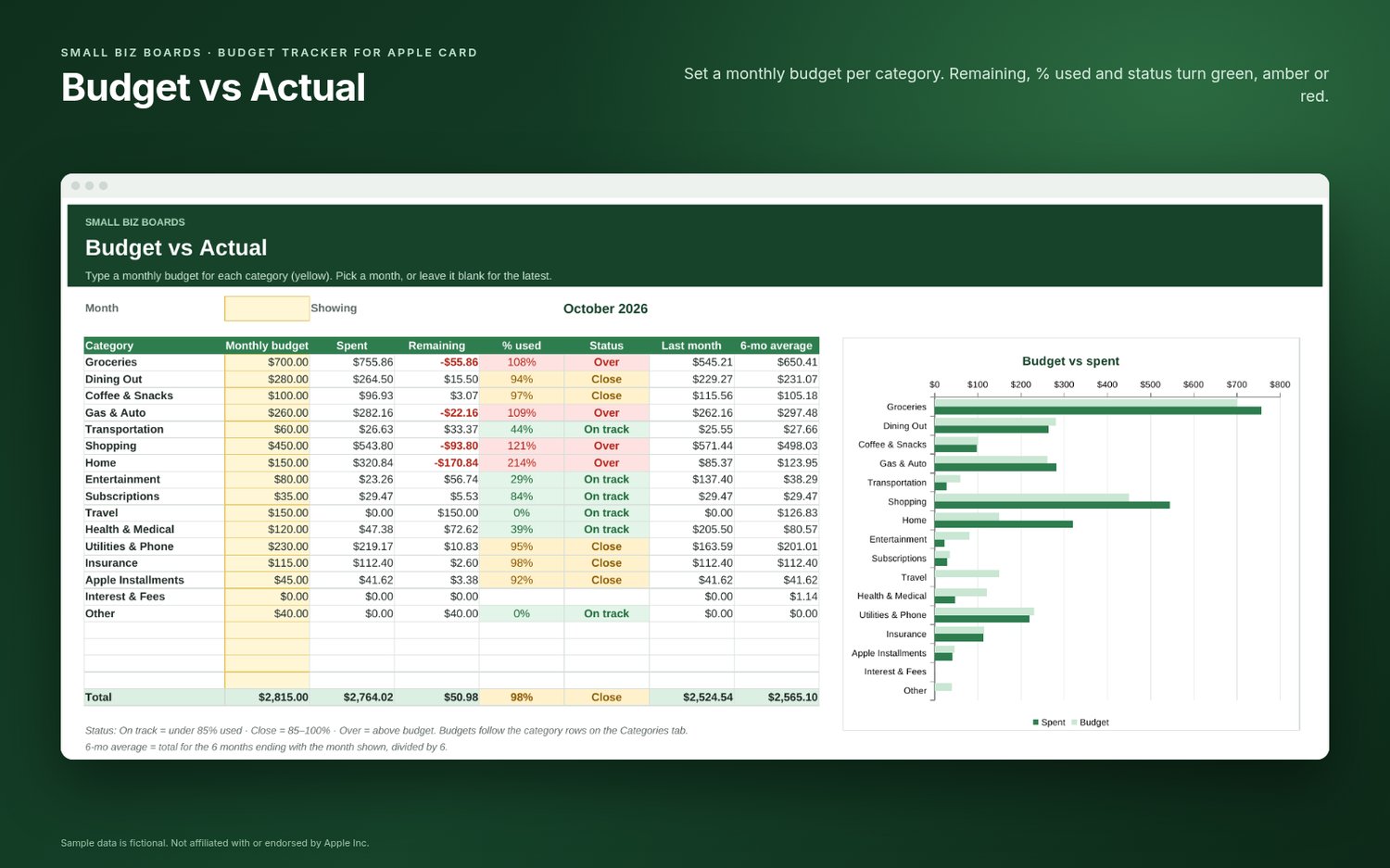
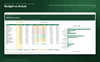
- Budget vs Actual: set a monthly budget per category. See spent, remaining and % used, with green / amber / red status, plus last month and your 6-month average.
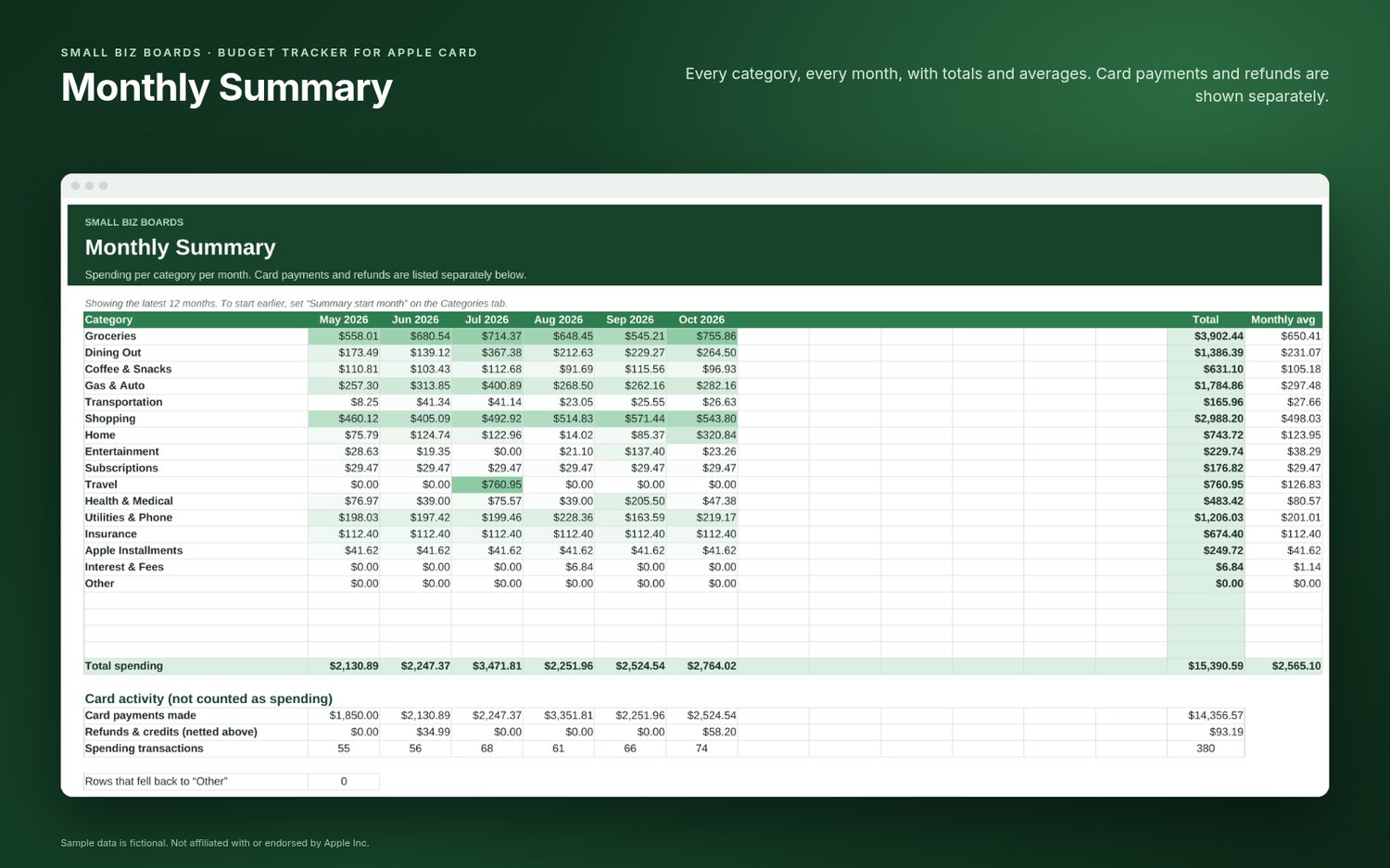
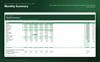
- Monthly Summary: every category for every month (the latest 12 shown), with totals, averages and a heat-map. Card payments and refunds are listed separately.
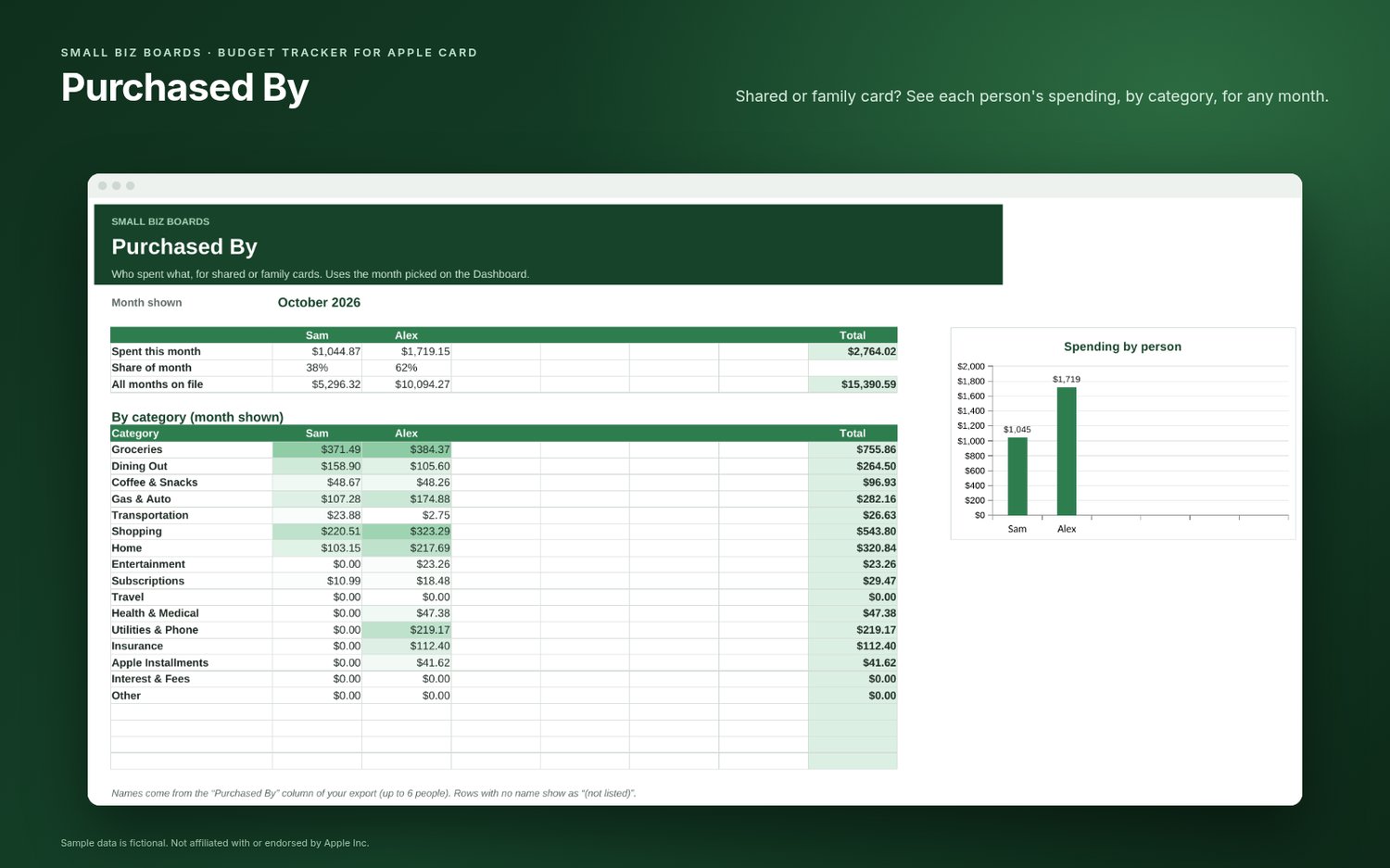
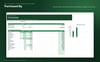
- Purchased By: for shared and Apple Card Family accounts. Spending per person, by category, for any month.
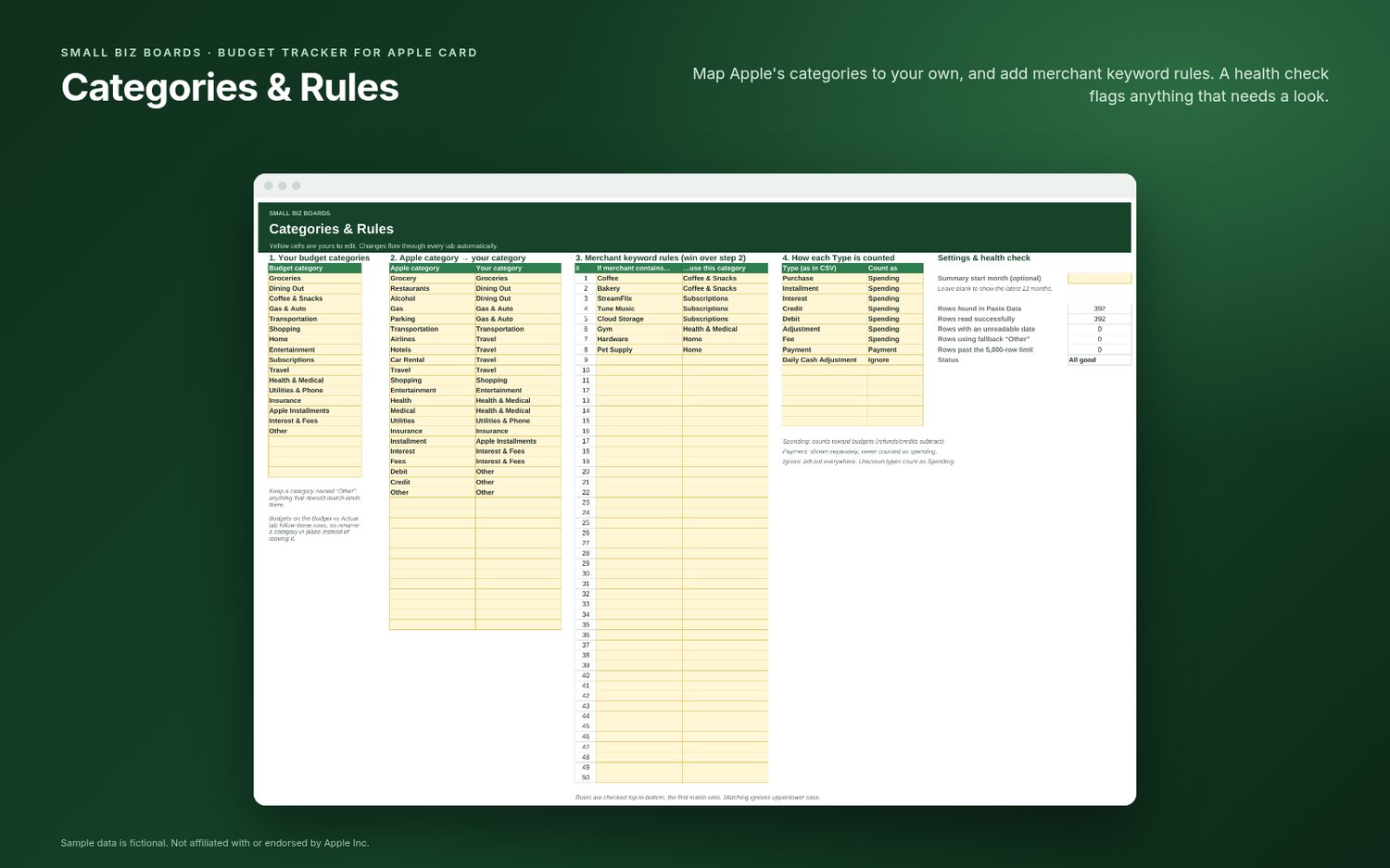
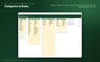
- Categories & Rules: Apple's categories are already mapped to 16 everyday budget categories. Rename them, re-map them, or add merchant keyword rules (for example, anything containing "Coffee" → Coffee & Snacks).
- Built-in health check: tells you if a date couldn't be read, a category isn't mapped, or you've hit the row limit.
- Sample data: 6 months of fictional transactions are already loaded so you can see it working before you add yours, plus a practice CSV.
- START-HERE.pdf: a short, plain-English setup guide.
Built for how Apple Card exports work
- Reads the export's columns exactly as they come: Transaction Date, Clearing Date, Description, Merchant, Category, Type, Amount (USD), Purchased By.
- Card payments are never counted as spending. They're shown separately so your totals aren't doubled.
- Refunds and credits come off the right category automatically.
- Apple monthly installments and interest are tracked as their own categories.
- Holds up to 5,000 transactions (several years for most people).
Why people like a spreadsheet for this
- Private: your data stays in your own copy of the file. No bank login, no app subscription, nothing shared.
- Yours to change: every category, budget and rule can be edited.
- One-time purchase: no monthly fee.
What you get
A ZIP file with:
- `apple-card-budget-tracker.xlsx`: the tracker (open in Google Sheets or Excel)
- `sample-apple-card-export.csv`: a practice file in the Apple Card format
- `START-HERE.pdf`: the setup guide
Requirements
- A free Google account (Google Sheets) or Microsoft Excel 2010 or newer (Windows or Mac). Best on a computer. You can view it on a phone or tablet in the Sheets or Excel app.
- An Apple Card, so you can export your transactions as CSV.
FAQ
Does it connect to my bank or Apple account?
No. You export a CSV from Apple and paste it in. Nothing is connected and nothing leaves your file.
Does it work in Google Sheets?
Yes, that's the recommended way. Upload the .xlsx to Google Drive and choose File > Save as Google Sheets. It uses only standard formulas found in both Google Sheets and Excel. No scripts, add-ons or macros.
Does it work with Apple Numbers?
It isn't built or tested for Numbers. Please use Google Sheets (free) or Excel.
How do I add next month?
Export the new month and paste the rows under your existing ones. Everything updates.
Will payments to my card mess up my totals?
No. Rows with Type "Payment" are kept out of spending and shown separately.
Can I change the categories?
Yes. Rename them, change which Apple category goes where, and add keyword rules for specific merchants.
My family shares one Apple Card. Can I see who spent what?
Yes. The Purchased By tab splits spending for up to 6 people, using the "Purchased By" column in the export.
Will it work with other credit cards?
It's made for the Apple Card CSV format. Another card works only if you rearrange its columns to match the 8 Apple Card headers.
Is this financial advice?
No. It's a budgeting tool that organizes your own transactions.
Refunds?
Because it's an instant digital download, all sales are final. If something doesn't work, email smallbizboards@gmail.com and we'll help you get it running.
Licence
For personal use. Please don't resell, share or redistribute the file.
Disclaimer
Not affiliated with, sponsored by or endorsed by Apple Inc. or Goldman Sachs. Apple, Apple Card, Apple Pay and Wallet are trademarks of Apple Inc., registered in the U.S. and other countries. All sample names, merchants and amounts shown are fictional.