








Brio Life Daily Clarity OS — ADHD-Friendly Daily Planning & Decision-Support Dashboard
Stop trying to hold the whole day in your head.
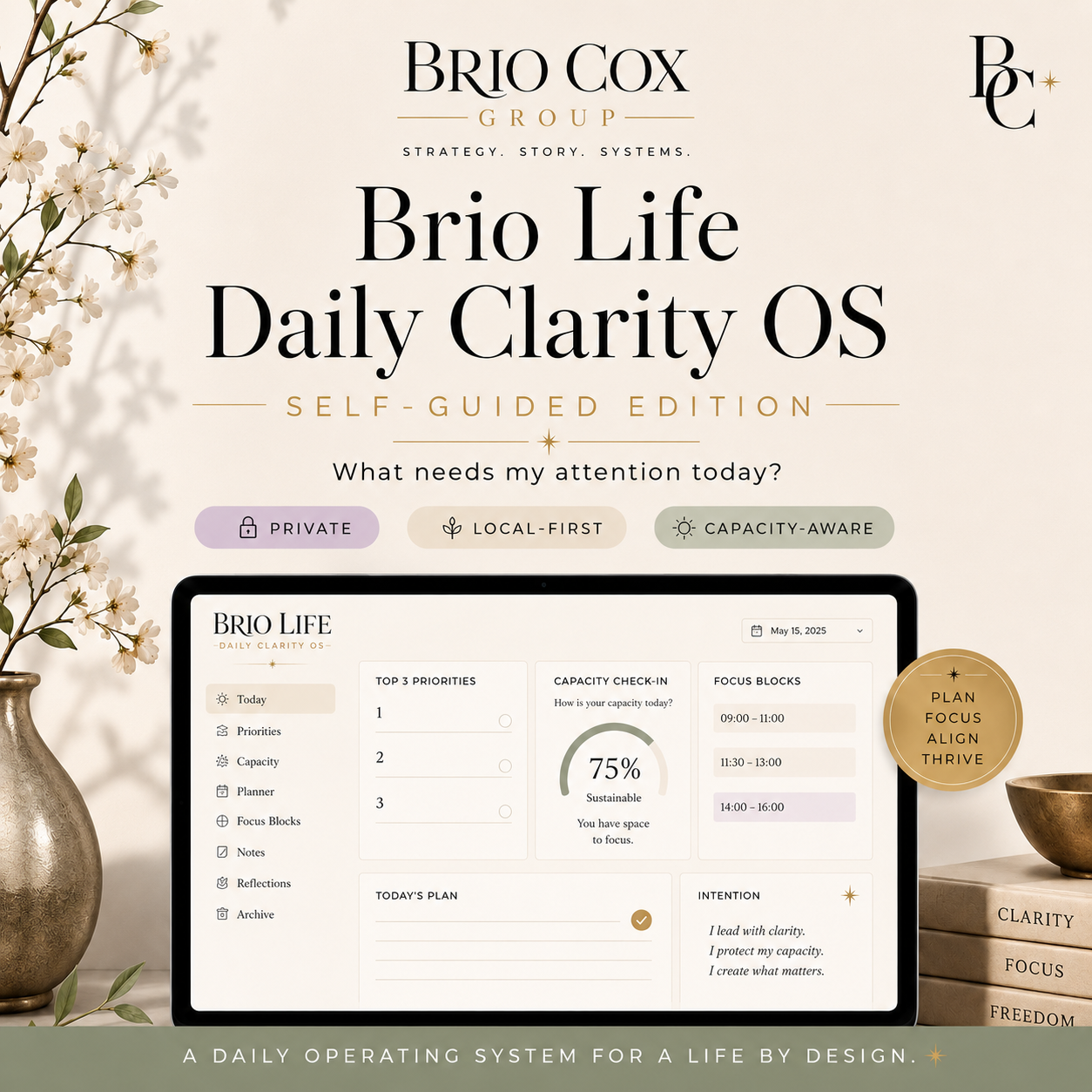
The Brio Life Daily Clarity OS is a self-guided daily planning and decision-support dashboard created to help you reduce mental clutter, make fewer repeated decisions, and identify what actually deserves your attention today.
This is not another complicated productivity system that asks you to organize your entire life before you can begin.
It helps you pause, assess your capacity, choose your next-right steps, and move through the day with more clarity and less pressure.
Use it to answer:
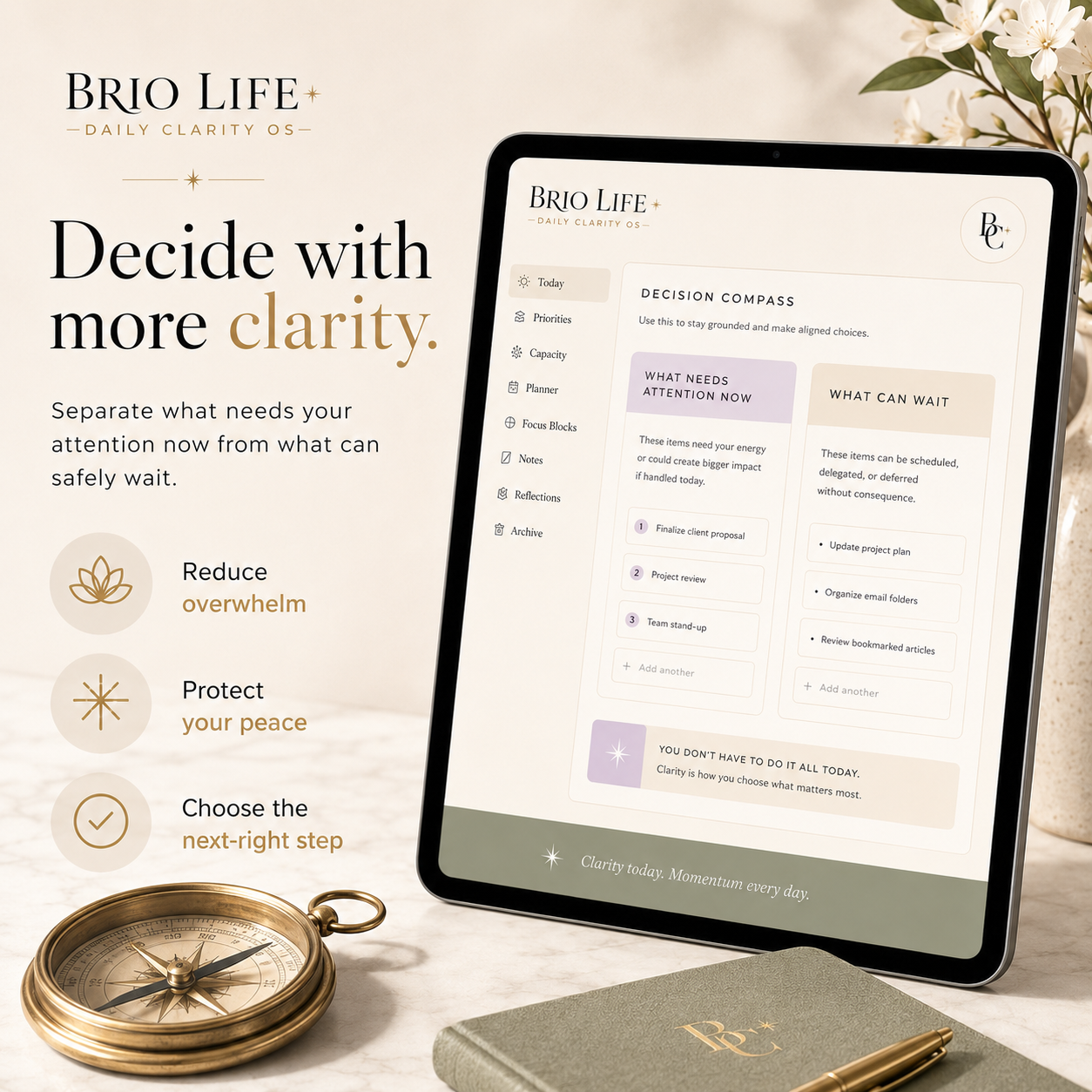
- What needs my attention now?
- What can safely wait?
- What would make today feel complete?
- What are my three next-right steps?
- What does my current energy realistically allow?
- What unfinished thoughts can I take out of my head?
- What should carry forward into tomorrow?
What you can do inside the Daily Clarity OS
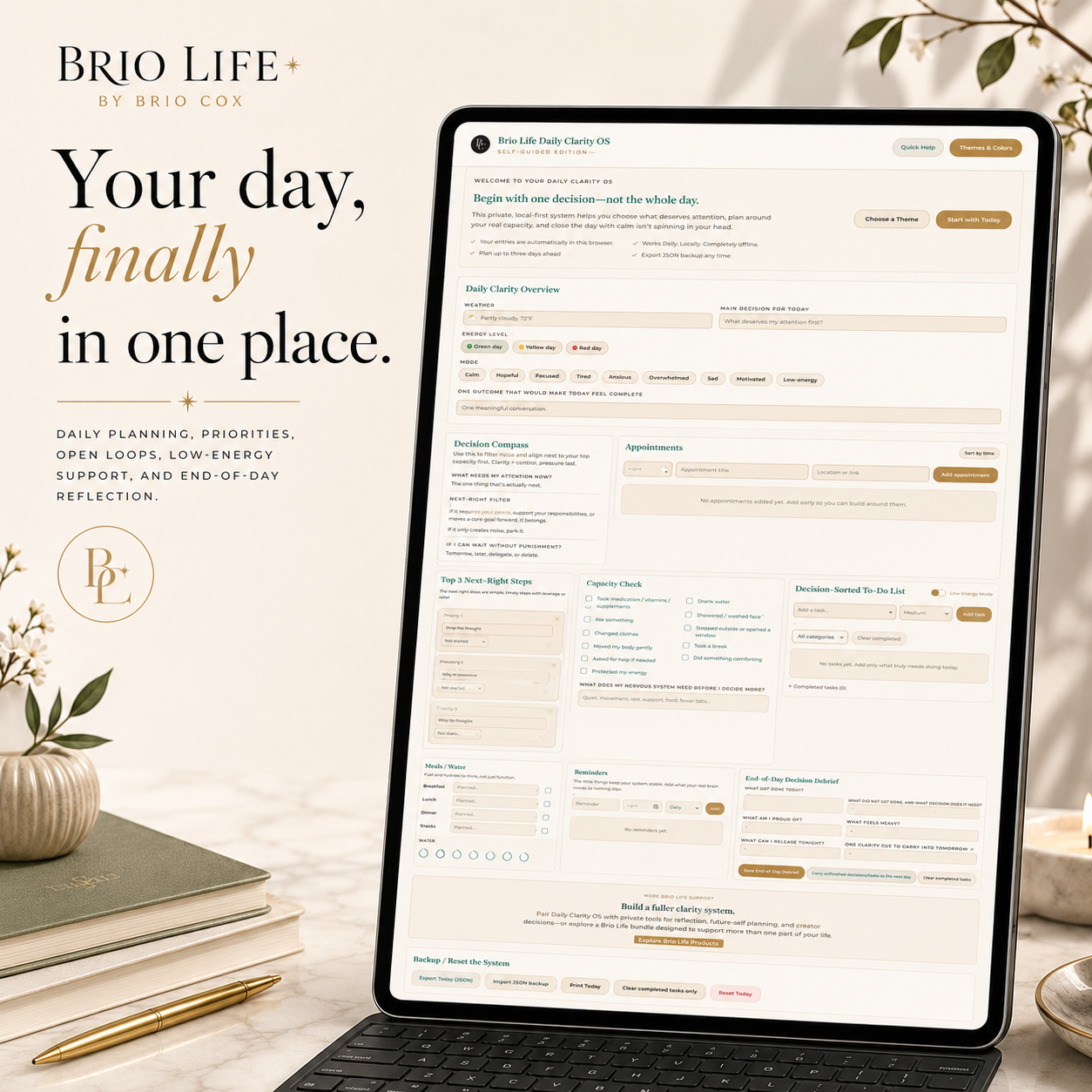
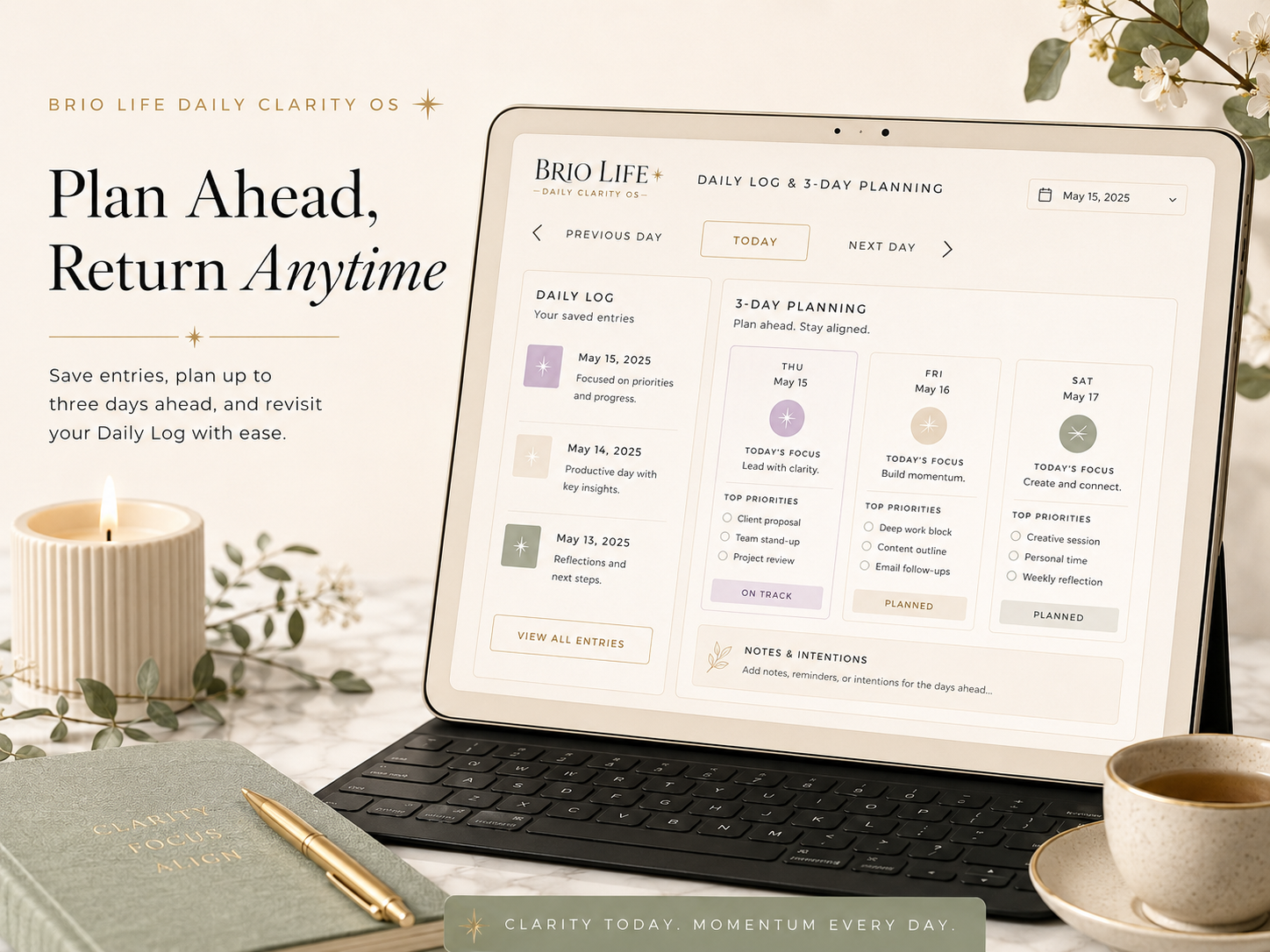
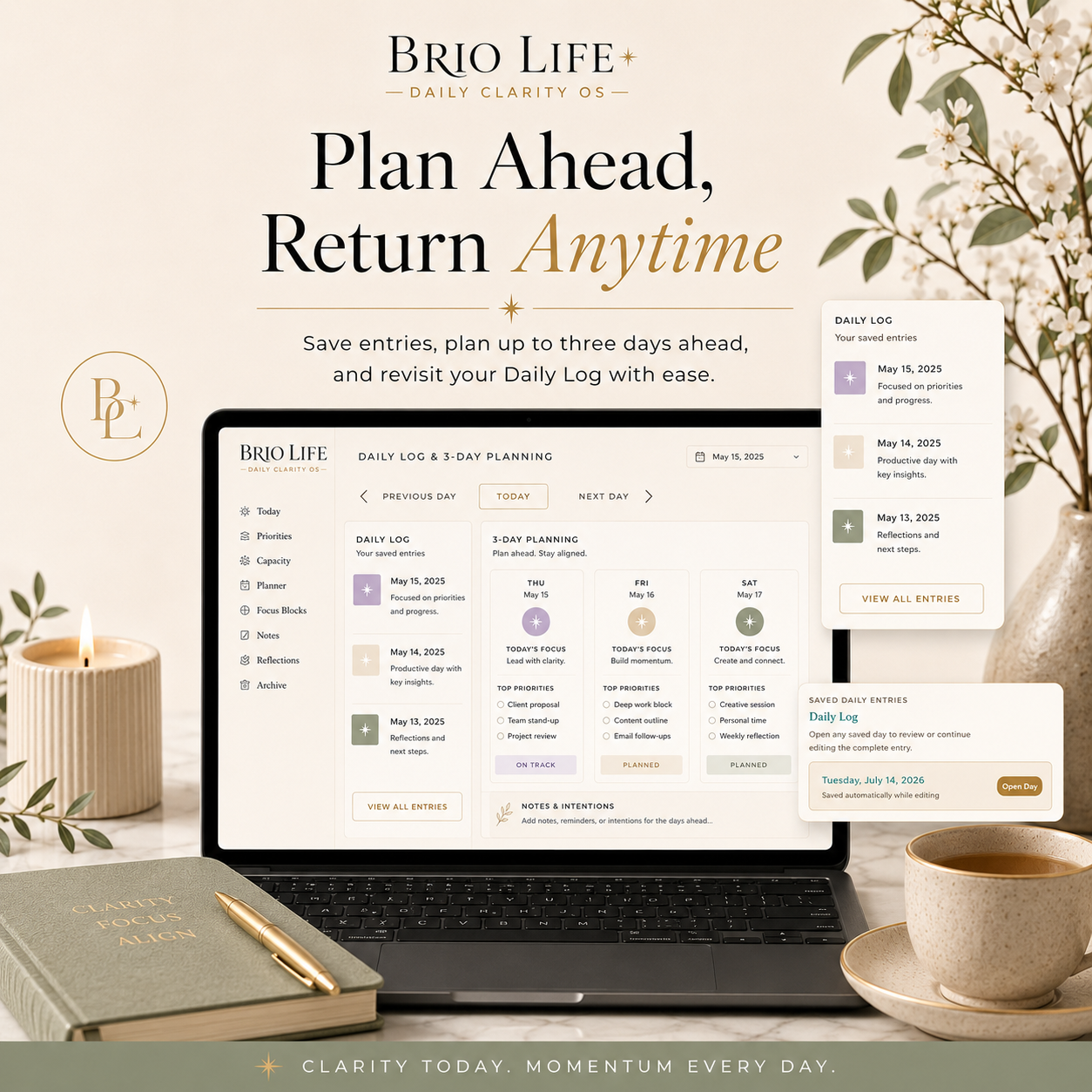
- Plan and save today’s priorities
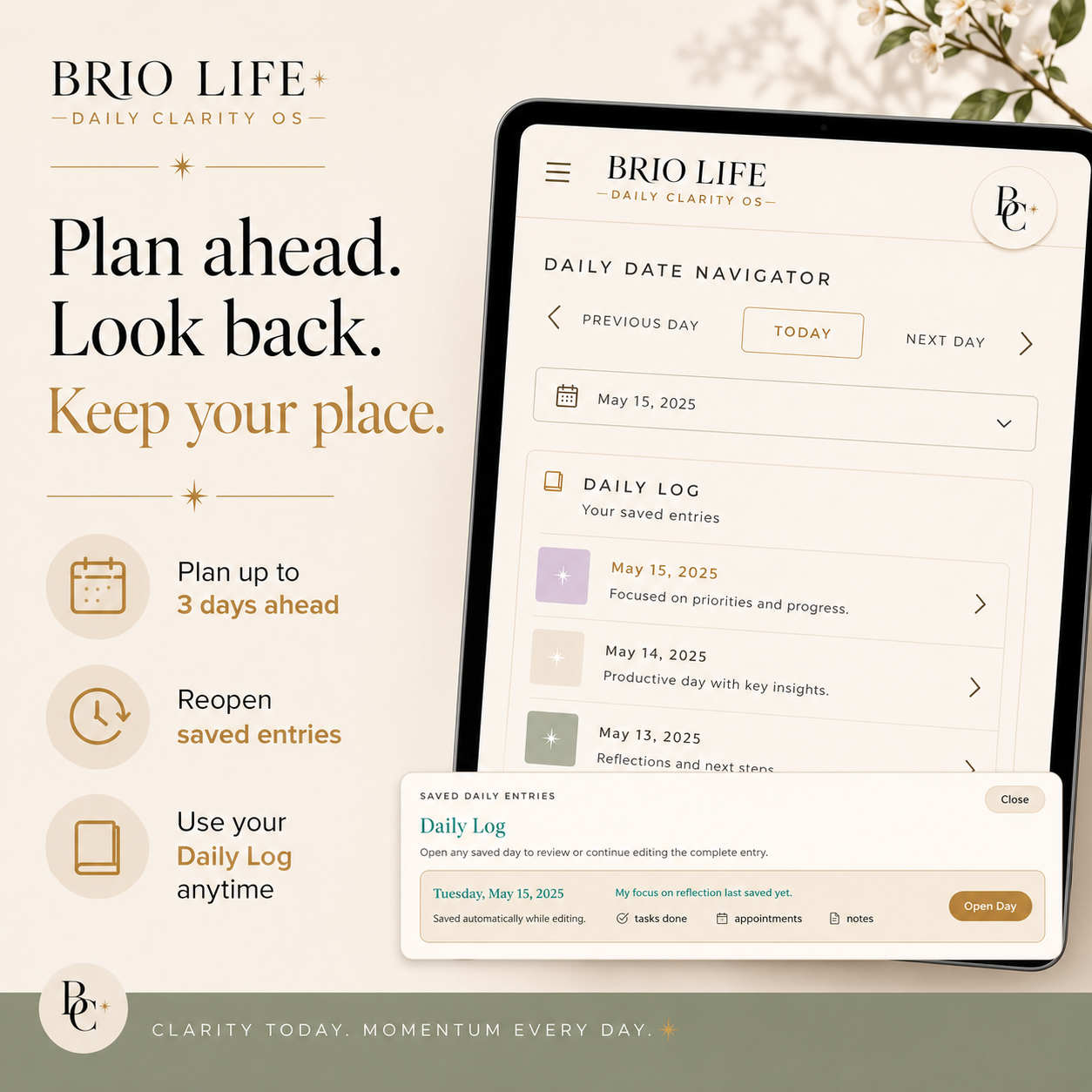
- Move forward up to three days for advance planning
- Return to previous dates and reopen saved entries
- View your full Daily Log
- Select your energy level and multiple moods
- Define one realistic outcome for the day
- Use the Decision Compass to separate what matters now from what can wait
- Track appointments and reminders
- Choose your top three next-right steps
- Sort tasks by category and priority
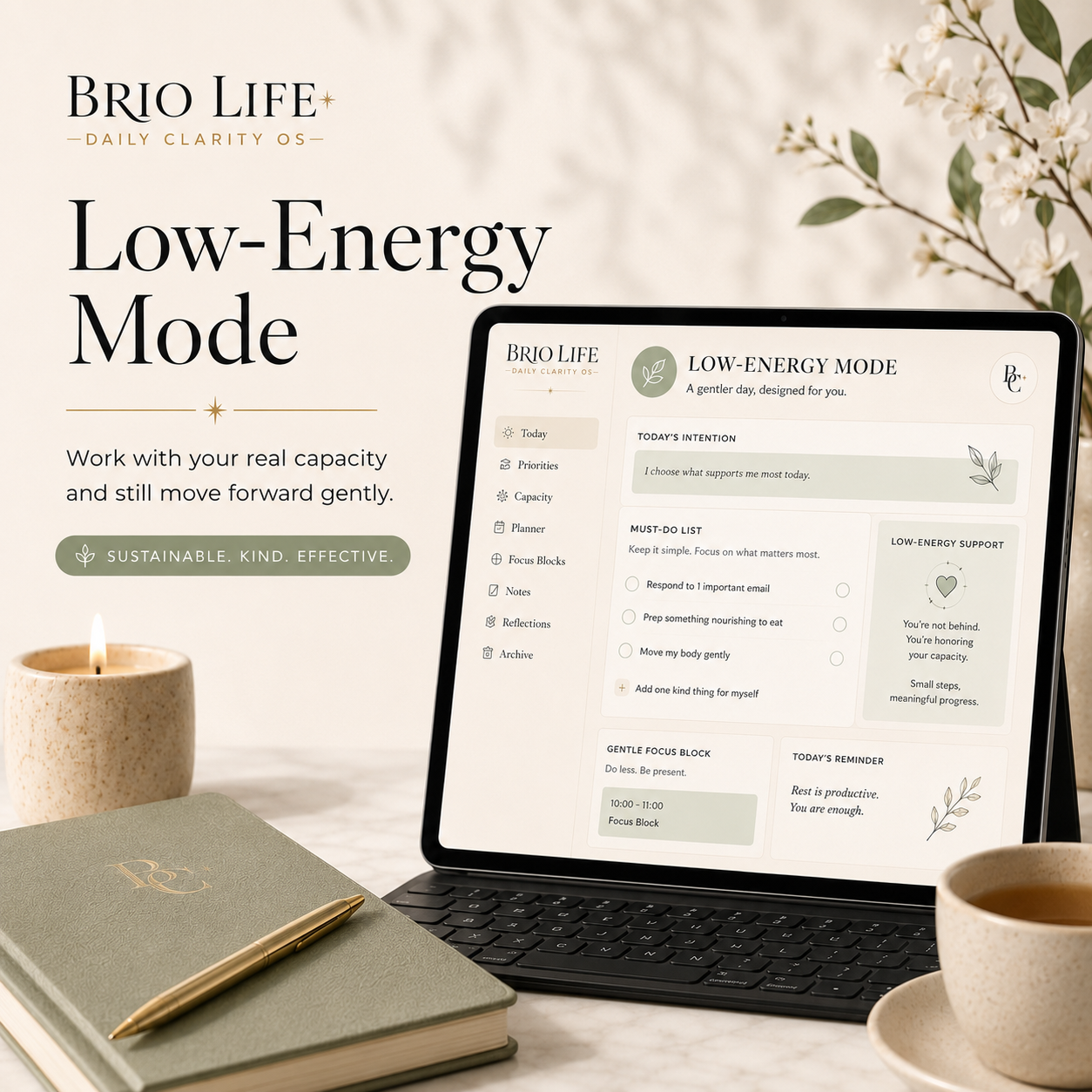
- Switch into Low-Energy Mode
- Organize tasks into Must Do, Should Do, and Could Do
- Capture open loops and quick notes
- Track meals, hydration, and basic capacity needs
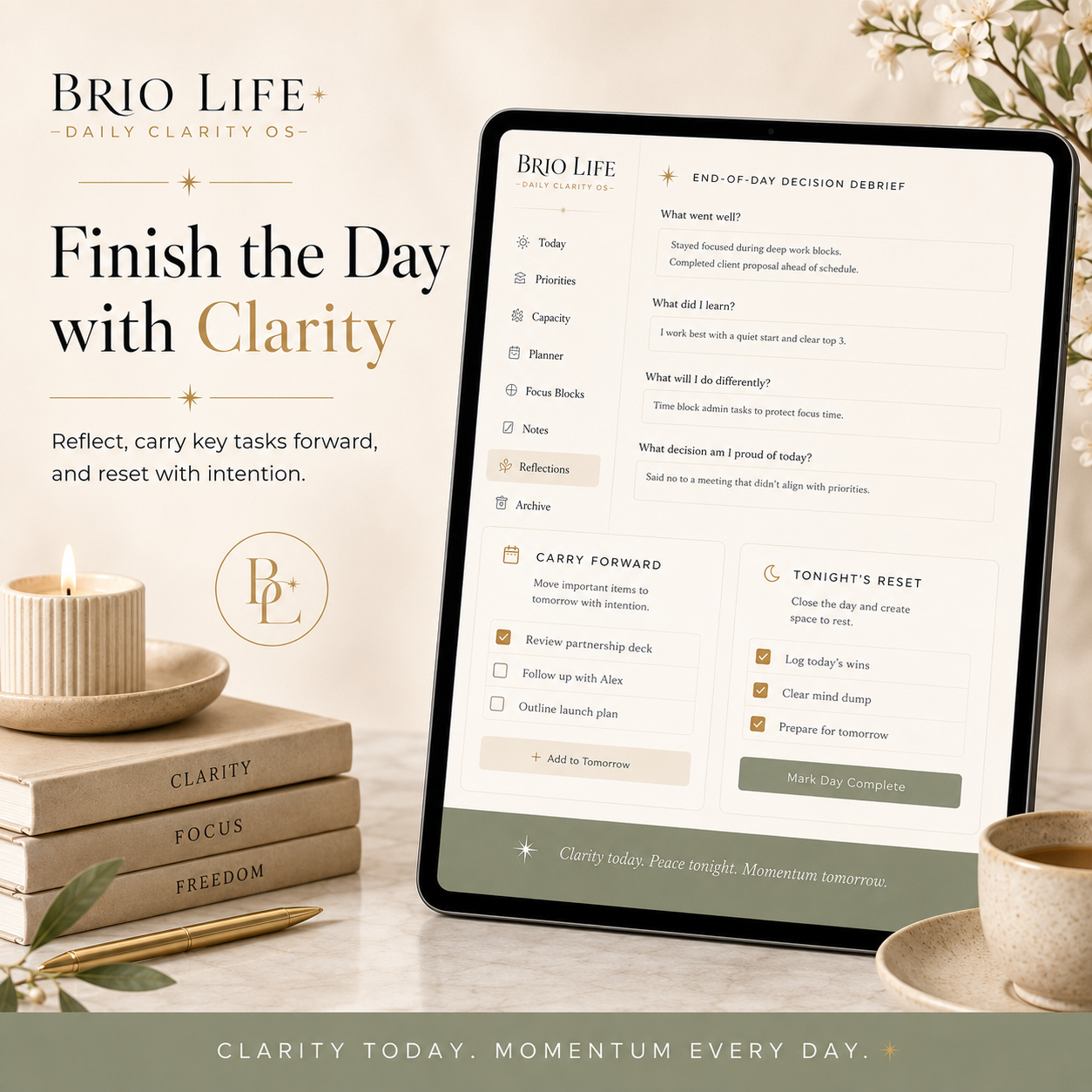
- Complete an end-of-day decision debrief
- Carry unfinished tasks and decisions into the next day
- Export and restore JSON backups
- Print your daily plan
- Personalize the dashboard with five preset themes
- Create, name, save, export, and reuse your own custom color themes
Five included visual themes
- Warm Editorial
- Soft Clarity
- Midnight Focus
- Deep Sanctuary
- BrioVerse
You can also create and save multiple custom themes using your own hex codes.
Built for real capacity
The Daily Clarity OS was designed for days when your energy, focus, responsibilities, and emotional capacity do not all match.
You do not need a perfect routine.
You do not need to complete everything.
You only need enough clarity to choose the next useful step.
Private and local-first
Your entries save in your browser on your device.
There is:
- No required account
- No subscription
- No cloud dashboard
- No database collecting your daily entries
- No information automatically sent to Brio Life
You control your data and can export backups whenever you choose.
Because browser data can be cleared, moved, or lost, regular backups are strongly recommended.
What you receive
Your download includes:
- Brio Life Daily Clarity OS HTML dashboard
- Start Here guide
- Quick Start guide
- Full User Guide
- Privacy and Local Storage guide
- Backup and Restore guide
- Troubleshooting guide
- License and Terms
- Brio Life product guide
- Package contents and version information
Best for
- Adults experiencing daily overwhelm
- People with ADHD or executive-function challenges
- Busy parents and caregivers
- Creators and founders
- Professionals balancing multiple responsibilities
- People recovering from burnout
- Anyone who wants a gentler alternative to traditional productivity systems
Technical requirements
- A modern desktop or laptop web browser
- Chrome or Edge recommended
- Ability to open a downloaded .html file
- Local browser storage enabled
No coding knowledge is required.
Private or Incognito browsing is not recommended for ongoing use because saved browser data may disappear when the private session closes.
Important note
The Daily Clarity OS is a self-guided planning and reflection tool. It is not medical care, mental-health treatment, therapy, diagnosis, crisis support, or a replacement for professional services.