


Ink Hammer: Battle Map Maker (Early Access)
Ink Hammer is a desktop battle map maker for D&D and other tabletop RPGs.
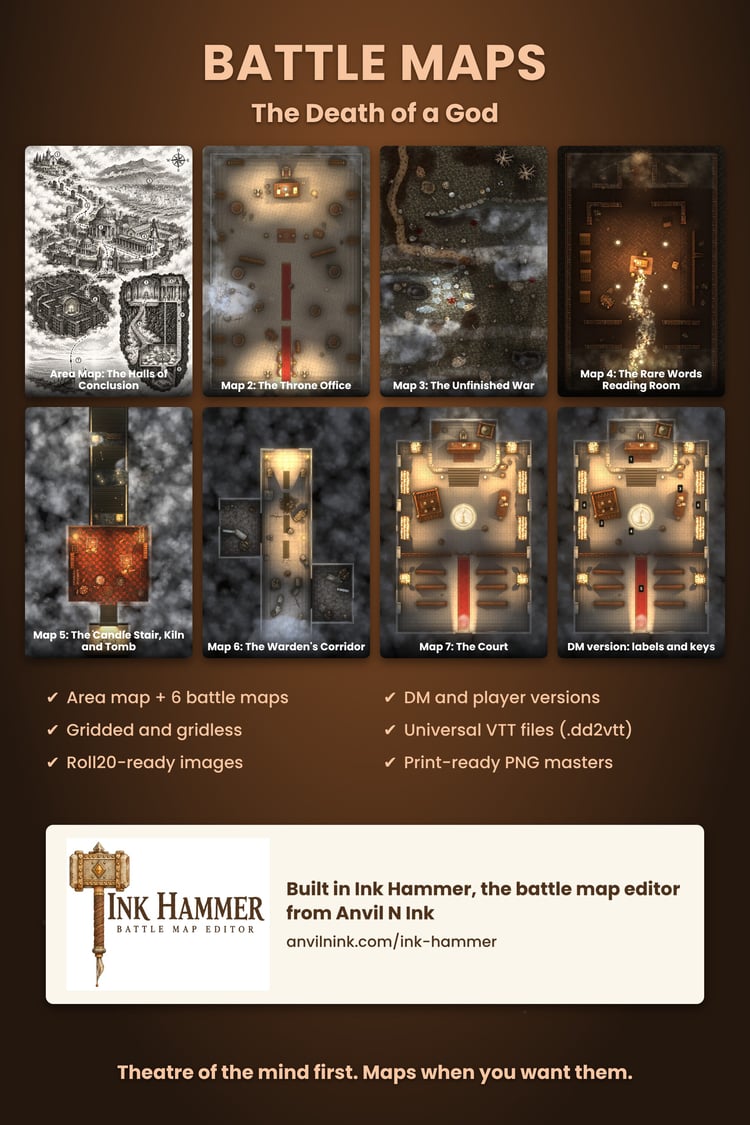
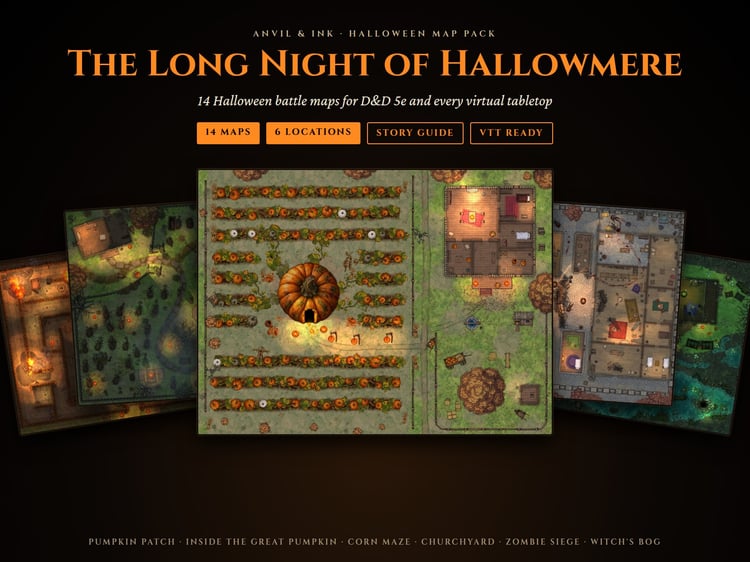
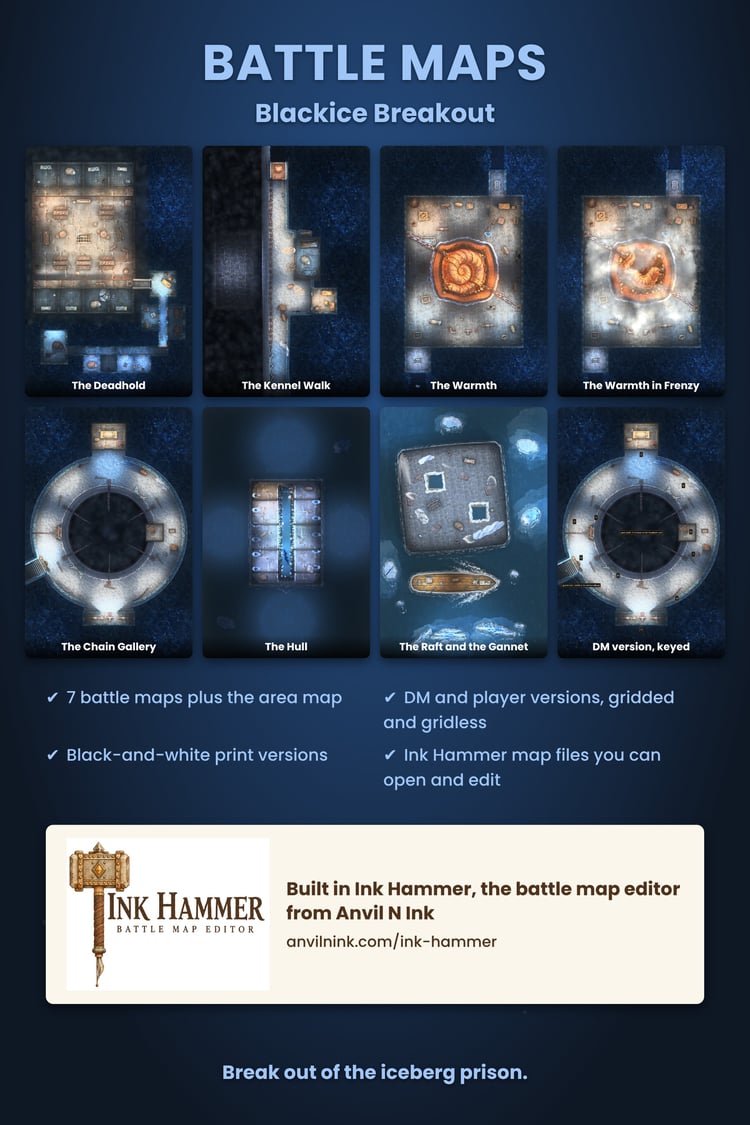
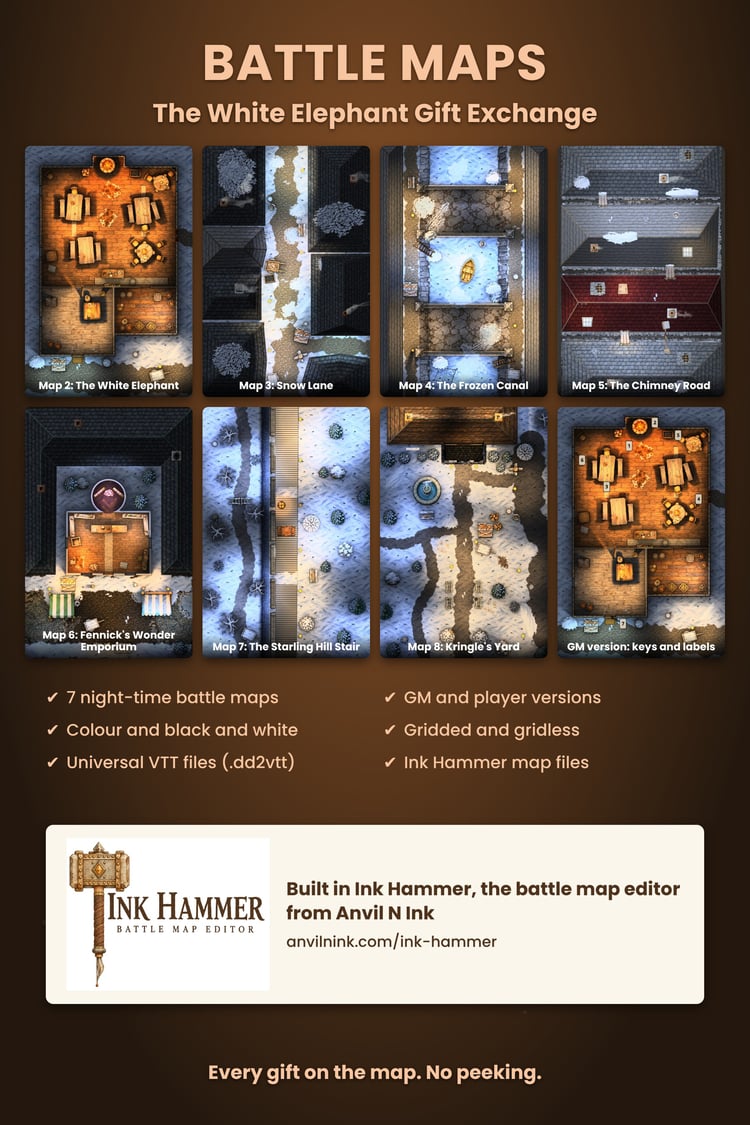
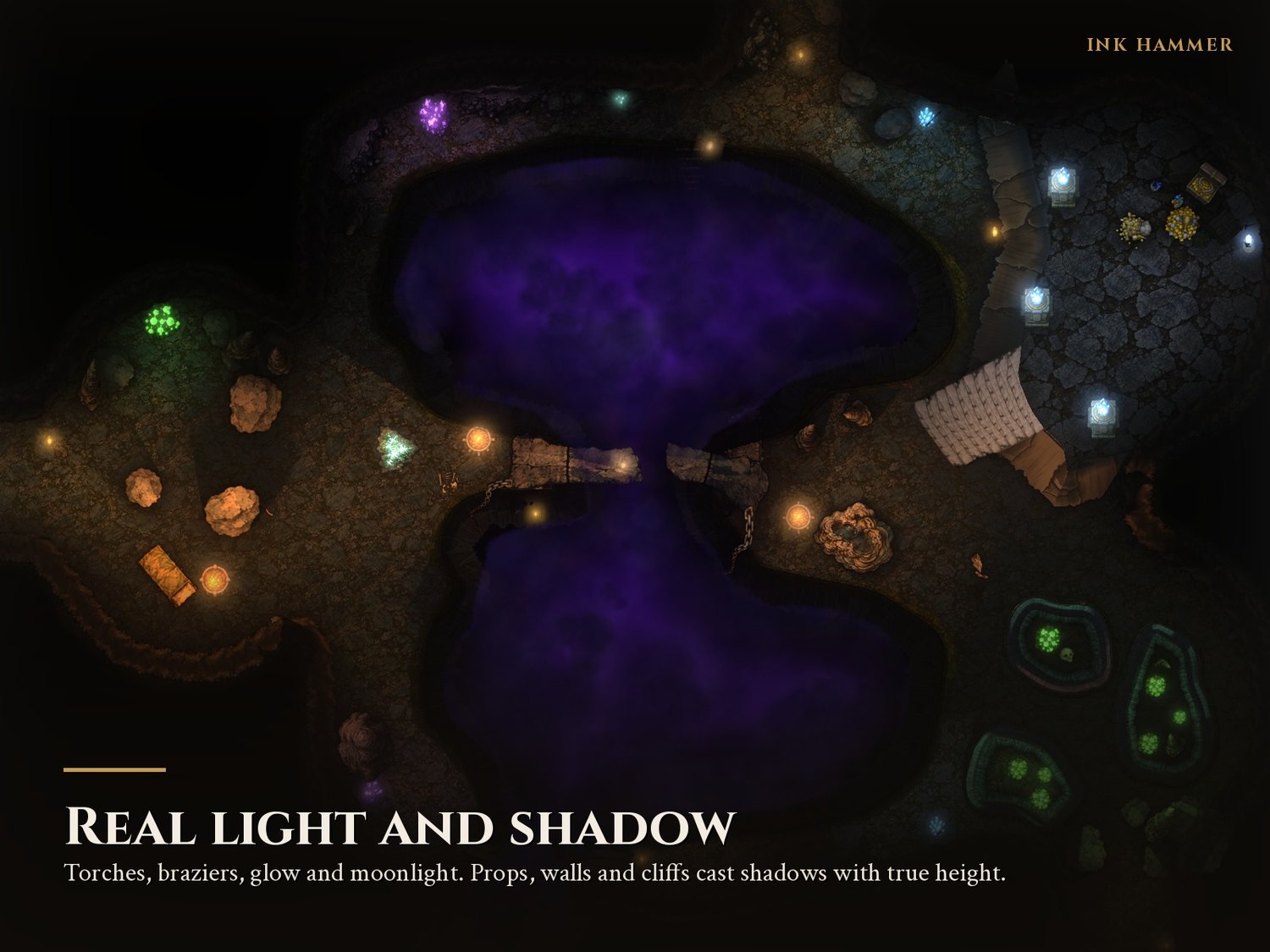
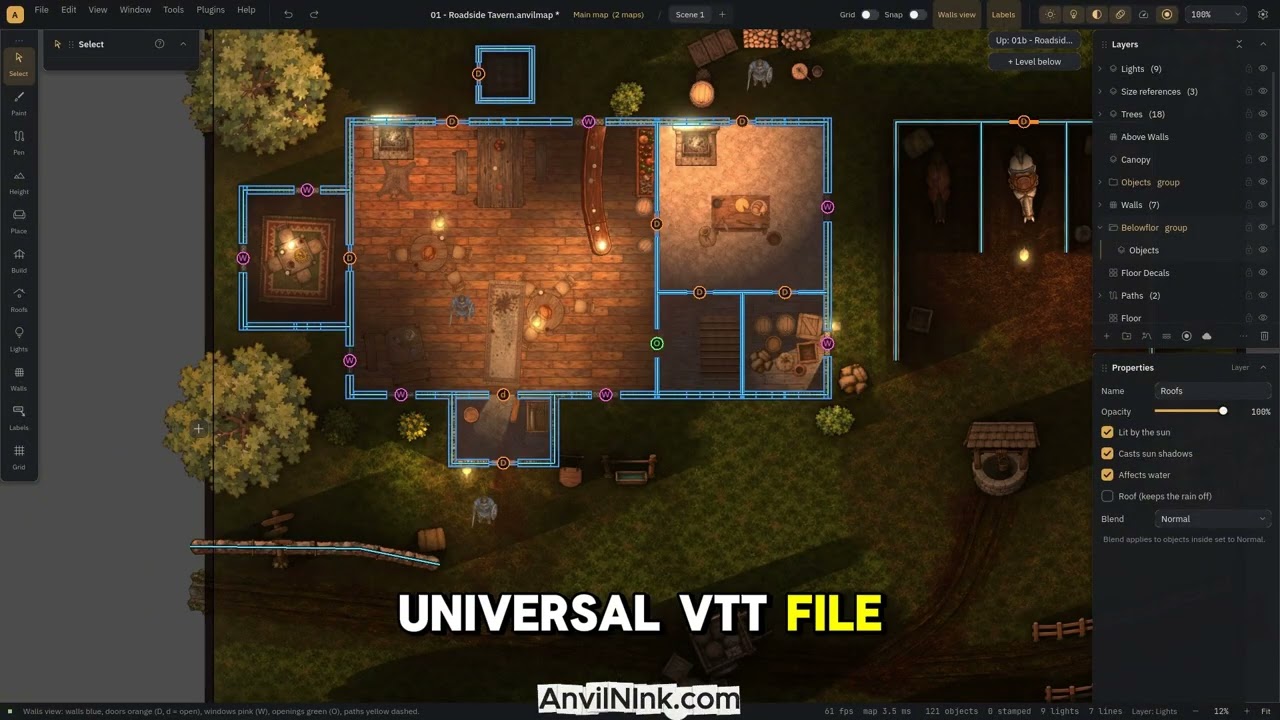
Paint ground, terrain and cliffs, flood it with water and waterfalls, raise buildings with roofs and stairs, then light the scene with 3D lighting: sun, lamps, glow and real shadows from every wall, tree and prop. Export a finished map as an image or as a Universal VTT file with walls, doors and windows already in place.
Early Access: $19.99. The price goes up at version 1.0, and Early Access buyers get 1.0 included.
What you get
- The Ink Hammer app for Windows (no installer, runs from its own folder)
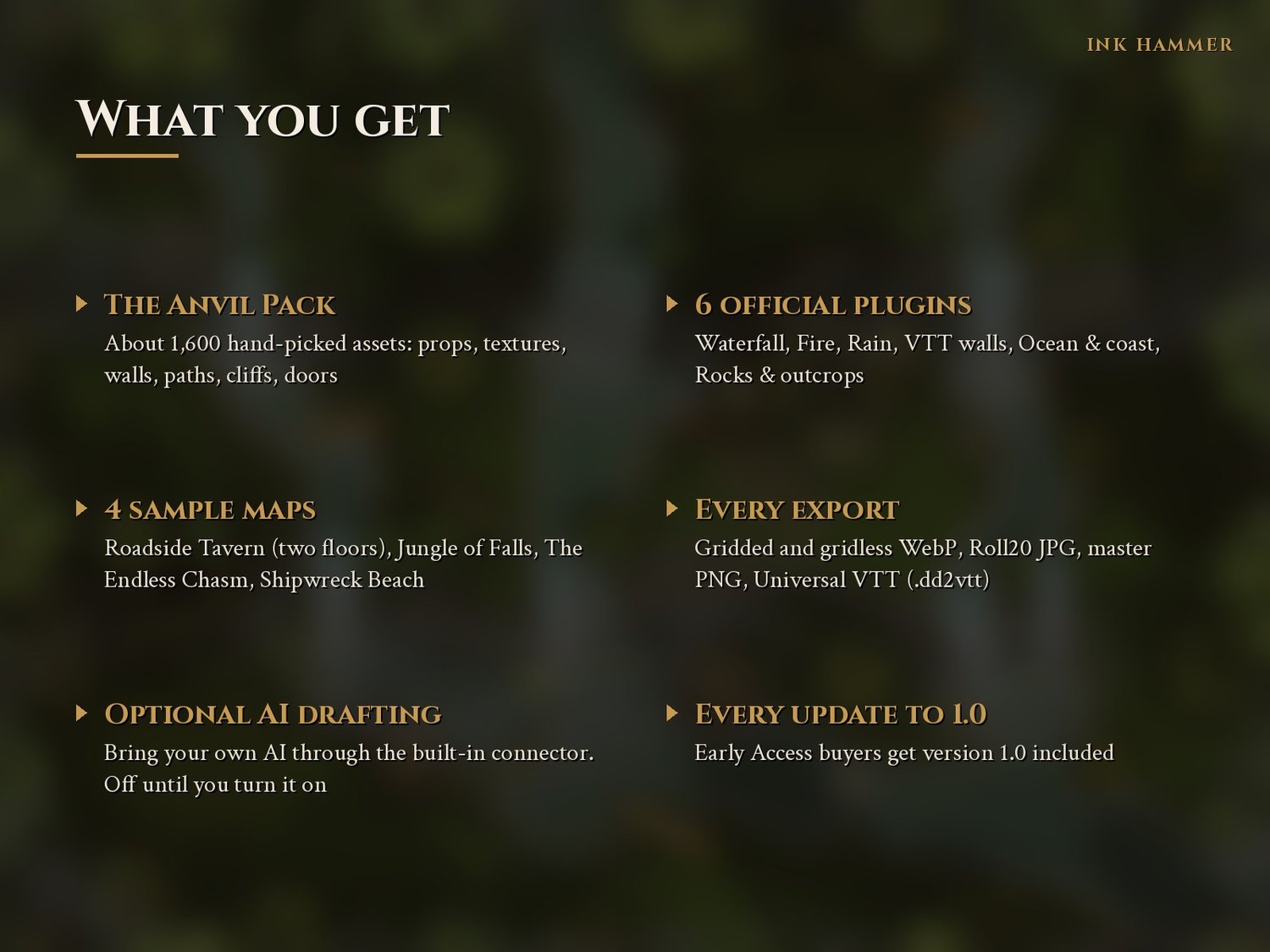
- Anvil Pack Core and Anvil Pack Items: over 2,000 assets (props, furniture, textures, walls, paths, cliffs, doors and windows)
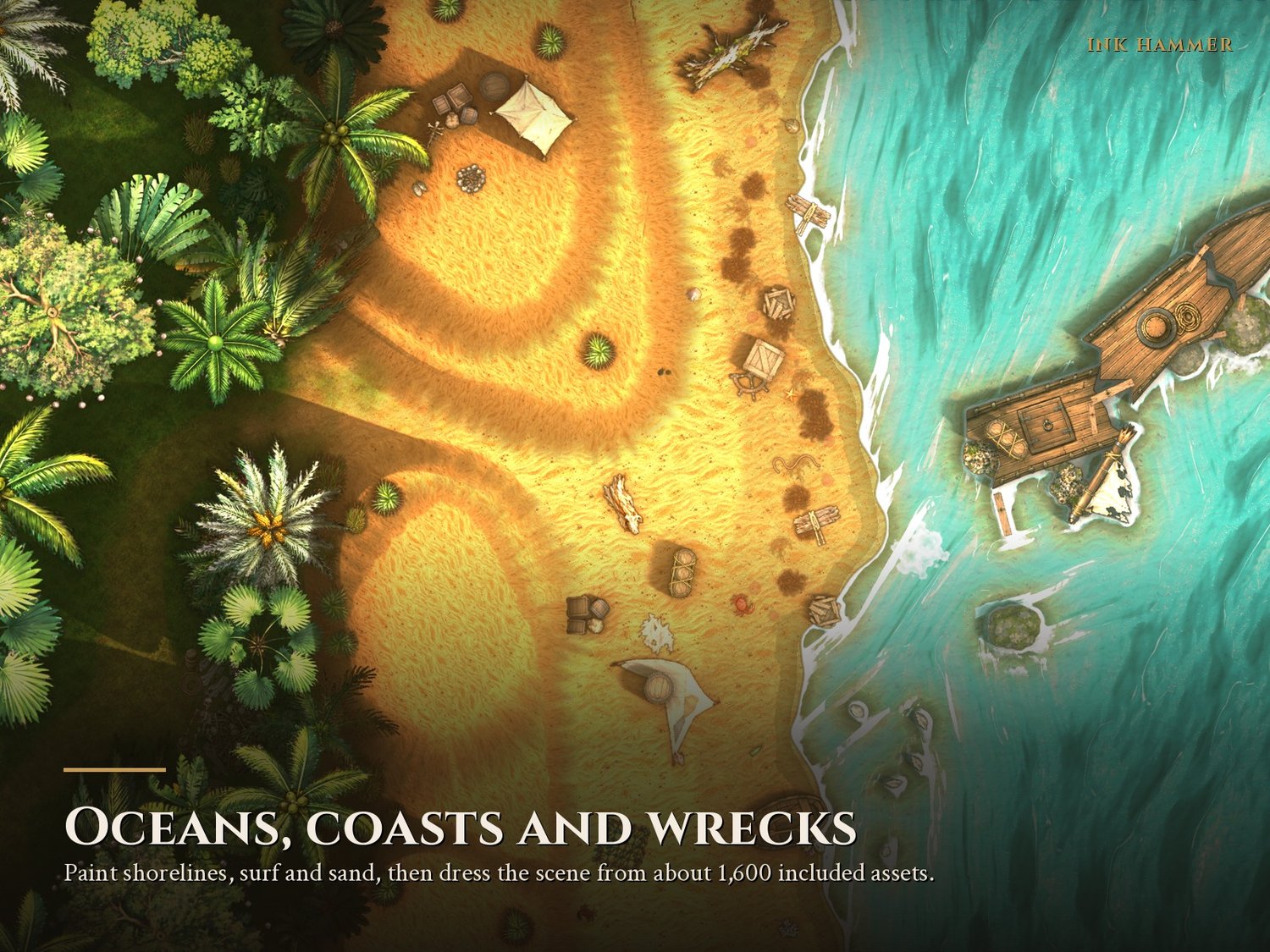
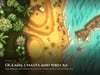
- 9 official tools: Fog, Tree Composer, Scatter brush, Waterfall, Fire, Rain, VTT walls, Ocean & coast, Rocks & outcrops
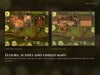
- 5 sample maps to open and pull apart: Roadside Tavern (two floors), Jungle of Falls, The Endless Chasm, Shipwreck Beach, Ship at Sea
- A full user guide, built in
- Every update through version 1.0
Three downloads: the app, Anvil Pack Core and Anvil Pack Items. Unzip all three into the same folder. App updates are small; the art packs only need downloading again when they change.
What you can build
- Terrain, hillsides and cliffs: rock styles, plateaus, pits, bottomless chasms, sand dunes and earth banks
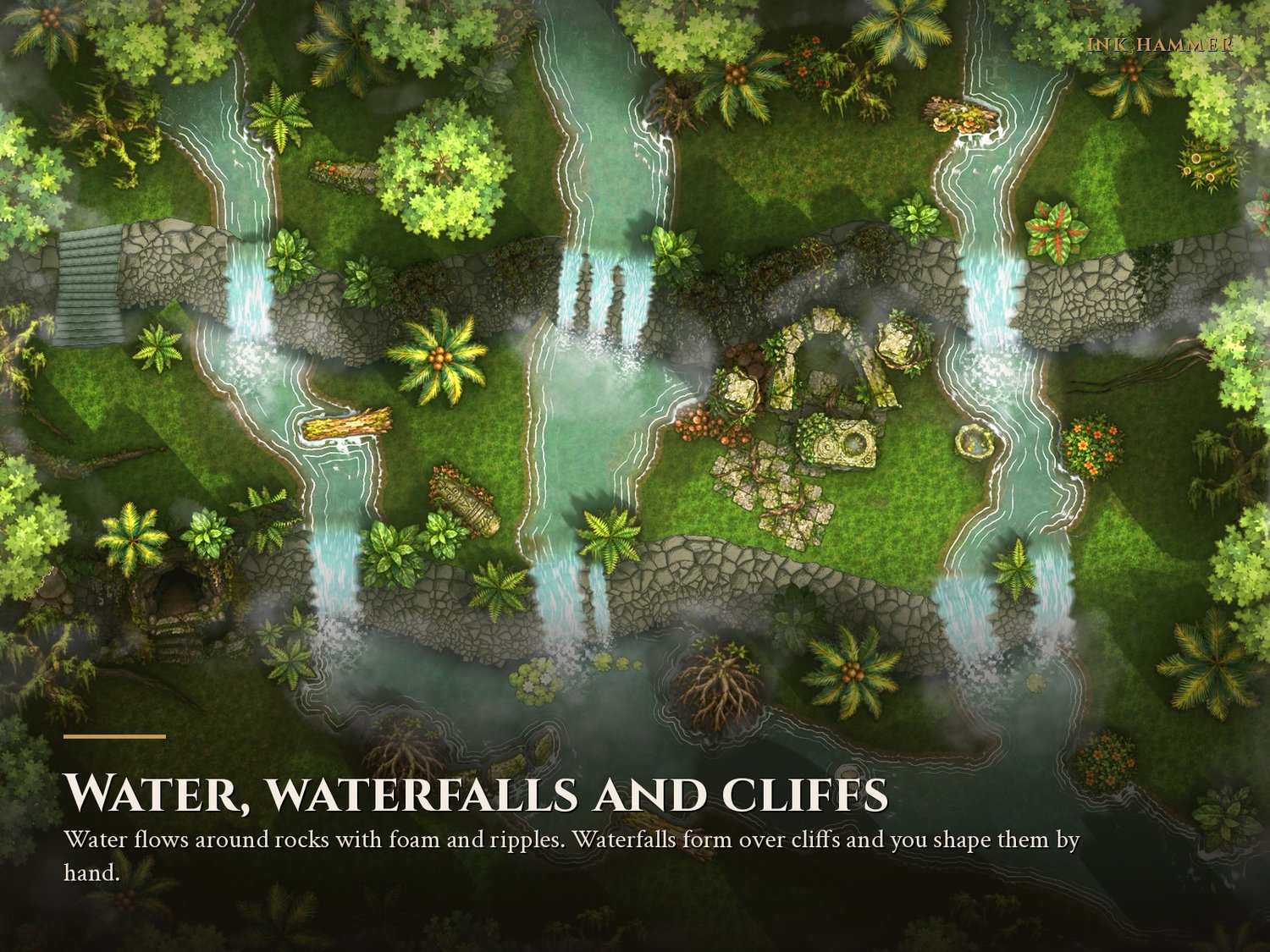
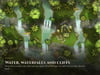
- Water, rivers and seas, with waterfalls that form over cliffs and can be shaped by hand
- Caves, and buildings with wall art, roofs and stairs
- Fire, rain, fog, mist and clouds
- 3D lighting with sun, lamps, glow and soft shadows, plus one-click Overall brightness and Lamp exposure
- Your own trees, bushes and stumps with the Tree Composer
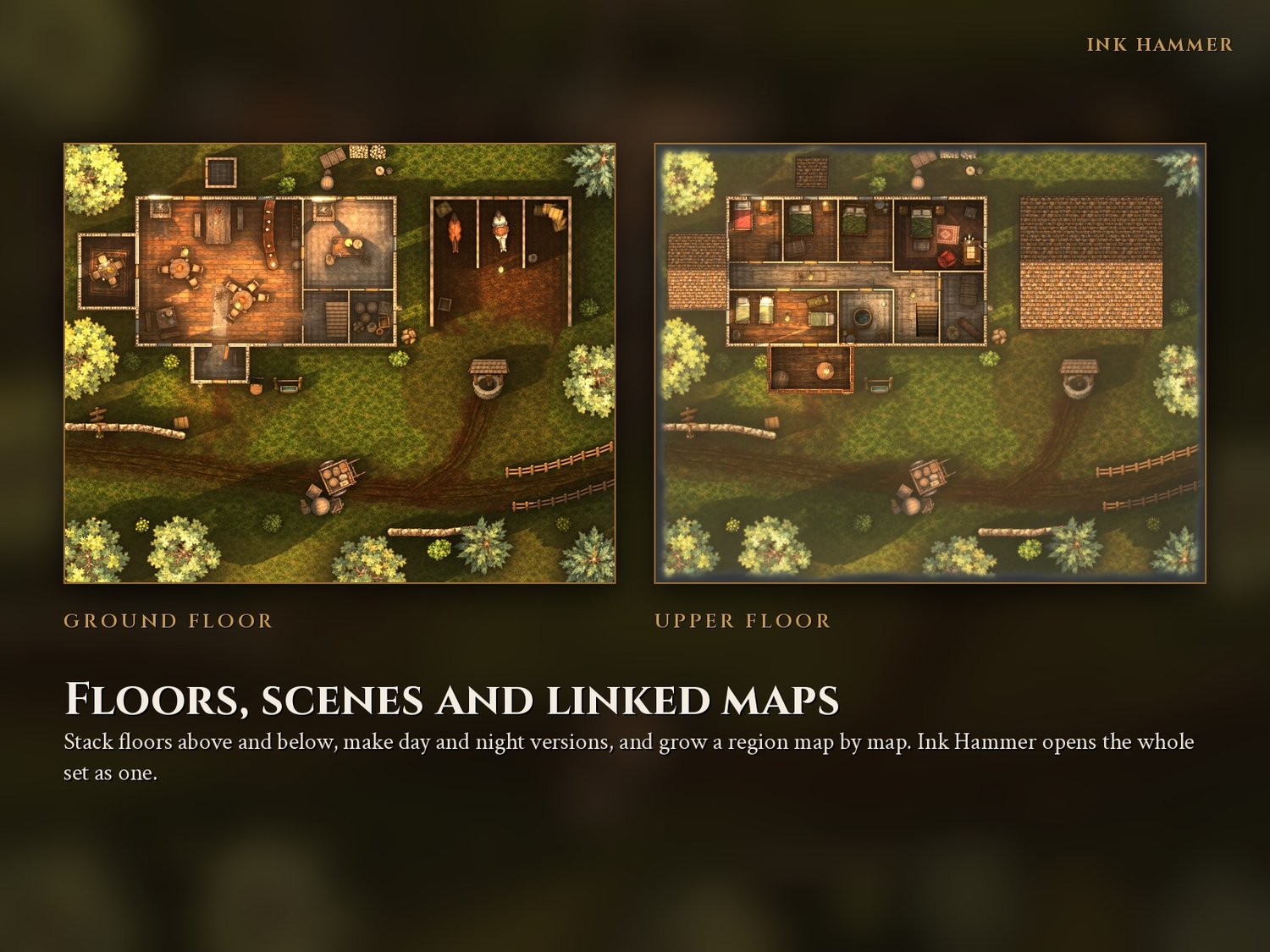
- Scenes (day and night), side maps and linked floors that open as one map set
- Prefabs, distort, links and groups, plus curved lines on every path, wall and cliff
Export: gridless and gridded WebP, Roll20 JPG, master PNG, and Universal VTT (.dd2vtt) with walls, doors and windows.
Optional AI drafting (bring your own). No AI or AI credits are included. If you use an AI app that supports connectors, the built-in connector lets it draft and edit maps while you watch. Every change can be undone. It stays off until you turn it on.
Your maps are yours. One-time purchase, no subscription, no cloud account. Sell your maps or give them away, including maps made with the included assets. The asset files themselves can’t be redistributed or sold on their own.
About the included art. The Anvil Packs were made by Anvil N Ink using AI image generation, then selected and edited by hand. Ink Hammer works with any art you import, so you can use your own assets instead.
Good to know before you buy
- Windows 10 or 11 (64-bit) with a graphics card from the last 6 or 7 years that supports DirectX 12 or Vulkan. A dedicated card is smoothest; laptops with built-in graphics can use Fast editing.
- No Mac or Linux version yet.
- This is Early Access. Expect bugs, and keep backups: updates, including 1.0, may change maps made now.
- Windows shows “Windows protected your PC” the first time because Ink Hammer is not code-signed yet. Click More info, then Run anyway.
- If Ink Hammer won’t run on your computer, tell us within 14 days and we will refund you.
Bugs, ideas and help: anvilnink.com/discord
=======================================
Release Notes.
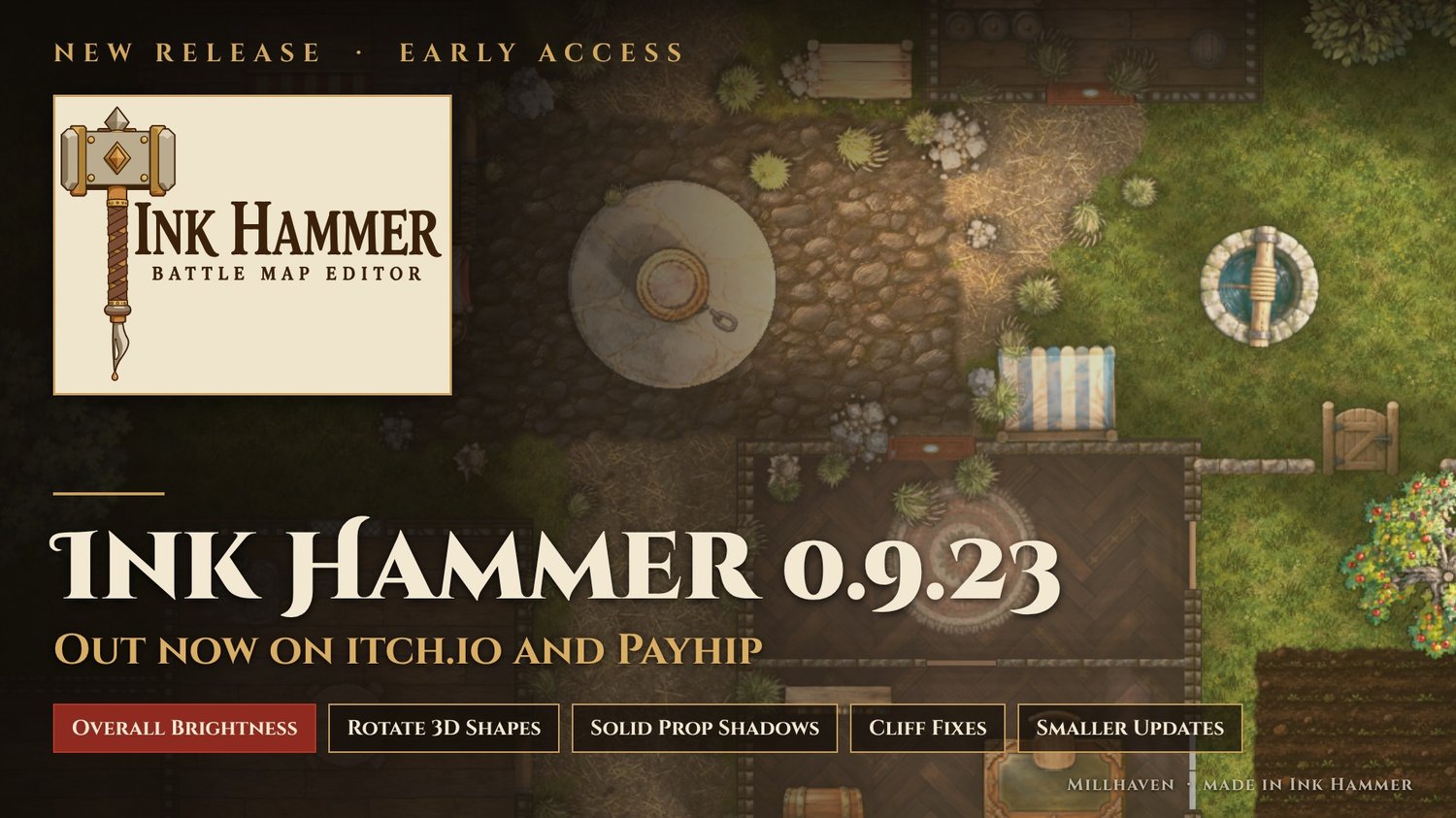
Ink Hammer 0.9.23 is out: brighter maps on demand, a better 3D shape tool, and smaller updates from now on.
Three downloads now. The art moved out of the app into two packs: the app (150 MB), Anvil Pack Core (textures, walls, paths, doors, cliffs) and Anvil Pack Items (every prop). Unzip all three into the same folder this time. After this, most updates are only the small app zip.
Lighting - Overall brightness: lift a dark map in one move. Shadows open up, whites stay white. - Lamp exposure: every lamp stronger or weaker together, so pale floors stop blowing out to white. - Walls take the same light as the floor beside them: no more glowing walls, and lamp light no longer leaks through a wall onto the wall behind it. - Tables, chairs, fireplaces and every prop now cast solid shadows under an overhead lamp.
Design 3D shape - Rotate a shape (drag the round handle, Shift snaps to 15 degrees). - Pick several parts at once and move, size and turn them together. Arrow keys nudge.
Also - Properties panels all fold into sections in the same order. - Placing and deleting props, lamps and walls is about three times quicker on busy maps. - 451 props redrawn top down, 64 new ones, 32 new textures, new wall kits and paths.
Fixed - Rooms with a raised dais no longer freeze Ink Hammer. - Exports no longer hang while the window is minimized. - Cliff rubble lands at the foot, and long cave walls keep their ramps and gaps where you set them. - And more (full notes below).
Using Claude with Ink Hammer? The connector is updated to 1.14. Quit and reopen Claude after updating.
Come see what's next first on our Discord: https://anvilnink.com/discord


🔨 Ink Hammer 0.9.22 is out!
🌫️ Fog
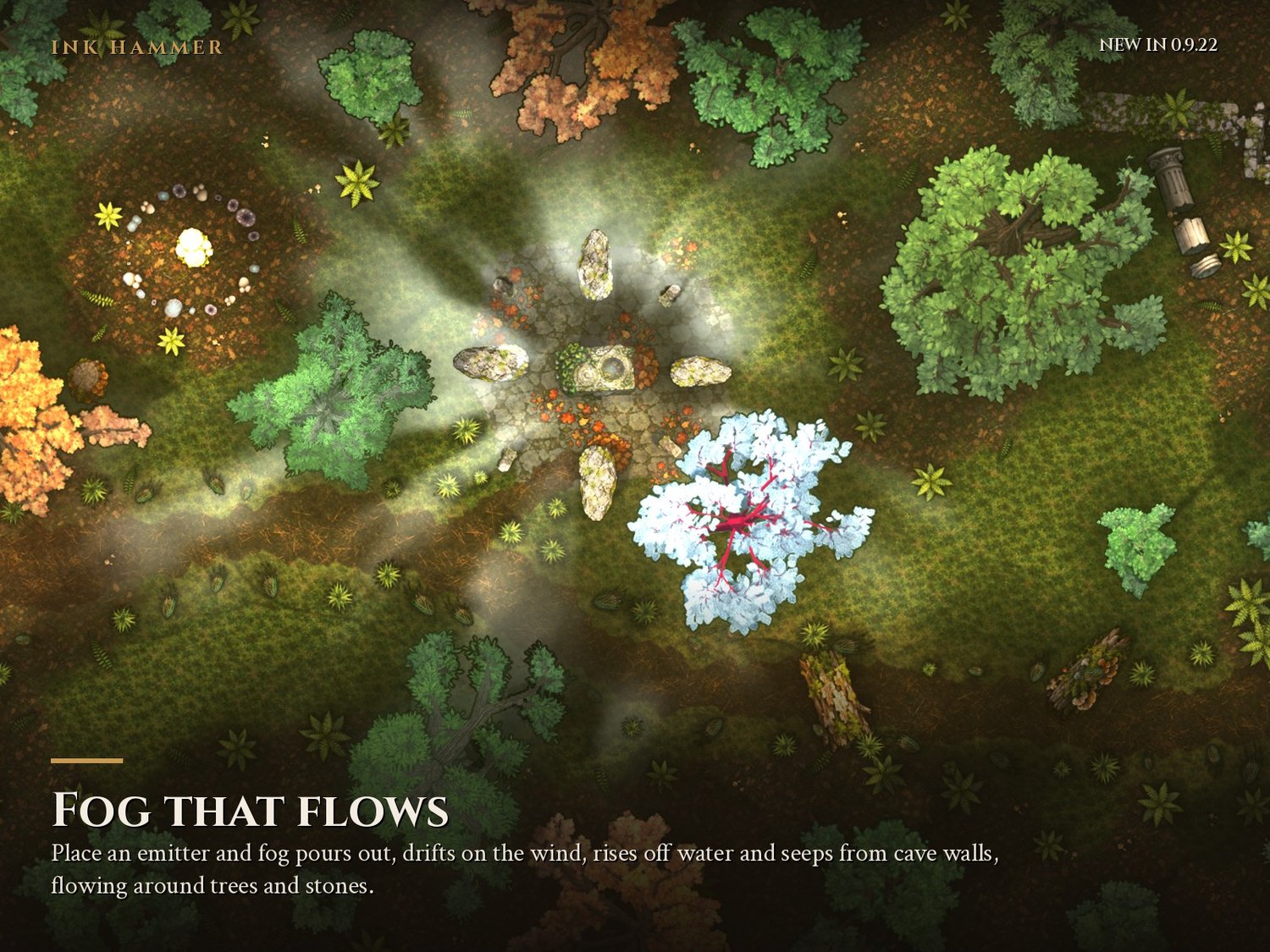
Fog, smoke, magic mist and poison gas. Drop emitters like lights, roll it in from a map edge, raise it off water or seep it from cave walls. It flows round buildings and standing stones, pools in hollows and spills out of open doors. Tools > Specialized > Fog.
🌳 Tree Composer
Make your own oaks, willows, dead and burned trees, bushes, hedges, stumps, fallen logs and glowing fantasy trees. Save one and it's in your asset strip with its own 3D shadow shape.
✨ Also new
🎨 Blend modes for fog and mist (Screen haze, Add magic, Multiply smoke)
🏮 Lights that stay on their level, fill lights through walls, and lamp objects that don't light themselves
🌑 Daylight down to 0%
🪢 Ropes and beams with Lift and Thickness
⚓ Docks and decks without walls, and lifted buildings as bridges
✏️ Hold Shift to paint straight lines
🔧 Fixed
Boats in the sea lose their sand ring, floors turn with their building, deleted walls stay deleted, distorted stairs shadow right, dunes fade softly, and a long list more.
Using the AI connector? It's updated to 1.11. Restart your AI app after updating.
📥 https://anvilnink.com/ink-hammer/
🐛 Found something? Post it in the bug reports forum with a screenshot. And show us your foggiest maps in the showcase!
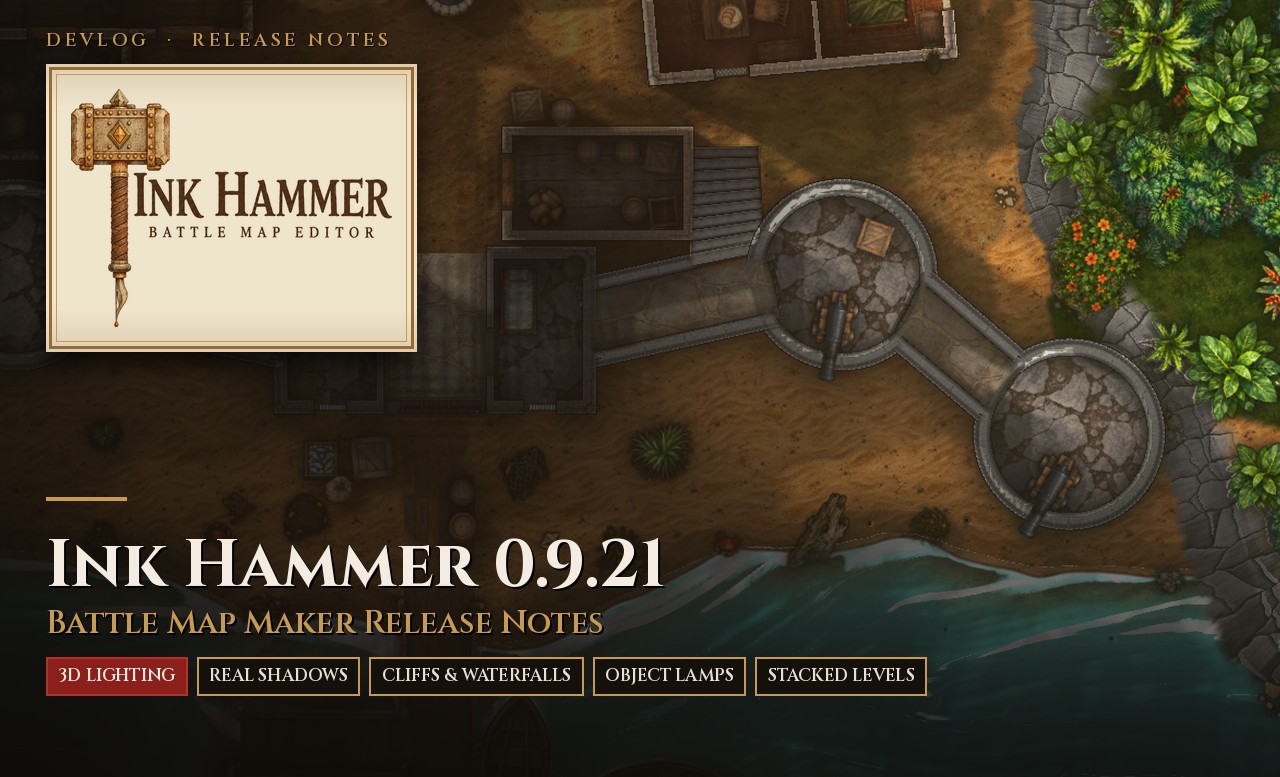
Ink Hammer 0.9.21 is our biggest update yet.
Lighting now comes from a hidden 3D copy of your map. The sun and your lamps cast shadows from the real height of every wall, prop, tree and cliff, so maps look deeper and far more dramatic than before. Cliffs, slopes, waterfalls and bridges got a full rework, and you can now shape the 3D form of any asset yourself.
⚠️ Please read before updating
- Your existing maps will look different. Shadows are much stronger now, and some maps may need a little touching up (lamp positions, shadow settings, the odd prop height). Keep your .bak files.
- 3D lighting needs a graphics card from the last six or seven years with Vulkan. On older or integrated graphics, set Settings > Speed > 3D lighting quality to Low, or go back to the old look with Lighting > Master light > untick 3D lighting.
New
3D lighting (on by default)
- The sun and lamps light a 3D copy of your map. Shadows are soft, widen with distance and come from each prop’s real height.
- Buildings with roofs only let the sun in through their doors and windows. Cliffs, walls, props and trees all cast at their real height.
- Works with point, spot, flat and ray lamps, shadow colour, terrain, cliffs and caves. Exports carry the 3D look.
- New Render quality slider in the top bar (10% to 100%). Lower settings are much faster while you edit; exports always render at full quality.
- View > Show shadow shapes (3D) shows each object’s 3D shape, and the 3D view panel shows the whole 3D copy.
Design 3D shape
- In the Asset Manager, shape the 3D form of any asset: slices, box and cylinder parts, holes so light comes through gaps in a tree canopy, plus rulers and a 6 ft person for scale.
- Anvil Pack trees, bushes, rocks, crystals, tables, chairs, hanging lamps and blocks come with shapes already.
Objects as lamps
- Properties > Lamp > Make lamp turns any object into a light (point, spot or flat) that moves and copies with it. Fires in hearths, lanterns on posts, glowing crystals.
Cliffs and hills
- Cliffs have their own foot line: drag where the face meets the ground for gentle slopes, bulging faces or overhangs.
- Soft slopes: hills and hollows with no rock face. The ground rises, catches the sun and casts real shadows.
- Overlapping cliffs meet as solid rock, and plateaus are solid in 3D.
- Pits get a bottom (ground, colour or texture) and fading walls.
Waterfalls
- Waterfalls over cliffs are now curves you shape by hand, with a bottom edge you drag to where the water lands.
- Taller drops crash harder, with more white water, spray and ripples.
- Rocks placed in a waterfall sit in the water: it piles up behind them, foams over them and leaves a wake.
Bridges
- Bridges rest on the ground at each end, so a bridge between a low and a high clifftop becomes a ramp. Give any point its own height for a pier, a hump or a sag.
Softer, more natural shadows
- Sun and lamp shadows are darkest near what casts them and fade and soften toward the tip. Set them to 0 in Lighting > Master light for the old look.
Stacked levels and floor holes
- A level above now shows the level below at full size and sharpness, lined up exactly. Build a ship as hull, deck and quarterdeck, and each one shows the one beneath.
- Background image: put your own picture under any map (open sea, clouds, a city far below).
- Floor holes: Build tool > Floor hole cuts a hatch or stairwell through a floor, and the level below shows through.
Blend modes on ground layers
- Ground layers take Multiply, Screen, Overlay, Add and more.
Workspace
- Panels dock like Photoshop: drag any panel to the left, right or bottom, or float it. Window > Reset layout restores the default.
- Easier drag and drop in the Layers panel, and resize handles light up under the mouse.
- Maps keep the loading card up until water, shadows and lighting are ready.
Faster
- Moving a cliff point on a big map is smooth now, and letting go takes about a tenth of a second instead of a full second.
Fixed
- A distorted prop could vanish when the map was reopened.
- Save As on a map with levels or side maps no longer breaks the set.
- Stair fades now work going up as well as down, and Copy settings on stairs copies their look.
- A lamp with Shadows off no longer shines through walls.
- Sunlight no longer leaks through tree canopies and domes.
- Lamp light no longer stops in a hard straight line where many lamps reach one spot.
- Bottomless pits now go fully dark, with no hard ring at the bottom.
- Moving an object no longer leaves a copy behind.
- Plus many smaller fixes to levels, panels, cliffs and lighting.
For AI connector users
- The connector in the mcp folder is updated (1.9.2) with help on the new tools. Restart your AI app after updating.
Known limits
- Things that exist only in the art (such as masts drawn into a deck picture) cast no shadow in 3D. Add them as objects.
- Trees cast as solid columns for now, and plants along cliff edges don’t cast yet.
- Lamps right next to a cave wall can leave a bright halo.
- Floor holes don’t follow a room when you reshape it.
- This is Early Access: keep backups and report bugs on Discord.
We’ve also been optimizing a lot behind the scenes, and some really cool things are in the works for the next update. Come see them first: https://anvilnink.com/discord
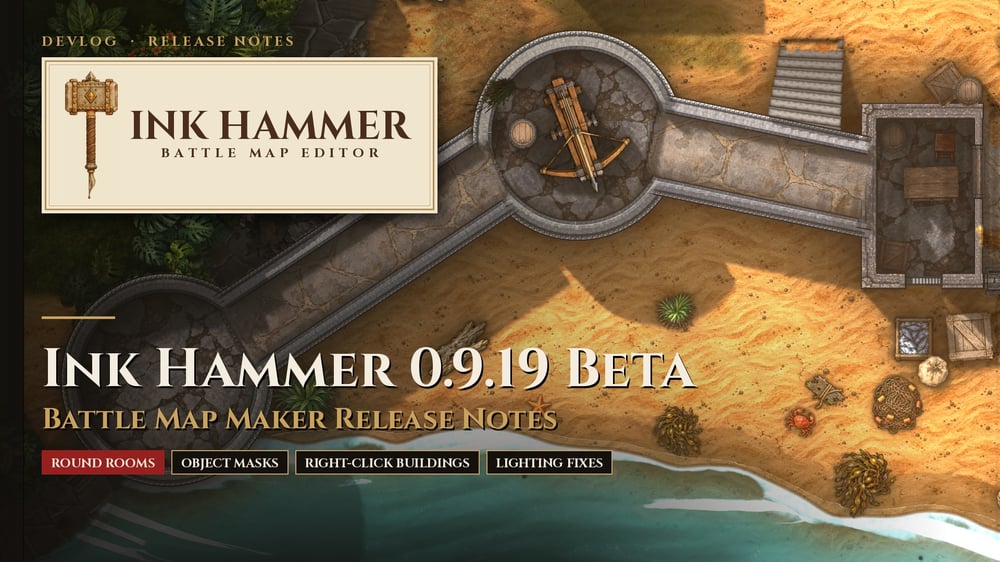
Ink Hammer 0.9.19 beta
This update brings masks for single objects, clean round rooms, a right-click menu for buildings, and several lighting fixes.
New
Round rooms
- The Build tool has a new Round room mode. Drag a box to get a circle or oval with smooth curved walls, for towers, well houses, huts and round keeps. The wall art, floor and lighting follow one clean curve.
- Already have a round room made of many short sides? Right-click it in the Build tool and choose Make round to turn it into a clean circle or oval. Doors and windows stay where they were.
Masks for single objects
- Right-click an object, wall piece or building and choose Add mask to this object, or select it and press Mask under the Layers panel.
- The object moves onto its own masked layer just above its old one. The layer keeps the old one’s settings, and its mask moves, turns and scales with the object.
- The mask starts as a copy of the old layer’s mask, so nothing changes until you paint. Use it to blend one wall into the wall behind it, or to half bury a single statue.
- With several things selected, Add mask to these gives them one shared mask.
- Shadows, lamp light, water and exports all follow the mask. One Ctrl+Z puts everything back.
Group into a layer
- Select several things, right-click and choose Group into a layer. They move onto one new layer with the old layer’s settings, ready to name.
- Press Mask under the Layers panel, with nothing selected on the map, to mask the whole group at once.
Right-click menu for buildings
- Right-clicking a building, wall piece or roof on the map used to do nothing. It now opens a menu with:
- Properties
- Edit walls, rooms and doors
- Move to layer, Group into a layer and Add mask
- Duplicate, Make prefab and Copy settings
- Hide, Lock and Delete
New option for sand and dirt painted over things
- Ground layers that sit above objects have a new Flat light option in Properties. It stops anything under the layer from shading it.
- It is off by default, because it also skips the shadows the ground around it is in. To hide an object’s shape under sand cleanly, masking the object usually looks better.
Fixed
- Deleting a mask: with a layer’s mask picked (gold frame on the mask thumbnail), the Delete key and the bin button deleted the whole layer. They now delete only the mask. You can also drag a mask thumbnail onto the bin to delete it, or drag layers onto the bin to delete those layers.
- Edge lines under sand: a ground layer painted over a dock, deck or room showed a dark line along the edge it was meant to hide. That edge now disappears under the paint, and props beside it, like a crate on the dock, still shade it normally. Properties > Contact shade from things under it brings the old look back for one layer.
- Hidden plants casting shadows: plants and rocks along a cliff edge on the same layer as a building, drawn under it, cast black leaf-shaped shadows onto the building’s floor. Things drawn under a building on its own layer are now hidden from the sun, lamps and contact shade, as things on lower layers already were.
For Claude users
- The Claude connector in the mcp folder is updated (1.6.8). Claude can now:
- make round rooms;
- mask single objects or a few together;
- use the new help on groups, sand painted over objects and buildings over cliffs.
- Quit and reopen Claude after updating so it loads the new tools.
Also new since 0.9.17
If you are updating from 0.9.17, this release also includes the 0.9.18 changes:
- Typed values: typing a number into a slider’s box (door width, window width, stair width and anything shown in feet, inches or percent) now means what the box shows. Before, “3” for a 3 ft door gave the smallest door.
- New stair looks: six looks with their own step pieces and colour (Hewn block, Worn temple, Ruined, Rough cave, Dark wood, Weathered planks), so flights on one map don’t all look the same. Stone stairs no longer mix in whole staircase pictures that made odd stripes.
- Copied walls: a building wall with doorways at both ends could draw its wall art straight across the room after the building was copied and turned. Fixed.
- Claude doors: doors that Claude adds are now a normal size (3.75 ft) instead of very narrow.