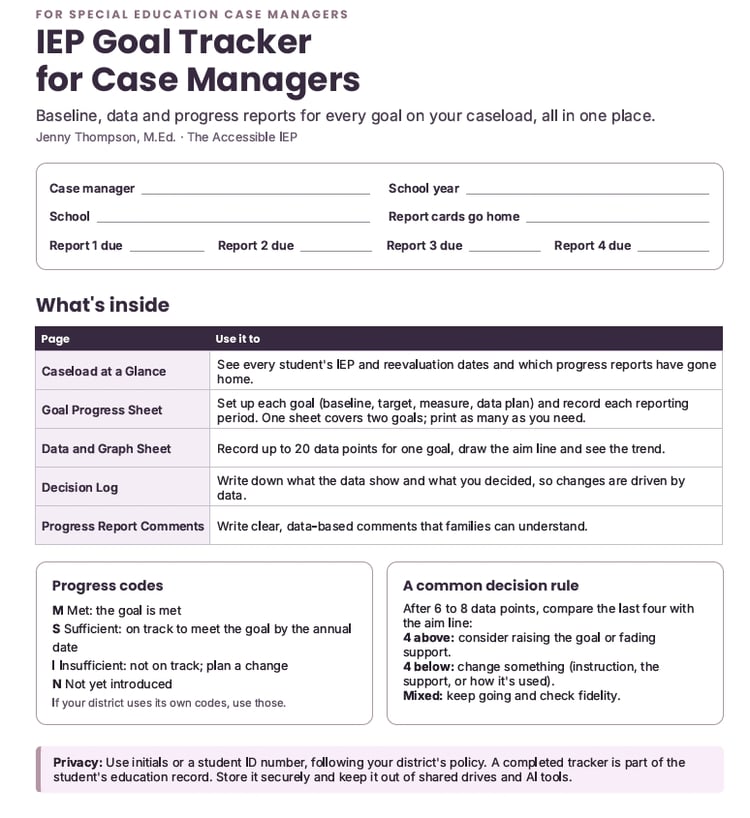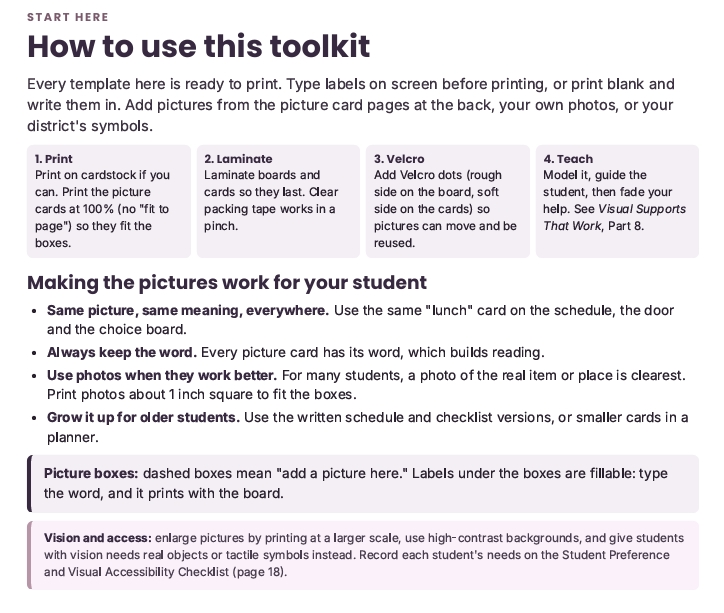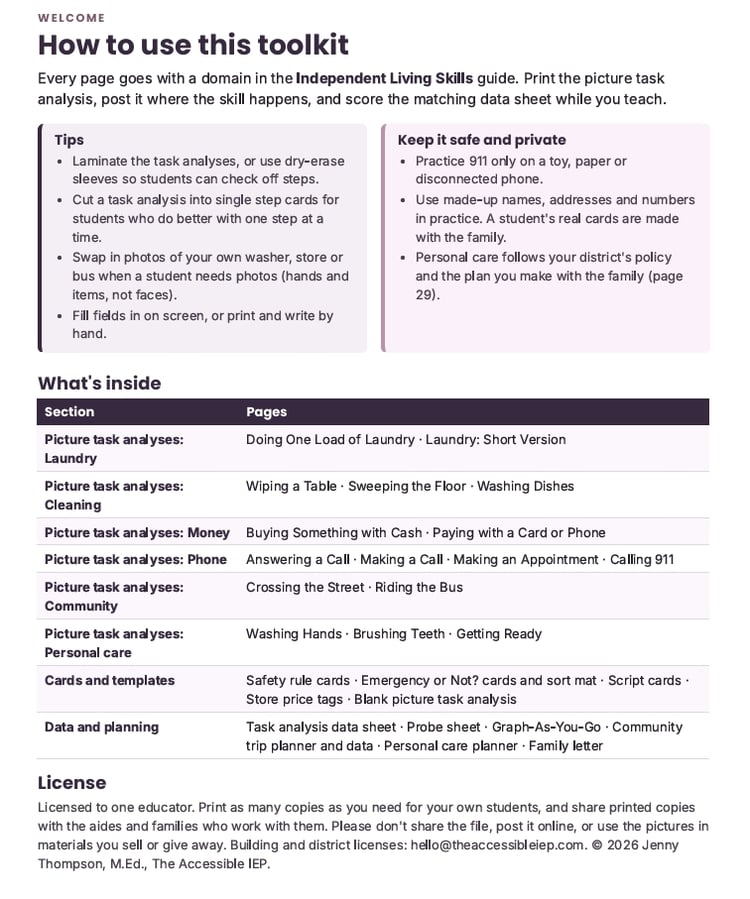

AI Starter Kit for Special Educators (bundle)
Save time on paperwork and differentiation without giving up your judgment or your students’ privacy.
This kit is for the special educator with a full caseload, a stack of IEPs due, and no time to sort out which AI advice is safe to follow. It’s written by a special educator with 30 years of experience who presents on AI for the Bureau of Education & Research. It gives you 15 ready-to-use prompts and the guardrails to use them responsibly.
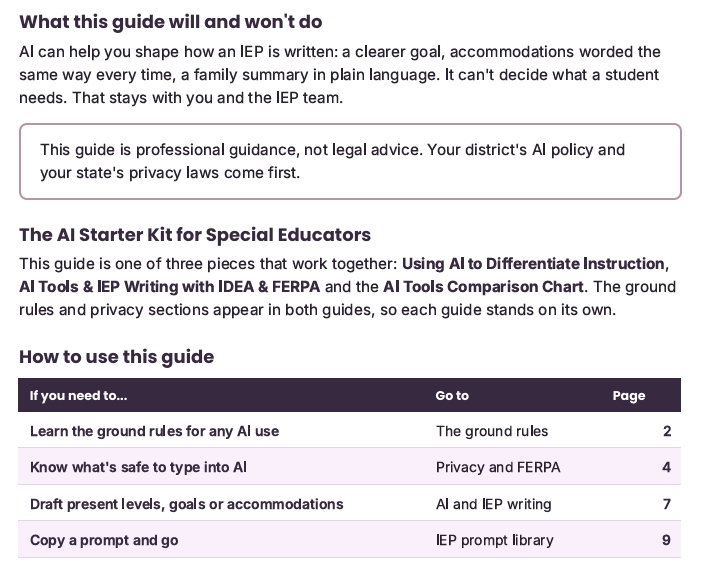
Includes three guides:
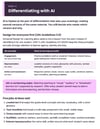
1. Using AI to Differentiate Instruction (16 pages, 9 prompts)
- The ground rules: what AI does well, what it does poorly, and why every AI output is a draft
- The 3-step workflow and the 3-question check before anything reaches a student or family
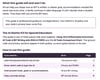
- Green/Yellow/Red privacy levels and a “Before You Paste” checklist
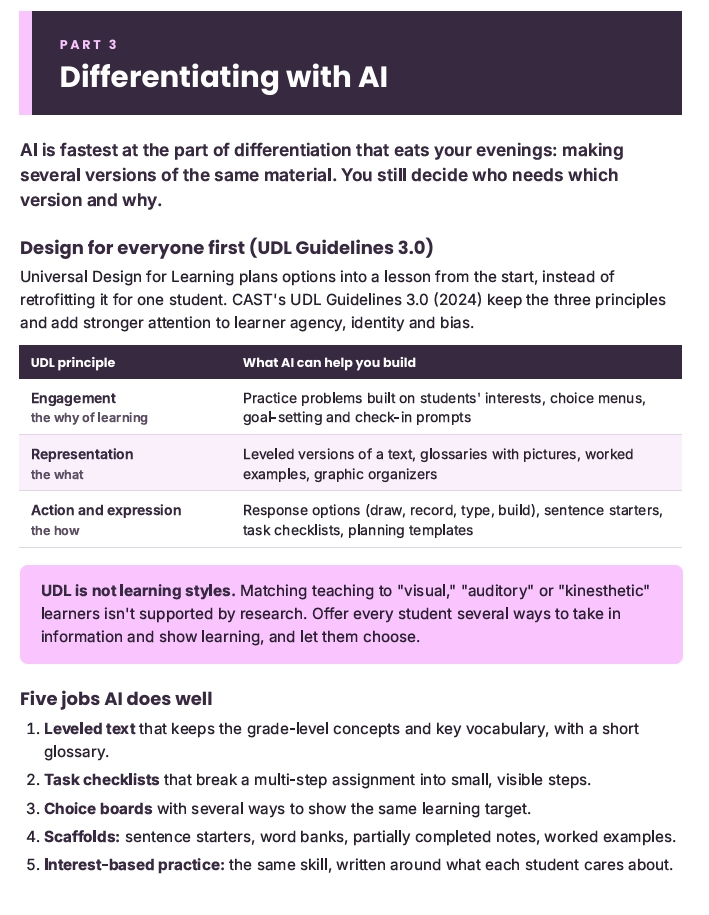
- Differentiating with UDL Guidelines 3.0: leveled text, task checklists, choice boards, scaffolds and interest-based practice
- Cautions, including when leveling quietly becomes a modification
- A student AI use ladder, from teacher-only to student-independent, with age limits and what to tell families
- Ready-to-use prompts for leveled text, task checklists, choice boards, sentence starters, interest-based practice, social narratives, accommodation brainstorms, paraprofessional data sheets and accessibility checks
- Four composite classroom examples showing the barrier, the prompt and what the teacher checked
2. AI Tools & IEP Writing with IDEA & FERPA (12 pages, 6 prompts)
- Open AI vs. district AI, and why paying for a tool doesn’t make it district-approved
- What FERPA protects, why initials aren’t enough in a small school, and where state laws and HIPAA fit
- A 5-question checklist for using AI notetakers in IEP meetings
- A five-step process for drafting any IEP section with AI
- Where AI drafts usually fall short: present levels, score wording, goals and accommodations
- How to write AI and assistive tools into an IEP or 504 plan by function, not brand name
- Prompts for plain-language IEP summaries for families, goal checks and family emails, including a translation check
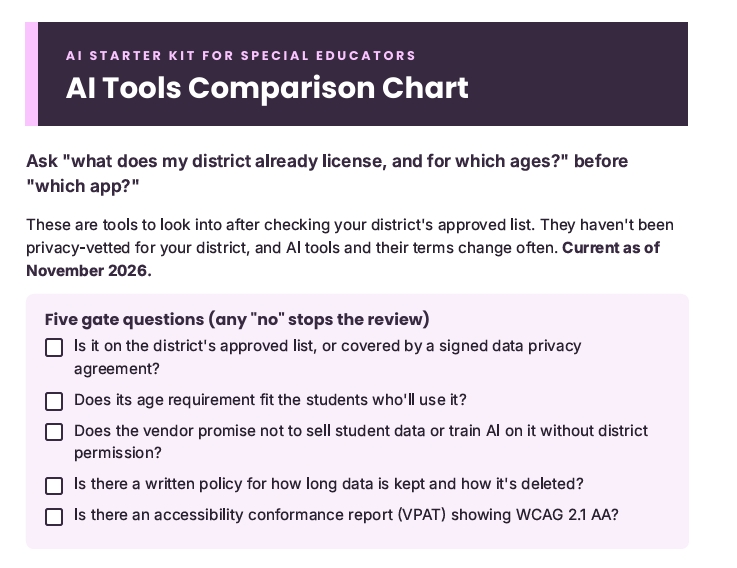
3. AI Tools Comparison Chart (2 pages)
- Five gate questions for vetting any tool: approval, age, data use, data retention and accessibility
- Tool types with examples to look into, from built-in device features to teacher planning assistants
- An “Is it worth it?” review to use after a grading period
- Current as of November 2026
PDFs · Created by Jenny Thompson, M.Ed., The Accessible IEP · Professional guidance, not legal advice
License: This is a single-educator license, for your own classroom and caseload. To use it for PD, shared drives or coaching across a building or district, email hello@theaccessibleiep.com for a building or district license.