




Creative Suite Kit, Adobe CC to the Free Stack (Cut-the-Cord)
Adobe Creative Cloud costs $659.88 a year. When you stop paying, you lose access to the apps. Make the switch once and use a full set of creative tools that is free forever:
- GIMP for images
- Inkscape for vector graphics
- Krita for digital painting
- DaVinci Resolve for video
This kit helps you switch to these four tools. It includes short, plain-English guides that take you from "I've heard of GIMP" to completing real client-ready work: a retouched photo, a scalable logo, a layered painting, and a finished video. You can work through the projects in one afternoon. There are no subscriptions, accounts, or cloud services required. Everything runs on your own computer.
WHAT YOU GET: 6 downloads covering 4 files. The AI Prompt Pack comes as both a polished PDF and a copy-paste plain-text version.
- The Creative Stack Switch Guide (PDF): Learn what each tool does and which paid tool it can replace. It includes the money comparison, Adobe CC Standard $54.99/mo vs. $0, the 90% Rule, installation instructions using each tool's ONE official source, and a first-session checklist to help prevent common file-format problems. The official download links are inside.
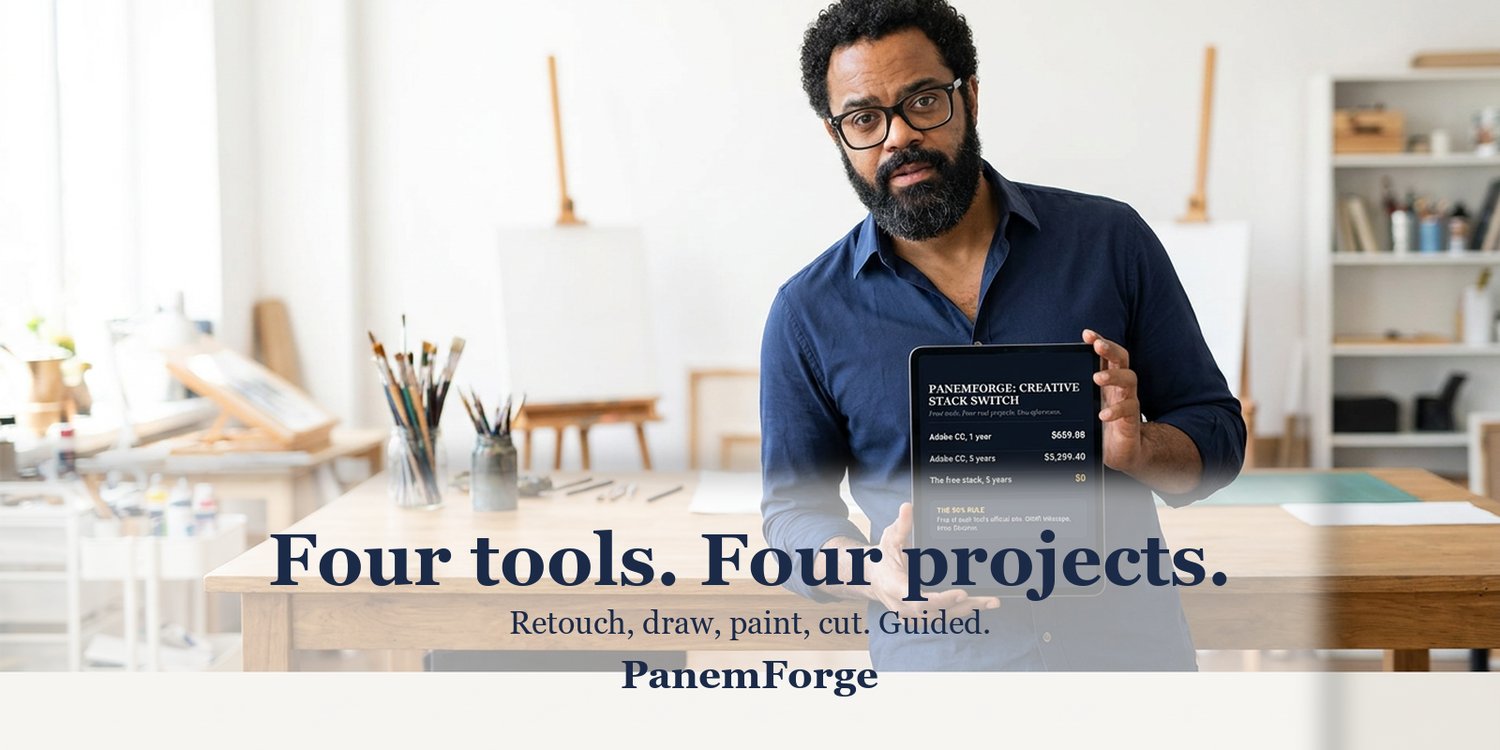
- The First-Project Playbook (PDF): Follow four complete projects:
- Retouch a photo in GIMP (20 min)
- Draw a simple logo in Inkscape (30 min)
- Paint a layered scene in Krita (30 min)
- Cut a 30-second video in Resolve (45 min)
- Each project uses numbered menu steps. No experience is needed.
- The Compatibility Cheat Sheet (PDF): Check which file formats transfer cleanly, which parts may change, and where the main limits are. It covers CMYK print, which uses a color system for professional printing, and Adobe plug-ins, along with fixes for each issue.
- The AI Prompt Pack (PDF + TXT): Get ten copy-paste prompts that turn any AI you already use into a tutor. They cover:
- Choosing the right tool
- Translating Photoshop, Illustrator, and Premiere menu steps
- Export settings for different platforms
- A workaround for Firefly-style AI-generation tasks
- A client-friendly answer to "why don't you use Adobe?"
- README Quick Start: Follow the 10-minute setup path.
WHY IT'S DIFFERENT: Most "free Photoshop alternatives" content is either a list of tools or a fan-made reference site. This kit is a practical manual from a publisher whose entire catalog runs on free software. It explains the trade-offs plainly:
- CMYK print production is still a weak spot.
- Adobe plug-ins do not transfer.
- The free version of Resolve is limited to 4K UHD.
- DaVinci Resolve Studio costs $295 one-time, not a subscription.
The honest information is the main point.
WHO IT'S FOR: This kit is for freelance designers, photographers, illustrators, video editors, content creators, and small studios that mostly use Adobe to edit, draw, and cut video and want to stop paying for it.
It is not for print-production specialists whose shops require native CMYK files or for workflows that depend on specific Adobe plug-ins. The Cheat Sheet helps you check your workflow in five minutes.
IMPORTANT FACTS: These tools are free:
- GIMP, Inkscape, and Krita are open-source.
- DaVinci Resolve's core editor is free from Blackmagic Design.
Download the tools yourself from their official websites. The gold ticket chips in the guide are those exact links.
PanemForge is an independent publisher. It is not affiliated with or endorsed by any company named in this kit. Product names are trademarks of their owners.
Prices verified October 2026:
- Adobe CC Standard $54.99/mo ($659.88/yr)
- CC Pro $69.99/mo ($839.88/yr)
REQUIREMENTS: You need a Windows, macOS, or Linux computer that can run the tools. The tools are free. The guides are PDFs, and the prompts are plain text.
For photo RAW work, the free Darktable app works with GIMP. This is noted in the Cheat Sheet.
SALES POLICY: All sales are final. Digital files can't be returned. If a file won't open or is damaged, reply to your purchase email, and we'll send a fixed or replacement file, free.
FAQ
Q: Is this the actual software?
A: No. The tools are free from their official websites and always have been. This kit includes the guides, guided projects, and prompts that are meant to help you make the switch in an afternoon instead of spending a month on trial and error.
Q: Can I really replace Photoshop and Premiere with free tools?
A: For the 90% of work most creators do- editing, retouching, logos, illustration, YouTube cuts, and color work- yes. The Cheat Sheet's Honesty Table lists the exceptions: CMYK print production, Adobe-specific plug-ins, and 8K+ video are areas where paid tools still have an advantage.
Q: Will my clients notice a difference?
A: They will receive the same common file types, PNG, JPG, PDF, and MP4, that they would get from anyone else. The Prompt Pack includes a short, confident reply for a client who asks why you do not use Adobe.
Q: What about my Photoshop .psd files?
A: GIMP and Krita open most layered .psd files. Complex files may flatten some effects, and Photoshop text layers may need to be typed again. Going forward, keep a native master file in the free tool's own format and deliver common file types. This is Rule 1 in the Cheat Sheet.
Q: Which AI does the prompt pack work with?
A: It works with any capable AI chat tool, including ChatGPT, Claude, Gemini, Copilot, or a local model on your own machine. The prompts are plain text, so you can paste them in and use them.
Q: Is DaVinci Resolve really free, or free-with-catch?
A: The free version is complete for HD and 4K UHD editing and includes the industry-favorite color suite. The paid Studio edition ($295 one-time, never a subscription) adds 8K support, some AI tools, and GPU codec acceleration. Most freelancers never need it.
Q: What if it doesn't work for me?
A: Digital files cannot be returned, so all sales are final. If a file will not open or is damaged, reply to your purchase email. We will send a fixed or replacement file for free, with no forms.
See the tools in action: Watch short commercials on YouTube (youtube.com/@PanemForge) and daily pins on Pinterest (pinterest.com/panemforge).