
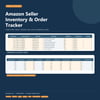
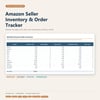
Amazon Seller Inventory & Order Tracker | Excel Spreadsheet
Keep Amazon listings, order lines, inventory snapshots, stock movements, and monthly performance in one organized workbook. Includes a dashboard, low-stock alerts, and editable tracking sheets.
Stay on top of your seller operations with a practical spreadsheet for tracking listings, orders, inventory, and monthly results.
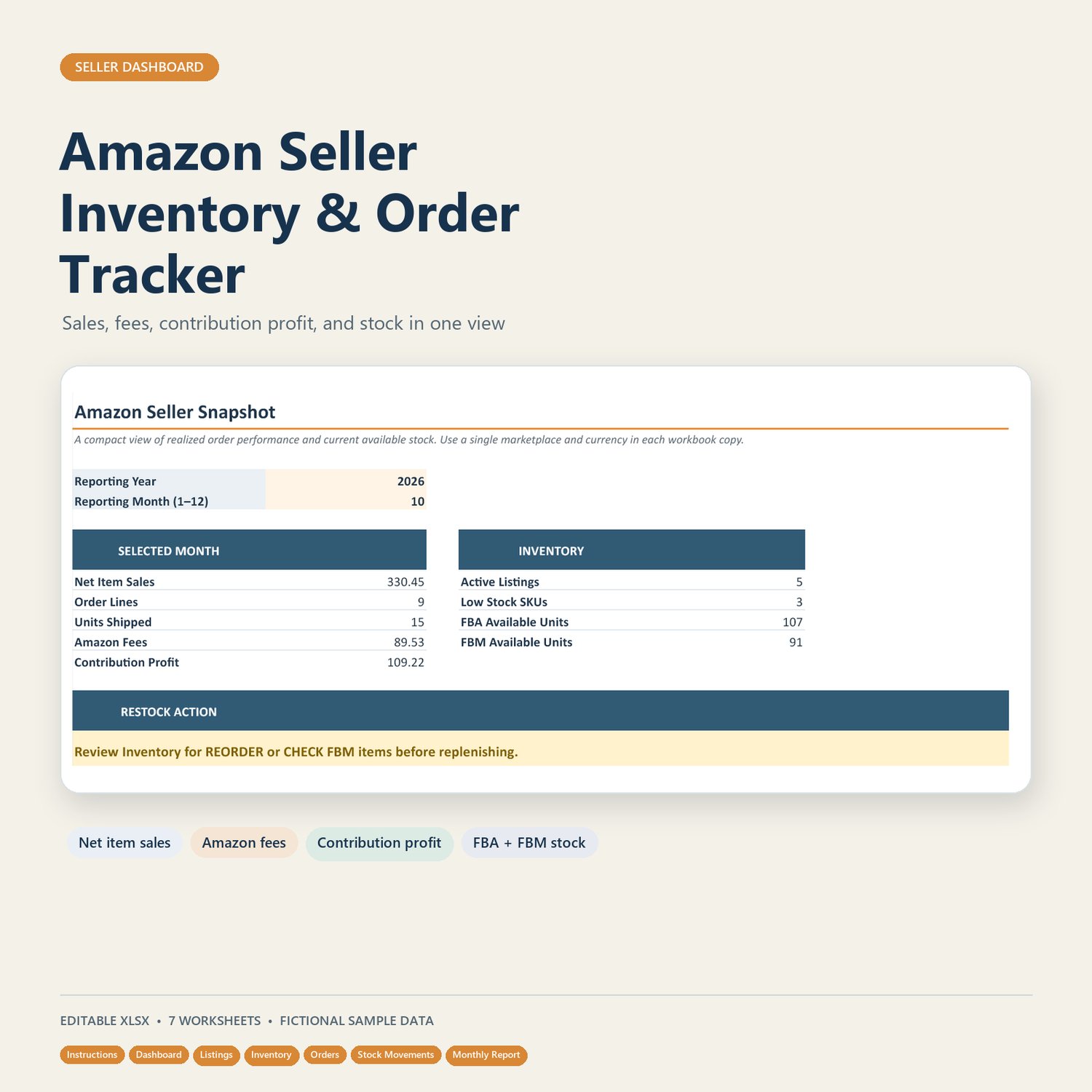
The Amazon Seller Inventory & Order Tracker helps you bring key records together in one editable workbook. Review selected-month performance on the dashboard, monitor FBA and FBM stock, log order lines and actual fees, and keep an eye on suggested restocks.
WHAT’S INCLUDED
One editable Excel workbook (.xlsx) with seven tabs:
• Instructions — setup steps, field guidance, and a test checklist
• Dashboard — selected-month sales, order lines, units, fees, contribution profit, stock alerts, and a sales trend chart
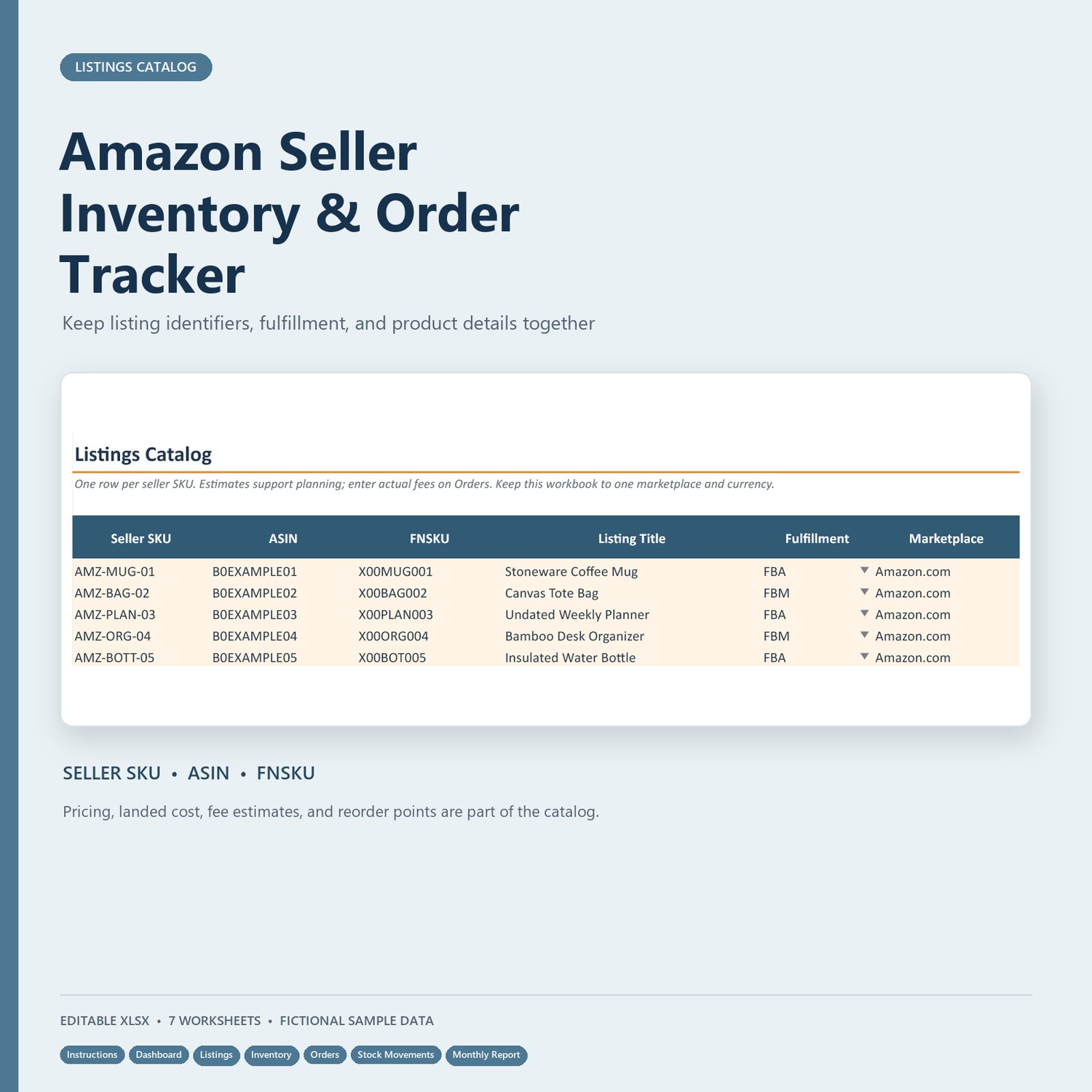
• Listings — seller SKU, ASIN/FNSKU, fulfillment type, marketplace, price, landed cost, fee estimates, and stock targets
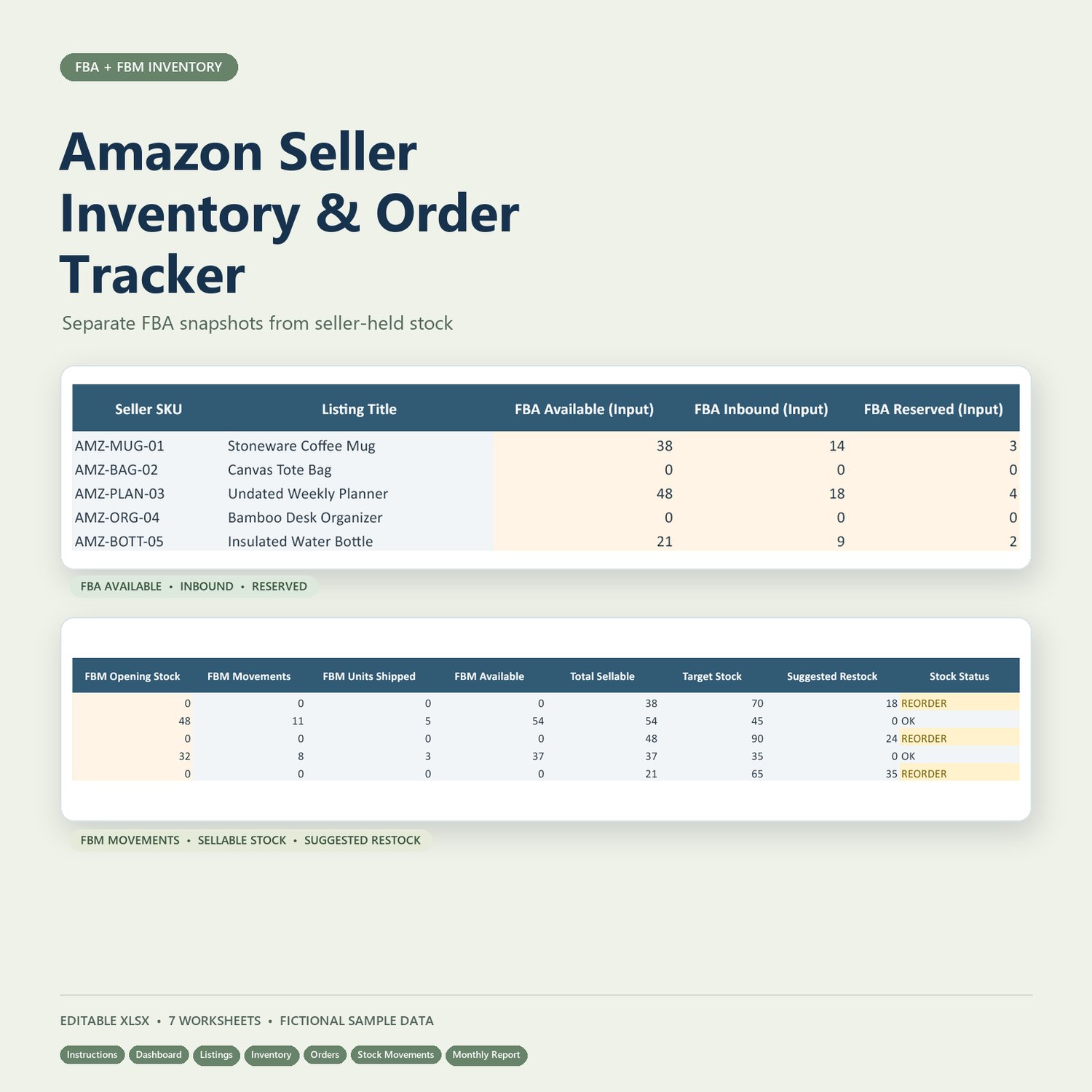
• Inventory — manually entered FBA snapshots, calculated FBM stock, total sellable units, and suggested restock quantities
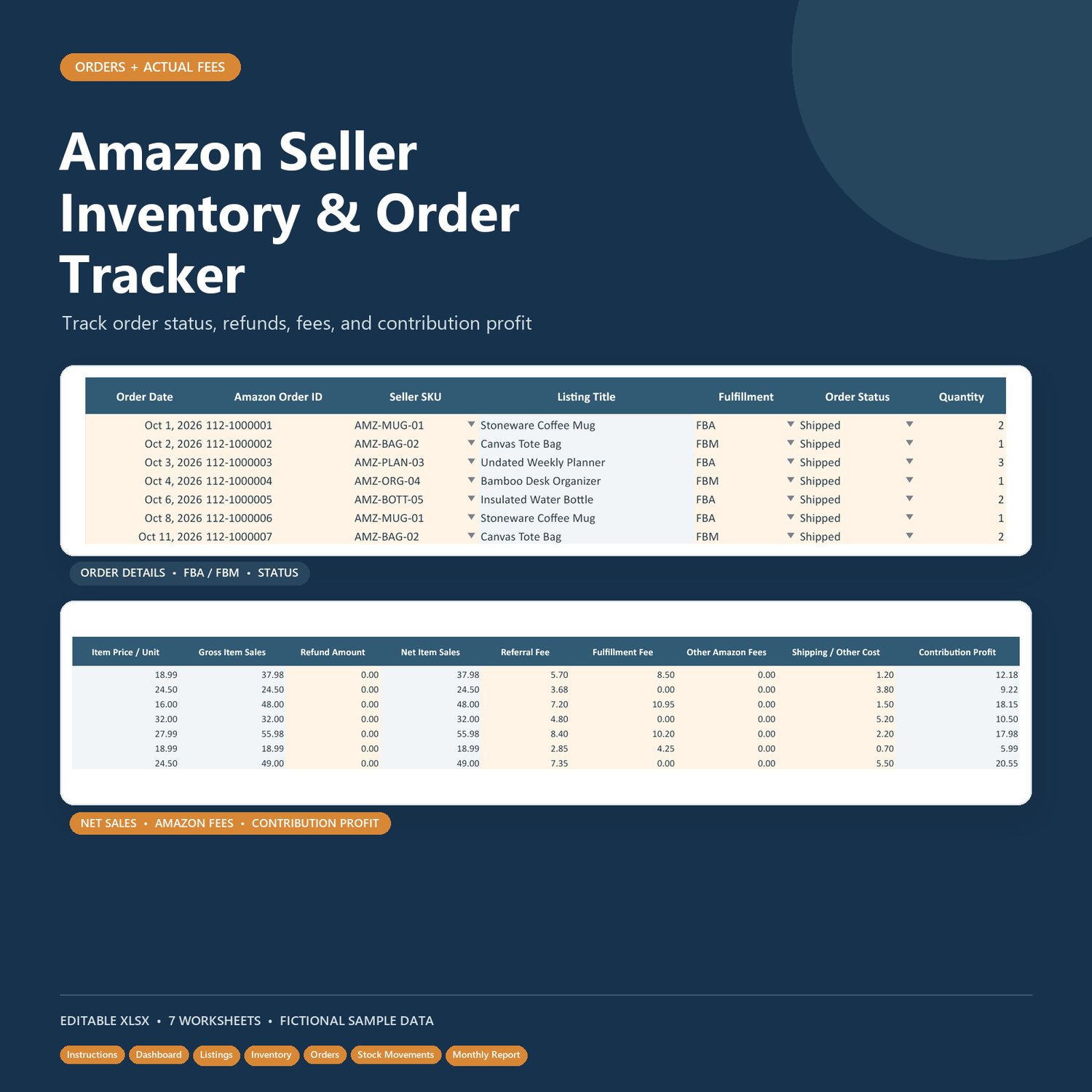
• Orders — one row per order line, with fields for order status, refunds, actual Amazon fees, shipping/other costs, and calculated contribution profit
• Stock Movements — record FBM receipts, accepted returns, and signed stock adjustments
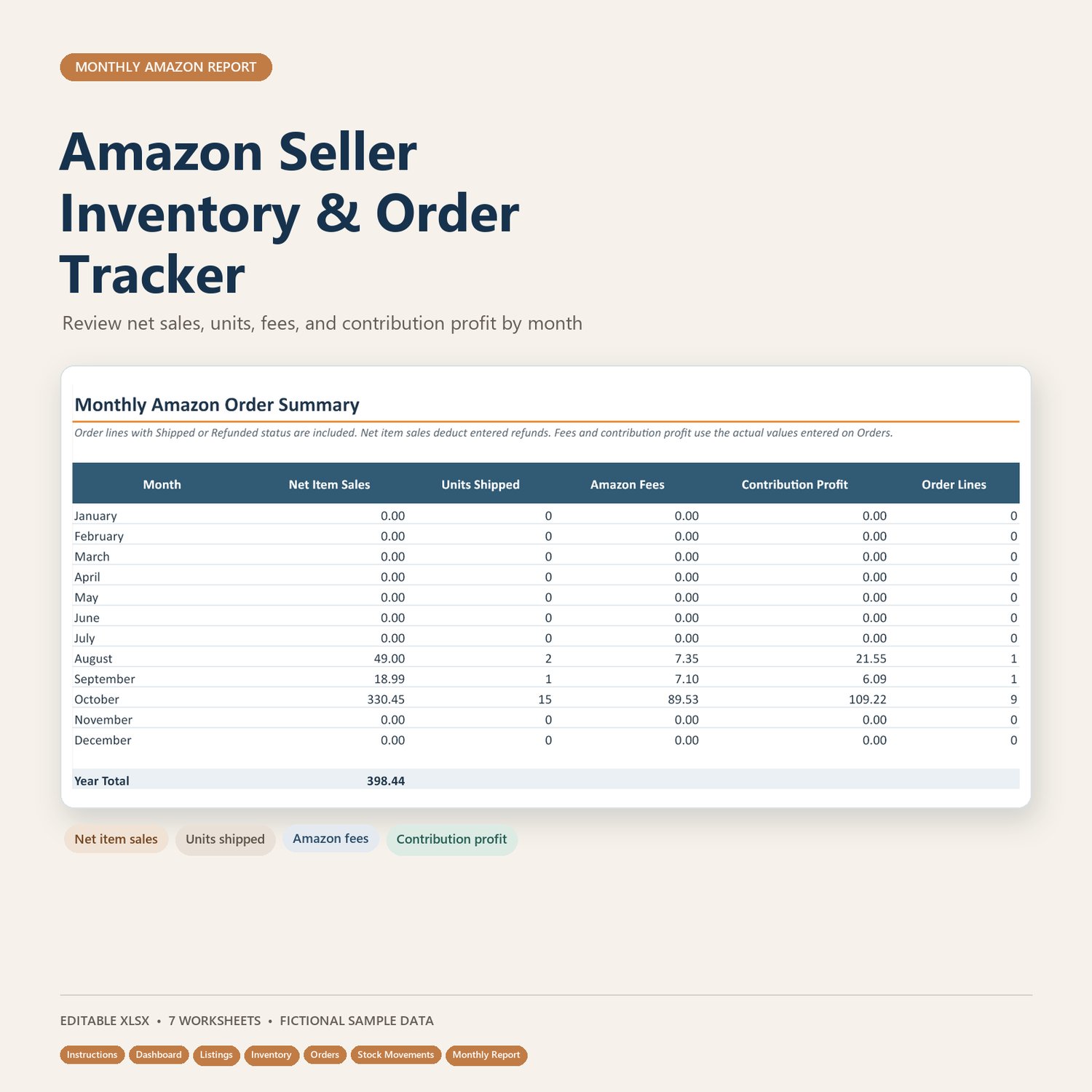
• Monthly Report — a 12-month summary of sales, units, fees, profit, and order lines
USEFUL FEATURES
• Dropdowns for common entries, including fulfillment type and order status
• Low-stock and restock indicators
• Calculations for net item sales, FBM available stock, and contribution profit
• Fictional sample records to help you understand how to enter your own data
• Preformatted entry space for up to 200 listings, 500 order lines, and 300 FBM stock movements
HOW IT WORKS
- Open the workbook in Excel and save your own copy.
- Replace the fictional examples with your listing and inventory details.
- Refresh FBA available, inbound, and reserved quantities from the same Seller Central snapshot.
- Enter one row per order line and add actual fees and costs from your records.
- Use the dashboard and monthly report to review activity, then compare stock alerts with Seller Central before reordering.
PLEASE NOTE
This is an independent spreadsheet resource. It is not affiliated with or endorsed by Amazon, and it does not connect to Seller Central or import data automatically. FBA inventory figures are entered and refreshed manually. Fee estimates are for planning; the Orders sheet uses actual fee and cost inputs for its contribution-profit calculation. Use one marketplace and one currency per workbook copy. Sample records are fictional.
The workbook is designed for Excel. You can also try uploading it to Google Sheets, then check formulas, dropdowns, and the chart after import. The workbook is a tracking aid, not a settlement, tax, or accounting report.
Download the workbook and start organizing your seller records today.