



Secure Password Manager & Generator
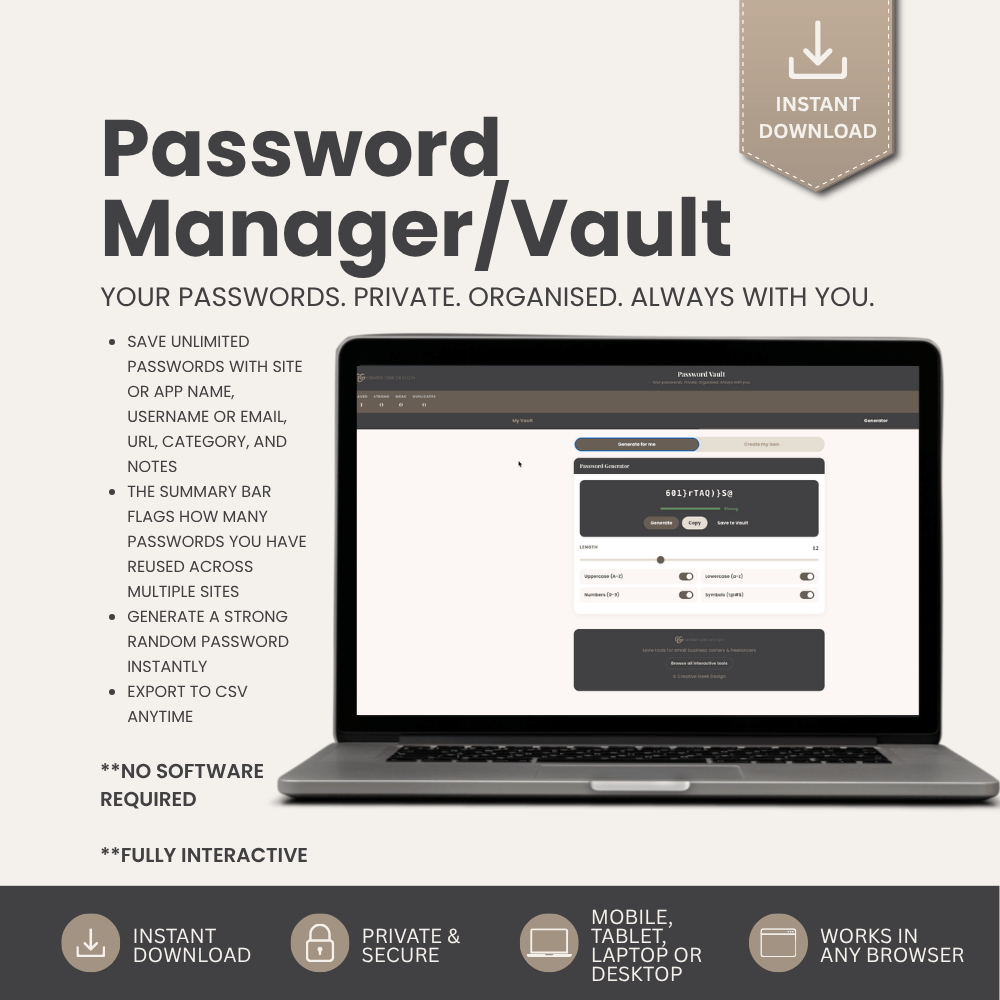
Your passwords. Private. Organised. Always with you. This is a fully interactive, browser-based password tracker built for small business owners, freelancers, and anyone who is tired of forgetting passwords, using the same one for everything, or writing them on sticky notes.
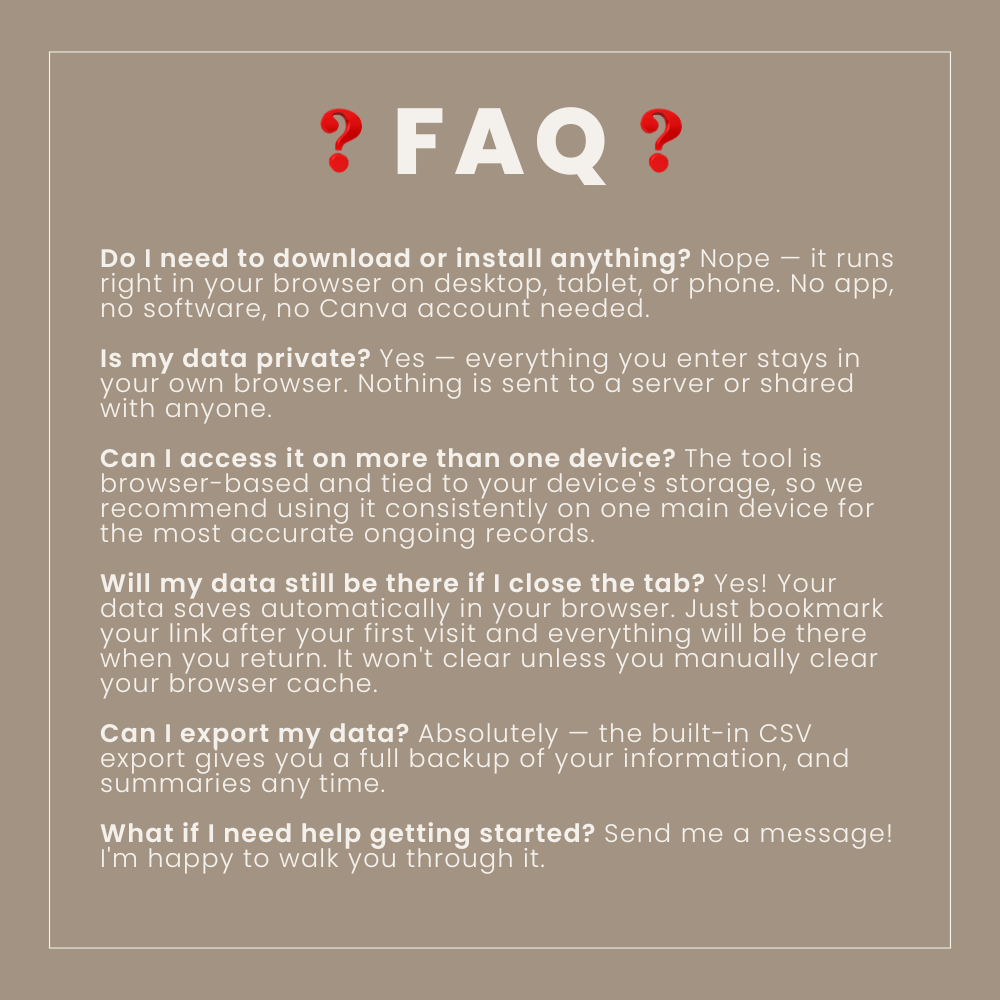
No app. No subscription. No cloud storage. No one can access your data but you. Just open the link and start saving your passwords securely in your own browser. Stays in your browser as long as you don't clear your cache. Back up to CSV.
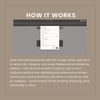
Designed by a professional graphic & web designer with 10 years of experience — this is a real working tool, not a generic template.
Two tabs. Everything in one place.
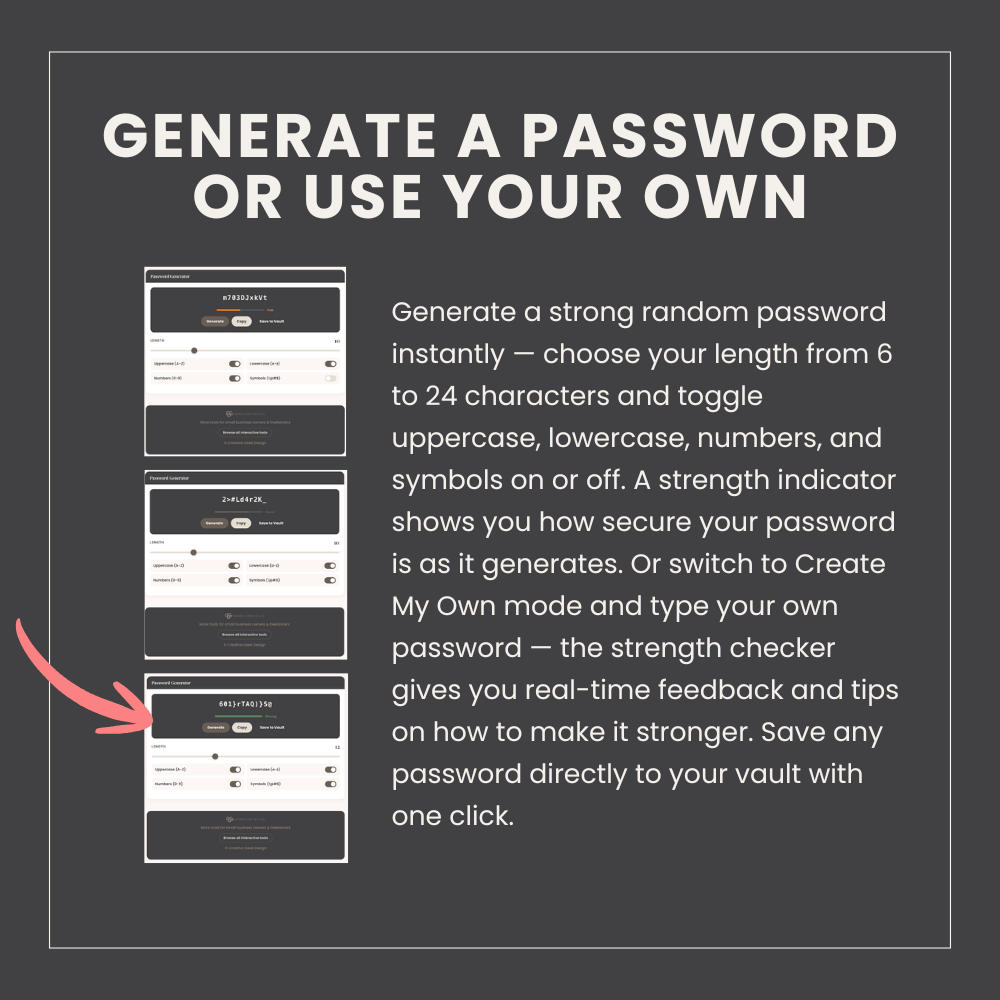
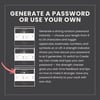
GENERATOR
Generate a strong random password instantly — choose your length from 6 to 24 characters and toggle uppercase, lowercase, numbers, and symbols on or off. A strength indicator shows you how secure your password is as it generates. Or switch to Create My Own mode and type your own password — the strength checker gives you real-time feedback and tips on how to make it stronger. Save any password directly to your vault with one click.
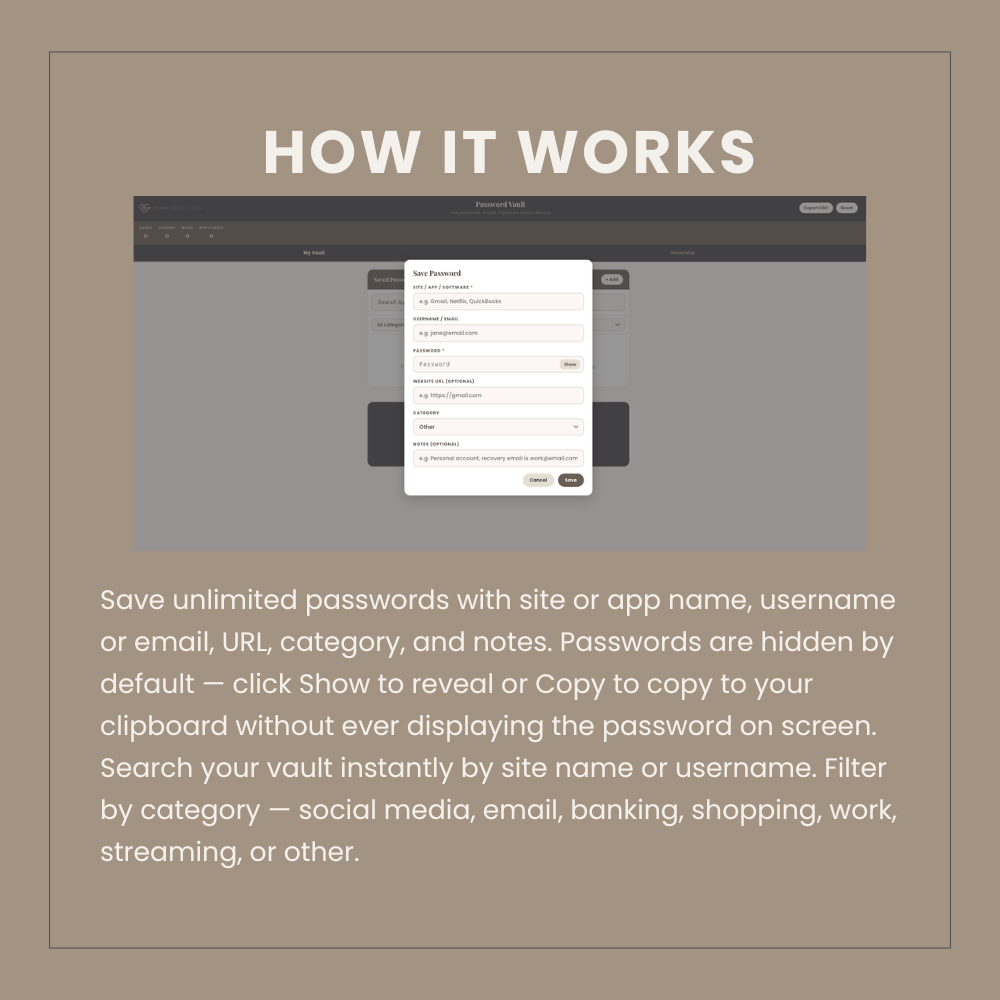
MY VAULT
Save unlimited passwords with site or app name, username or email, URL, category, and notes. Passwords are hidden by default — click Show to reveal or Copy to copy to your clipboard without ever displaying the password on screen. Search your vault instantly by site name or username. Filter by category — social media, email, banking, shopping, work, streaming, or other. Each entry shows a password strength rating so you can see at a glance which passwords need updating.
Duplicate password detector
The summary bar flags how many passwords you have reused across multiple sites — one of the biggest security risks for small business owners.
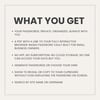
SUMMARY BAR shows:
Total passwords saved
Strong passwords count
Weak or fair passwords count
Duplicate passwords flagged
CSV export
Export your full password vault to CSV anytime as a secure backup — includes site, username, password, category, URL, notes, strength rating, and last updated date. Store your backup somewhere safe.
Works on any device — desktop, laptop, tablet, or phone. Open it on your phone to look up a password when you need it on another device. Any browser. No software required.
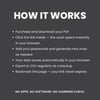
HOW IT WORKS:
Purchase and download your PDF
Click the link inside — the vault opens instantly in your browser
Add your passwords and generate new ones as needed
Your data saves automatically in your browser
Export to CSV regularly as a backup
Bookmark the page — your link never expires
📌 IMPORTANT — PLEASE READ BEFORE PURCHASING
- This is a DIGITAL product. Nothing physical will be shipped.
- Delivery: your file(s)/tool link will be available immediately on your download page after checkout, and also emailed to you.
- Due to the instant, digital nature of this product, all sales are final — no refunds or exchanges.
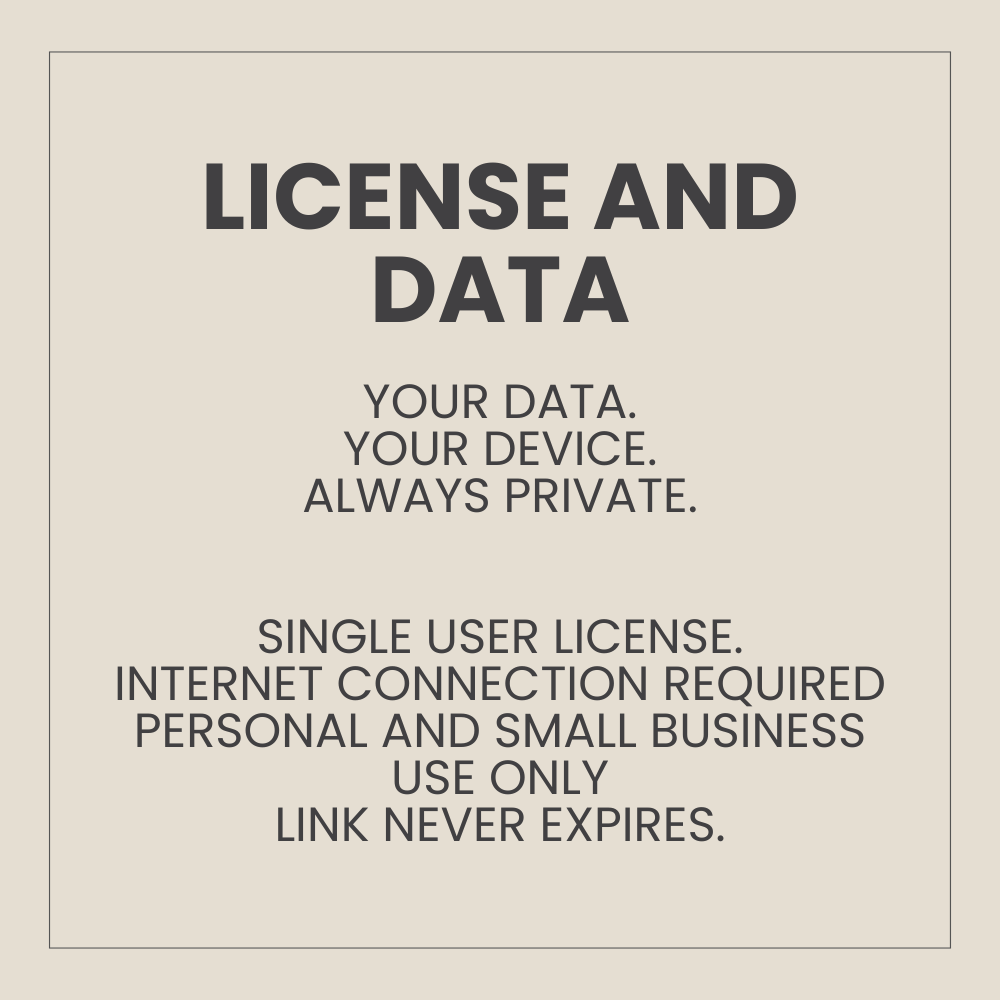
- Licensed for personal and small business use only. Resale, redistribution, or claiming this work as your own is not permitted.
- Designed entirely by a professional graphic designer with 10 years of experience — not AI-generated, not PLR.
- Questions before or after your purchase? Message me anytime — I'm happy to help.