


Personal Budget & Finance Dashboard Pro — Complete Product Package.
See your whole financial year — without building a single formula.
Most budget spreadsheets give you a place to type. This one gives you an answer.
Personal Budget & Finance Dashboard Pro is a complete, nine-sheet finance system that connects your income, your spending, your budgets, and your savings goals into one live dashboard. You enter the numbers. It handles the math, the comparisons, the percentages, and the charts — automatically.
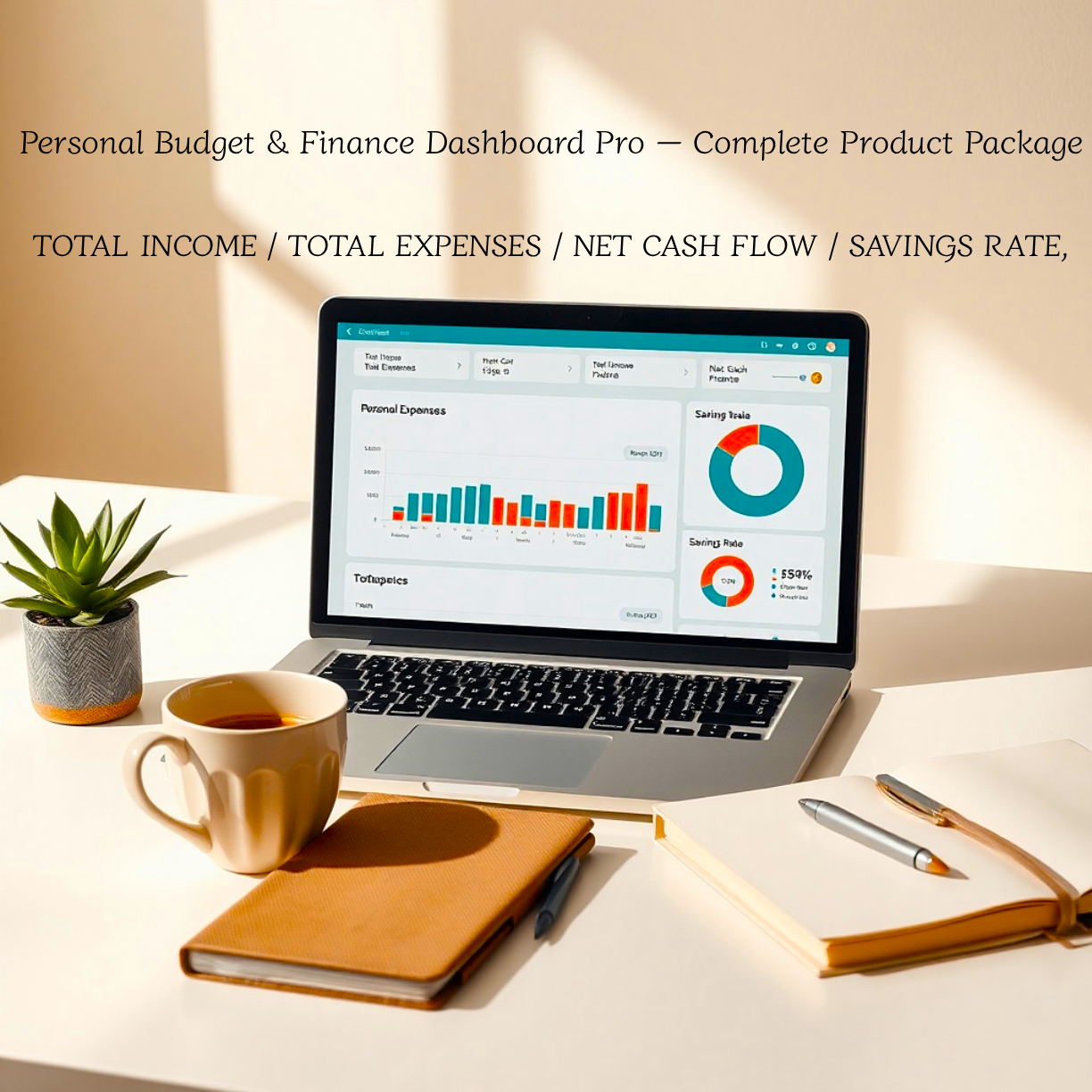
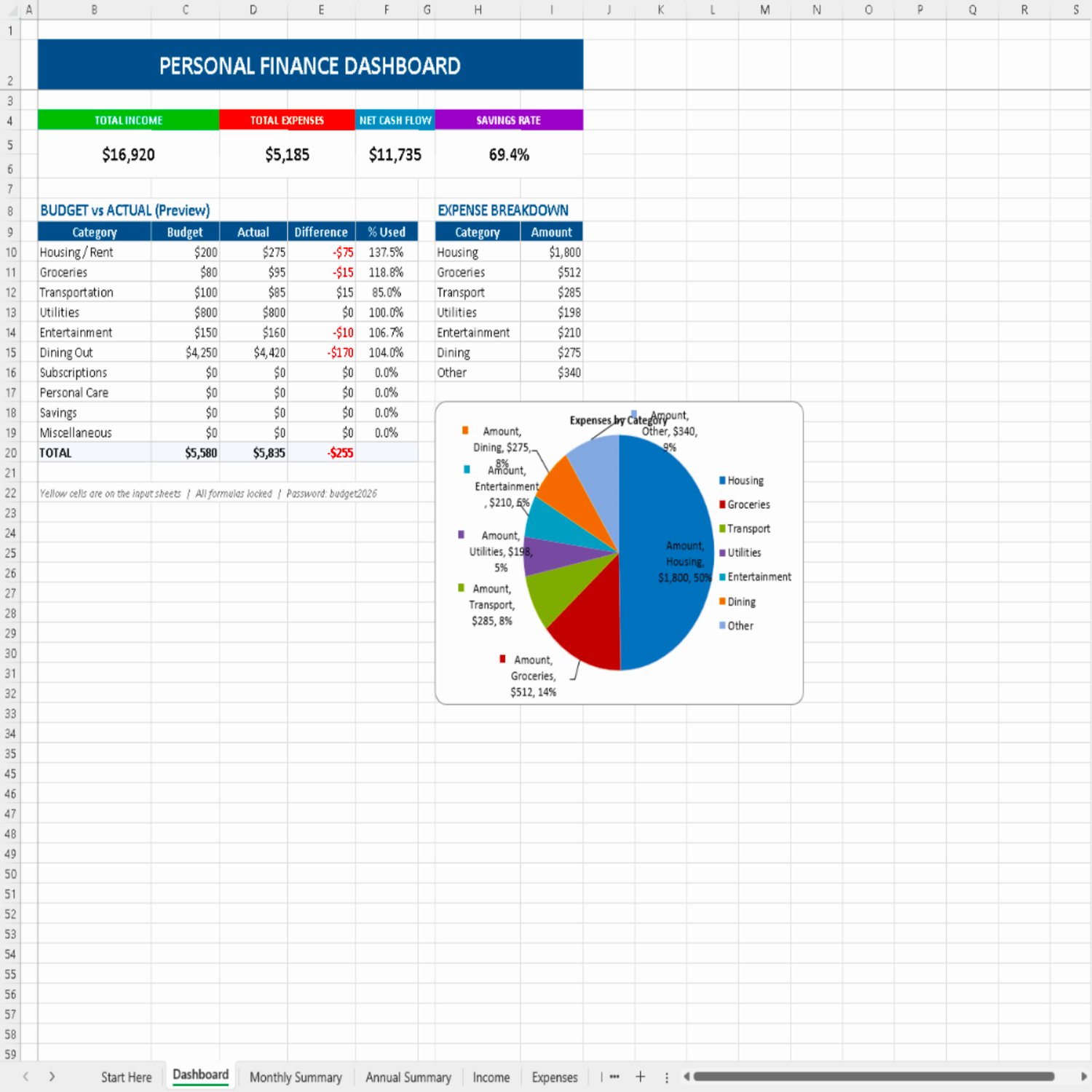
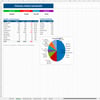
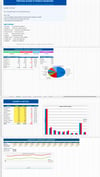
Open the Dashboard and you see four numbers that actually matter: Total Income, Total Expenses, Net Cash Flow, and Savings Rate. Underneath them, a live budget-vs-actual preview shows which categories are on track and which are bleeding. A donut chart shows where your money went. No hunting. No manual calculations. No guesswork.
📗 What's inside
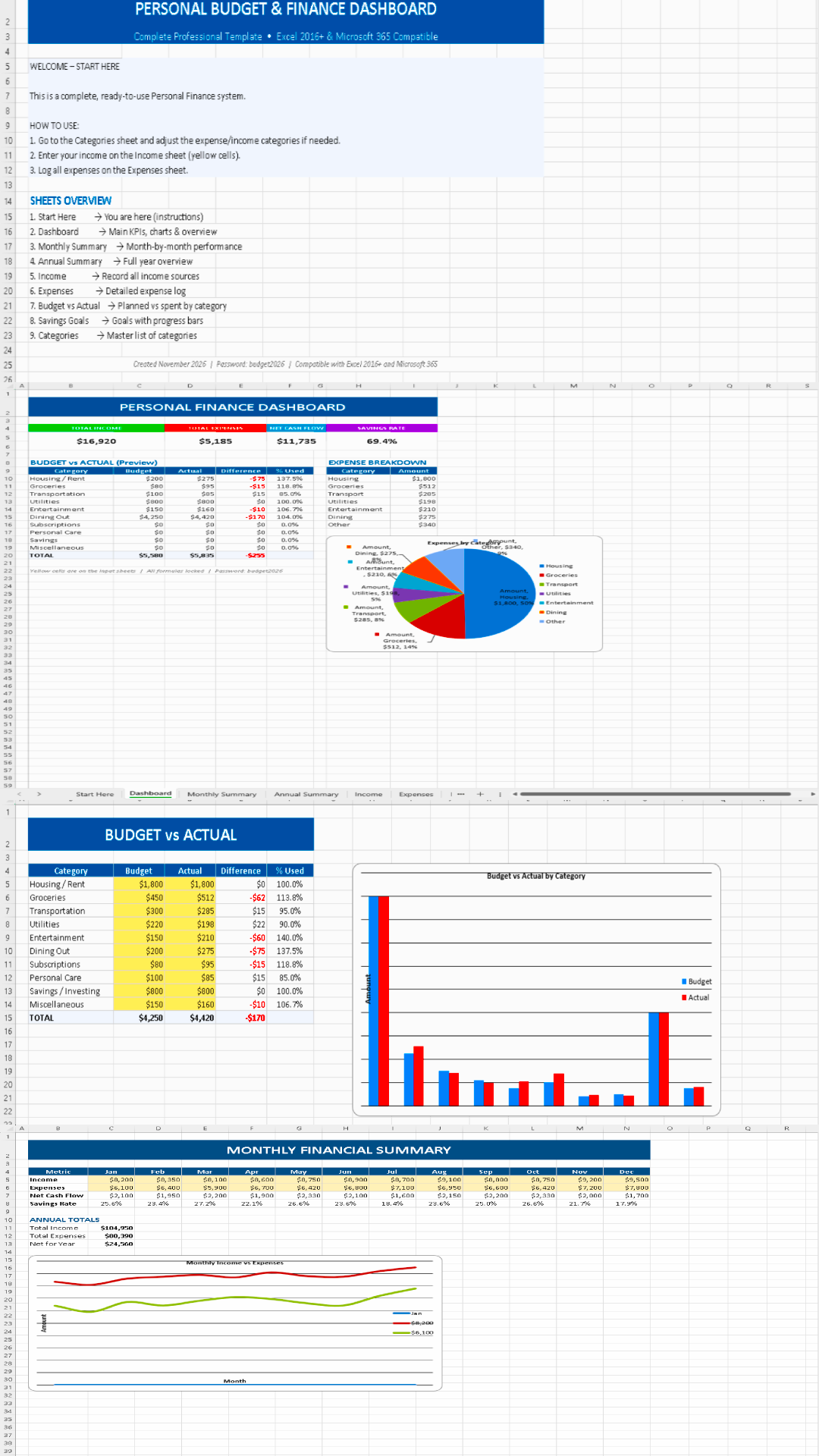
Dashboard — Your financial command centre. Total income, total expenses, net cash flow, and savings rate at the top, plus a live budget-vs-actual preview and an expense breakdown chart.
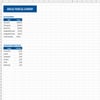
Monthly Summary — January through December side by side: income, expenses, net cash flow, and savings rate for every month, with annual totals underneath. Spot your expensive months instantly.
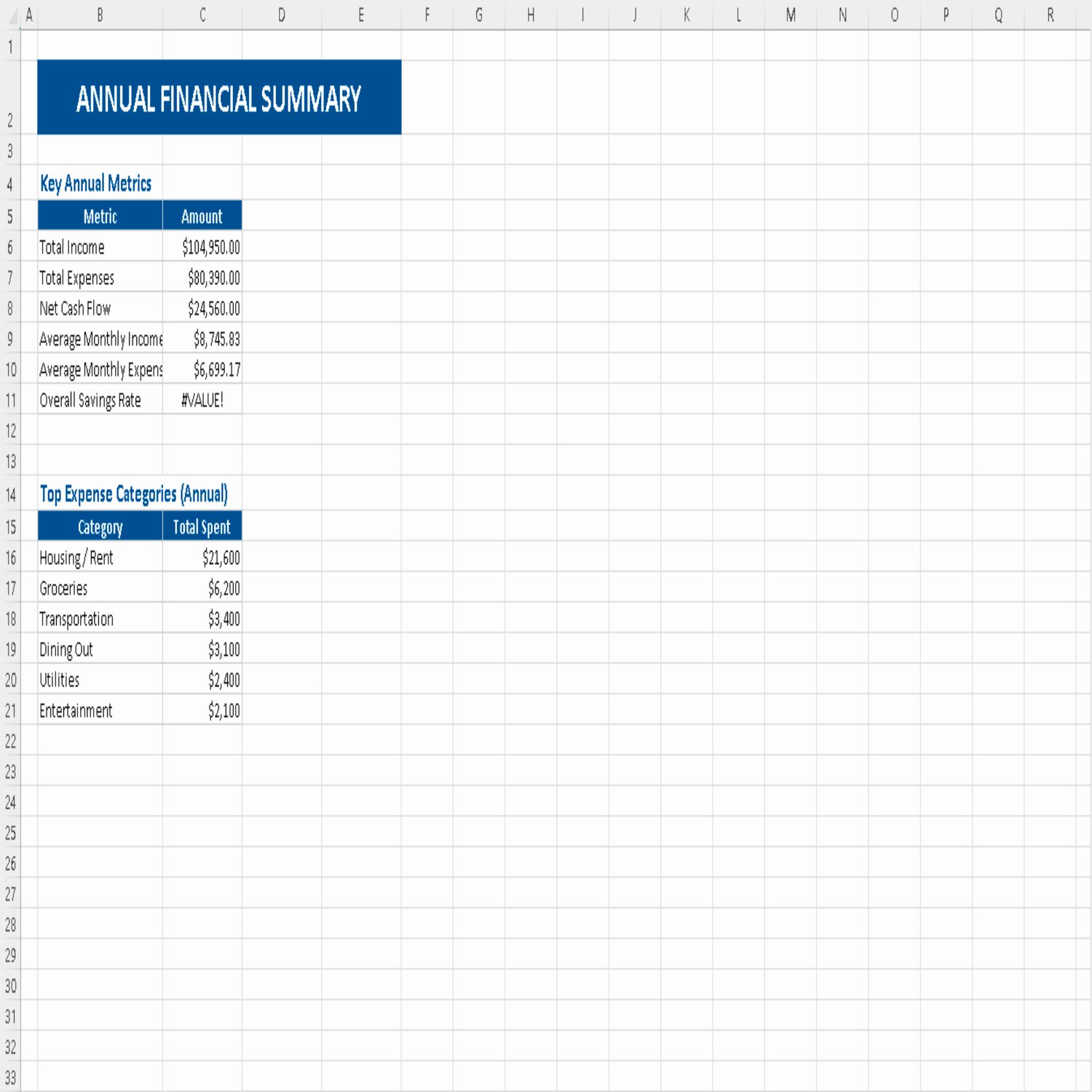
Annual Summary — Year totals, average monthly income and expenses, overall savings rate, and your top expense categories ranked. This is the sheet that tells you where your money really goes.
Income Tracker — A dated log of every income source, with category and notes. Salary, freelance, dividends, side income, refunds — all in one place.
Expenses Log — A dated, categorised log of every expense, totalled automatically. Log as you spend or batch it weekly from your bank statement.
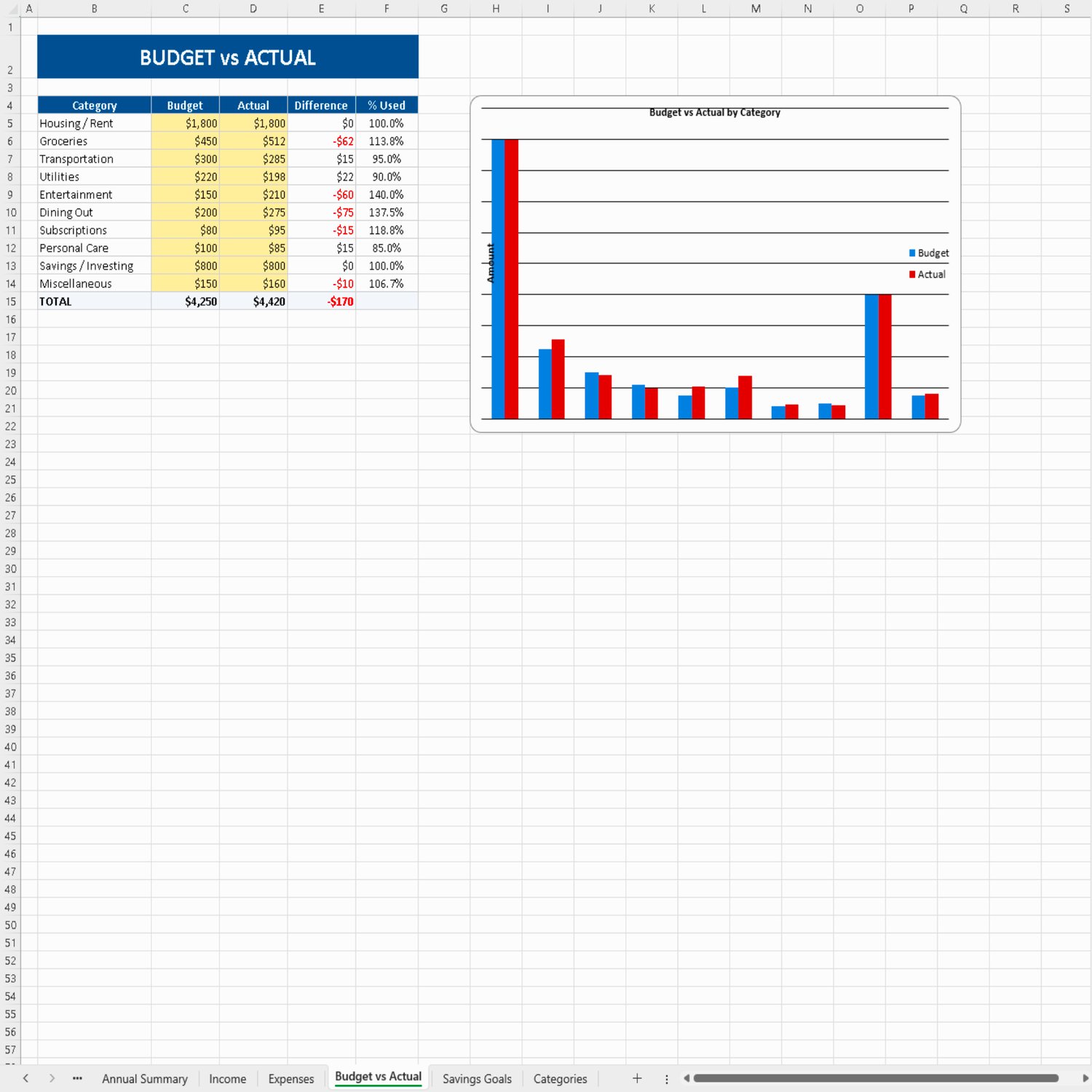
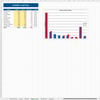
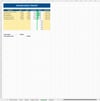
Budget vs Actual — Planned, spent, difference, and percentage used for all ten categories. Overspending is impossible to miss: anything above 100% used jumps off the page.
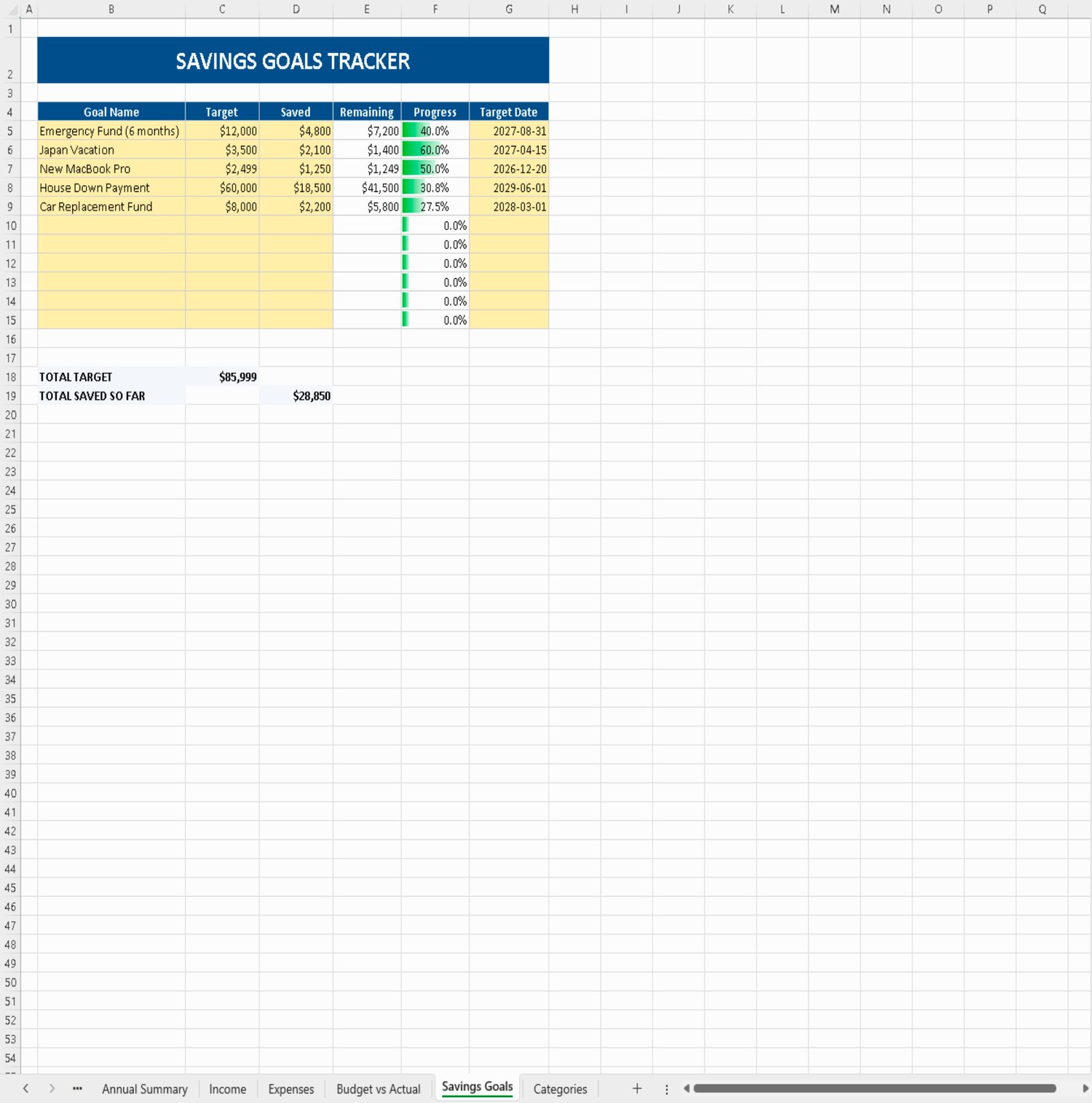
Savings Goals Tracker — Up to eleven goals with target amount, saved so far, remaining balance, live progress percentage, and target date. Emergency fund, vacation, down payment, car replacement — watch each one actually move.
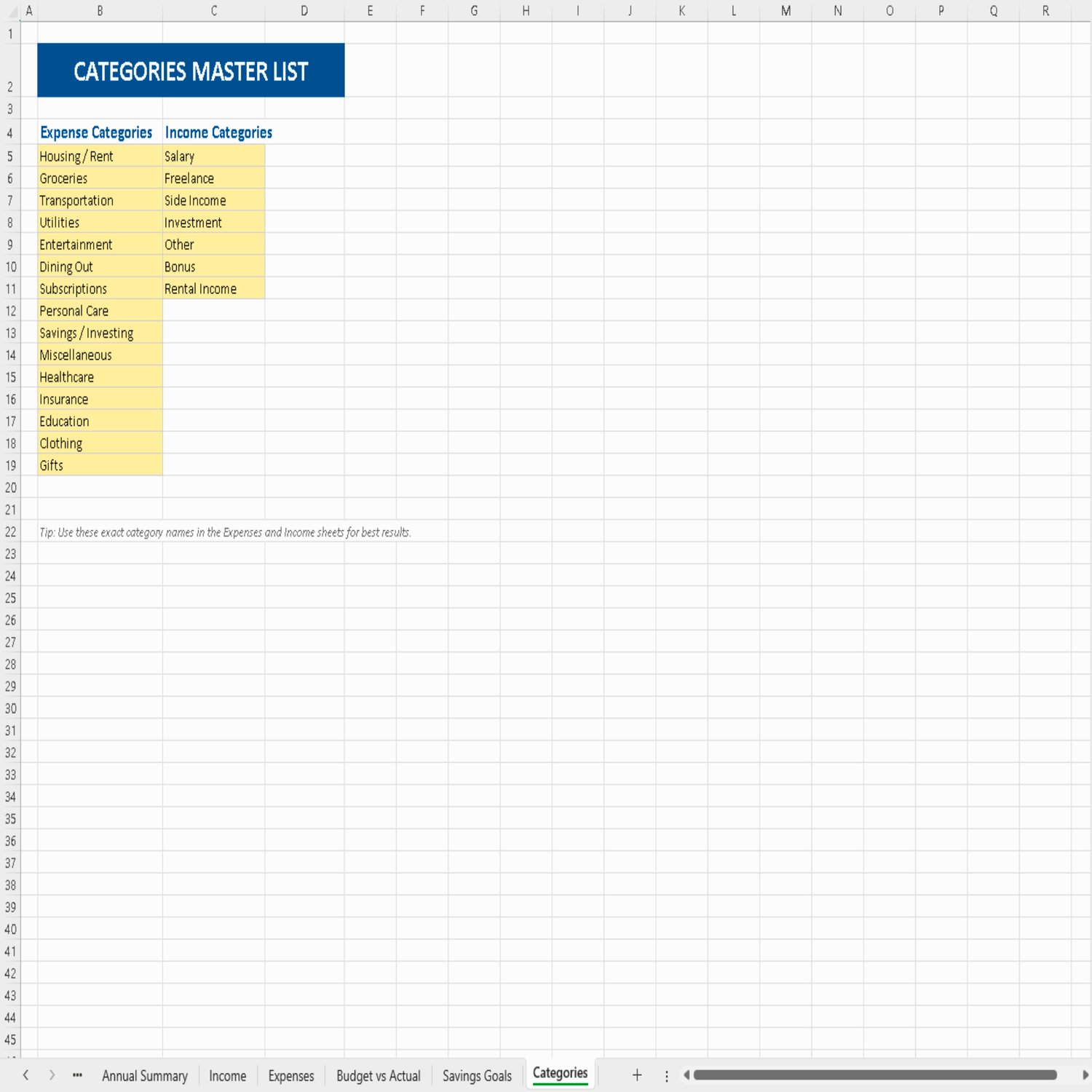
Categories Master List — A single reference list so your reporting stays consistent and your breakdown chart never lies to you.
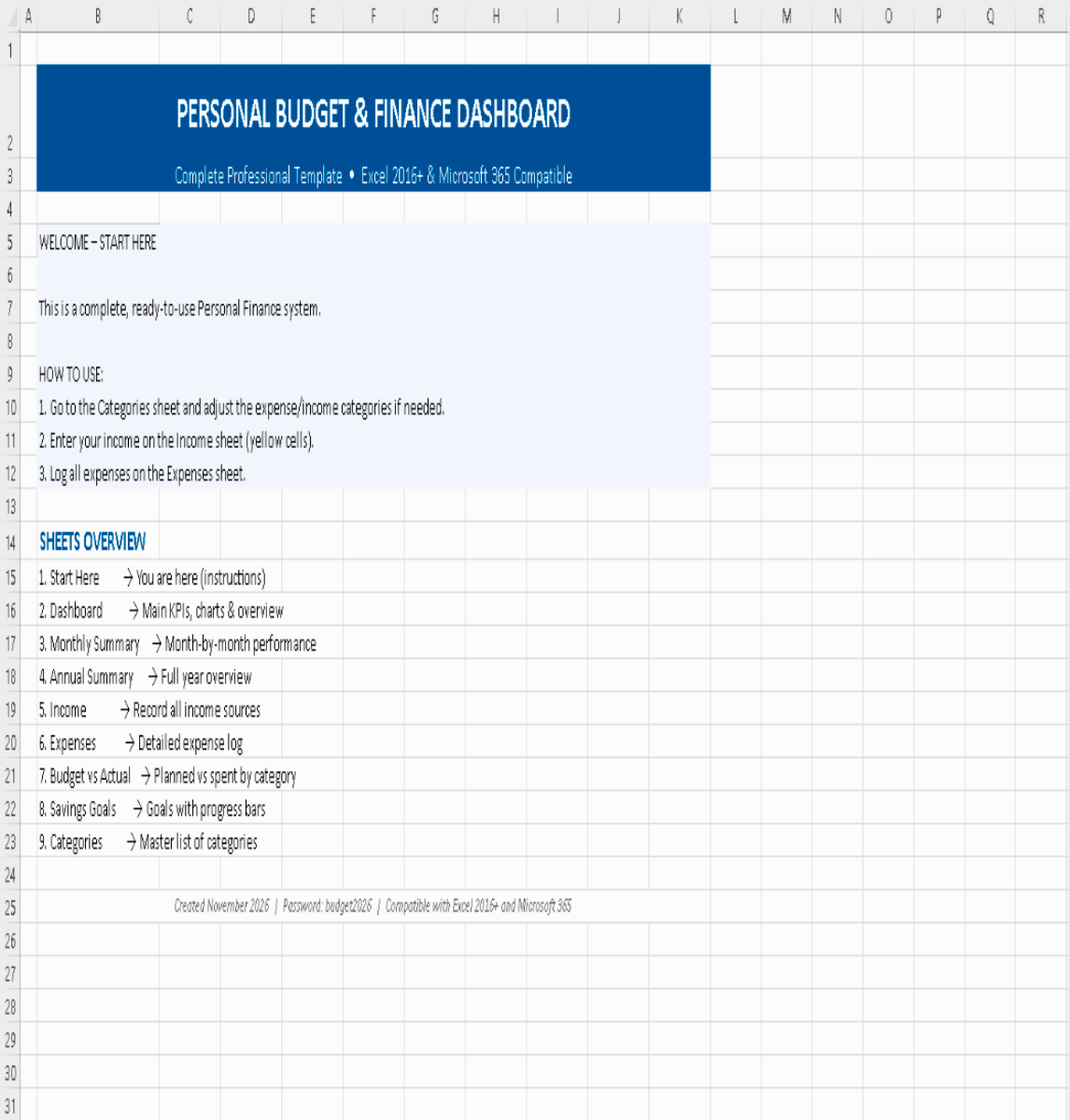
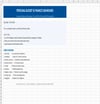
Start Here — Plain-language instructions inside the file itself. No manual required to get going.
🔒 Why this template doesn't break like the others
Every formula is locked. Every sheet is protected. You type only into the yellow input cells — which means you cannot overwrite a calculation by accident.
That's the number one way budgeting spreadsheets stop working: someone edits a formula cell, the dashboard goes quiet, and the user gives up. This template is designed so that can't happen to you.
Want to customise it anyway? You can. The sheet password (budget2026) is included in your guide — unprotect, edit, re-protect, and you're back to safe mode.
📄 Includes a full PDF setup guide
Every purchase comes with a professionally written PDF guide covering:
Six-step setup — from category review to reading your dashboard, in about fifteen minutes
A labelled dashboard visual map — what each number means, how to read a negative variance, what a 114% "used" figure is telling you, and how data flows from your expense log all the way to the annual summary
A formula-safety checklist — the "do not break it" rules, printable and designed to live inside a drawer
A troubleshooting table — every common symptom and its exact fix, including #REF!, #DIV/0!, text-stored numbers, and missing chart categories
A five-minute monthly routine — what to update, in what order, so the system stays accurate all year
👤 Who it's for
Salaried employees who want to see their real savings rate, not a vague sense of "doing okay"
Freelancers and side-hustlers juggling irregular income across multiple sources
Couples building a shared budget they both understand
First-time budgeters who've bounced off spreadsheets before
Anyone who's ever opened their banking app and asked: "Where did my money actually go?"
🚫 Who it's not for
If you want automatic bank-feed syncing or a mobile app, this isn't that. This is a clean, self-contained Excel file you own outright — no subscription, no account, no data leaving your computer.
📦 What you get
1 Excel workbook (.xlsx) — 9 sheets, compatible with Excel 2016+ and Microsoft 365
1 PDF setup guide — dashboard map, formula-safety checklist, troubleshooting table, monthly routine
Instant digital download — no physical item shipped
ℹ️ Good to know
Built for desktop Excel (2016 or newer, or Microsoft 365). Opens in Excel for the web with limited chart rendering.
Not designed for Google Sheets — protection and chart formatting will not transfer correctly.
No macros, no add-ins, nothing to enable. Just open and go.
Sample data is included so you can see the system working before entering your own — clear it when you're ready.
Personal-use licence. Redistribution, resale, or commercial use of the file or its derivatives is not permitted.
Digital product — all sales final. If a sheet isn't behaving as described, message me and I'll help you fix it.
Start with one month.
Log this month's income and expenses, set ten budgets, and open the Dashboard. You'll know more about your finances in fifteen minutes than most people learn in a year.
Download it, open it, and see where you actually stand.
Keywords: excel budget template, personal finance dashboard, budget spreadsheet, expense tracker, income tracker, savings goals, budget vs actual, financial planner, money management, digital download