
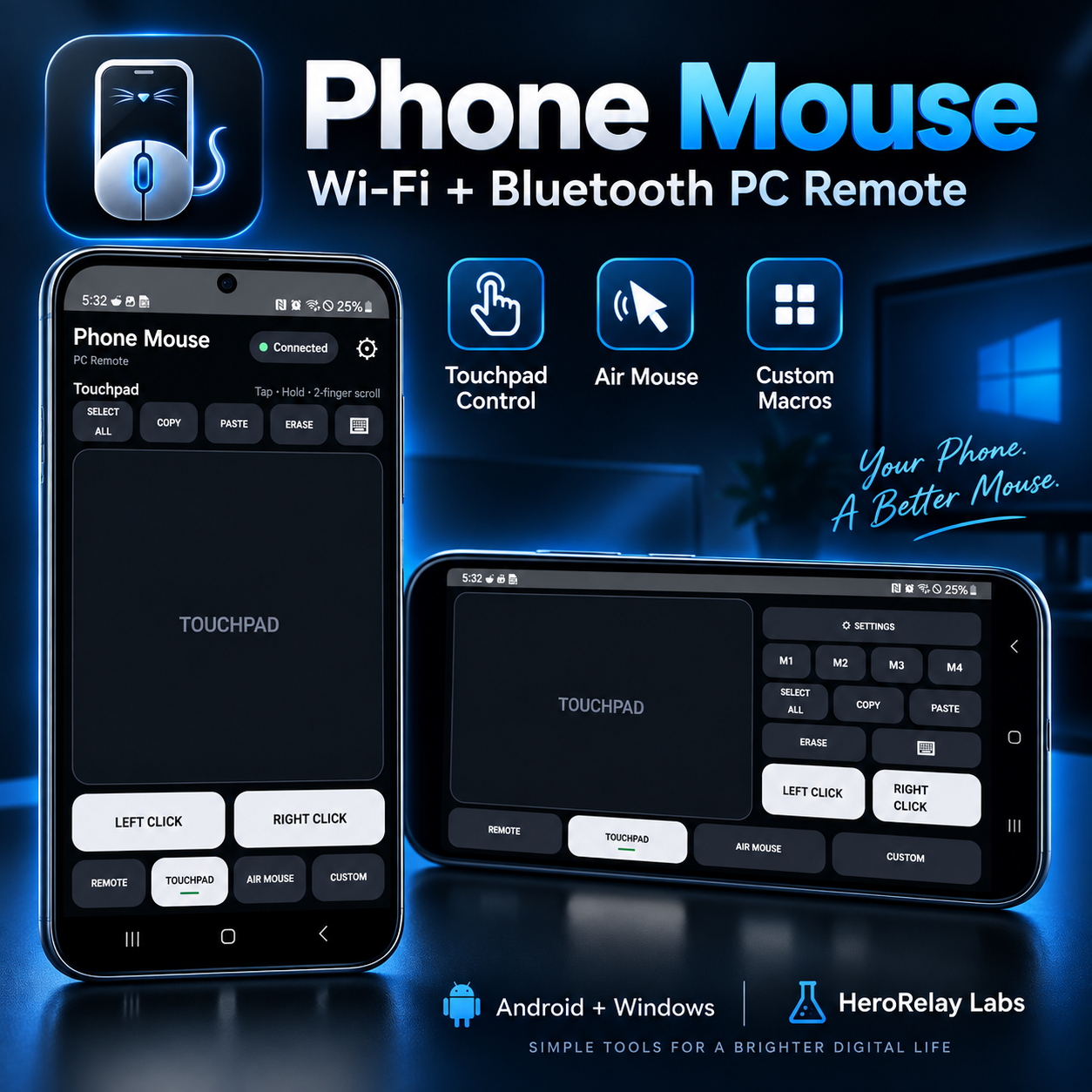
Phone Mouse
Turn your Android phone into a powerful wireless mouse and remote control for your Windows PC.
Phone Mouse gives you full PC control from your phone using either Wi-Fi or Bluetooth. No subscription, no ads, and no cloud account required.
Control Your PC Your Way
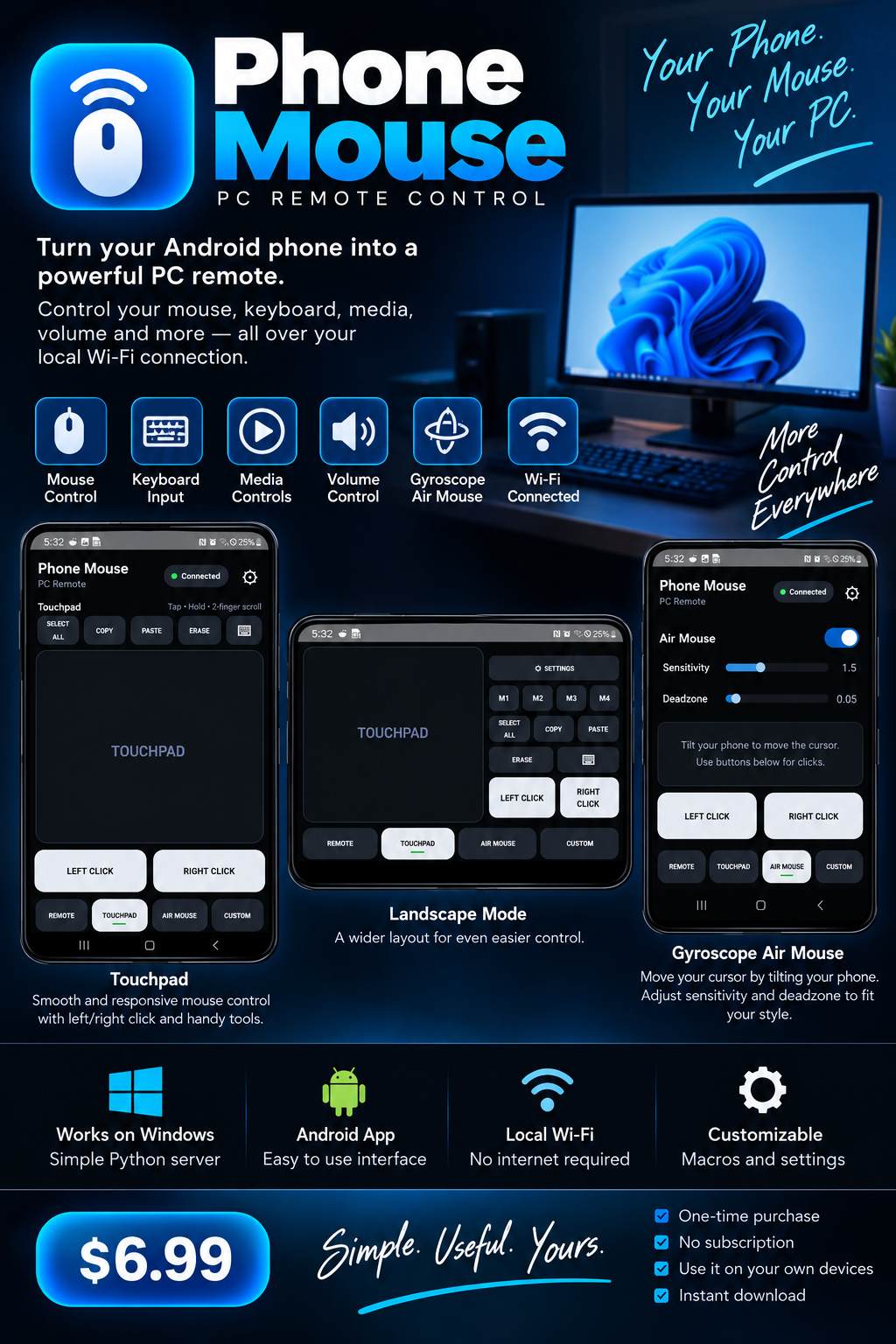
• Full touchpad mouse control
• Tap to click and hold to drag
• Two-finger scrolling
• Left and right mouse buttons
• Android keyboard input
• Volume and media controls
• Gyroscope Air Mouse
• Landscape control mode
• Custom M1–M4 macro buttons
• Tap, Hold, Repeat, and Combo macros
Wi-Fi + Bluetooth
Use Phone Mouse over your local Wi-Fi network for fast everyday control, or connect through Bluetooth HID when you don't want to use the PC server.
Wi-Fi pairing is secured with a one-time pairing code, and previously paired devices can reconnect automatically.
Customize Your Controls
Create your own M1–M4 controls for keyboard keys, mouse actions, media controls, modifiers, function keys, shortcuts, and multi-key combinations.
Great for media PCs, presentations, couch gaming setups, remote control, productivity shortcuts, and everyday PC use.
Your Purchase Includes
Phone Mouse for Android — Version 1.0.0
Phone Mouse PC Server for Windows — Version 1.0.0
A setup guide is included with your download.
Privacy Focused
Phone Mouse is designed to communicate directly between your Android phone and Windows PC.
No Phone Mouse cloud account is required.
No subscription.
No ads.
Pay once. Everything included.
Requirements
• Android phone
• Windows PC
• Wi-Fi or Bluetooth connection depending on the control mode used
Android installation is provided as an APK. Because Phone Mouse is currently distributed directly rather than through Google Play, Android may ask you to allow installation from your browser or file manager.
The Windows application may display a Windows SmartScreen warning because the current release is not yet code-signed. Installation instructions are included with your purchase.
Phone Mouse 1.0.0
Published by HeroRelay Labs