
Freedom Clock — Your Whole Life, One Private App
Description
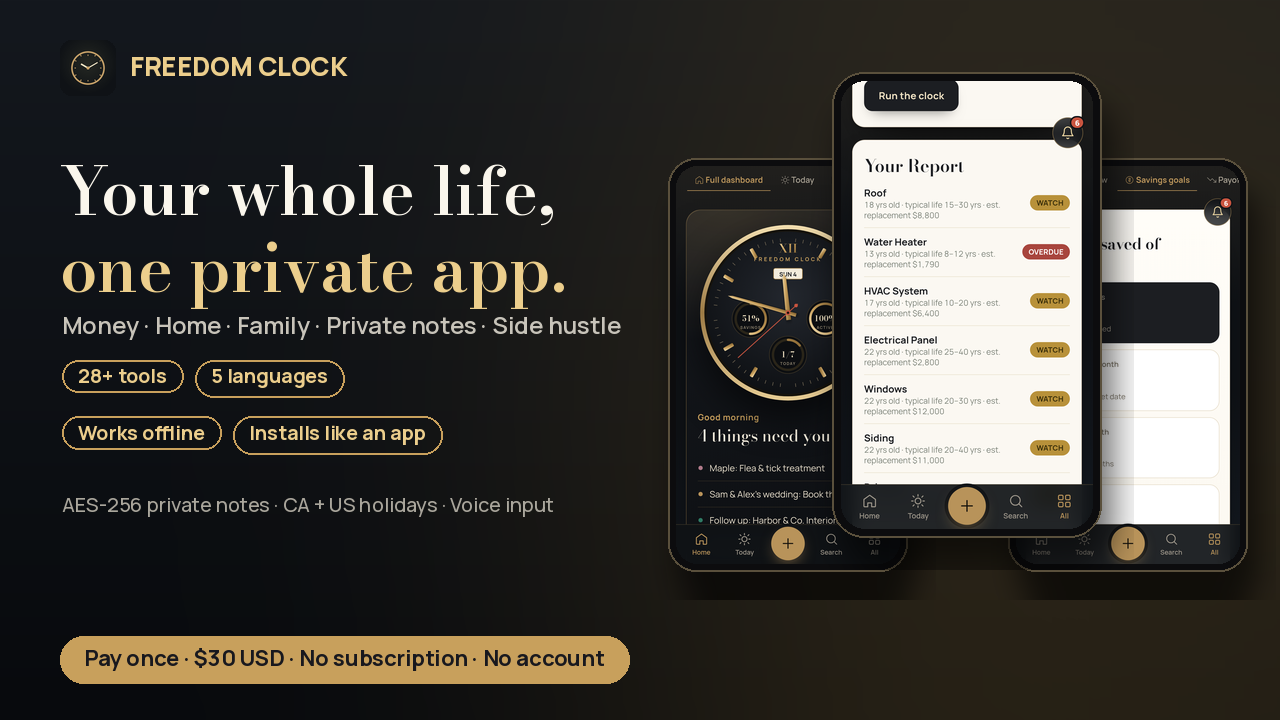
Stop paying monthly for your own life.
Your budget lives in one app, your calendar in another, your notes in a third, and your side-hustle clients in a spreadsheet. Most of them want a monthly fee, an account, and your data.
Freedom Clock puts it all in one private app. You pay once and it's yours. No account. No server. Nothing is ever uploaded. Everything stays on the device you use it on.
Money
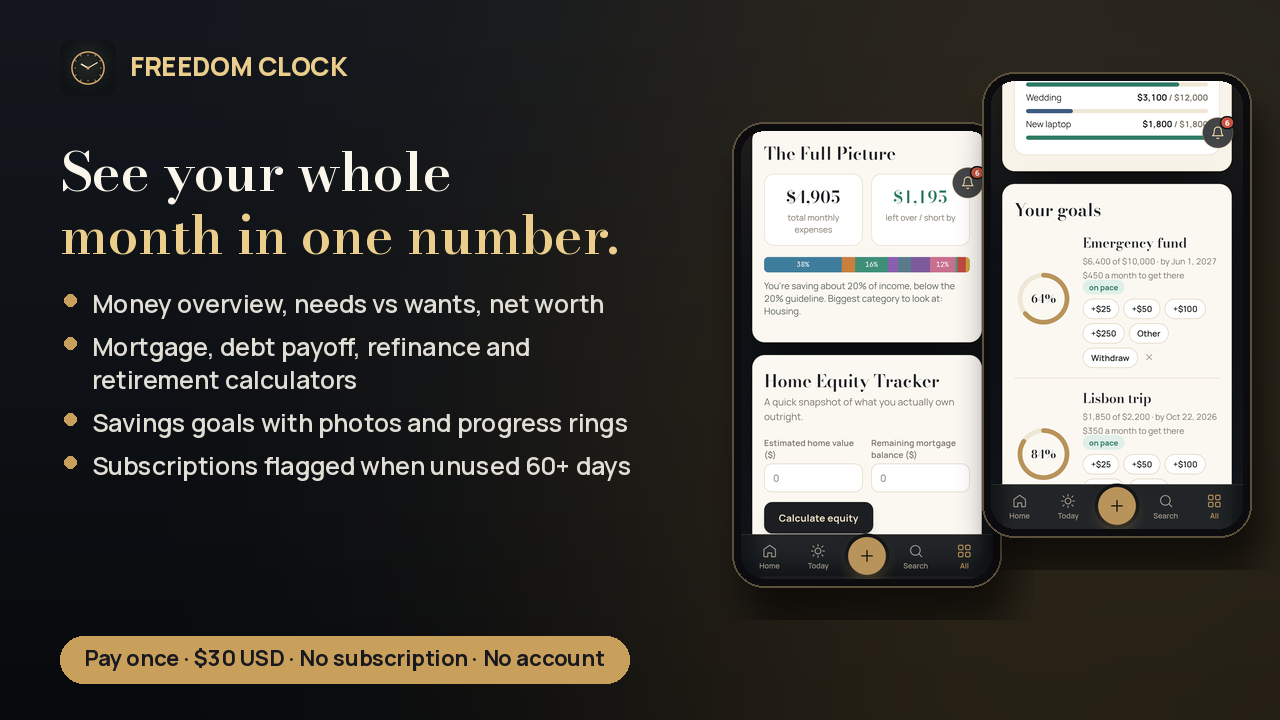
- Money overview: income, expenses, and what's left each month
- Needs vs wants (50/30/20 check)
- Savings goals with progress rings and a photo of what you're saving for
- Net worth tracker with monthly snapshots
- Payoff calculators: mortgage, debt payoff (avalanche/snowball), refinance break-even, retirement
- Insurance tracker with renewal reminders, plus subscriptions & bills (flags ones you haven't used in 60+ days)
Home & family
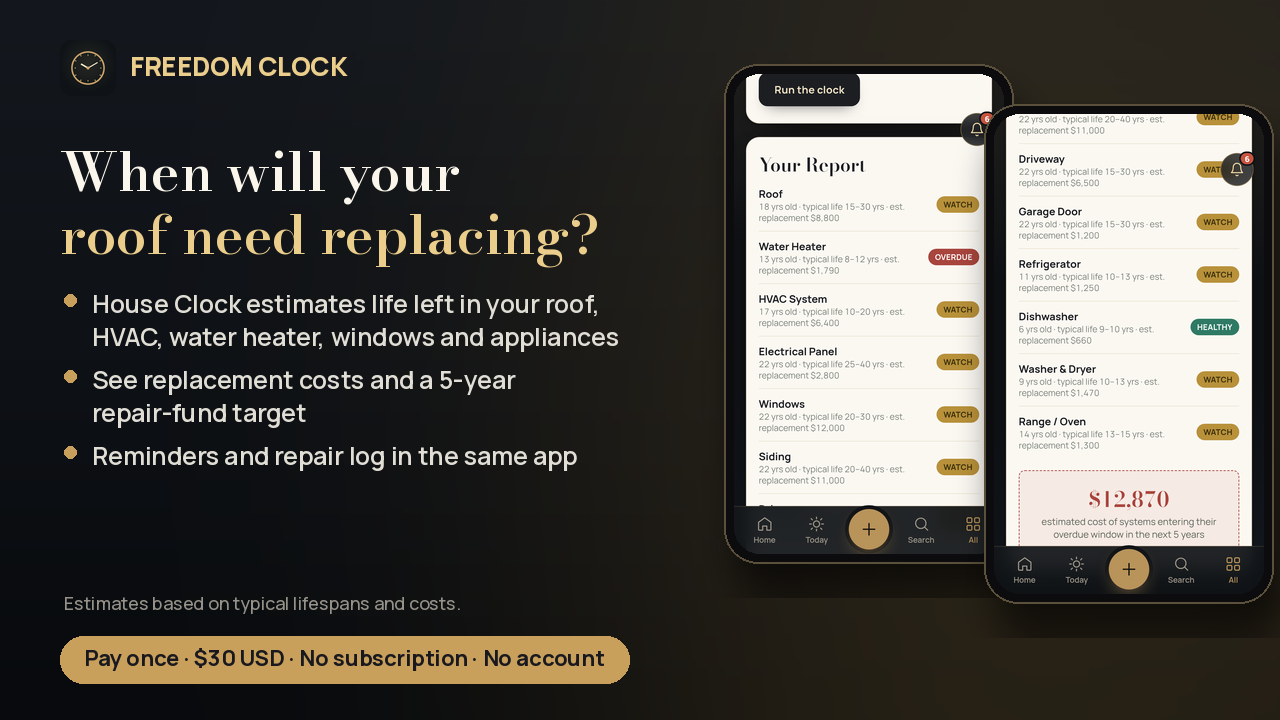
- House Clock: enter your home's build year and it estimates how much life is left in your roof, heating/HVAC, water heater, windows and appliances, and what replacing them could cost
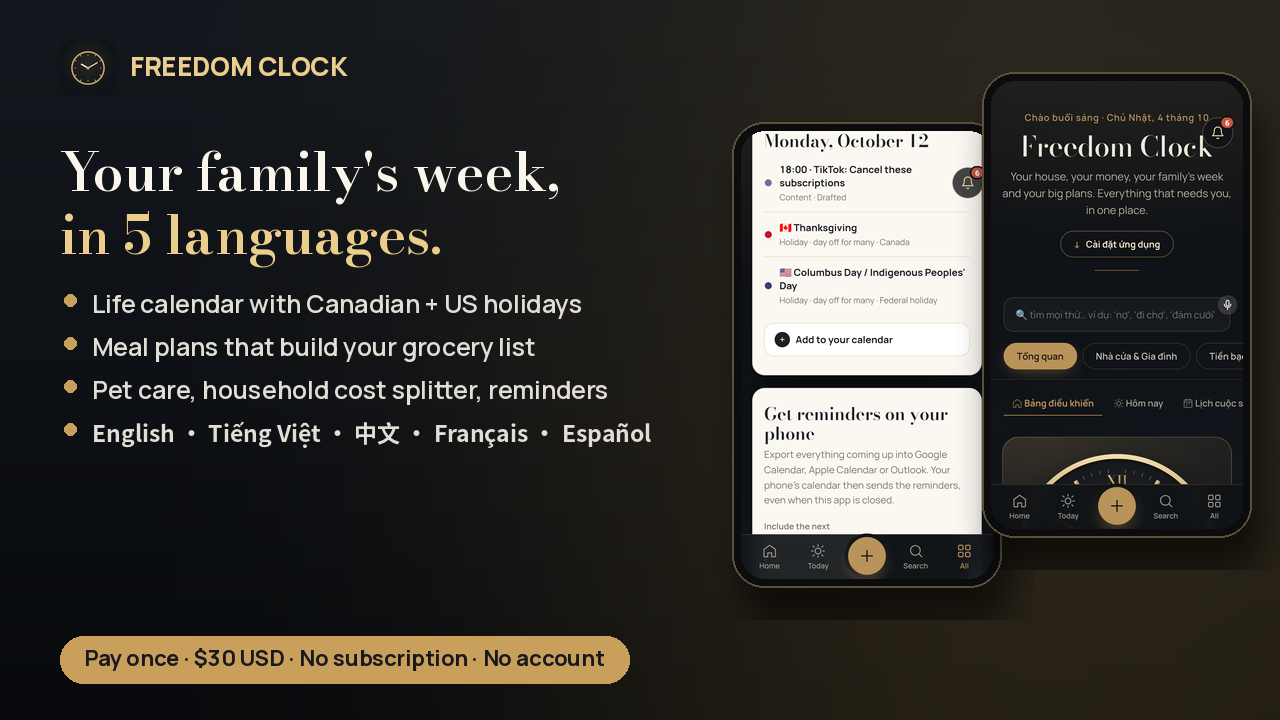
- Meal planning with auto-built grocery lists sorted by aisle (it skips what's already in your pantry)
- Pet care schedules, vet visits and costs
- Household shared-cost tracker: who paid what
- Life calendar with Canadian and US holidays built in, plus birthdays, bills, trips and follow-ups
Private notes
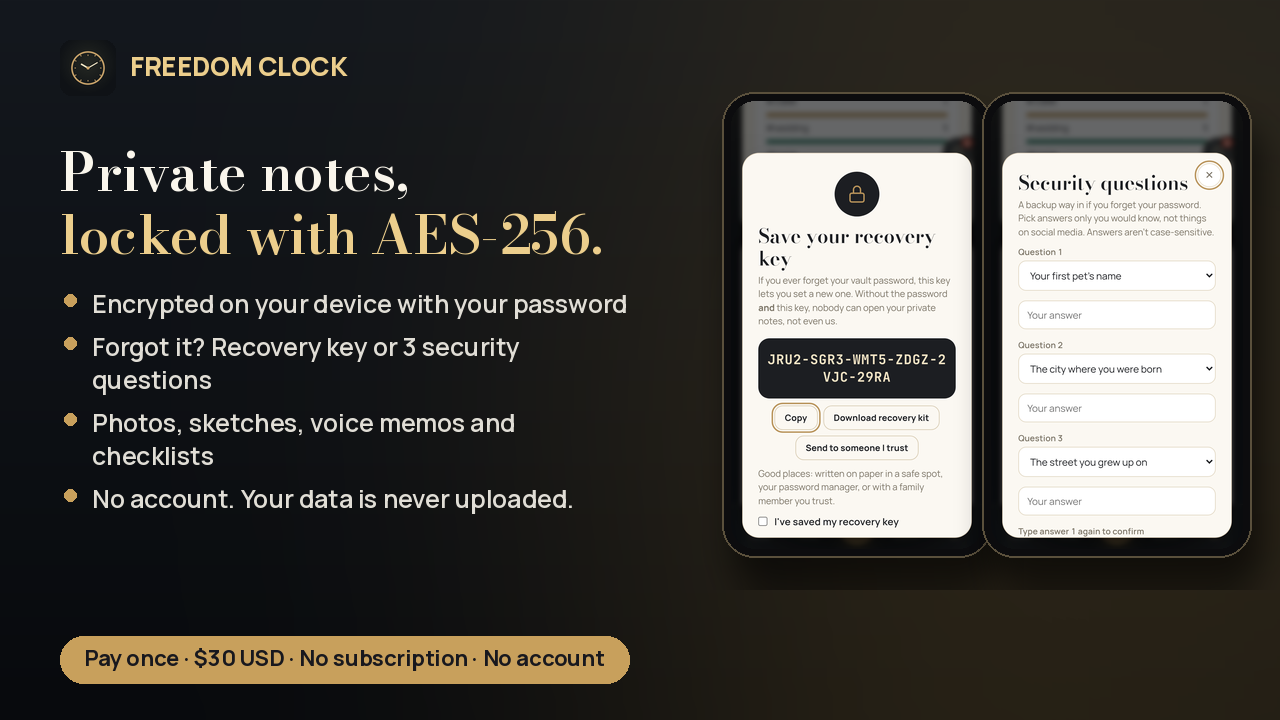
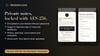
- Private notes are locked with AES-256 encryption on your device
- Forget your password? Get back in with your recovery key or 3 security questions
- Photos, sketches, voice memos and checklists
Side hustle
- Client CRM with pipeline and follow-ups
- Quoting tool with a price book
- Content planner
And more: habit tracker, fitness & wellness, study & exams, travel planner, wedding & events planner, quick tools (tip calculator, timer and more).
Built to be easy
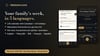
- Works in 5 languages: English, Tiếng Việt, 中文, Français, Español
- Voice input: say "add phone bill to 80" and it updates your bill (in browsers with voice typing: Chrome, Edge, Safari)
- Works offline
- Installs like an app on phone, tablet or computer (see How to install)
- "Explore with sample data" to look around before entering your own
One price. Pay once. Yours to keep.
What's inside
- freedom-clock-v1.zip → a freedom-clock/ folder with:
- freedom-clock.html: the app in one file (open it in Chrome, Safari or Edge, no setup)
- index.html + manifest.json + sw.js + icons/ + fonts/: the installable version that works offline
- USER-GUIDE.html: a step-by-step guide to every section
- README-START-HERE.txt: quick start, install steps, backups
- In the app: a 1-minute tour, a Guide tab, first-time tips in each section, and sample data
- 28+ tools: 27 sections, including 4 payoff calculators and 8 quick tools
FAQ
Is this a subscription?
No. It's a one-time purchase of $30 USD. No subscription, no ads, no upsells.
Do I need an account?
No. There's nothing to sign up for.
Where is my data stored?
Only in the browser on your device. It's never uploaded to us or anyone else.
Does it sync between my phone and computer?
Not live, and that's by design: there's no server holding your data. To move to a new device, use Settings → Backup to export a file and import it on the other device. Back up now and then.
How secure are private notes?
Private notes are encrypted on your device with AES-256-GCM, with the key derived from your password (PBKDF2-SHA256, 600,000 rounds). Everyday notes and other sections are stored on your device but aren't password-locked, so use a phone passcode as usual.
What if I forget my private-notes password?
Use your recovery key or your 3 security questions to set a new password. If you set up neither, private notes can't be opened. There's deliberately no back door.
Does it work offline?
Yes. Once it's open (or installed), it works without internet.
Do voice commands work everywhere?
Voice input works in browsers that support voice typing: Chrome, Edge, Android and Safari. Not Firefox. Voice is handled by your browser's own speech service. You can always type the same command.
Which languages?
English, Vietnamese, Chinese, French and Spanish. Switch anytime in Settings.
Will it work on iPhone?
Yes. Open it in Safari and tap Share → Add to Home Screen.
Is the House Clock exact?
No. It gives estimates based on typical lifespans and costs. Use it to plan a repair fund, not as an inspection.
Can I get a refund?
Because this is an instant digital download, all sales are final, but if anything doesn't work, message me and I'll make it right.
How to install
Option 1: open it (1 click, any computer)
1. Download and unzip freedom-clock-v1.zip.
2. Open freedom-clock.html in Chrome, Safari or Edge.
3. It opens in your browser and works right away, even offline. Your data saves in that browser.
Option 2: install it as an app on your phone, tablet or computer (free, about 2 minutes)
1. Go to app.netlify.com/drop (free).
2. Drag the whole freedom-clock folder onto the page.
3. Open the link it gives you on your device:
- Android / Windows / Mac / Chromebook: tap Install app (or the install icon in the address bar).
- iPhone / iPad: open the link in Safari → Share → Add to Home Screen.
4. It now opens full screen from your home screen and works offline.
(GitHub Pages, Cloudflare Pages and Vercel work the same way.)
First 5 minutes
1. Money overview: add income and monthly expenses.
2. Life calendar: add birthdays and key dates.
3. Settings: turn on reminders and pick your language. In Backup & branding, save a backup file (do this regularly).
4. Try the gold + button: type or say "milk, eggs" or "dentist Tue 3pm".