


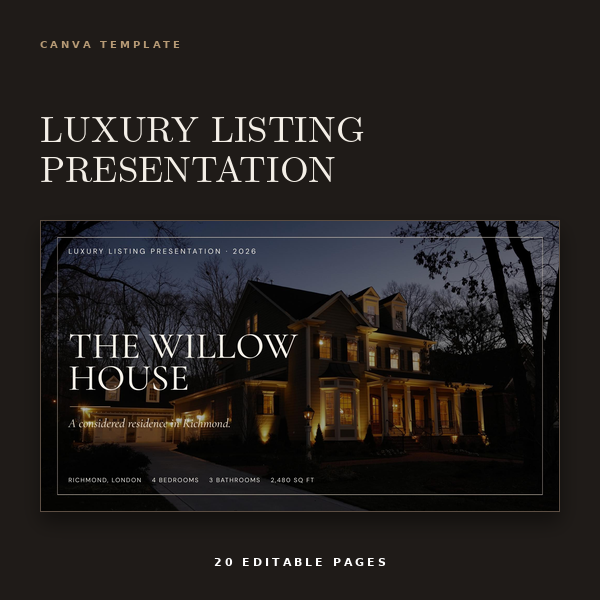
Luxury Real Estate Listing Presentation Canva Template - 20 Pages
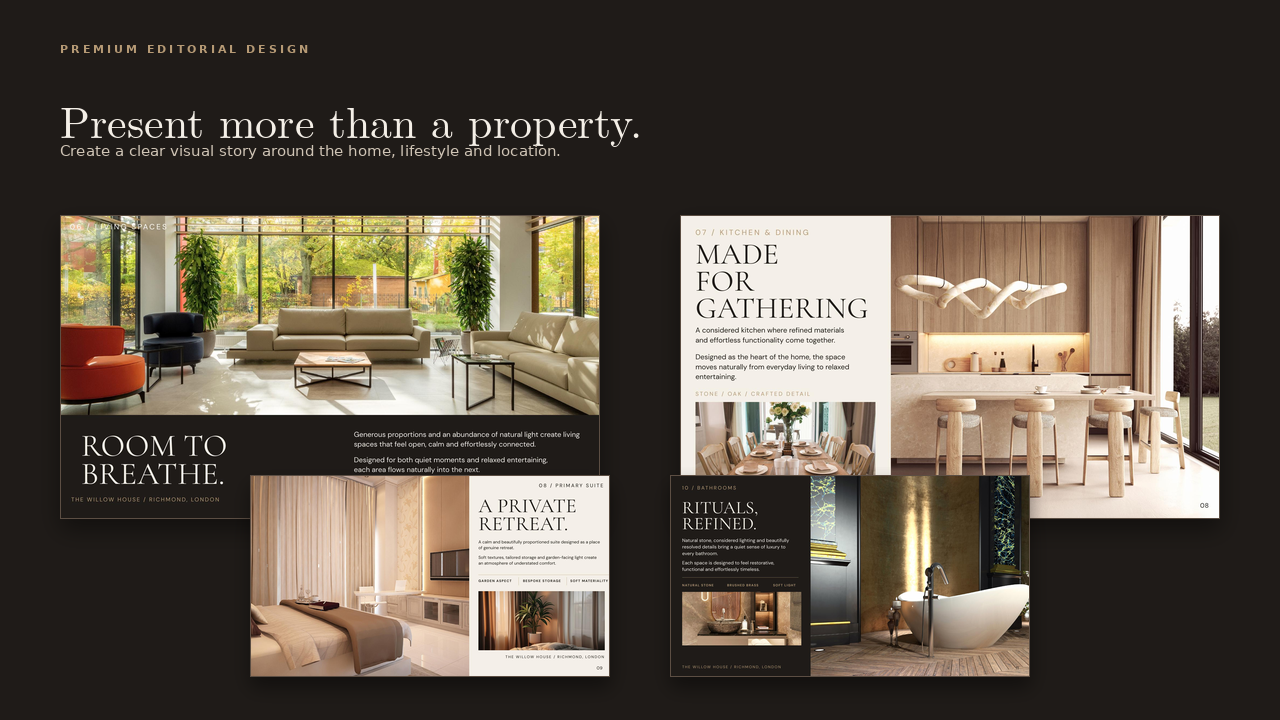
Present every property with clarity, confidence and a refined editorial style.
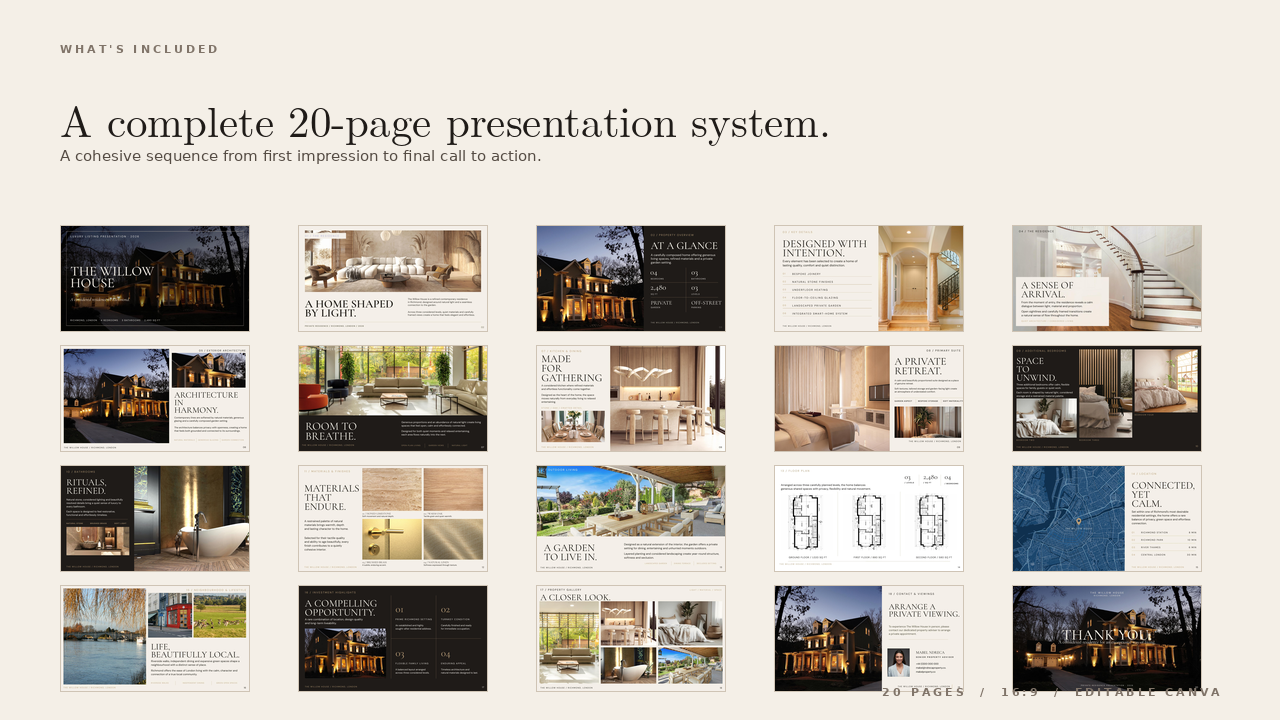
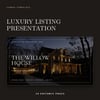
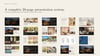
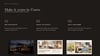
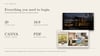
The Willow House is a complete 20-page luxury real estate listing presentation designed in Canva. It helps real estate agents, brokers, property developers and marketing teams transform detailed property information into a cohesive, premium visual story.
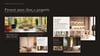
The template combines elegant typography, warm neutral colours, generous spacing and image-led layouts. Every page has been designed to feel polished and high-end while remaining practical and easy to customise.
WHAT IS INCLUDED
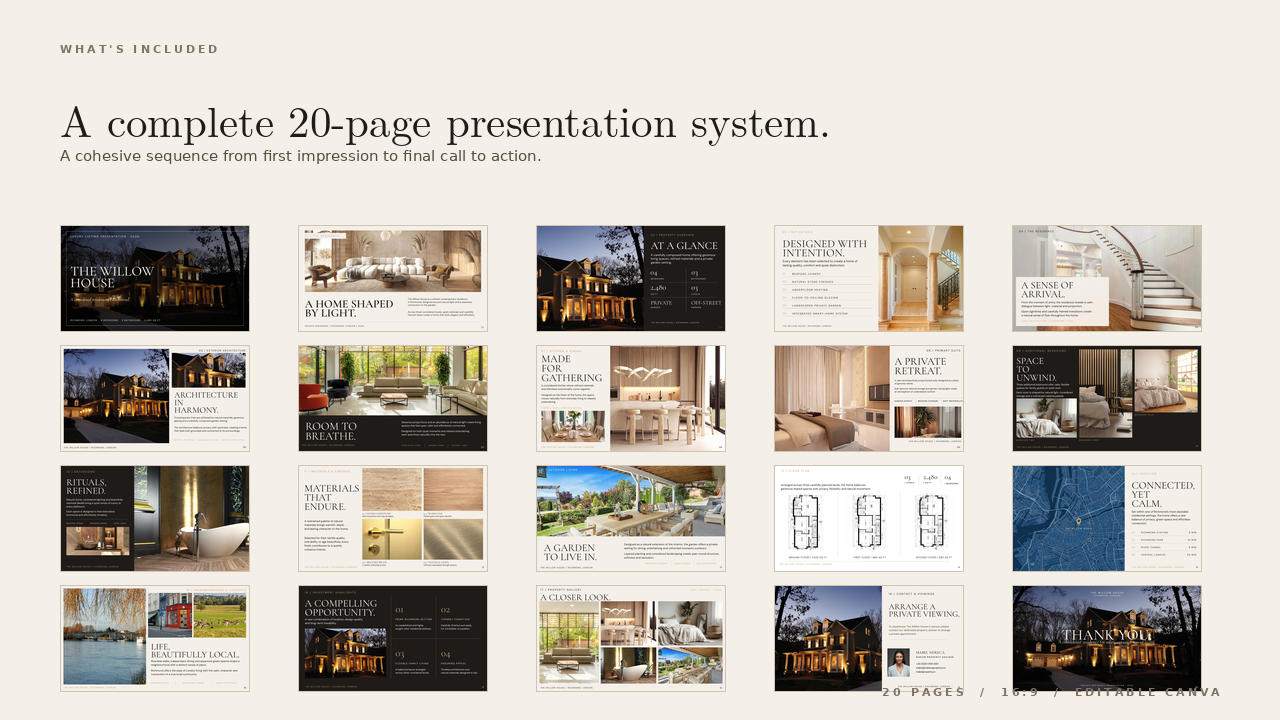
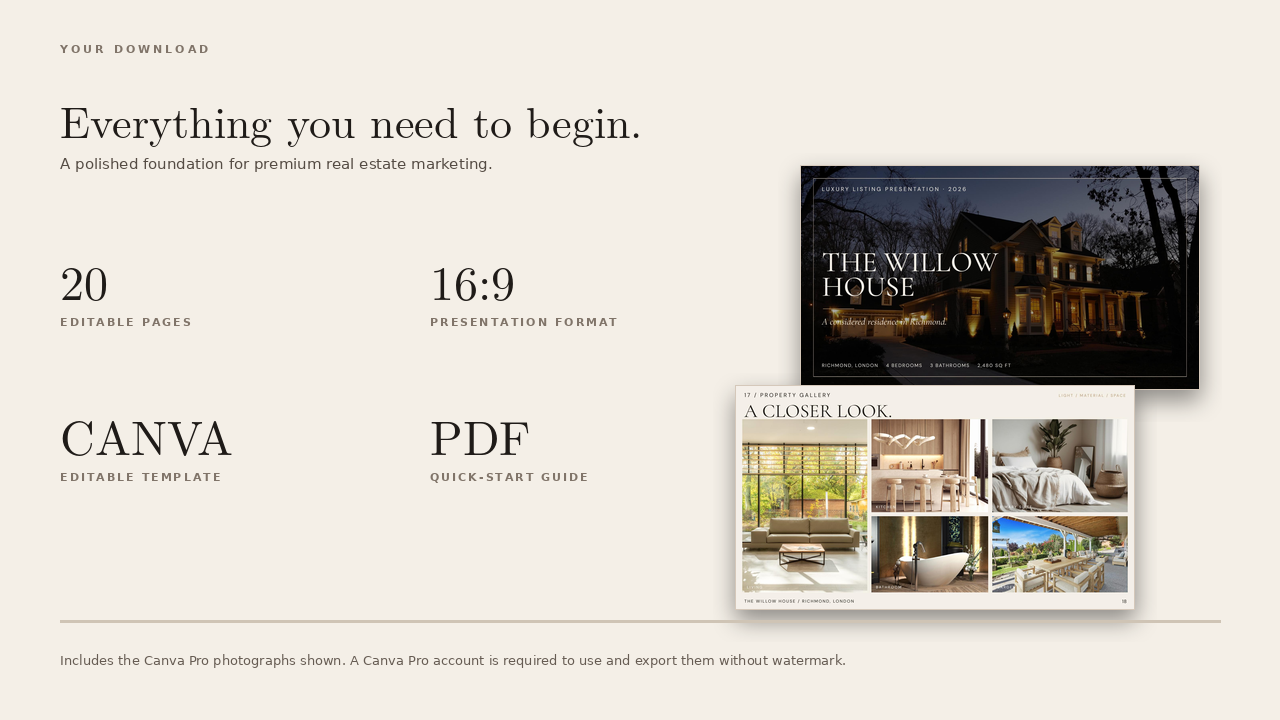
• 20 editable Canva presentation pages
• 16:9 widescreen presentation format
• Luxury editorial design system
• Cover and project introduction pages
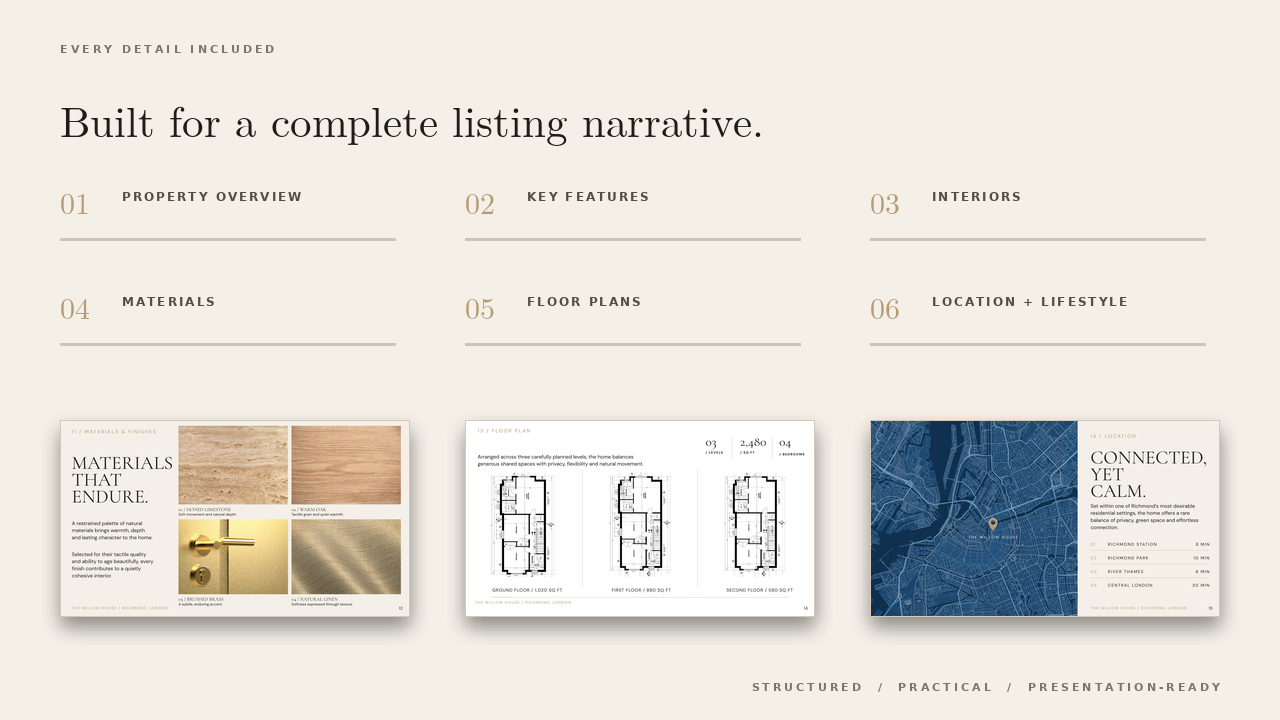
• Property overview and key-feature layouts
• Interior and exterior presentation pages
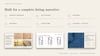
• Materials and architectural-detail layouts
• Outdoor-living and lifestyle pages
• Floor-plan layouts
• Location, map and neighbourhood pages
• Property gallery and final call-to-action pages
• Quick-start PDF guide with the Canva access link
• Commercial-use license for exported client projects
EASY TO CUSTOMISE
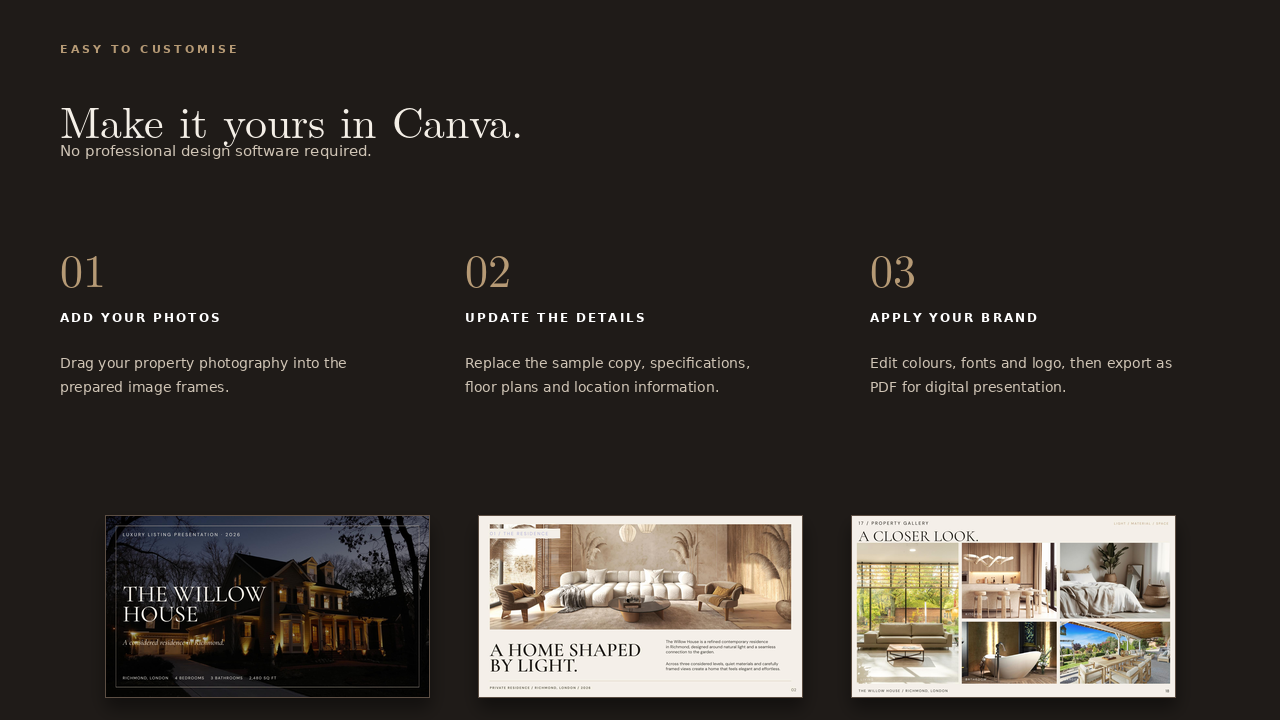
Replace the sample text, add your property photographs, upload floor plans and maps, apply your brand colours and logo, then export the finished presentation as a digital or print-ready PDF.
The prepared image frames allow you to drag and drop your own listing photography without rebuilding the layouts.
The template layout, typography and design elements can be edited using a free Canva account. Only the included preview photographs are Canva Pro content. Canva Free users can replace these photographs with their own images or free Canva photographs before exporting.
PERFECT FOR
• Real estate agents and brokers
• Luxury property specialists
• Property developers
• Real estate marketing professionals
• Interior designers and architects
• Freelance presentation designers
HOW IT WORKS
- Purchase and download the ZIP file.
- Open the included START HERE PDF.
- Click the Canva template access button.
- Select “Use template for new design” to create your editable copy.
- Add your content, photography and branding.
- Export and present your property professionally.
IMPORTANT INFORMATION
• The template can be edited with Canva Free.
• Canva Pro is only required if you want to keep and export the included Pro photographs without watermark.
• Canva Free users can replace the Pro photographs with their own images or free Canva photographs.
• This is a digital product. No physical item will be shipped.
• Buyers must add their own property information, logos, maps and floor plans.
• Canva Pro photographs remain subject to Canva’s Content License Agreement and are not sold as standalone files.
• The editable template, source link and editable pages may not be resold, shared, redistributed or sublicensed.
Give every listing the presentation it deserves.