



Debt Payoff Tracker Google Sheets | Debt Snowball Planner, Auto Payoff Plan, Interest & % Paid Tracker
Pay off debt with a plan you can actually see working.
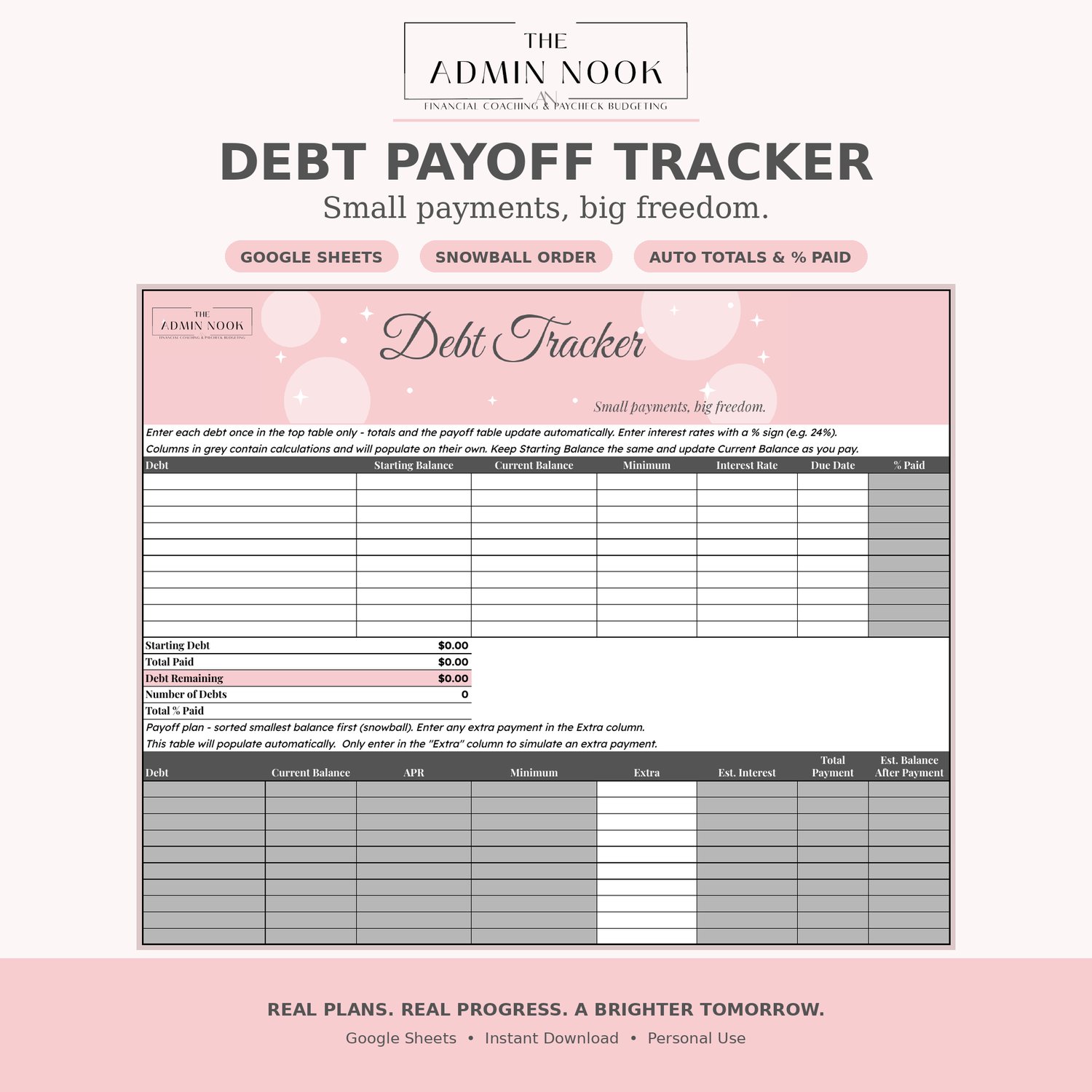
This Debt Payoff Tracker for Google Sheets keeps it simple: enter your debts once in the top table, and the totals and payoff plan update on their own.
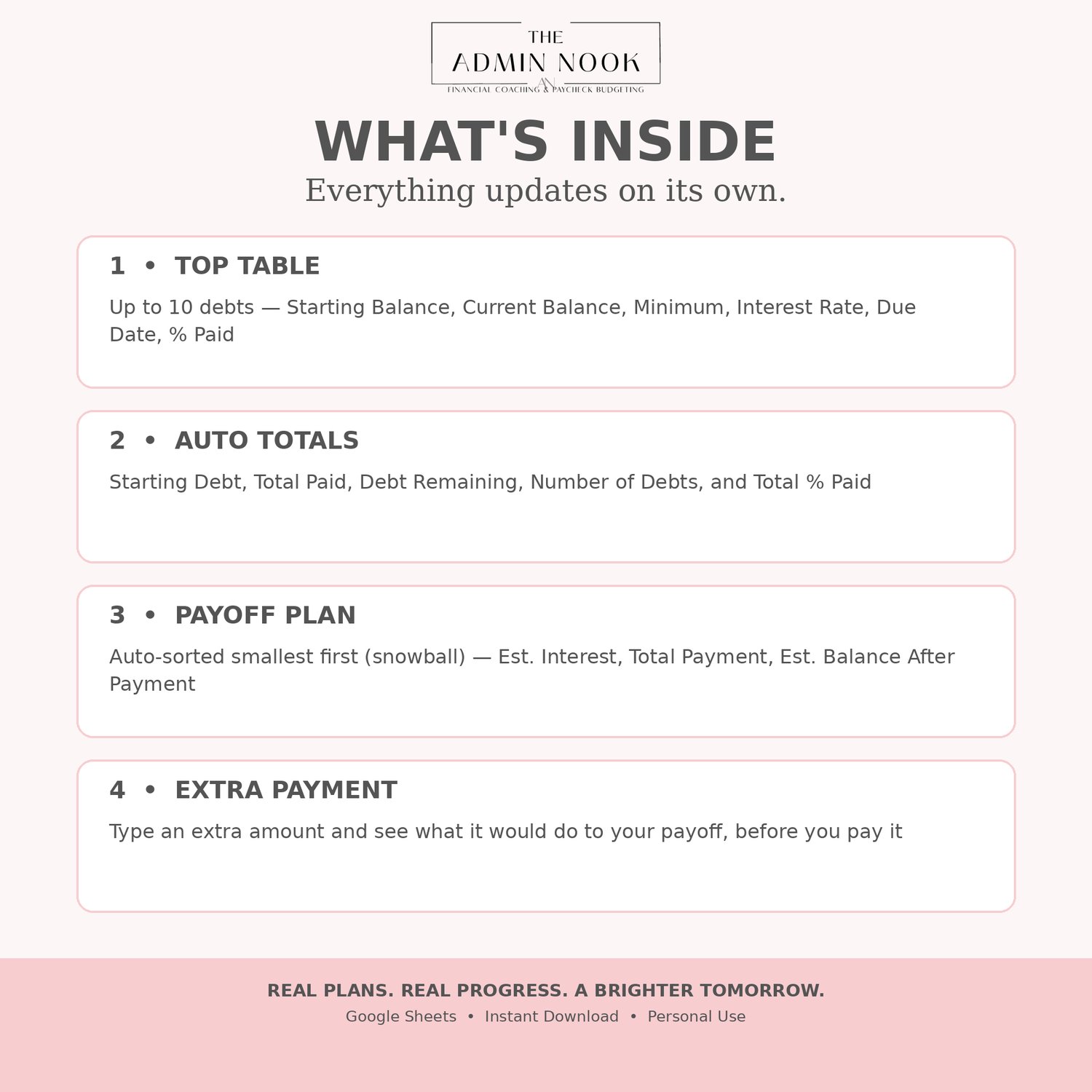
What's inside:
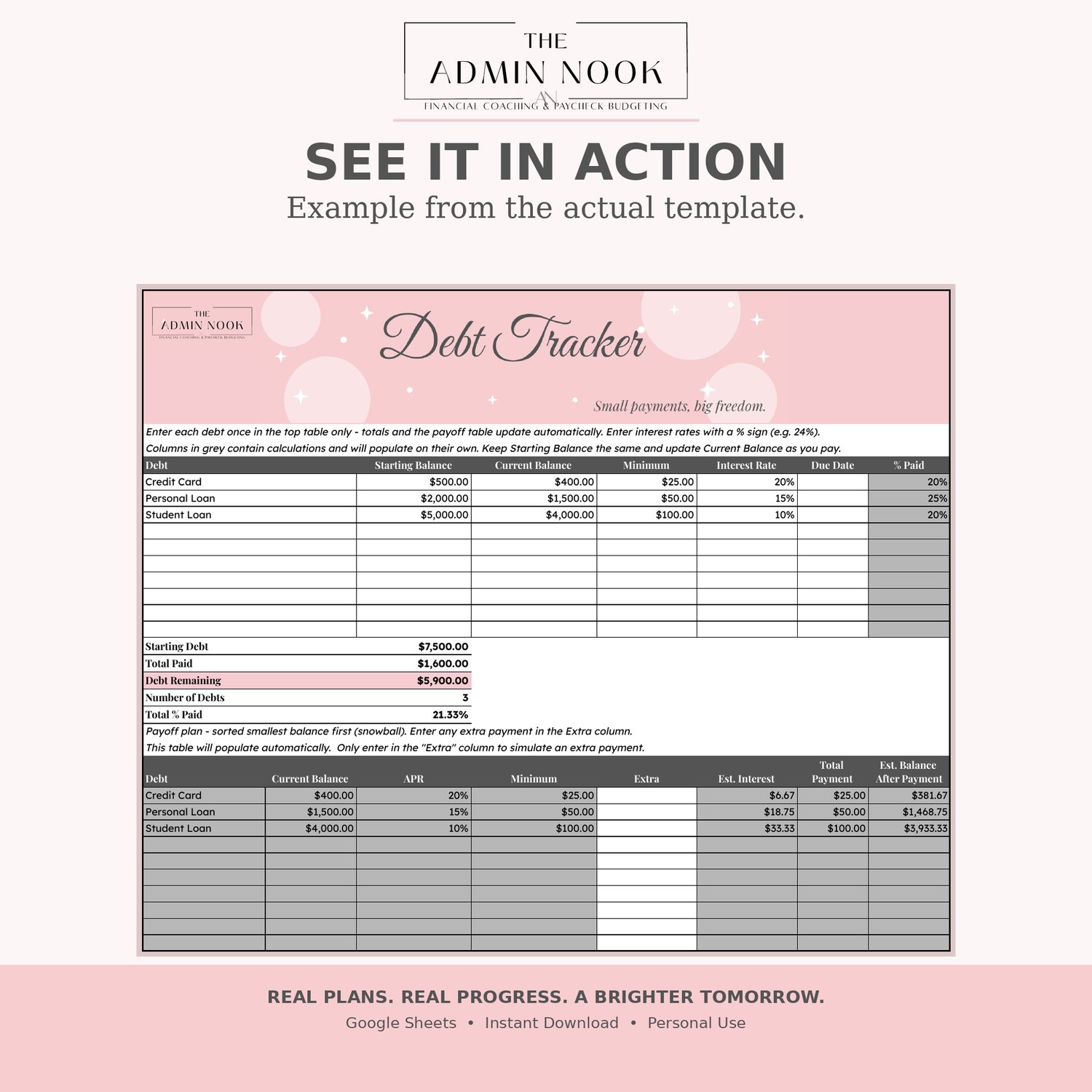
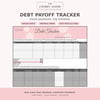
• Top table for up to 10 debts — Debt, Starting Balance, Current Balance, Minimum, Interest Rate, Due Date, and auto-calculated % Paid
• Auto totals — Starting Debt, Total Paid, Debt Remaining, Number of Debts, and Total % Paid
• Auto-sorted snowball payoff plan, smallest balance first, with Est. Interest, Total Payment, and Est. Balance After Payment
• Extra payment column — type an extra amount to see what it would do to your payoff
• Grey columns are calculations and fill in on their own — you only type in the white cells
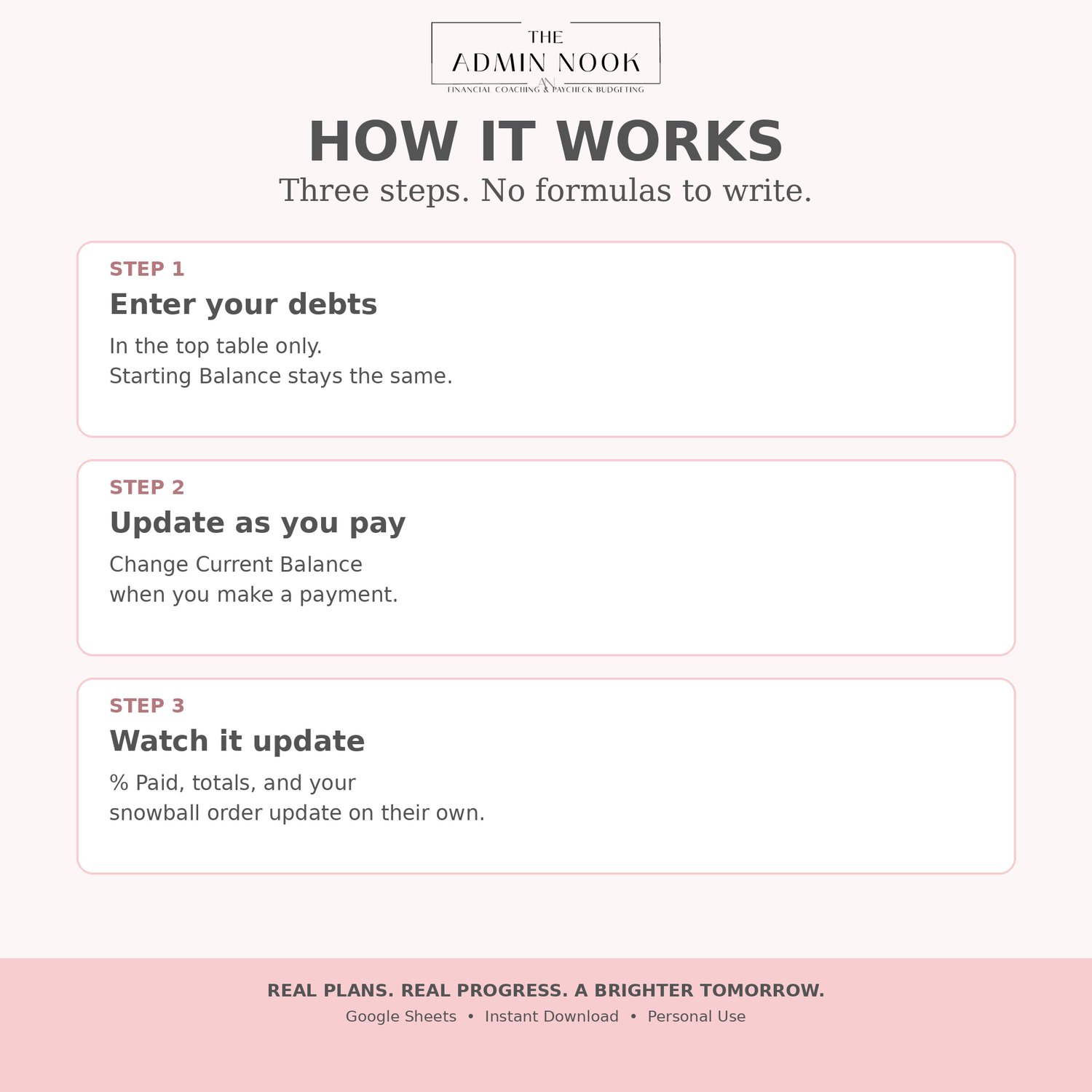
How it works:
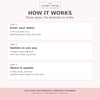
Keep Starting Balance the same, and update Current Balance as you pay. Your % Paid, totals, and payoff order will update automatically.
What you get:
Instant download PDF with the link to your Google Sheets tracker. Click the link, click Make a copy, and it's yours to use. You'll need a free Google account.
Perfect for: snowball payoff, debt-free journeys, paycheck budgeting, and anyone who wants to watch that % Paid climb.
For personal use only. Please do not share, resell, or redistribute.