

Comment Sushi Conveyor
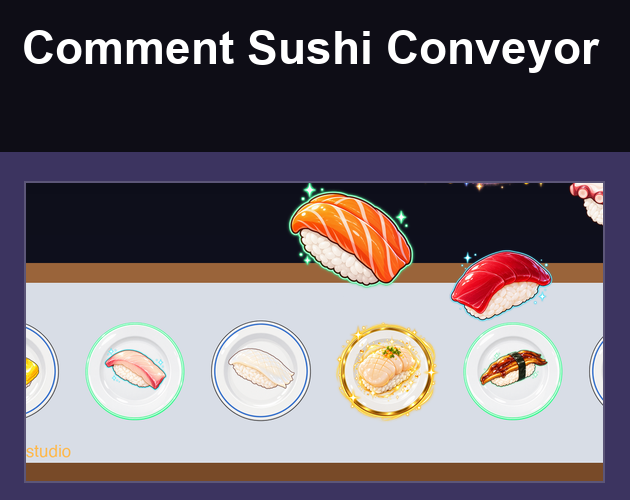
Every chat comment sends a sushi plate gliding across a conveyor belt in your stream overlay. 20 illustrated sushi types across 3 rarity tiers (Common / Rare / Super Rare) are picked at random. Tips and donations always trigger a glowing gold Super Rare plate.
- Twitch direct: in an OBS Browser Source, untick "Local file" and paste view.html's file:/// address into the URL box with ?twitch=yourchannel at the end (drag view.html into Chrome to copy the address). With OneComme only, tick "Local file" and pick view.html. The background is transparent automatically
- Default layout is a single lane at the bottom of the screen so it never crowds your scene
- Control panel (panel.html): add it to OBS as a second Browser Source the same way, drag it outside the black canvas in the OBS preview so it is not streamed (hiding it with the eye icon also works, but the panel's display, such as the selection highlight, may then not update), and use right-click > Interact. Tune lane count (1-5), speed, plate size and rarity odds there
- Comment text is shown clearly above each plate, staggered so nearby comments never overlap
- OneComme integration fires a plate automatically on every comment — no OneComme? Try it standalone with view.html?demo
- Windows / macOS, OBS or Streamlabs. No server, no account, no monthly fee. Twitch direct connects read-only to Twitch's chat server; with OneComme only, it makes no internet connection of its own
- Commercial use OK (do not resell the files themselves)
- Free updates. Questions? Contact us through our Payhip store page