
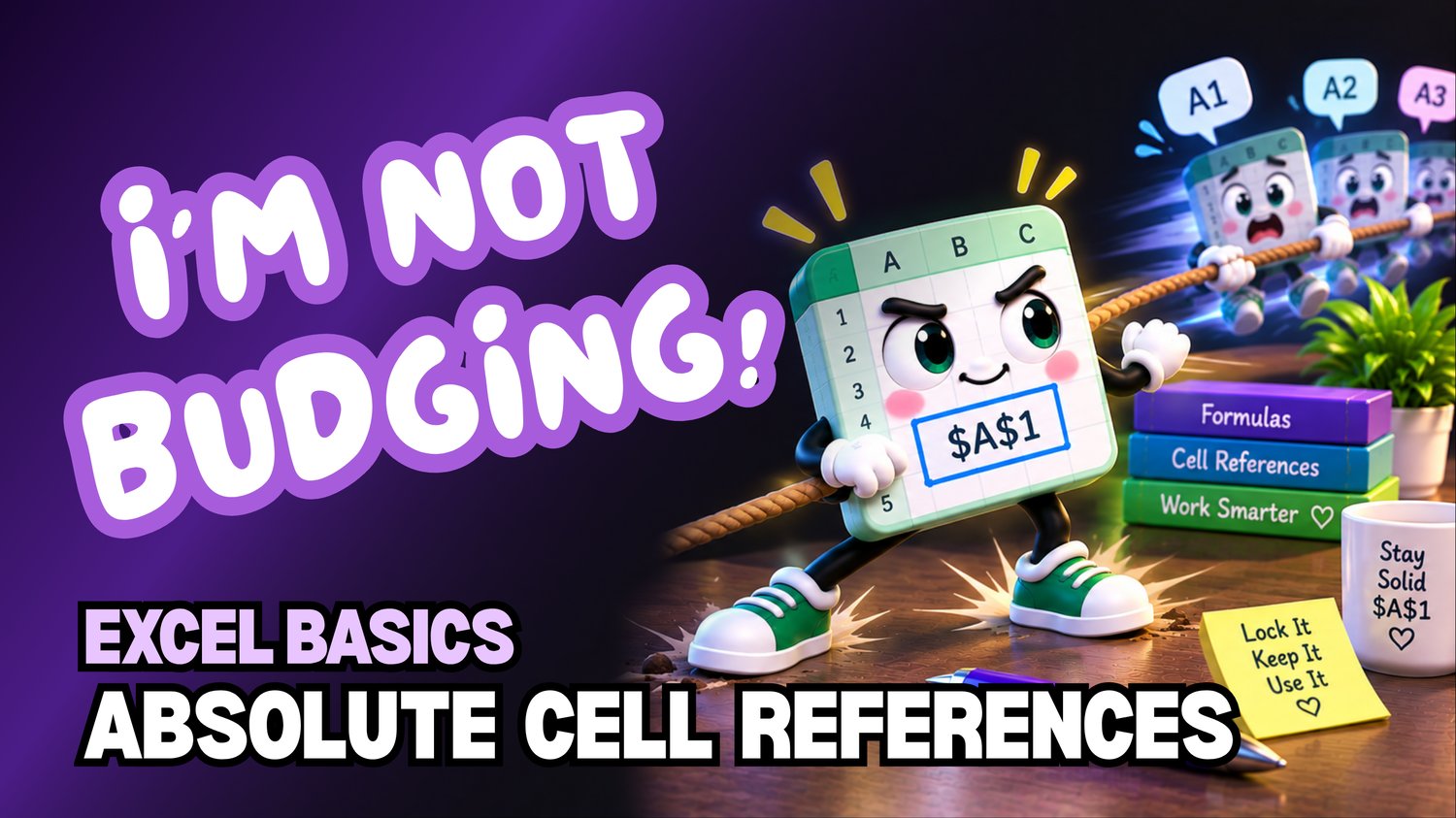
Excel Absolute Cell References | Beginner Practice Workbook
Learn how to use Absolute Cell References in Microsoft Excel with this beginner-friendly practice workbook from Easy Mode Excel Tutorials!
Ever copied an Excel formula only to discover that a cell reference changed when you needed it to stay the same?
That's where absolute cell references come in! By adding dollar signs to a cell reference, you can tell Excel to keep that reference fixed when copying formulas.
This hands-on practice workbook accompanies our free Excel Absolute Cell References video lesson, helping you understand how to lock cell references and use them confidently in your calculations.
What You'll Practice
Understanding Absolute Cell References
✓ Learn the difference between relative and absolute cell references
✓ Recognize how dollar signs work in references such as $A$1
Keeping Cell References Fixed
✓ Practice creating formulas using absolute cell references
✓ Learn how to keep a reference fixed when copying formulas to other cells
Using Absolute References in Calculations
✓ Practice formulas that combine relative and absolute cell references
✓ Use a fixed cell reference in calculations across multiple rows
What's Included
✓ One downloadable Excel practice workbook (.xlsx)
✓ Beginner-friendly exercises for practicing absolute cell references
✓ Hands-on activities you can complete at your own pace
✓ A free video tutorial to follow along with
Learn by Doing!
Watching a tutorial is helpful, but practicing the skills yourself makes them easier to remember!
Open your workbook, follow along with the video, and practice copying formulas while keeping selected cell references fixed.
Perfect for Excel beginners! Build confidence using dollar signs in formulas, understanding how references behave, and creating calculations that work correctly when copied.
Get Your Practice Workbook!
Just $2.49 USD
Download your workbook and practice whenever you're ready!
This purchase includes one downloadable Excel practice workbook only. Microsoft Excel or compatible spreadsheet software is required to open and edit the file.
Watch the FREE Video Lesson
🎥 Excel Absolute Cell References for Beginners