

Private Practice Credentialing Tracker | Excel Spreadsheet for Therapist Insurance Enrollment and Renewals
Credentialing involves a lot of moving parts: submissions, payer responses, next-contact dates, and renewal deadlines. The Private Practice Credentialing Tracker gives small practices a simple, reusable place to organize that work.
WHAT YOU GET
- Editable Microsoft Excel workbook (.xlsx)
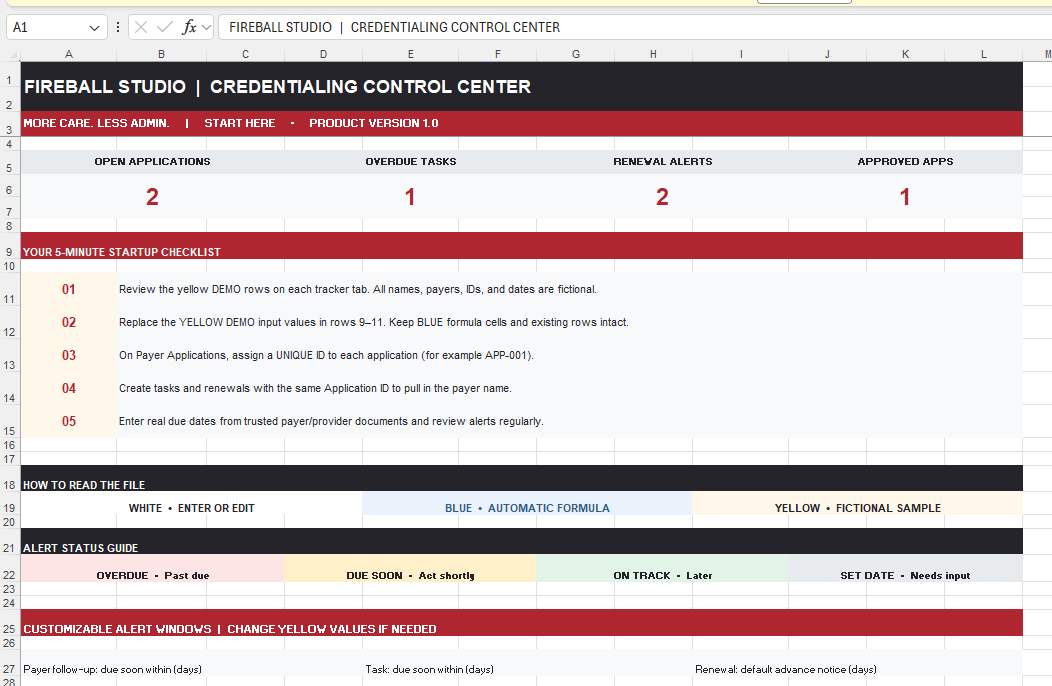
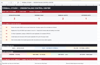
- Start Here dashboard with summary counts and customizable alert windows
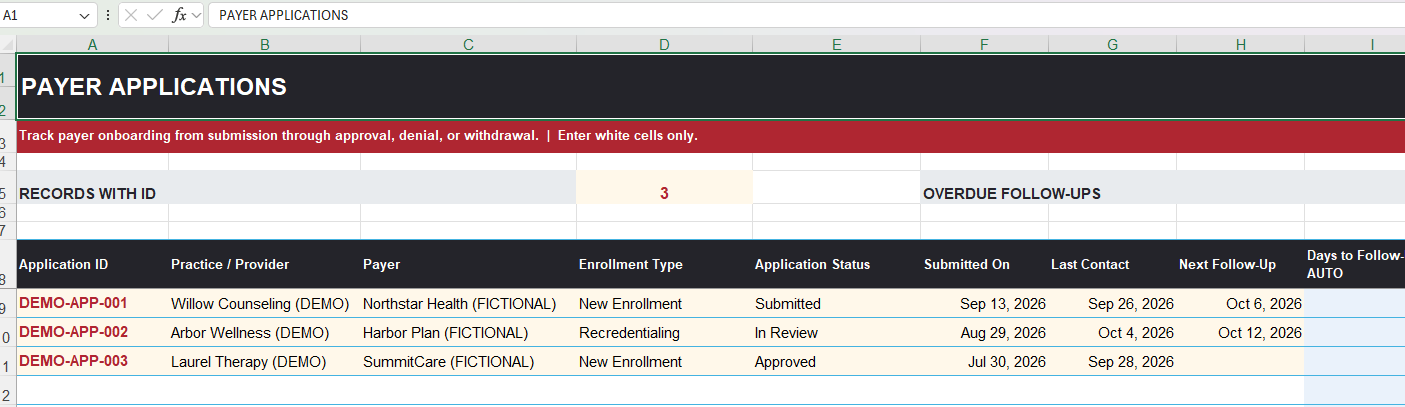
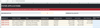
- Payer Applications worksheet with enrollment status dropdowns and date-based follow-up alerts
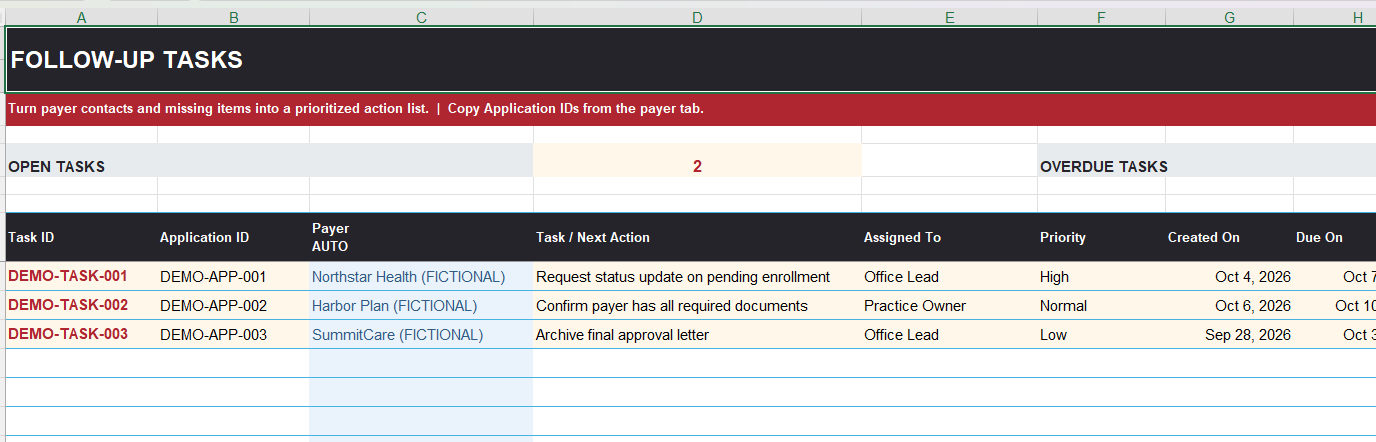
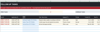
- Follow-Up Tasks worksheet with linked payer names, assignments, priorities, and overdue flags
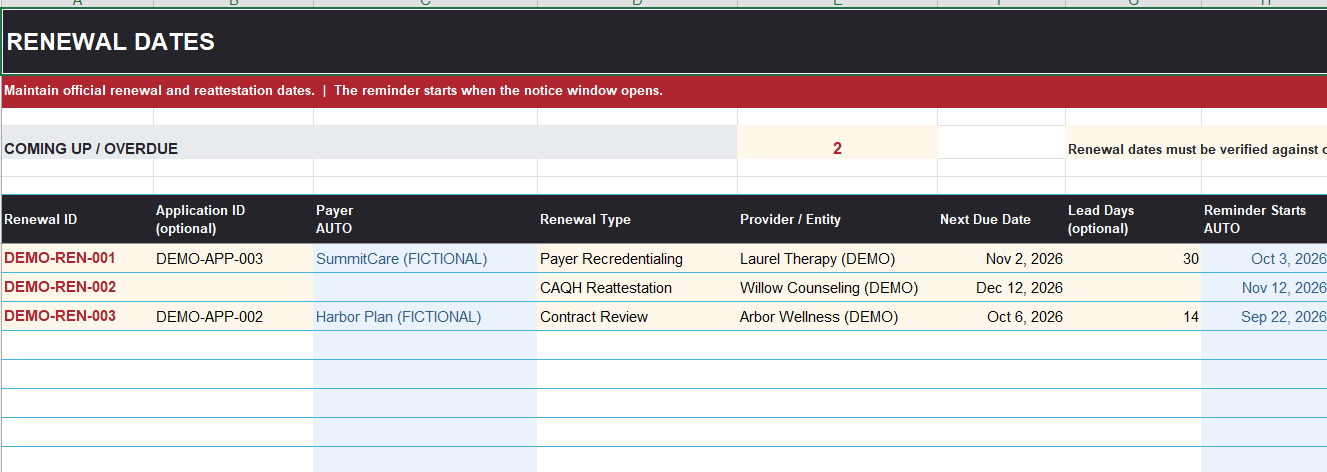
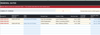
- Renewal Dates worksheet with recredentialing/reattestation tracking and advance-notice alerts
- 200 prepared rows per tracking worksheet
- Clearly labeled fictional examples that you can replace
- Two-page PDF quick-start and troubleshooting guide
- Internal-use license for one purchasing practice
HOW IT WORKS
1. Download the ZIP and extract the Excel file and Quick-Start PDF.
2. Review the fictional samples, then replace the yellow DEMO input cells (leave the blue formula cells in place).
3. Enter your payer applications using a unique Application ID.
4. Add linked tasks and renewal dates.
5. Open and review the workbook regularly to monitor visual alerts.