
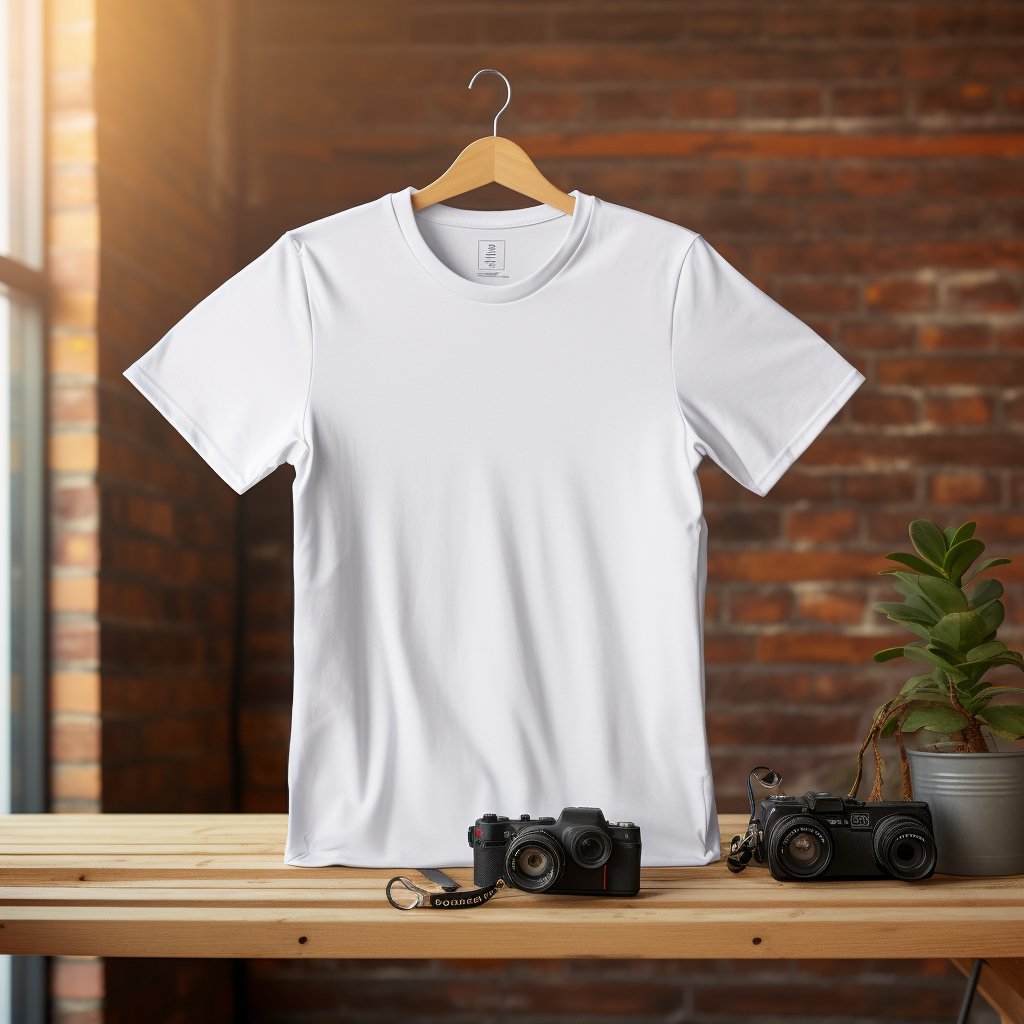
T-shirt Mockup with Smart Object Layer
1. File Types
● PSD File:
○ Fully layered file for editing.
○ Include smart objects for easy replacement of designs.
○ High resolution (3000px+ recommended).
○ Compatible with Photoshop CC+ (mention version).
● JPEG/PNG:
○ High-resolution preview images.
○ Use RGB color mode for online display.
○ Include different angles or perspectives if possible.
2. Preview Images
● Create at least 3–5 JPEG previews to show your mockup in use.
● Examples:
○ Front view
○ Side view
○ Close-up details
○ Lifestyle scenario (optional, like a phone or t-shirt being worn)
3. Resolution & Quality
● PSD: 300 DPI, RGB
● JPEG: 150–300 DPI
● Make sure all images are crisp, not blurry.
4. Product Description
Include:
● What the mockup is (e.g., “T-shirt Mockup with Smart Object Layer”)
● Format & compatibility (PSD, JPEG, Photoshop version)
● File dimensions and resolution
● Usage rights (commercial/personal use)
Example:
This is a high-resolution T-shirt mockup with fully editable PSD file. Smart object layers make it easy to replace your design. Perfect for showcasing your print-on-demand or client projects. Comes with 5 JPEG previews for presentation. Compatible with Photoshop CC and higher.
5. Keywords / Tags
● Include relevant keywords for better search:
○ Mockup, PSD mockup, T-shirt mockup, Editable, Smart object, Print-on-demand, Digital product, JPEG preview
6. License / Usage
● Specify whether buyers can use it for personal, commercial, or unlimited projects.
● Include a small readme.txt file in the download for instructions.
7. Packaging Files
● Zip all files (PSD + JPEG previews + README) into one download file.
● Keep folder structure simple:
MockupName/
PSD/
JPEG Previews/
README.txt