
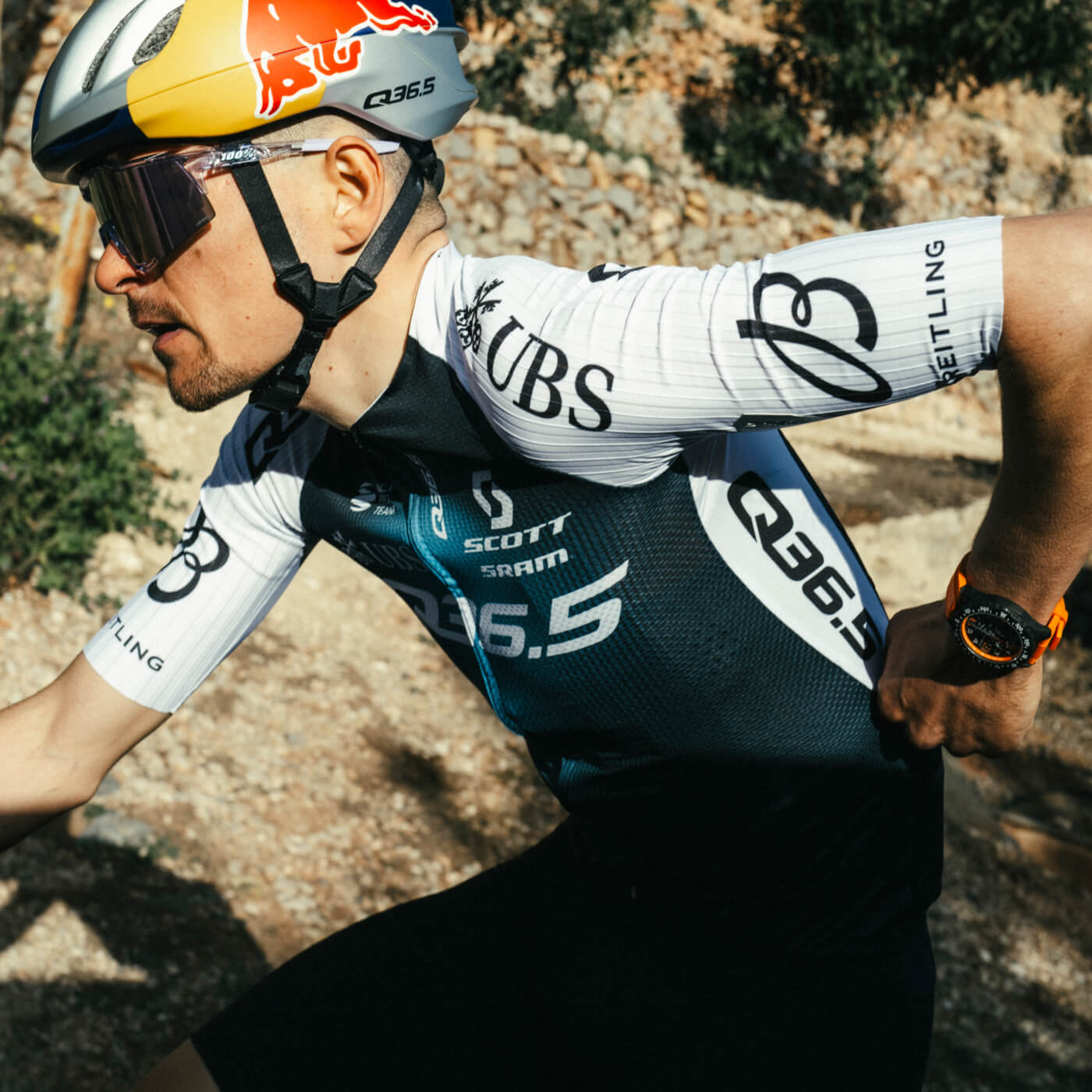
Q36.5 ANAEROBIC TEST WORKOUT
On Sale
€2.30
€2.30
TOP QUALITY ANAEROBIC WORKOUT FROM Q36.5 . USE THIS WORKOUT TO MEASURE AND TRAIN YOUR ANAEROBIC «PUNCH» AND YOUR RECOVERING ABILITIES .
How to Upload a Purchased .FIT File to Your Garmin Device
Follow these steps to get your purchased workout (.FIT file) onto your Garmin device:
- Download the .FIT file
- After purchase, download the .FIT file to your computer.
- Make sure you know where the file is saved (e.g., in your Downloads folder).
- Connect your Garmin device to your computer
- Use the USB cable that came with your Garmin device.
- Once connected, your Garmin should appear as a drive on your computer.
- Locate the correct folder on your Garmin
- Open the Garmin drive.
- Navigate to the folder called “Workouts” (sometimes under Garmin > NewFiles depending on your device model).
- Transfer the .FIT file
- Copy the downloaded .FIT file from your computer.
- Paste it into the Workouts or NewFiles folder on your Garmin.
- Safely disconnect your device
- Eject the Garmin device from your computer.
- Disconnect the USB cable.
- Find the workout on your Garmin
- On your Garmin device, go to Training > Workouts.
- Your new workout should now appear in the list.
Tip: If you don’t see it right away, restart your Garmin and check again.
That’s it! Your purchased workout is now ready to use on your Garmin. Enjoy your training!