
Subscription Audit OS
Subscription Audit OS — every recurring charge, one list, real monthly math
I built this after a gym membership I hadn't used in months billed me $348 for another year. It was on a list nowhere. Now everything is on one list, and the list does the math I was avoiding.
What you get
One .xlsx file, three tabs:
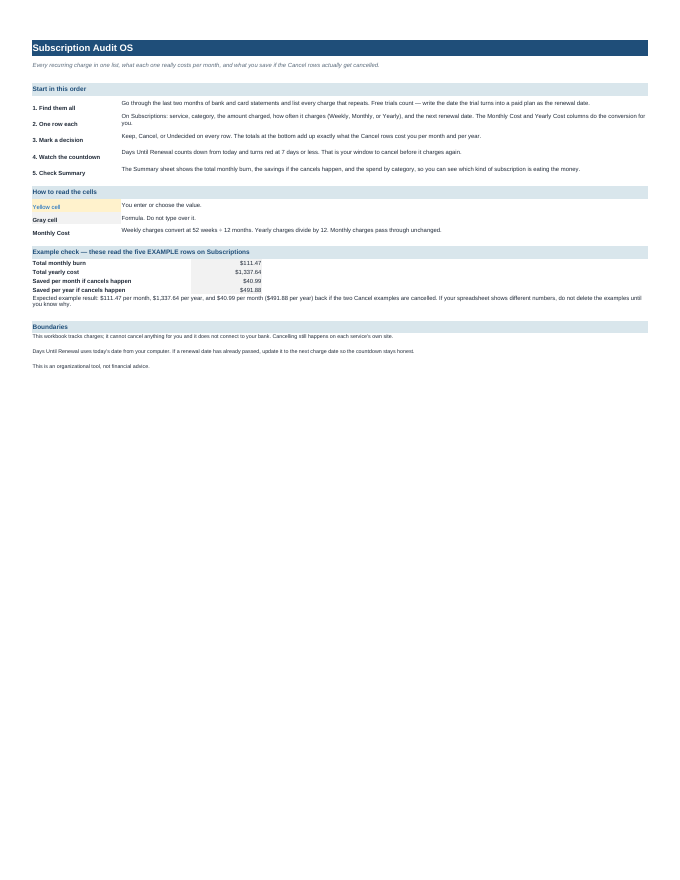
- Subscriptions (150 rows). Service, category, cost, cycle (weekly/monthly/yearly), next renewal date, auto-renew, and a Keep / Cancel / Undecided call on every row. The sheet converts everything to a true monthly cost — the $12/week thing is $52 a month, and it shows as $52 — and counts down the days until each renewal so you can cancel before it charges, not after.
- Totals that matter. Total monthly burn, total yearly cost, and a separate line: what you save per month and per year if the rows you marked Cancel actually get cancelled. Plus what the burn looks like after those cancels.
- Summary tab. Burn rate, savings, counts and spend by category (so you can see it's the streaming stack, or the apps), spend by decision, how many subscriptions auto-renew, and how many renew in the next 30 days.
Five example rows are in the file so you can watch it work. Delete them and put your own in.
The honest limits
It can't cancel anything for you and it doesn't connect to a bank. You still go to each service's site and click the buttons. What it does is turn "I should look at my subscriptions sometime" into one number you can't unsee.
Works in Excel, Google Sheets, and LibreOffice. No macros.
Compare to: $9.99 for the closest subscription tracker with a savings view on Etsy (OneyoteMoneyTools), and the $5.00 one over there (MadeByMatzCo) stops at 40 subscriptions. This holds 150 and costs $8.