



7 Geometry Preservation Prompts & Checks
7 Ways to Improve an Architectural Render Without Losing the Original Design
Improve the image. Keep the design.
AI image tools can improve lighting, materials, reflections, atmosphere and presentation - but they can also quietly redraw windows, ceilings, furniture, facade divisions, signage and other important details.
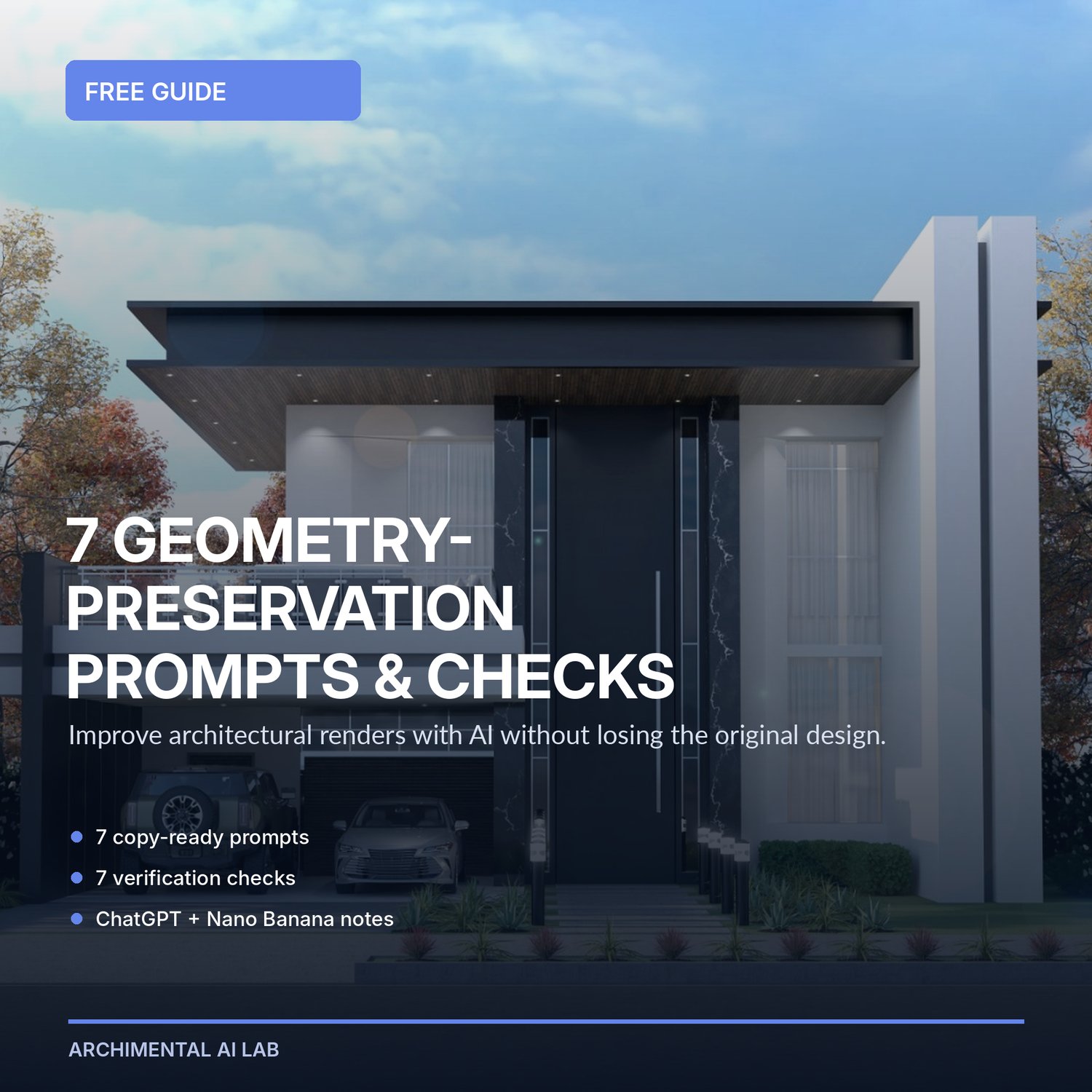
7 Geometry-Preservation Prompts & Checks is a free practical guide for architects, interior designers and 3D visualizers who want to enhance existing renders with AI while keeping the original design as the authority.
WHAT YOU WILL GET
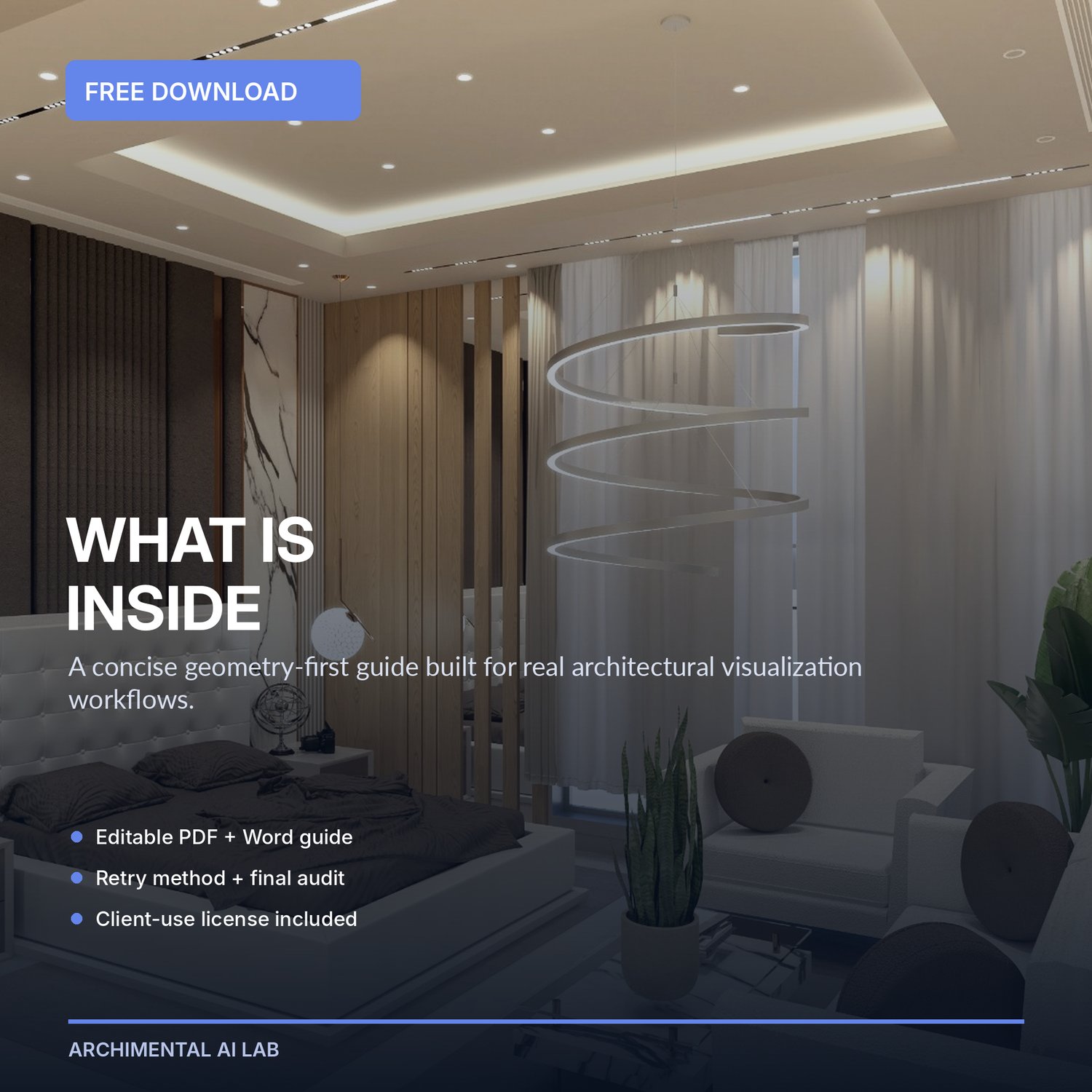
- A polished PDF guide
- An editable Word version for easy copying and notes
- 7 copy-ready geometry-preservation prompts
- A practical verification check for every prompt
- Editable variables for scene type, mood, lighting, materials, camera, allowed objects and locked elements
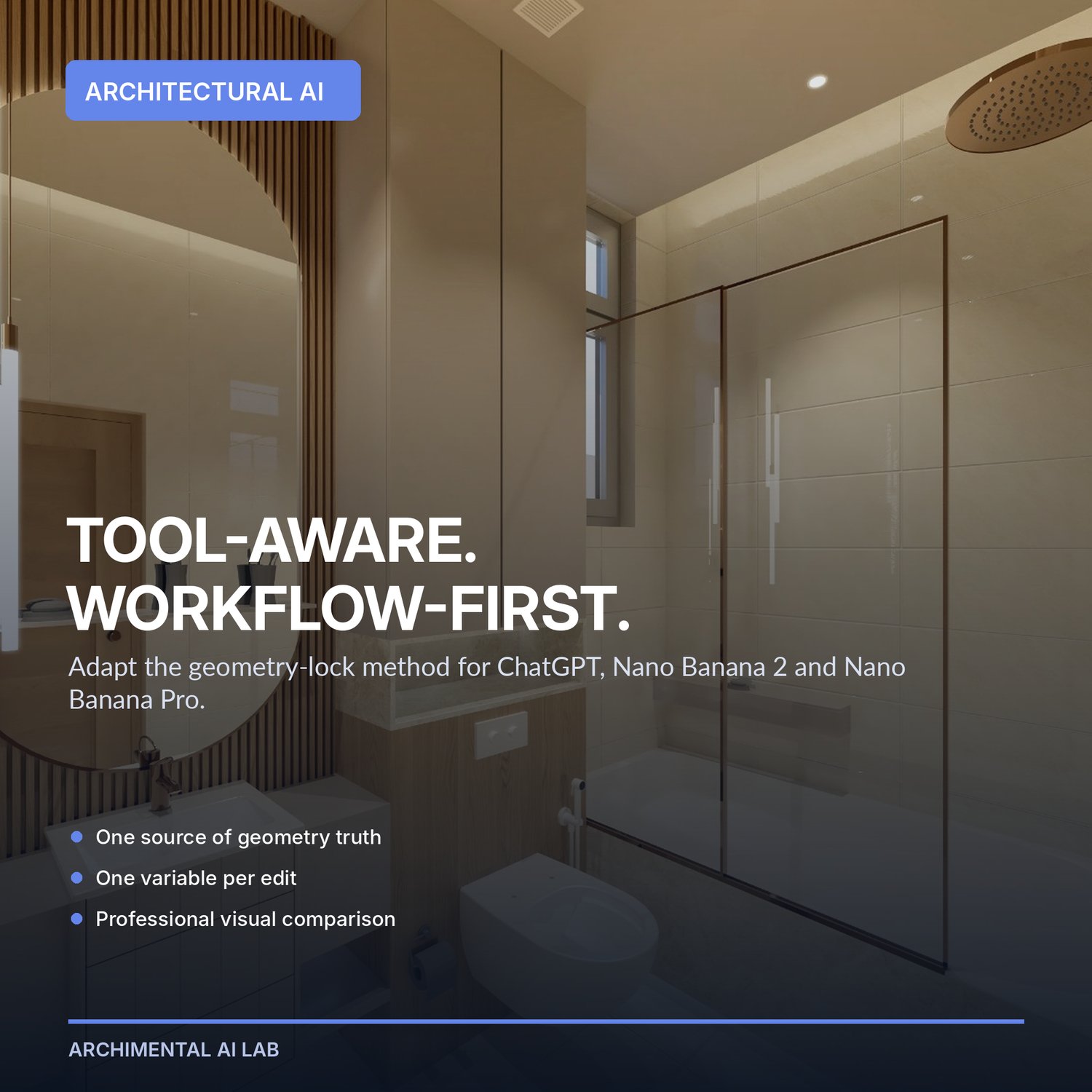
- Adaptation notes for ChatGPT, Nano Banana 2 and Nano Banana Pro
- A clean retry method when an AI output changes something important
- A final geometry-drift audit
- A clear personal and commercial client-use license
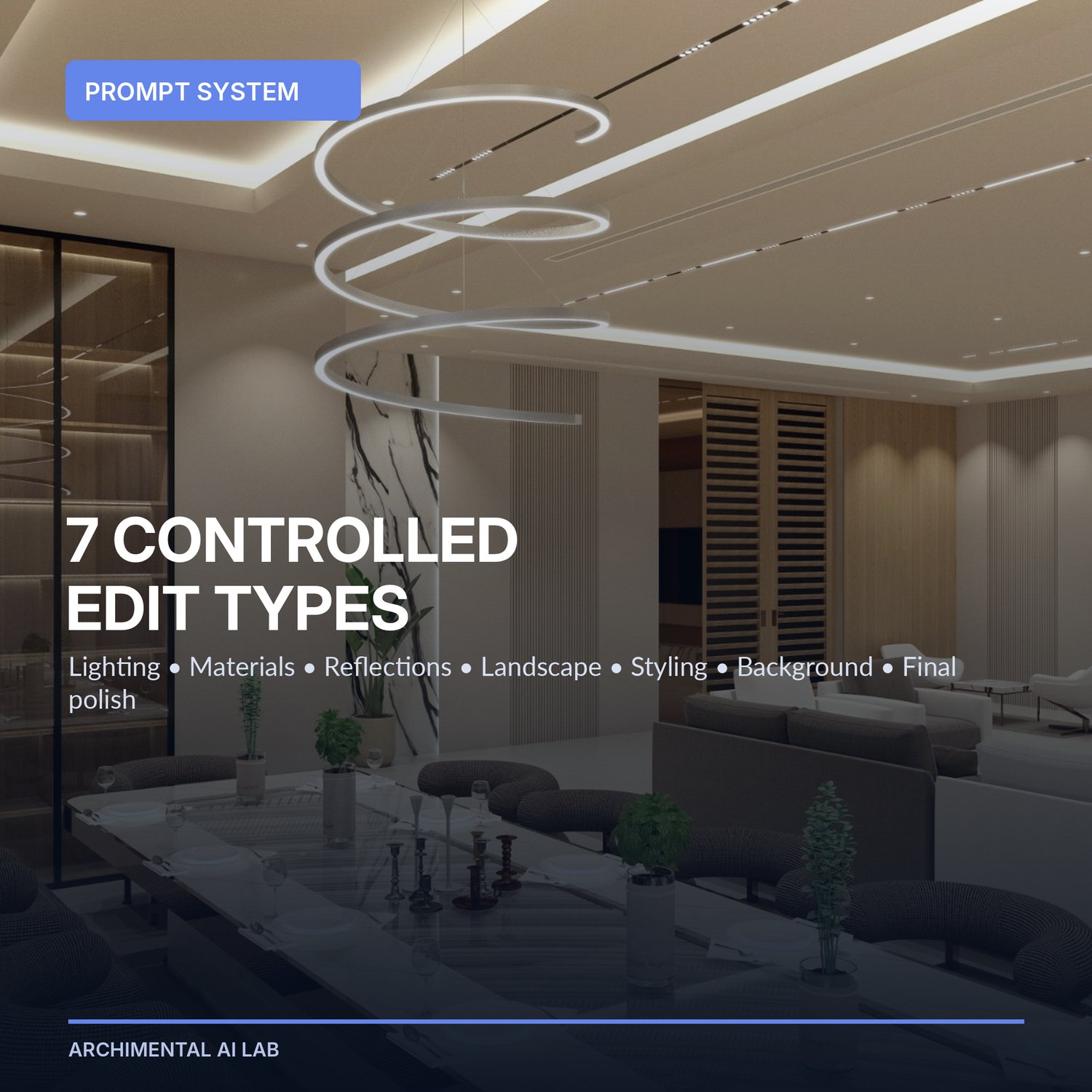
THE 7 PROMPT CATEGORIES
1. Lighting Balance Rescue
2. Material Realism Refinement
3. Glass and Reflection Control
4. Controlled Landscape and Atmosphere Addition
5. Interior Styling Without Redesign
6. Sky and Background Replacement
7. Final Client-Ready Polish
WHO THIS IS FOR
- Architects and interior designers
- 3D artists and architectural visualizers
- Revit, SketchUp, 3ds Max, Blender, V-Ray, Lumion, Enscape, D5 and Twinmotion users
- Students and freelancers whose AI edits keep changing the original design
- Professionals exploring ChatGPT, Nano Banana 2 or Nano Banana Pro for architectural visualization
HOW TO USE IT
Keep an untouched copy of your source render. Choose one prompt, replace the bracketed variables, request one controlled change, and compare the output with the source using the matching check. Repeat only after the current version passes the audit.
TOOL COMPATIBILITY
The guide is tool-aware but workflow-first. The prompts can be adapted to image tools that accept an uploaded image and editing instructions. Tool interfaces, limits and model names can change, so follow the controls currently available in your account.
IMPORTANT LIMITATION
No prompt can guarantee perfect geometry preservation. Generative AI can still alter geometry, objects, materials, reflections and text. Your original CAD/BIM model and source render remain the authority, and every client-facing output should be professionally compared before use.
LICENSE SUMMARY
The original downloader may use the prompts for personal work and commercial client projects. The guide and editable files may not be resold, redistributed, repackaged or shared as another product or free resource. Full terms are included inside the guide.
READY FOR THE COMPLETE WORKFLOW?
The Archimental AI Rescue Kit expands this foundation into a 30-prompt geometry-first system with an illustrated guide, Geometry Drift Audit, quick checklist, prompt test worksheet and troubleshooting resources.
Explore the Archimental AI Rescue Kit - $9 launch price: