
BookTidy Landlord MTD Workbook 2026/27 (Excel)
Description
Making Tax Digital for Income Tax has started for landlords. If your qualifying income (gross rent plus any self-employment income) was over £50,000 on your 2024/25 return, you've had to use it since 6 April 2026. The threshold drops to £30,000 from April 2027 and £20,000 from April 2028.
This Excel workbook keeps your lettings records tidy and organised in the way MTD expects. Log each rent payment, bill, mortgage interest payment and improvement once. The workbook then:
• works out your share of jointly owned property
• sorts each entry into HMRC's MTD property categories and the matching SA105 box
• keeps UK and overseas lets as separate income sources
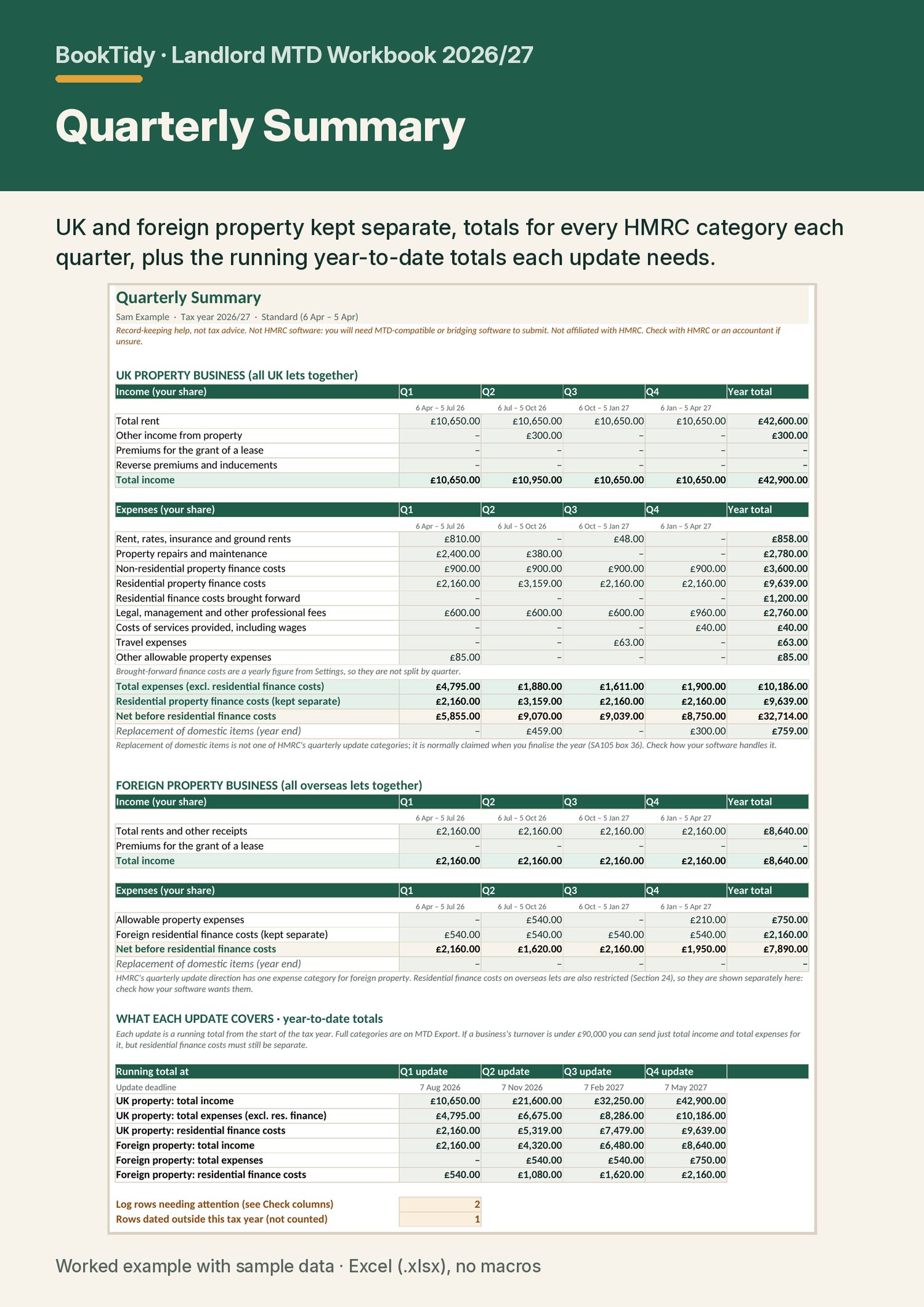
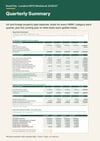
• totals every quarter, plus the running year-to-date figures each quarterly update needs.
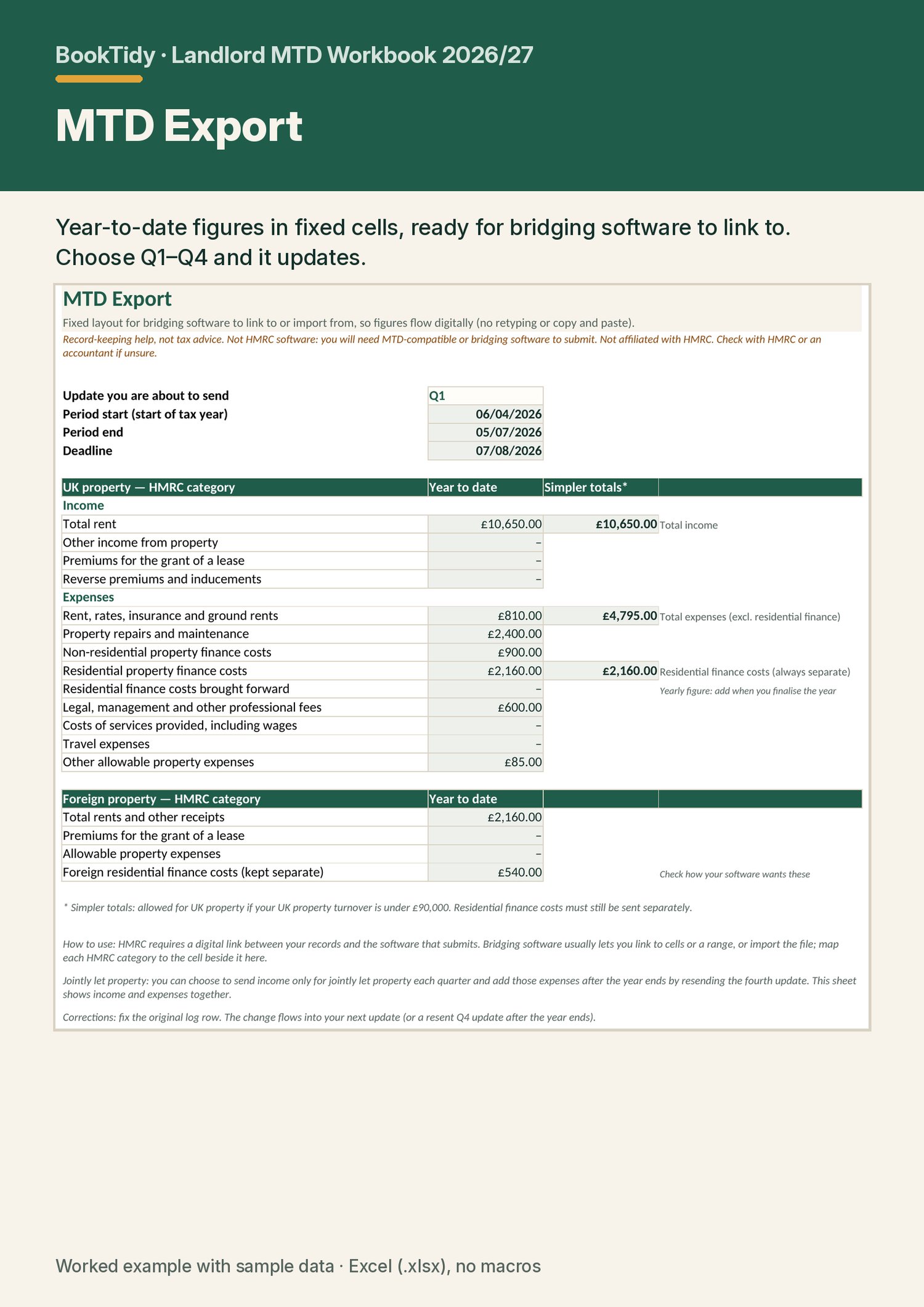
Residential mortgage interest is kept separate for the Section 24 finance cost restriction. Improvements and purchases go in their own log for Capital Gains Tax records. A fixed MTD Export sheet gives bridging software one place to link to or import from, so your figures flow digitally with no retyping or copy and paste, as HMRC's digital-links rule requires.
To be clear about one thing: a spreadsheet can't send anything to HMRC. You'll need MTD-compatible software, or bridging software that links to or imports from this workbook, to submit your updates and tax return. HMRC's software finder lists the options.
What's included
• Landlord MTD Workbook 2026/27 (Excel .xlsx, no macros). It has 12 sheets:
• Instructions
• Settings: tax year, standard or calendar update periods, joint-share default
• Properties: up to 10 UK or overseas properties, sole or joint, plus two general-cost lines
• Income log: rent, deposits you keep, insurance payouts, premiums
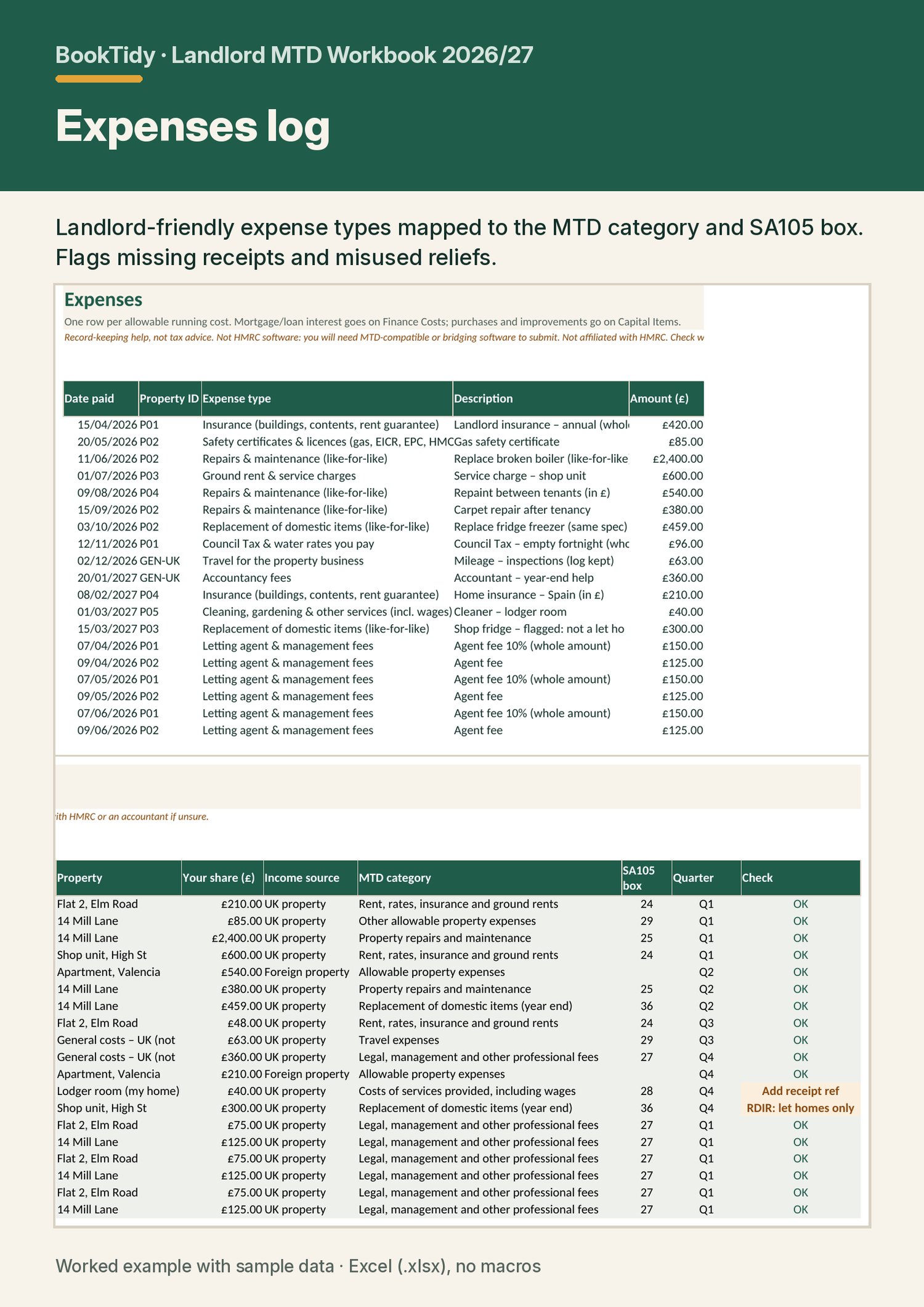
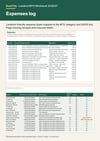
• Expenses log: 16 landlord-friendly expense types mapped to HMRC categories and SA105 boxes
• Finance Costs: residential and non-residential kept separate
• Capital Items: for CGT records
• Quarterly Summary
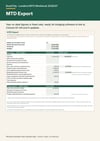
• MTD Export
• Annual Summary: SA105 box helper, Section 24 tax reduction estimate, £1,000 property allowance check, Rent a Room check, MTD threshold check
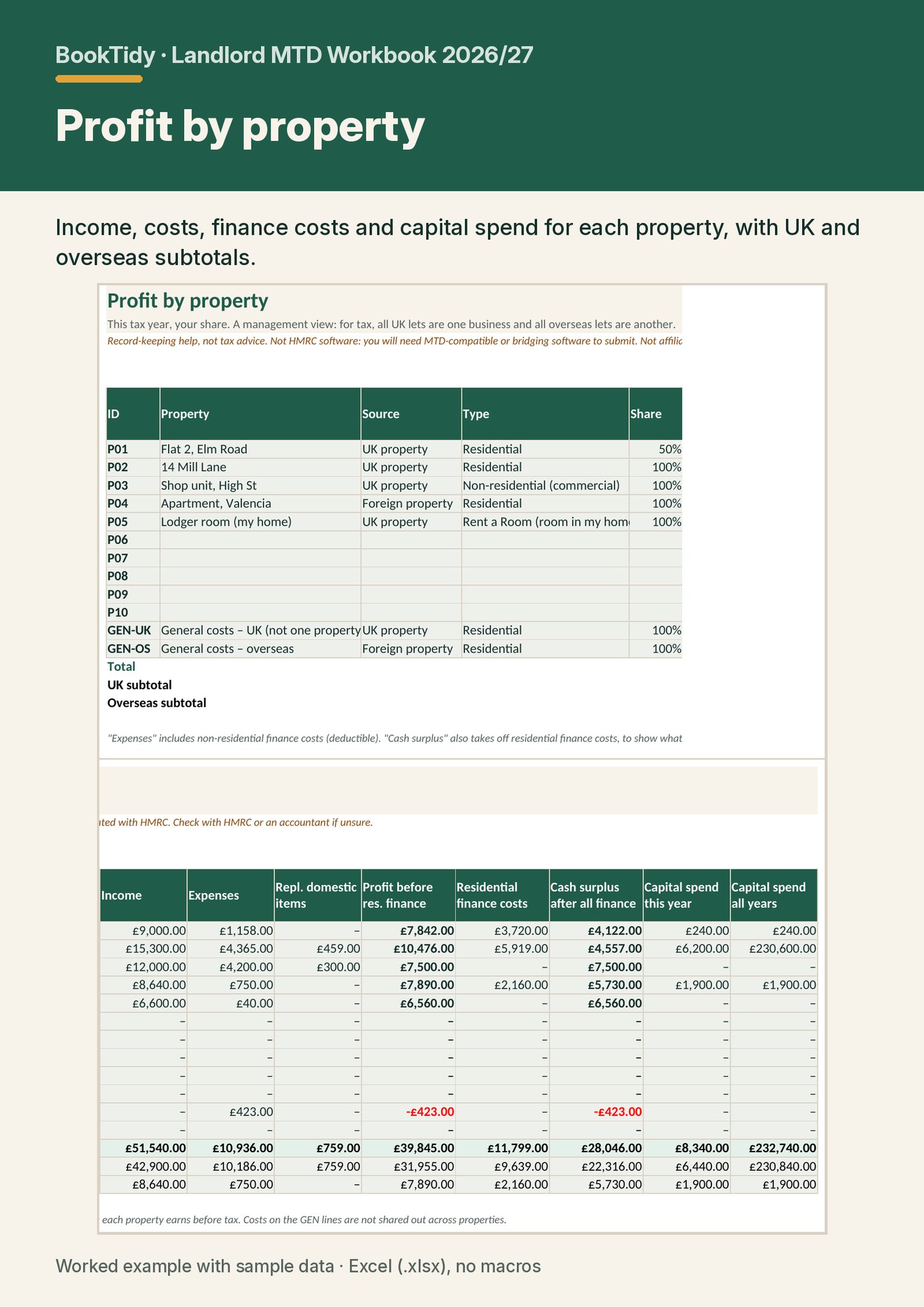
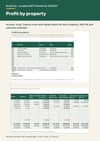
• Property Profit: profit and cash surplus for each property
• Deadlines: with a sent tracker
• Worked example workbook. The same file filled with a year of sample data for five properties, so you can see how it all works before you start.
• Quick-start guide (PDF, 8 pages). Covers setup, what goes where, finance costs, repairs vs capital, domestic items, quarterly updates and year end, with links to the GOV.UK sources.
• Drop-down lists, a Check column on every row, and protected formula cells (no password, so you can unlock them).
• Instant download.
FAQ
Is this MTD software? Can I submit with it?
No. It's a record-keeping workbook. HMRC requires MTD-compatible software to send quarterly updates and your tax return. If you want to keep your records in a spreadsheet, you'll need bridging software that links to or imports from it. HMRC requires a digital link, so you don't retype or copy and paste figures. The MTD Export sheet keeps the figures in fixed cells for the software to link to. Use HMRC's software finder to choose a product: https://www.gov.uk/guidance/find-software-that-works-with-making-tax-digital-for-income-tax
Do I need MTD yet?
The Annual Summary has a qualifying-income check, and the guide explains the thresholds. Only your share of joint property counts. Wages, pensions and dividends don't count. HMRC's own checker is the final word: https://www.gov.uk/guidance/find-out-if-and-when-you-need-to-use-making-tax-digital-for-income-tax
I own a property jointly with my spouse. Does it handle that?
Yes. Set your share on the Properties sheet, then enter whole amounts and the workbook uses your share, or enter just your share. Each joint owner would use their own copy.
I have a flat in Spain as well as UK lets.
Overseas lets are kept as a separate foreign property business with HMRC's foreign categories. Enter amounts in pounds. The workbook doesn't convert currencies.
How does it handle mortgage interest?
It goes on the Finance Costs sheet, which splits it into residential (restricted to a basic-rate tax reduction under Section 24) and non-residential (deductible). The Annual Summary estimates the reduction at 20% for 2026/27, switching to 22% from 2027/28.
Will it work in Google Sheets, Numbers or a Mac?
It's built for Microsoft Excel 2016 or later, or Excel for Microsoft 365, on Windows or Mac. It isn't designed for Google Sheets or Numbers.
Can I use it for a limited company or partnership?
No. It's for individual landlords. Companies aren't in MTD for Income Tax, and partnerships aren't in it yet.
Can I use it next year?
Yes. Save a copy, clear the logs, and change the tax year on Settings. It covers 2025/26 to 2029/30.
Disclaimer
Record-keeping help, not tax advice. Not HMRC software; you will need MTD-compatible or bridging software to submit. Not affiliated with HMRC.
It's based on GOV.UK guidance checked on 14 November 2026, and rules can change. You are responsible for your records and submissions. If you're unsure, check with HMRC or an accountant. BookTidy is a trading name of Tim Luke · booktidy.co.uk · hello@booktidy.co.uk