
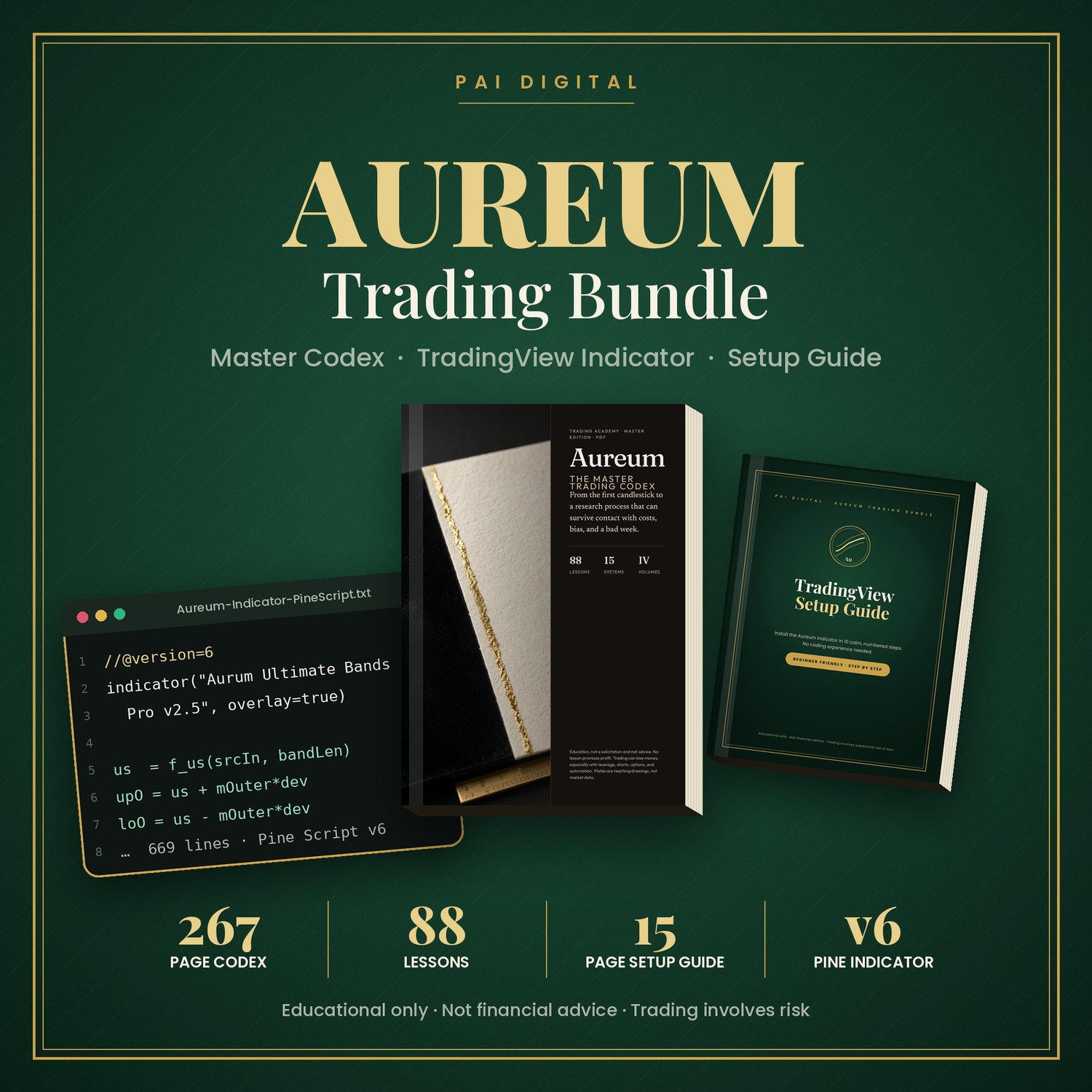
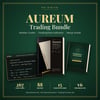
Aureum Trading Bundle: Master Codex + TradingView Indicator + Setup Guide
An 80% win rate can still lose money. Learn why, then study the market with a clear plan and a premium TradingView indicator.
The Aureum Trading Bundle combines a full trading study manual, a ready-to-paste Pine Script v6 indicator and a beginner-friendly setup guide. Everything comes in one elegant download.
Why traders choose this bundle
- Learn the maths most beginners skip. See how win rate, average win/loss and costs together decide expectancy, and why a high win rate alone means very little.
- Put risk first. Size every idea from a fixed risk amount, so a wider stop means a smaller position, never a bigger loss.
- A cleaner chart. The Aureum indicator layers an Ultimate Smoother centerline, adaptive RMS bands, a trend EMA and a quality-filtered dashboard on one overlay.
- Know why there's no signal. A built-in "WHY / STATUS" row explains when the script is waiting, for example for a retest, a better trading window or more room to structure.
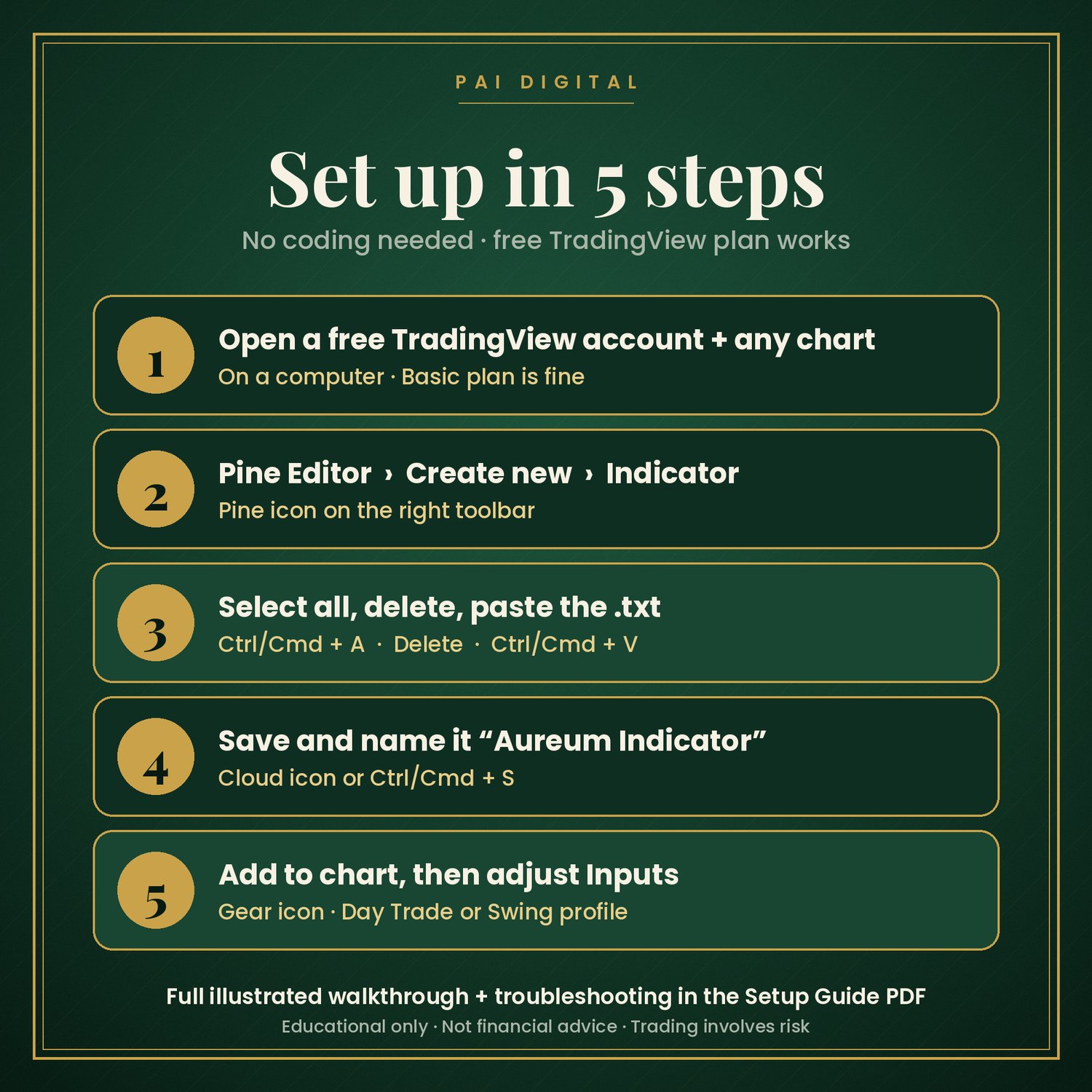
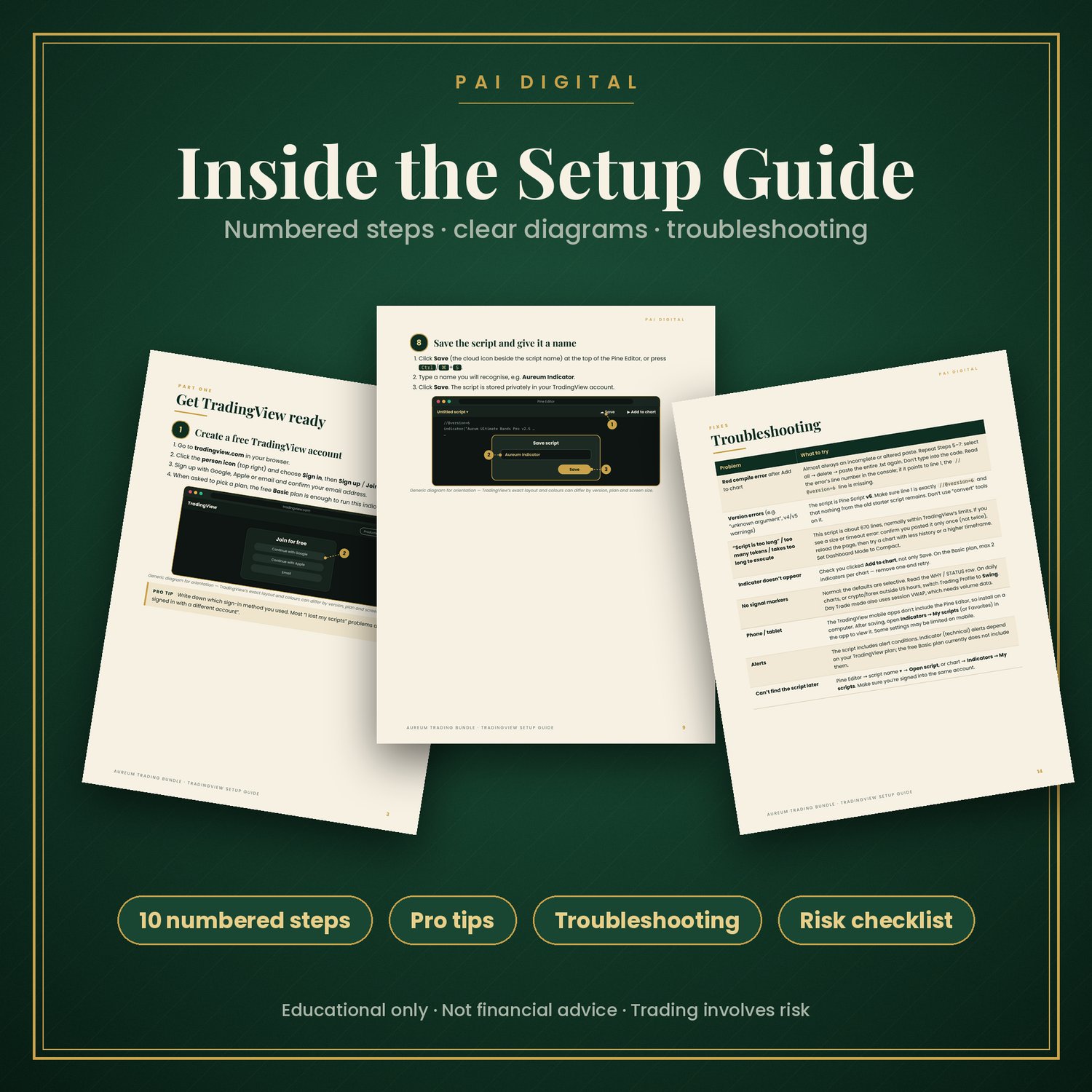
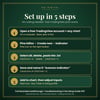
- Set up in about 10–15 minutes. The illustrated guide takes you from a free TradingView account to the indicator on your chart in 10 numbered steps. No coding needed.
- Premium, easy-to-read design. Forest green and gold layouts that are pleasant to study from.
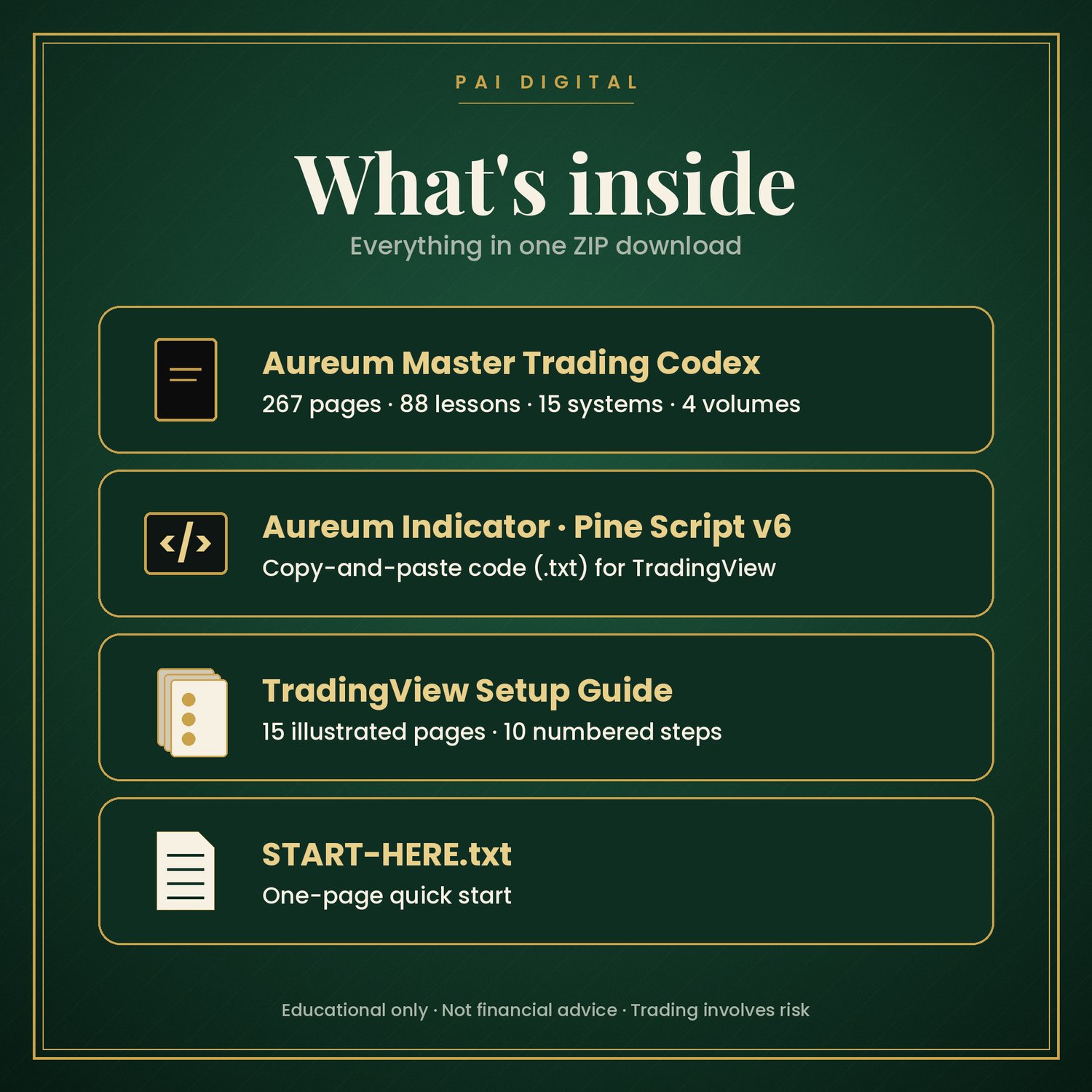
What's inside
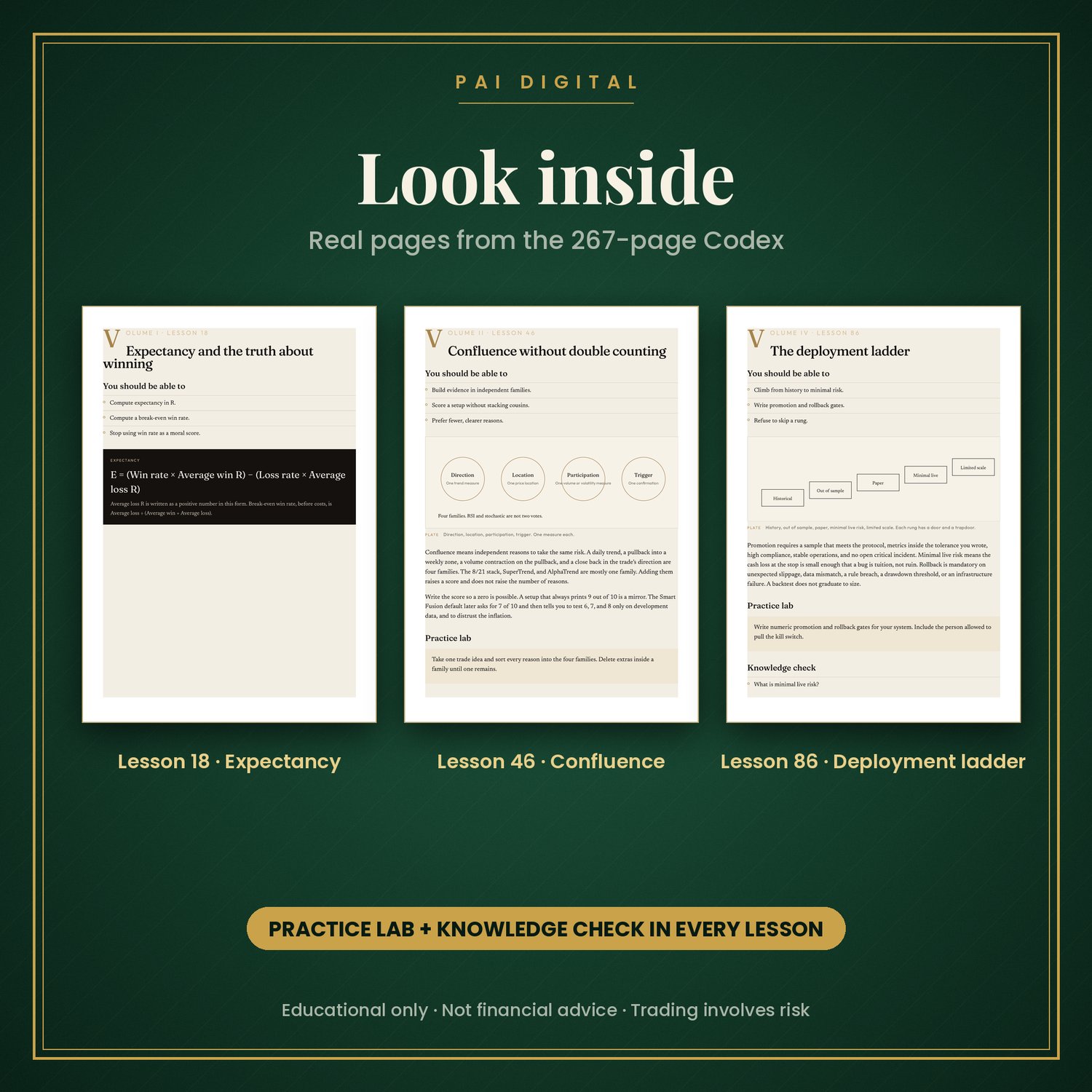
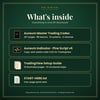
1. Aureum Master Trading Codex (PDF, 267 pages): 88 lessons, 15 systems and 4 volumes, taking you from your first candlestick to a research process built around costs, bias and risk.
- Volume I · Foundations (Lessons 1–22): how markets auction, orders and fills, candlesticks, market structure, support and resistance, R-multiples, position sizing, stops, expectancy, a trading plan, psychology, the journal, paper trading and replay
- Volume II · Market context (Lessons 23–47): multi-timeframe analysis, regimes, sessions and gaps, moving averages, SuperTrend, AlphaTrend, RSI, MACD, stochastic, ATR, squeeze, VWAP, volume, liquidity, supply and demand, Fibonacci and confluence without double counting
- Volume III · Trading systems (Lessons 48–68): exit architecture, portfolio and daily risk, and 15 day, swing and position playbooks, each with entries, invalidation, size and exits
- Volume IV · Validation (Lessons 69–88): data integrity, survivorship bias, lookahead and repainting, in-sample vs out-of-sample, overfitting, walk-forward, Monte Carlo, risk of ruin, forward testing and a deployment ladder
- Plus a reference section: Smart Fusion reference system, specialist essays, a study map, glossary and a twelve-week study programme
2. Aureum Indicator, Pine Script v6 (.txt): copy-and-paste code for TradingView. Includes:
- Ultimate Smoother centerline with inner and outer RMS bands
- Trend EMA, momentum ribbon, squeeze highlight and optional session VWAP
- Signal families: Trend Pullback, Breakout + Retest, plus optional Momentum Flip and Band Reversal
- A loss-prevention quality gate: higher-timeframe agreement, ADX, Efficiency Ratio, relative volume, a not-chasing check and room to structure
- On-chart planning levels (entry, stop, TP1–TP3 in R) and a dashboard with Day Trade / Swing profiles
- 3 themes: Midnight Gold, Royal Amethyst, Emerald Noir
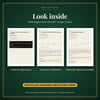
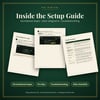
3. TradingView Setup Guide (PDF, 15 pages): numbered steps, illustrated diagrams, recommended first settings, a dashboard reference, troubleshooting and a risk checklist.
4. START-HERE.txt: a one-page quick start.
Who it's for
- Beginners who want a structured, honest introduction to trading concepts and risk
- TradingView users who want a premium, all-in-one study overlay without writing code
- Self-directed learners who prefer to practise with replay or paper trading before risking money
- Not for anyone looking for guaranteed income, "signals to copy" or a get-rich-quick shortcut
FAQ
Do I need to know how to code?
No. You copy one text file into TradingView's Pine Editor and click "Add to chart". The guide shows every click.
Does it work on the free TradingView plan?
Yes, the indicator runs on the free Basic plan, which currently allows 2 indicators per chart. Indicator alerts depend on your TradingView plan.
Can I install it on my phone?
Setup needs a computer, because TradingView's mobile apps have no Pine Editor. Once it's saved to your account, you can view it in the mobile app.
Which markets and timeframes does it work on?
Any symbol that TradingView charts. The "Day Trade" profile is designed around US stock-market hours and volume data. Use the "Swing" profile for daily charts or markets that trade around the clock.
Will this make me profitable?
No product can promise that. This is an educational bundle. The indicator shows programmed conditions on past and current prices. It doesn't predict the future, and you are responsible for your own decisions.
Are there performance results?
We don't publish performance or win-rate claims. The indicator's dashboard shows virtual statistics for the chart you're viewing. Those exclude fees and slippage and aren't a track record.
How do I receive the files?
Right after purchase, Payhip gives you a download link for one ZIP file.
Refunds?
Because this is an instant digital download, please read the full description before buying. If a file won't open, contact us and we'll help.
Risk disclaimer
Trading involves substantial risk of loss. Educational only, not financial advice. Past/backtest results don't guarantee future results.
Not affiliated with or endorsed by TradingView, Inc. TradingView and Pine Script are trademarks of TradingView, Inc.